소개
This guide will focus on replacing the speakers on the RCA RCR8622 in a step by step manner.
필요한 것
-
-
Remove the casing. Slide the plastic cover with the graphic off the main base. Be careful and hold both sides.
-
Flip the device over and unscrew the five 11 mm screws with a Phillip's #1 screwdriver.
-
-
-
이 단계에 사용된 도구:Tweezers$4.99
-
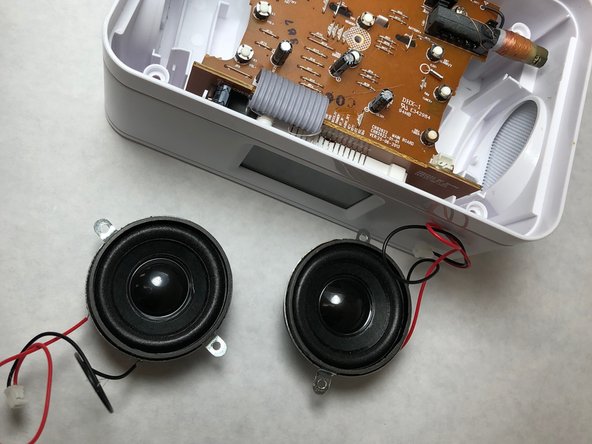
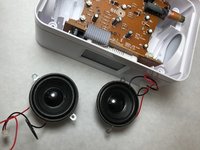
Pull the top of the device off and look closely at the motherboard. You will see two speakers, one on each side of the device.
-
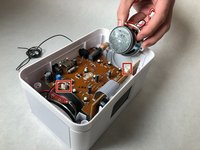
Grab the tweezers and follow the red and black wires leading from the speaker to the motherboard. They will attach to a white casing. Lift the white plug out with the tweezers to disconnect.
-


To reassemble your device, follow these instructions in reverse order.



팀

IUPUI, Team S6-G5, Baechle Spring 2018 IUPUI, Team S6-G5, Baechle Spring 2018 회원
IUPUI-BAECHLE-S18S6G5
3 회원들
안내서 4개를 작성함
