주요 콘텐츠로 건너뛰기

RDY Y70 001 RAM Replacement

필요한 것

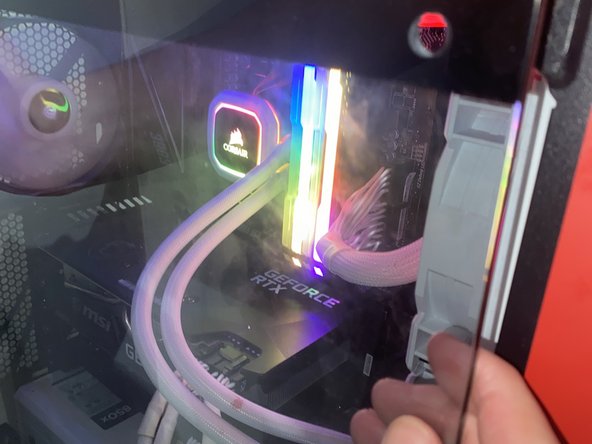
  1. RDY Y70 001 RAM Replacement, RAM sticks: 1 단계, 이미지 3개 중 1개 RDY Y70 001 RAM Replacement, RAM sticks: 1 단계, 이미지 3개 중 2개 RDY Y70 001 RAM Replacement, RAM sticks: 1 단계, 이미지 3개 중 3개
    • Unplug Power

    • Make sure the PC is not powered by unplugging it

  2. RDY Y70 001 RAM Replacement: 2 단계, 이미지 2개 중 1개 RDY Y70 001 RAM Replacement: 2 단계, 이미지 2개 중 2개
    • Take the screws off using an Allen key

    • Pull the window off the PC

  3. RDY Y70 001 RAM Replacement: 3 단계, 이미지 3개 중 1개 RDY Y70 001 RAM Replacement: 3 단계, 이미지 3개 중 2개 RDY Y70 001 RAM Replacement: 3 단계, 이미지 3개 중 3개
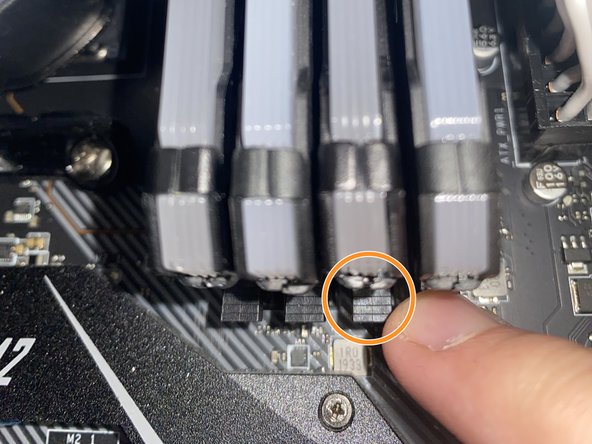
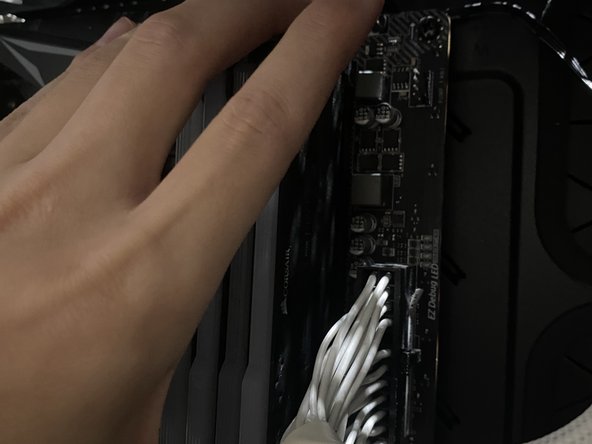
    • Remove current RAM

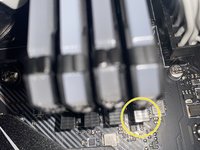
    • Push down on the clips holding down the current RAM

    • Carefully pull the RAM sticks out

  4. RDY Y70 001 RAM Replacement: 4 단계, 이미지 2개 중 1개 RDY Y70 001 RAM Replacement: 4 단계, 이미지 2개 중 2개
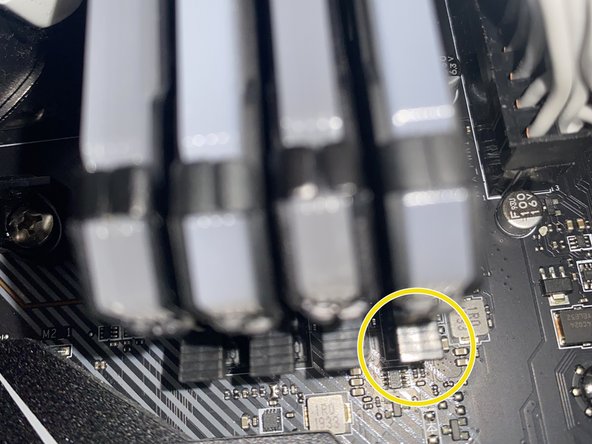
    • Install new RAM

    • Carefully put the new RAM sticks facing the right direction and in the correct slots.

    • Carefully apply pressure downwards on the RAM stick until the clip locks itself.

    • Make sure the clip is closed.

  5. RDY Y70 001 RAM Replacement: 5 단계, 이미지 3개 중 1개 RDY Y70 001 RAM Replacement: 5 단계, 이미지 3개 중 2개 RDY Y70 001 RAM Replacement: 5 단계, 이미지 3개 중 3개
    • Put the window back onto the PC case

    • Screw the window onto the PC case

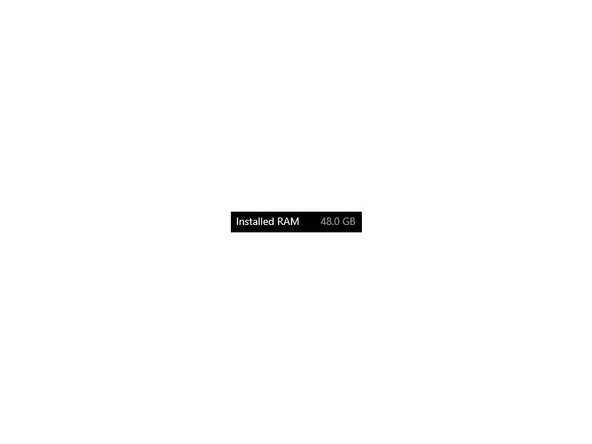
    • Check your system settings to make sure the RAM is installed properly

결론

Hopefully your RDY Y70 001 is running smoother and faster than it was before.

다른 한 분이 해당 안내서를 완성하였습니다.

작성자

2다른 기여자 명과 함께

Louis Ho

회원 가입일: 07/04/24

148 평판

안내서 1개를 작성함

York University, Team N-16, O'Regan Summer 2024 York University, Team N-16, O'Regan Summer 2024 회원

YORK-O'REGAN-SU24SNG16

1 회원

안내서 2개를 작성함

0가이드 댓글

댓글 쓰기

조회 통계:

지난 24시간: 2

지난 7일: 6

지난 30일: 15

전체 시간: 237