주요 콘텐츠로 건너뛰기

RK5 PLUS VR Headset Headband Replacement

필요한 것

  1. RK5 PLUS VR Headset Headband Replacement, Headband: 1 단계, 이미지 3개 중 1개 RK5 PLUS VR Headset Headband Replacement, Headband: 1 단계, 이미지 3개 중 2개 RK5 PLUS VR Headset Headband Replacement, Headband: 1 단계, 이미지 3개 중 3개
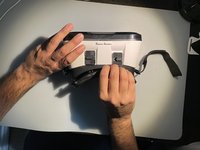
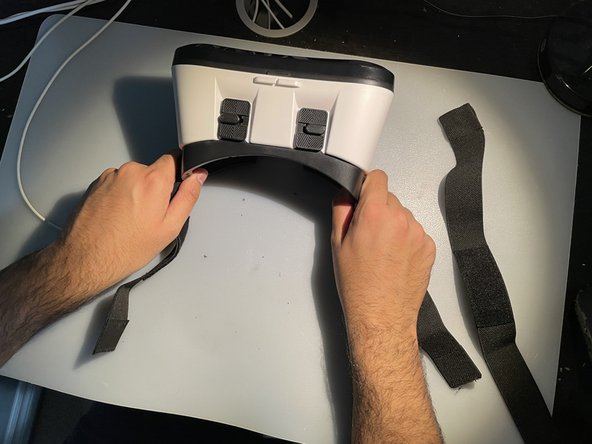
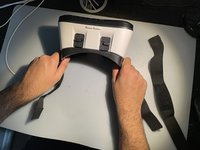
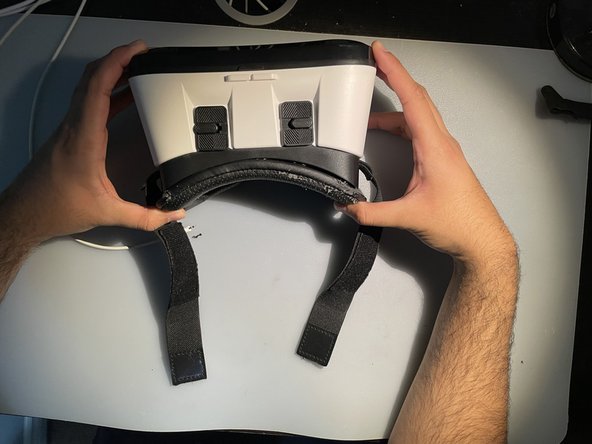
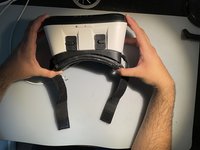
    • Place the headset right side up and facing you on a flat surface.

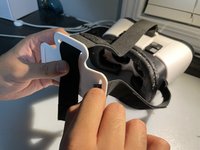
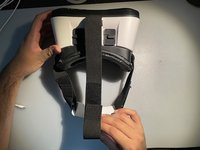
    • Gently detach the velcro straps from the top, left, and right sides of the headset and set them aside.

  2. RK5 PLUS VR Headset Headband Replacement: 2 단계, 이미지 1개 중 1개
    • Remove the white headband adjustment part and carefully pull it off of the three straps.

  3. RK5 PLUS VR Headset Headband Replacement: 3 단계, 이미지 3개 중 1개 RK5 PLUS VR Headset Headband Replacement: 3 단계, 이미지 3개 중 2개 RK5 PLUS VR Headset Headband Replacement: 3 단계, 이미지 3개 중 3개
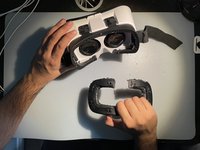
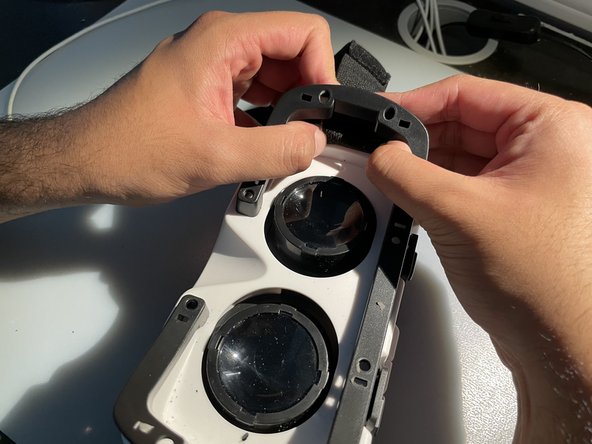
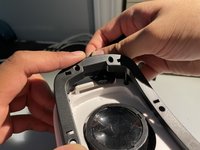
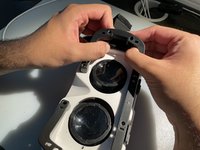
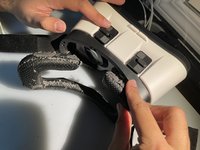
    • To access the straps that need to be replaced, remove the padding around the visual lenses of the headset.

    • To do this, use your hands to detach the plastic frame between the padding and the lenses.

    • If you need help getting started, use a spudger or opening tool and undo the clips holding the plastic frame.

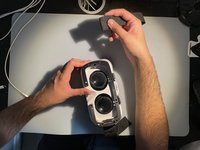
    • Unhook the old straps from the sides of the headset.

  4. RK5 PLUS VR Headset Headband Replacement: 4 단계, 이미지 3개 중 1개 RK5 PLUS VR Headset Headband Replacement: 4 단계, 이미지 3개 중 2개 RK5 PLUS VR Headset Headband Replacement: 4 단계, 이미지 3개 중 3개
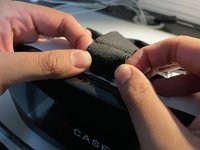
    • Reattach the new velcro straps to each of the white hooks.

    • Make sure the straps are securely attached to the hooks before moving on to the next step.

  5. RK5 PLUS VR Headset Headband Replacement: 5 단계, 이미지 2개 중 1개 RK5 PLUS VR Headset Headband Replacement: 5 단계, 이미지 2개 중 2개
    • Reattach the plastic frame with the padded back onto the headset.

    • Make sure the padding is properly aligned and clicked into place.

  6. RK5 PLUS VR Headset Headband Replacement: 6 단계, 이미지 3개 중 1개 RK5 PLUS VR Headset Headband Replacement: 6 단계, 이미지 3개 중 2개 RK5 PLUS VR Headset Headband Replacement: 6 단계, 이미지 3개 중 3개
    • Reattach the top band into the top hook of the headset.

    • Take the other sides of the velcro straps and hook them into the white headband adjustment part.

    • Check that the straps are properly aligned and securely attached to the headband adjustment part.

  7. RK5 PLUS VR Headset Headband Replacement: 7 단계, 이미지 1개 중 1개
    • You have successfully replaced your damaged headbands for the RK5 Plus VR headset!

결론

To reassemble your device, follow these instructions in reverse order.

작성자

3다른 기여자 명과 함께

Faraaz Abdul

회원 가입일: 01/30/23

145 평판

안내서 1개를 작성함

0가이드 댓글

댓글 쓰기

조회 통계:

지난 24시간: 0

지난 7일: 2

지난 30일: 11

전체 시간: 403