소개
The fans in your laptop are important for keeping the internal components from overheating. So it's important to preform maintenance on them to keep your laptop working properly. Whether to replace the fans or just removing them to clean is up to you. The fans are also required to be removed if working on some other components in this device. The fans in this device are 7 x 7 CM.
필요한 것
-
-
Using a Torx T5 screwdriver, remove the ten 1/8 inch screws securing the back cover.
-
Remove the back cover.
-
-


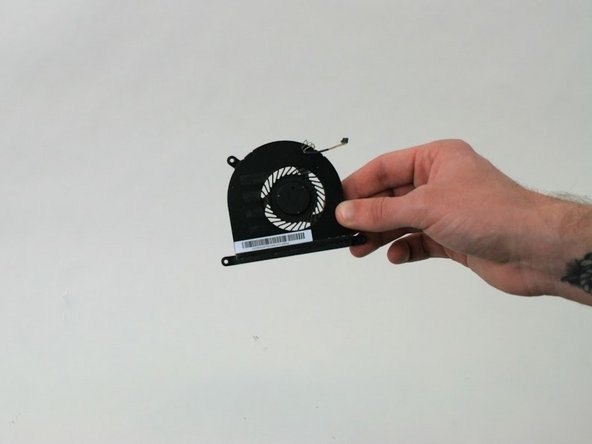
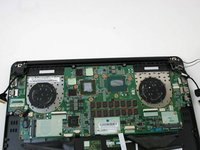
To reassemble your device, follow these instructions in reverse order.
다른 한 분이 해당 안내서를 완성하였습니다.



팀

Linn Benton Community College, Team S2-G6, Karnes Fall 2018 Linn Benton Community College, Team S2-G6, Karnes Fall 2018 회원
LBCC-KARNES-F18S2G6
4 회원들
안내서 9개를 작성함
