주요 콘텐츠로 건너뛰기

Razer Blade Stealth 2016 Keyboard Replacement

필요한 것

  1. Razer Blade Stealth 2016 Keyboard Replacement, Battery: 1 단계, 이미지 3개 중 1개 Razer Blade Stealth 2016 Keyboard Replacement, Battery: 1 단계, 이미지 3개 중 2개 Razer Blade Stealth 2016 Keyboard Replacement, Battery: 1 단계, 이미지 3개 중 3개
    • Use a Torx (T5) screwdriver to remove the eight 3 mm screws on the back case.

    • Remove the rear cover by prying up lightly starting in one of the corners.

  2. Razer Blade Stealth 2016 Keyboard Replacement: 2 단계, 이미지 2개 중 1개 Razer Blade Stealth 2016 Keyboard Replacement: 2 단계, 이미지 2개 중 2개
    • Use a Phillips screwdriver to remove the six screws securing the battery.

  3. Razer Blade Stealth 2016 Keyboard Replacement: 3 단계, 이미지 1개 중 1개
    • Unplug the battery connector from the motherboard.

    • Remove the battery from the device.

  4. Razer Blade Stealth 2016 Keyboard Replacement, Motherboard: 4 단계, 이미지 1개 중 1개
    • Remove the red and black cables that are attached to the motherboard.

  5. Razer Blade Stealth 2016 Keyboard Replacement: 5 단계, 이미지 1개 중 1개
    • Remove the four 3.4 mm screws around the black square using a T4 Torx screwdriver.

    • Remove the heatsink.

  6. Razer Blade Stealth 2016 Keyboard Replacement: 6 단계, 이미지 1개 중 1개
    • Remove the 3.4 mm screws to the cooling fans using a T4 Torx screwdriver.

    • Remove the cooling fans.

  7. Razer Blade Stealth 2016 Keyboard Replacement: 7 단계, 이미지 3개 중 1개 Razer Blade Stealth 2016 Keyboard Replacement: 7 단계, 이미지 3개 중 2개 Razer Blade Stealth 2016 Keyboard Replacement: 7 단계, 이미지 3개 중 3개
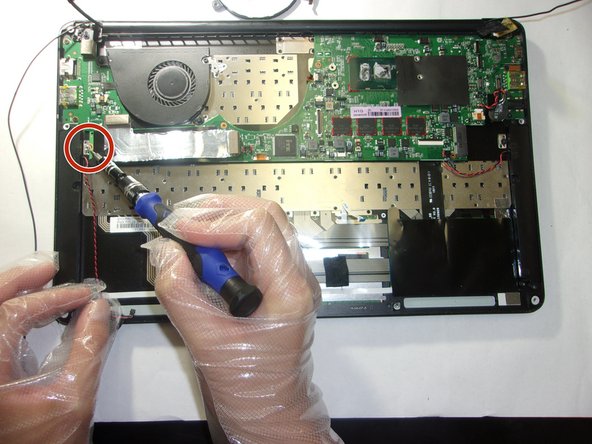
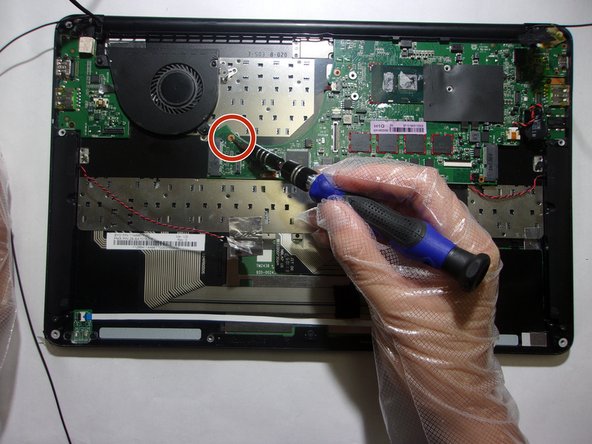
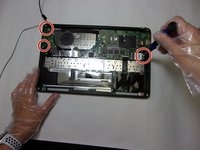
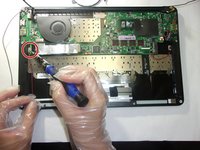
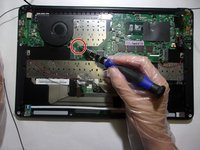
    • Remove the 3.4 mm screws on the perimeter of the motherboard using a T4 Torx screwdriver.

  8. Razer Blade Stealth 2016 Keyboard Replacement: 8 단계, 이미지 1개 중 1개
    • Remove the motherboard.

  9. Razer Blade Stealth 2016 Keyboard Replacement, Keyboard: 9 단계, 이미지 3개 중 1개 Razer Blade Stealth 2016 Keyboard Replacement, Keyboard: 9 단계, 이미지 3개 중 2개 Razer Blade Stealth 2016 Keyboard Replacement, Keyboard: 9 단계, 이미지 3개 중 3개
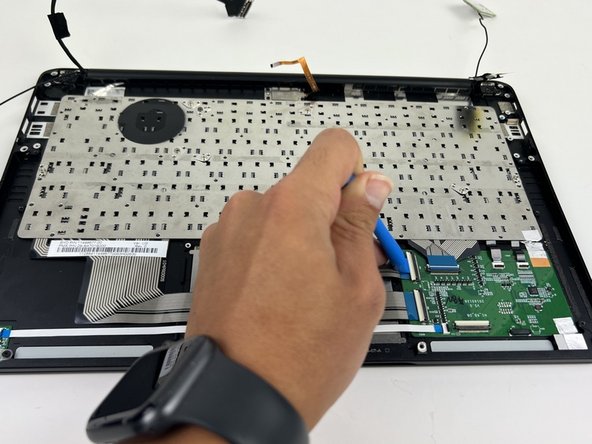
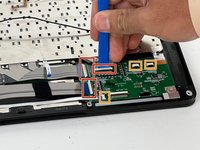
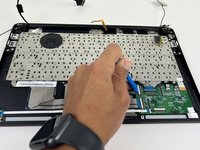
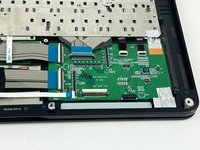
    • Flip all white tabs up to unlock three ZIF connectors using the opening tool.

    • Flip all black tabs up to unlock the three ZIF connectors using the opening tool.

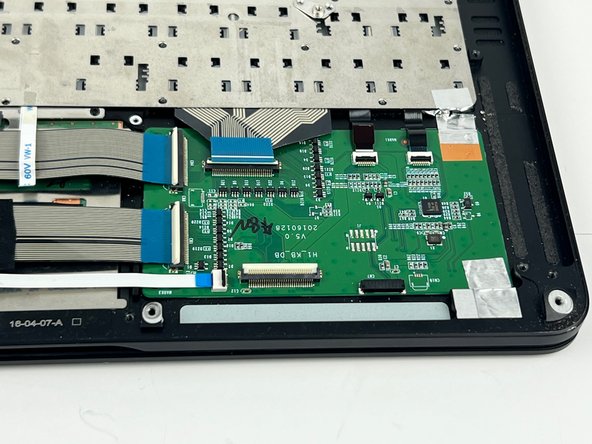
    • This is how the tabs look in the flipped up position.

  10. Razer Blade Stealth 2016 Keyboard Replacement: 10 단계, 이미지 3개 중 1개 Razer Blade Stealth 2016 Keyboard Replacement: 10 단계, 이미지 3개 중 2개 Razer Blade Stealth 2016 Keyboard Replacement: 10 단계, 이미지 3개 중 3개
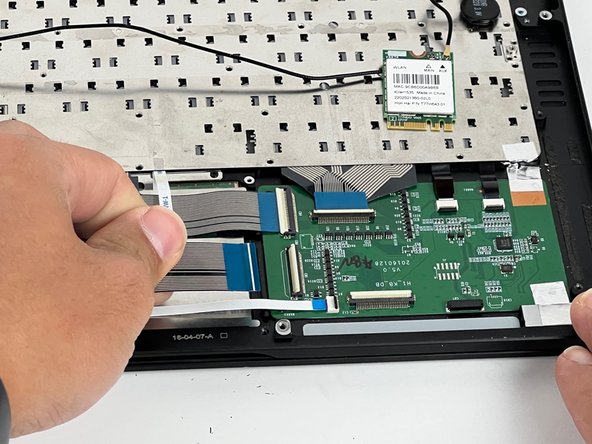
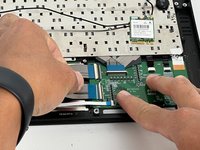
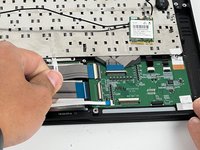
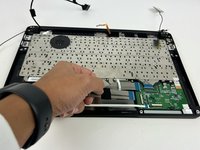
    • Pull the cables out gently.

  11. Razer Blade Stealth 2016 Keyboard Replacement: 11 단계, 이미지 3개 중 1개 Razer Blade Stealth 2016 Keyboard Replacement: 11 단계, 이미지 3개 중 2개 Razer Blade Stealth 2016 Keyboard Replacement: 11 단계, 이미지 3개 중 3개
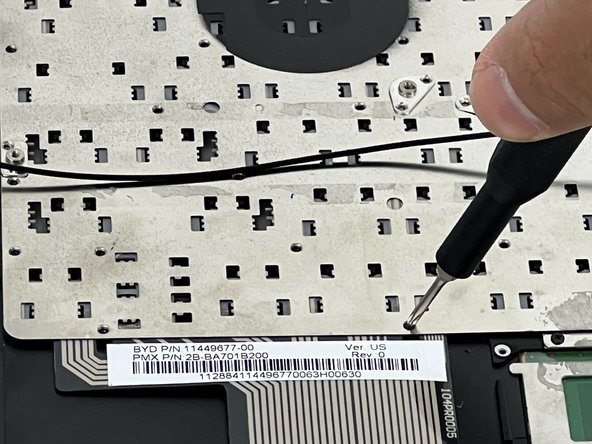
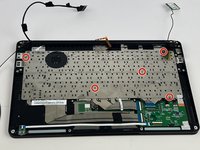
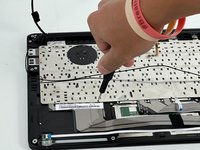
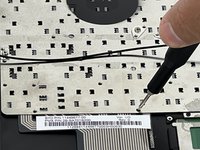
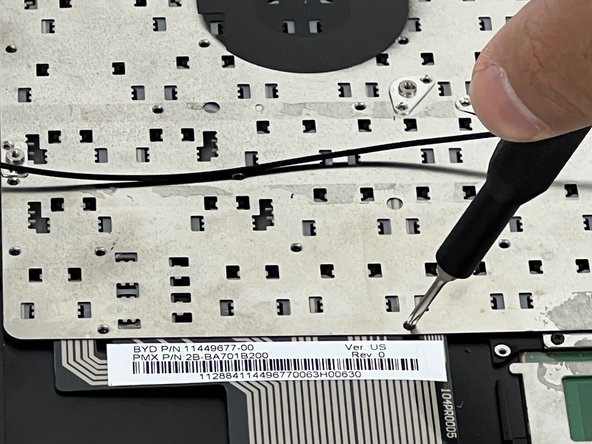
    • Remove fifty-five 3.4 mm keyboard screws with the T5 Torx screwdriver.

    • 5 screw locations are highlighted but locate all 55 screws and remove them.

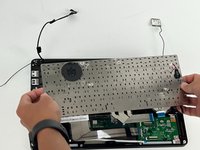
  12. Razer Blade Stealth 2016 Keyboard Replacement: 12 단계, 이미지 3개 중 1개 Razer Blade Stealth 2016 Keyboard Replacement: 12 단계, 이미지 3개 중 2개 Razer Blade Stealth 2016 Keyboard Replacement: 12 단계, 이미지 3개 중 3개
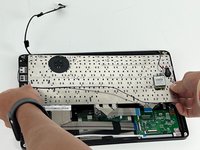
    • Remove the keyboard from the laptop.

결론

To reassemble your device, follow these instructions in reverse order.

0가이드 댓글

댓글 쓰기

조회 통계:

지난 24시간: 0

지난 7일: 2

지난 30일: 12

전체 시간: 1,210