소개
Key 20 on the Razer Tartarus V2, model number RZ07-02270100-R3U1, can become stuck or damaged. This key is different from the other 19 keys due to its additional support bar. This guide will explain how to replace it.
필요한 것
-
-
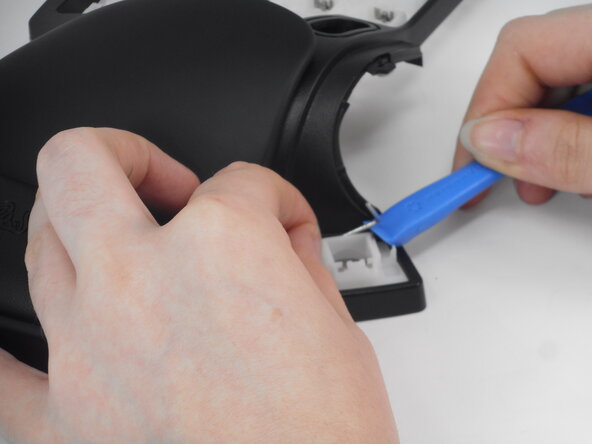
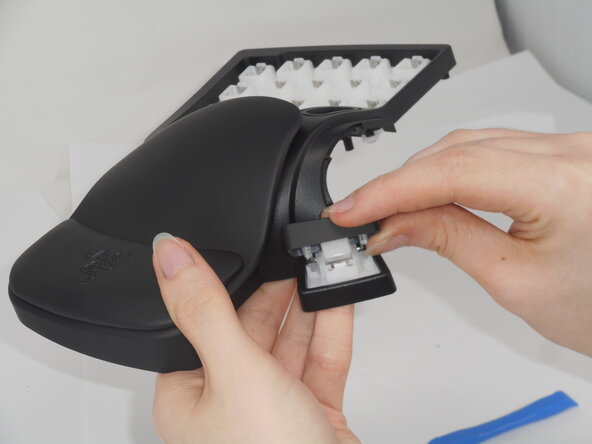
Carefully pop off Key 20 using an iFixit opening tool.
-
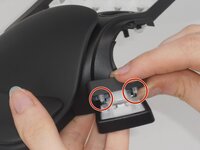
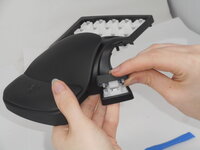
If necessary, remove the stability bar by holding one side steady and using the opening tool to gently leverage the other side out.
-
-



To reassemble your device, follow the above steps in reverse order.
Repair didn’t go as planned? Try some basic troubleshooting or ask our Answers community for help.



팀

University of Memphis, Team 2-1, Sneed Spring 2025 University of Memphis, Team 2-1, Sneed Spring 2025 회원
UM-SNEED-S25S2G1
3 회원들
안내서 8개를 작성함
1가이드 댓글
Just let the stability bar rest on the two towers it naturally wants to rest on and when you replace the keycap and press it down the first time, the cap will pick up the bar on its own.
