주요 콘텐츠로 건너뛰기

Rienok S1 Mini Buttons Panel Replacement

필요한 것

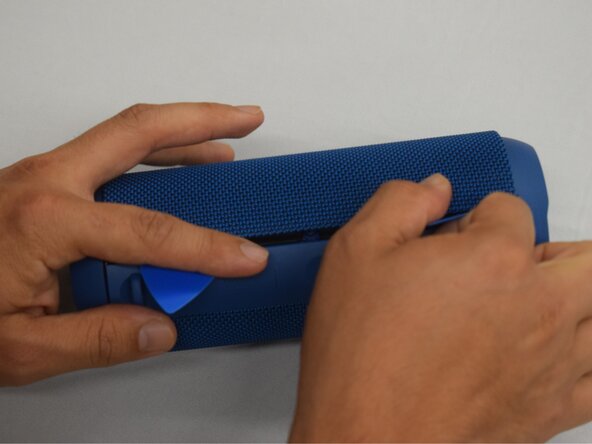
  1. Rienok S1 Mini Buttons Panel Replacement, Grille: 1 단계, 이미지 2개 중 1개 Rienok S1 Mini Buttons Panel Replacement, Grille: 1 단계, 이미지 2개 중 2개
    • Start with the buttons panel up and facing you.

    • Wedge in one iFixit opening pick, and apply outward pressure to pop out one side of the grille.

    • Using a second pick, slide from the first pick towards the opposite end until one whole side is popped out.

  2. Rienok S1 Mini Buttons Panel Replacement: 2 단계, 이미지 1개 중 1개
    • While holding the other side open so it doesn't snap closed, wedge in one opening pick into one corner of the closed side.

    • Apply outward pressure until that side also pops out.

    • Using a second opening pick, slide from the first one until both sides have popped out.

  3. Rienok S1 Mini Buttons Panel Replacement: 3 단계, 이미지 1개 중 1개
    • Pull outward on one end, while holding the other open.

    • Pull in the opposite direction on the top or bottom rings while slightly rotating the center until the whole grille is removed.

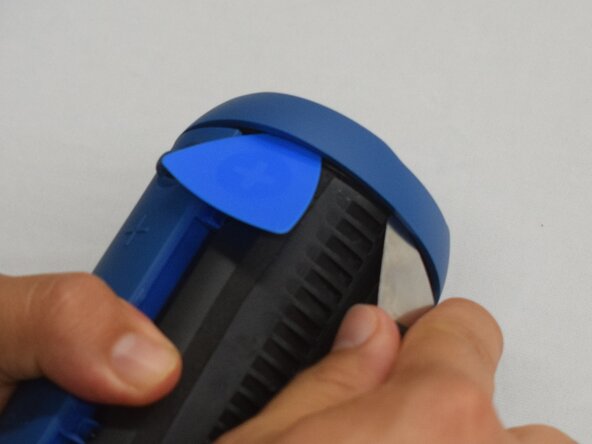
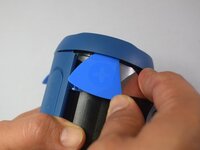
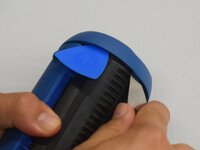
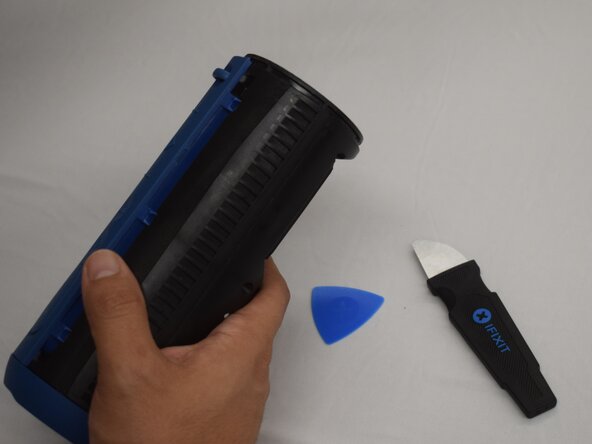
  4. Rienok S1 Mini Buttons Panel Replacement, Top and Bottom Rings: 4 단계, 이미지 2개 중 1개 Rienok S1 Mini Buttons Panel Replacement, Top and Bottom Rings: 4 단계, 이미지 2개 중 2개
    • Wedge an iFixit opening pick into the space between the ring and the housing.

    • Insert a Jimmy into the gap created.

    • Apply an out-and-upward pressure with the Jimmy to disconnect the plastic clips surrounding the ring.

    • Work the Jimmy around the ring, disconnecting the clips along the way until they are all disconnected.

    • It may help to insert additional opening picks as you go to keep the previous clips from reconnecting.

  5. Rienok S1 Mini Buttons Panel Replacement: 5 단계, 이미지 2개 중 1개 Rienok S1 Mini Buttons Panel Replacement: 5 단계, 이미지 2개 중 2개
    • After removing the first ring, turn the device to the other side.

    • Repeat the previous step to remove the second ring.

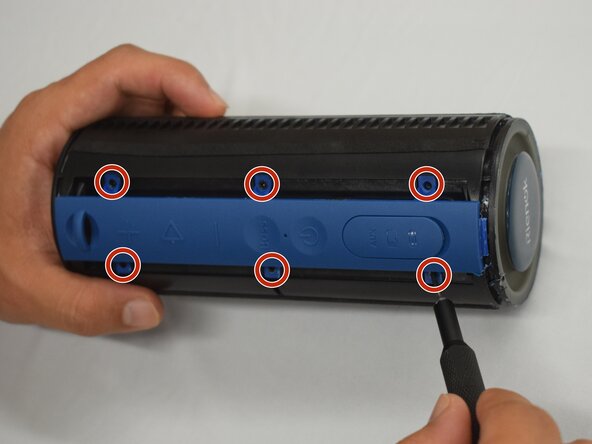
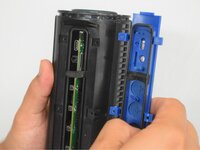
  6. Rienok S1 Mini Buttons Panel Replacement, Buttons Panel: 6 단계, 이미지 2개 중 1개 Rienok S1 Mini Buttons Panel Replacement, Buttons Panel: 6 단계, 이미지 2개 중 2개
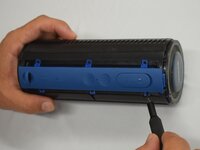
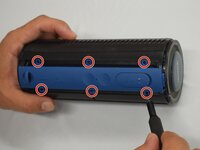
    • Remove the six 8 mm black screws using a Phillips #000 screwdriver.

  7. Rienok S1 Mini Buttons Panel Replacement: 7 단계, 이미지 2개 중 1개 Rienok S1 Mini Buttons Panel Replacement: 7 단계, 이미지 2개 중 2개
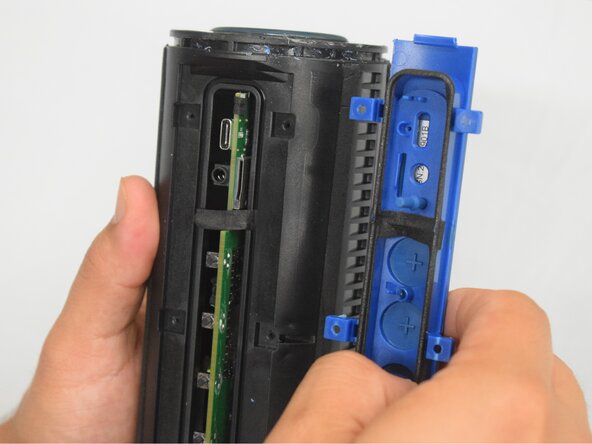
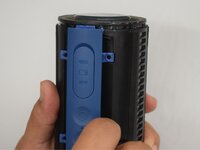
    • With the screws removed, grasp the buttons panel and pull it off.

결론

To reassemble your device, follow these instructions in reverse order.

작성자

1다른 기여자 명과 함께

Zoey S.

회원 가입일: 02/22/25

781 평판

안내서 5개를 작성함

CSU Los Angeles, Team 7-1, Kershman Spring 2025 CSU Los Angeles, Team 7-1, Kershman Spring 2025 회원

CSULA-KERSHMAN-S25S7G1

5 회원들

안내서 9개를 작성함

0가이드 댓글

댓글 쓰기

조회 통계:

지난 24시간: 1

지난 7일: 2

지난 30일: 6

전체 시간: 117