주요 콘텐츠로 건너뛰기

Ring Video Doorbell 3 Camera Sensor Replacement

필요한 것

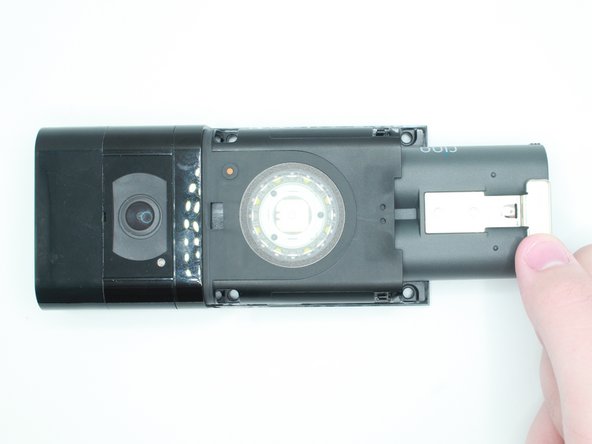
  1. Ring Video Doorbell 3 Camera Sensor Replacement, Faceplate: 1 단계, 이미지 2개 중 1개 Ring Video Doorbell 3 Camera Sensor Replacement, Faceplate: 1 단계, 이미지 2개 중 2개
    • Look at the bottom of the device and locate the arrow.

    • Use your fingers to push the silver faceplate in the direction of the arrow.

  2. Ring Video Doorbell 3 Camera Sensor Replacement: 2 단계, 이미지 1개 중 1개
    • Push up to take the face plate off.

  3. Ring Video Doorbell 3 Camera Sensor Replacement, Battery: 3 단계, 이미지 2개 중 1개 Ring Video Doorbell 3 Camera Sensor Replacement, Battery: 3 단계, 이미지 2개 중 2개
    • Push in the silver tab and slide the battery out.

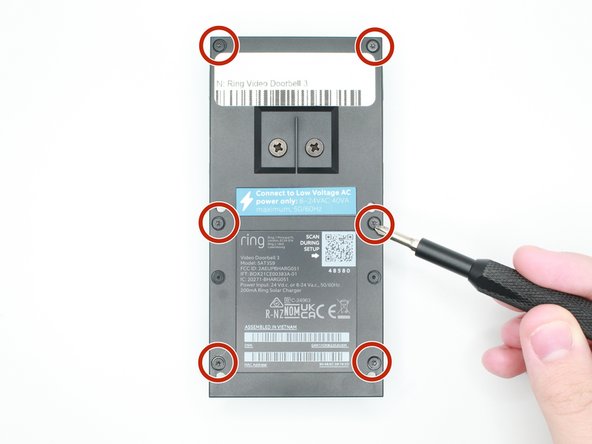
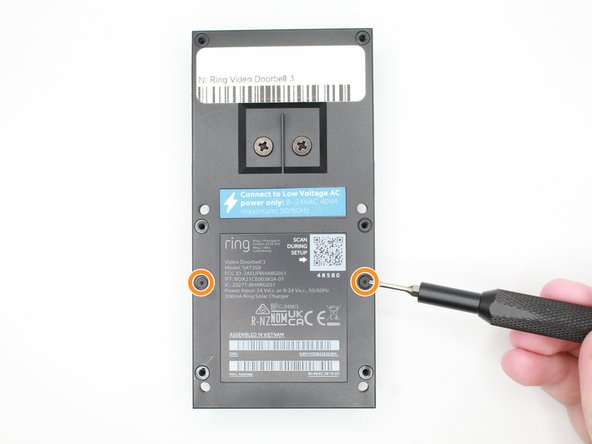
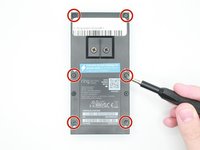
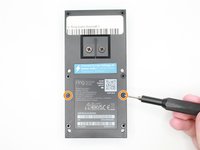
  4. Ring Video Doorbell 3 Camera Sensor Replacement, Motherboard: 4 단계, 이미지 3개 중 1개 Ring Video Doorbell 3 Camera Sensor Replacement, Motherboard: 4 단계, 이미지 3개 중 2개 Ring Video Doorbell 3 Camera Sensor Replacement, Motherboard: 4 단계, 이미지 3개 중 3개
    • Remove the 6 screws with a Torx T6 screwdriver.

    • Remove the 2 screws with a Torx T5 screwdriver.

  5. Ring Video Doorbell 3 Camera Sensor Replacement: 5 단계, 이미지 2개 중 1개 Ring Video Doorbell 3 Camera Sensor Replacement: 5 단계, 이미지 2개 중 2개
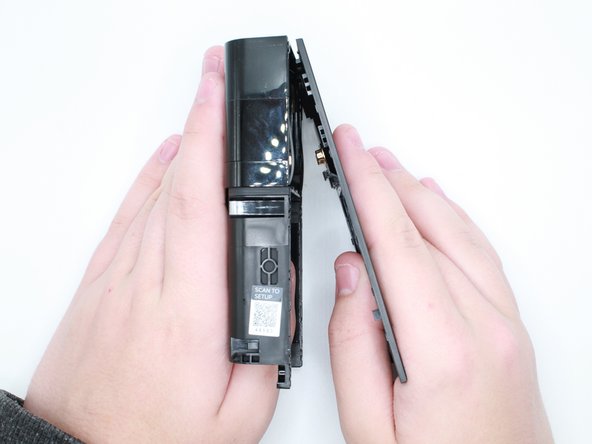
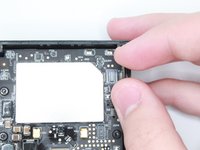
    • Put your thumb where the battery was and push outwards to remove the back case.

  6. Ring Video Doorbell 3 Camera Sensor Replacement: 6 단계, 이미지 3개 중 1개 Ring Video Doorbell 3 Camera Sensor Replacement: 6 단계, 이미지 3개 중 2개 Ring Video Doorbell 3 Camera Sensor Replacement: 6 단계, 이미지 3개 중 3개
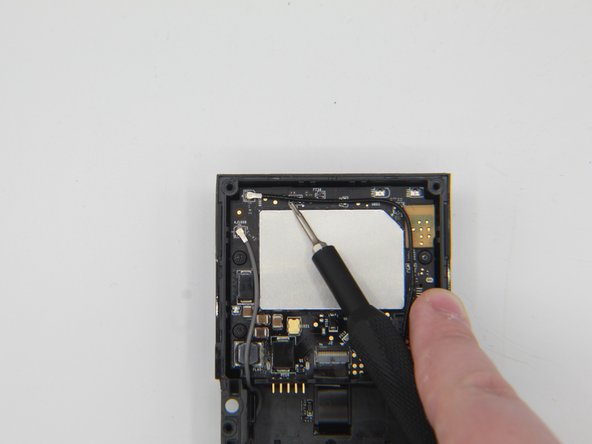
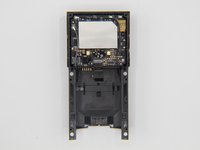
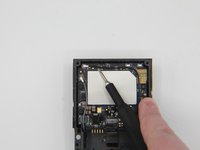
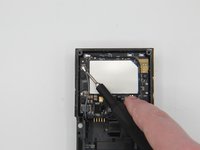
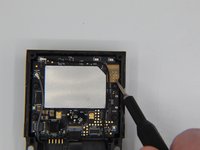
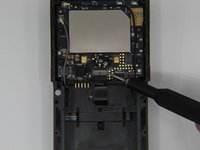
    • Get a tweezer, and remove the black and grey antenna wires.

  7. Ring Video Doorbell 3 Camera Sensor Replacement: 7 단계, 이미지 2개 중 1개 Ring Video Doorbell 3 Camera Sensor Replacement: 7 단계, 이미지 2개 중 2개
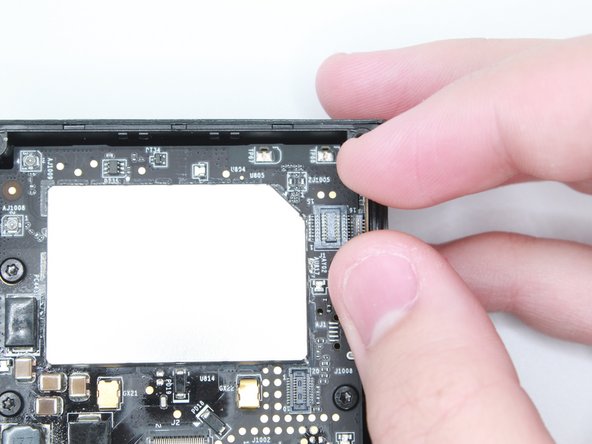
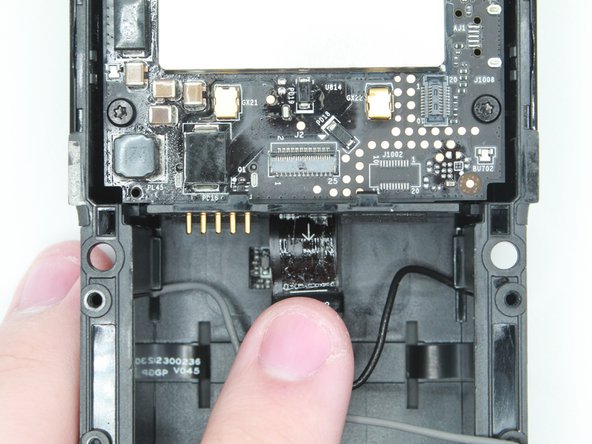
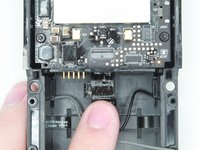
    • Disconnect the camera sensor.

  8. Ring Video Doorbell 3 Camera Sensor Replacement: 8 단계, 이미지 2개 중 1개 Ring Video Doorbell 3 Camera Sensor Replacement: 8 단계, 이미지 2개 중 2개
    이 단계에 사용된 도구:
    Tweezers
    $4.99
    • Be cautious to not rip the ribbon cable.

    • Lift the black tab above the ribbon to unlock it.

    • Use the tweezers to pull out the ribbon.

  9. Ring Video Doorbell 3 Camera Sensor Replacement: 9 단계, 이미지 2개 중 1개 Ring Video Doorbell 3 Camera Sensor Replacement: 9 단계, 이미지 2개 중 2개
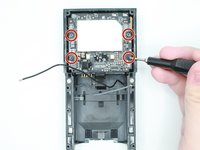
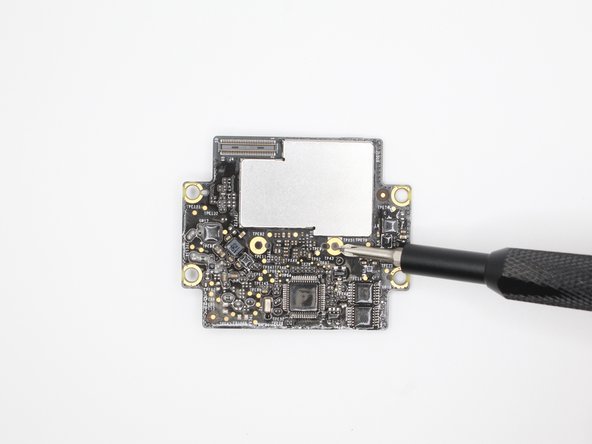
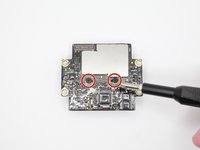
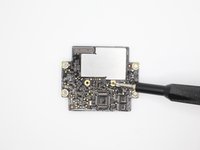
    • Use a Torx T6 but to take out the four screws on the first motherboard.

  10. Ring Video Doorbell 3 Camera Sensor Replacement: 10 단계, 이미지 2개 중 1개 Ring Video Doorbell 3 Camera Sensor Replacement: 10 단계, 이미지 2개 중 2개
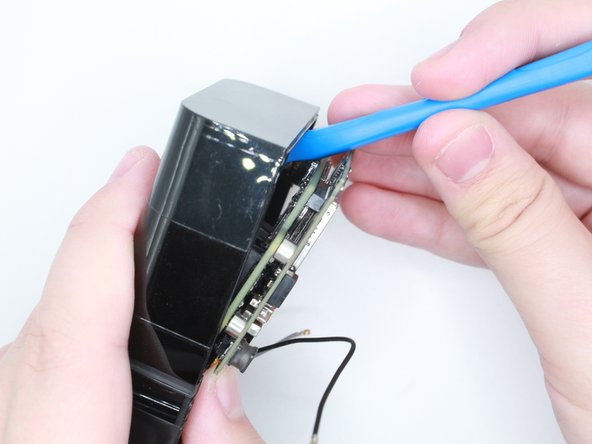
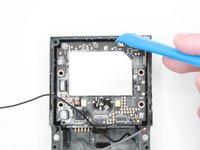
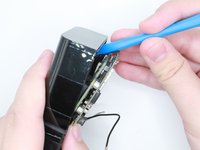
    • Use an opening tool to take out the motherboard.

    • Make sure to push in the 5 pins while taking out the motherboards to ensure that they do not break.

  11. Ring Video Doorbell 3 Camera Sensor Replacement: 11 단계, 이미지 1개 중 1개
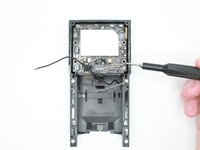
    • The motherboard has been taken out, and now it is free to be replaced or worked on.

  12. Ring Video Doorbell 3 Camera Sensor Replacement: 12 단계, 이미지 2개 중 1개 Ring Video Doorbell 3 Camera Sensor Replacement: 12 단계, 이미지 2개 중 2개
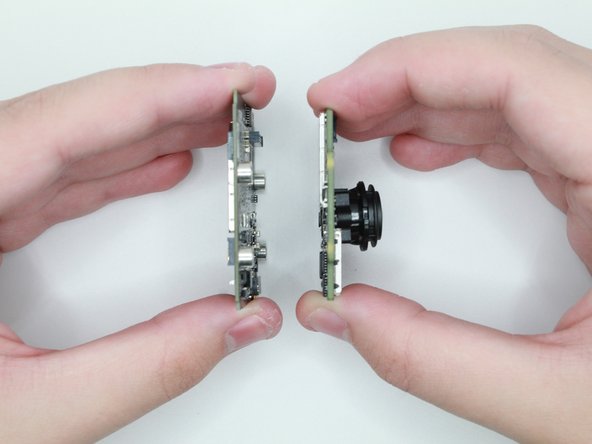
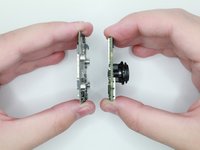
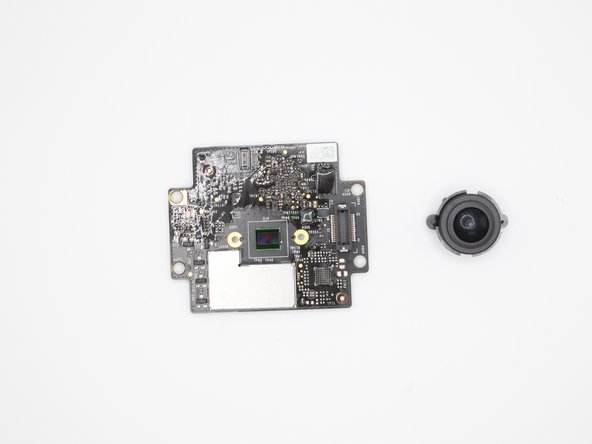
    • Flip the two boards on the side.

    • Gently pull the motherboard and the camera board apart.

  13. Ring Video Doorbell 3 Camera Sensor Replacement: 13 단계, 이미지 2개 중 1개 Ring Video Doorbell 3 Camera Sensor Replacement: 13 단계, 이미지 2개 중 2개
    • Use the Phillips #00 screwdriver to remove the two screws.

  14. Ring Video Doorbell 3 Camera Sensor Replacement: 14 단계, 이미지 2개 중 1개 Ring Video Doorbell 3 Camera Sensor Replacement: 14 단계, 이미지 2개 중 2개
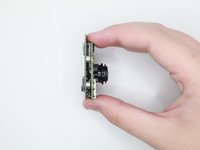
    • Carefully remove the camera lens from the board.

    • Replace Motherboard(s) if needed.

    • Replace Camera if needed.

  15. Ring Video Doorbell 3 Camera Sensor Replacement, Camera Sensor: 15 단계, 이미지 1개 중 1개
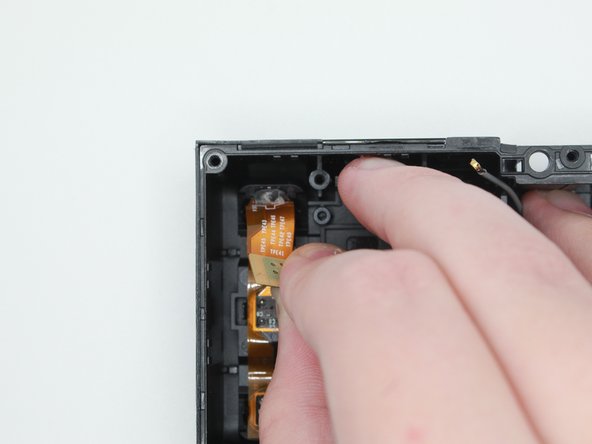
    • After setting the motherboard aside, grab the case.

  16. Ring Video Doorbell 3 Camera Sensor Replacement: 16 단계, 이미지 2개 중 1개 Ring Video Doorbell 3 Camera Sensor Replacement: 16 단계, 이미지 2개 중 2개
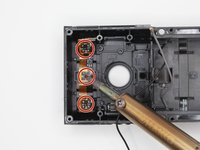
    • Desolder these three spots with 4 points and remove the solder.

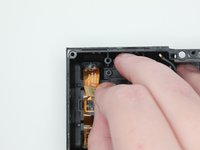
    • Carefully peel off the camera sensor to remove it

결론

To reassemble your device, follow these instructions in reverse order.

작성자

2다른 기여자 명과 함께

Caleb Olvera Deleon

회원 가입일: 09/13/23

607 평판

안내서 5개를 작성함

0가이드 댓글

댓글 쓰기

조회 통계:

지난 24시간: 0

지난 7일: 5

지난 30일: 36

전체 시간: 494