주요 콘텐츠로 건너뛰기

Roborock Q5 Pro: Laser Distance Sensor Replacement

필요한 것

  1. Roborock Q5 Pro: Laser Distance Sensor Replacement, Remove the dustbin.: 1 단계, 이미지 3개 중 1개 Roborock Q5 Pro: Laser Distance Sensor Replacement, Remove the dustbin.: 1 단계, 이미지 3개 중 2개 Roborock Q5 Pro: Laser Distance Sensor Replacement, Remove the dustbin.: 1 단계, 이미지 3개 중 3개
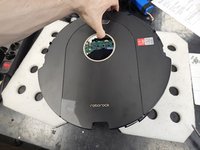
    • Flip it on its head, then remove the dustbin.

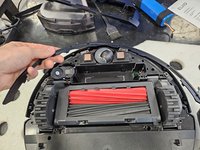
  2. Roborock Q5 Pro: Laser Distance Sensor Replacement, Remove the bottom cover.: 2 단계, 이미지 2개 중 1개 Roborock Q5 Pro: Laser Distance Sensor Replacement, Remove the bottom cover.: 2 단계, 이미지 2개 중 2개
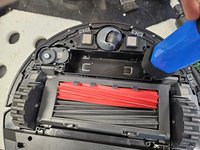
    • Remove the side brush using a PH2 screwdriver.

    • Remove the screws using a PH2 screwdriver.

    • Then, pull the bottom cover off.

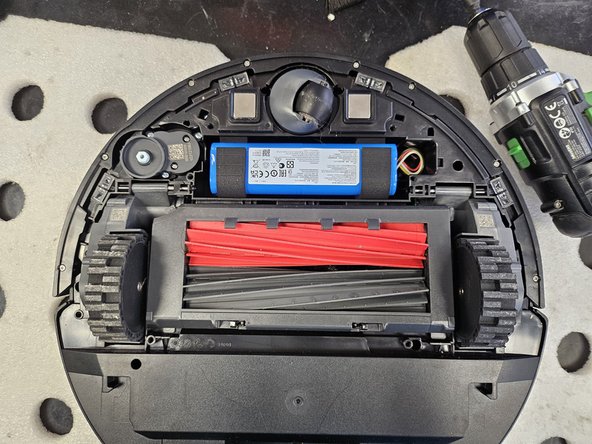
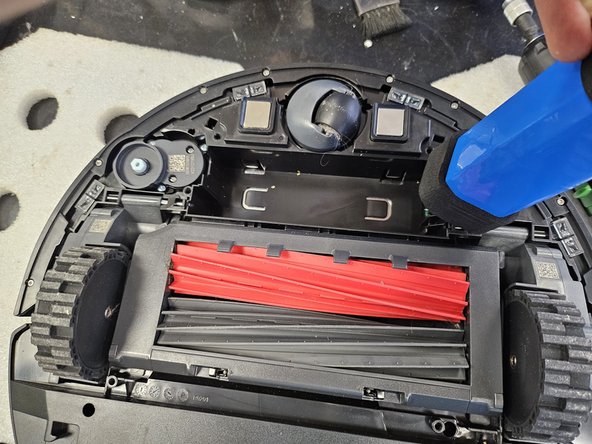
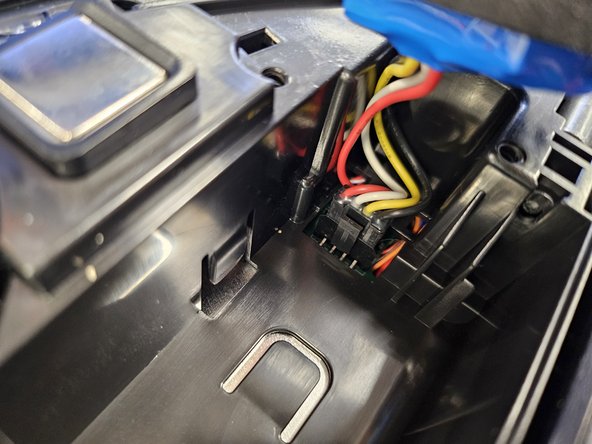
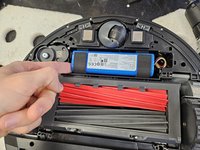
  3. Roborock Q5 Pro: Laser Distance Sensor Replacement, Remove the battery.: 3 단계, 이미지 3개 중 1개 Roborock Q5 Pro: Laser Distance Sensor Replacement, Remove the battery.: 3 단계, 이미지 3개 중 2개 Roborock Q5 Pro: Laser Distance Sensor Replacement, Remove the battery.: 3 단계, 이미지 3개 중 3개
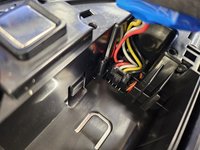
    • Lift it up on the left.

    • Detach the connector by squeezing the release tab, then pull it out.

    • Do not simply yank the battery out. You will tear the connector off the motherboard.

  4. Roborock Q5 Pro: Laser Distance Sensor Replacement, Remove the bumper's lid.: 4 단계, 이미지 2개 중 1개 Roborock Q5 Pro: Laser Distance Sensor Replacement, Remove the bumper's lid.: 4 단계, 이미지 2개 중 2개
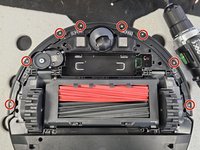
    • Remove the marked screws using a PH1 screwdriver.

    • Then simply lift the lid off.

  5. Roborock Q5 Pro: Laser Distance Sensor Replacement, Remove the bumper.: 5 단계, 이미지 2개 중 1개 Roborock Q5 Pro: Laser Distance Sensor Replacement, Remove the bumper.: 5 단계, 이미지 2개 중 2개
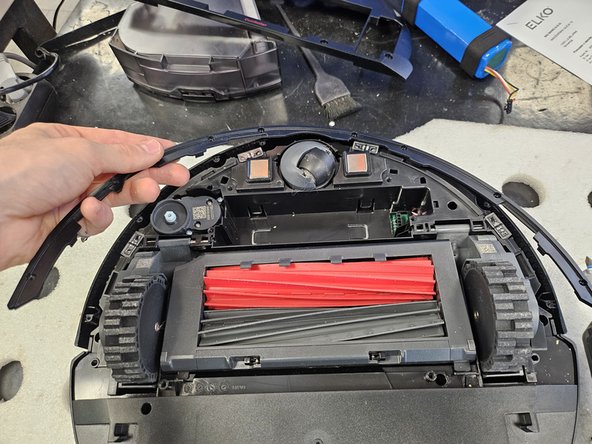
    • Flip the robot over.

    • Tilt the bumper forwards and move it upwards to remove it.

  6. Roborock Q5 Pro: Laser Distance Sensor Replacement, Remove the side brush motor.: 6 단계, 이미지 1개 중 1개
    • Flip it back over.

    • Remove the screws using a PH2 screwdriver.

    • Simply lift it out.

  7. Roborock Q5 Pro: Laser Distance Sensor Replacement, Remove the chassis screws.: 7 단계, 이미지 1개 중 1개
    • Remove the marked screws using a PH2 screwdriver.

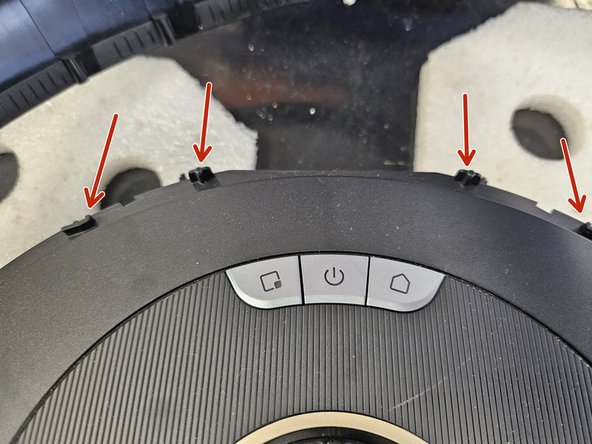
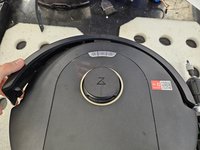
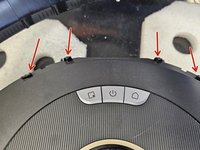
  8. Roborock Q5 Pro: Laser Distance Sensor Replacement, Latches.: 8 단계, 이미지 3개 중 1개 Roborock Q5 Pro: Laser Distance Sensor Replacement, Latches.: 8 단계, 이미지 3개 중 2개 Roborock Q5 Pro: Laser Distance Sensor Replacement, Latches.: 8 단계, 이미지 3개 중 3개
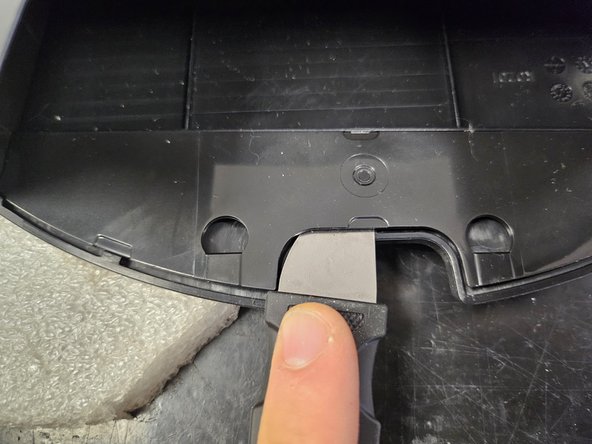
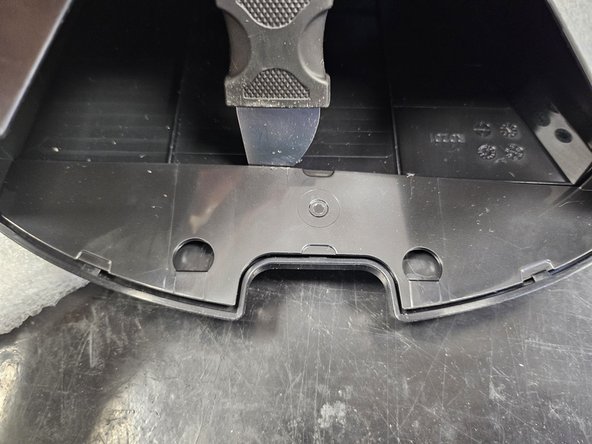
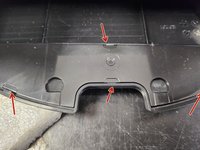
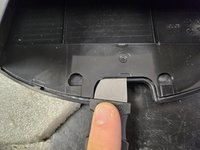
    • The chassis will still be held together by a couple latches on the back.

    • Use a prying tool to get these apart before taking it apart.

  9. Roborock Q5 Pro: Laser Distance Sensor Replacement, Take it apart!: 9 단계, 이미지 2개 중 1개 Roborock Q5 Pro: Laser Distance Sensor Replacement, Take it apart!: 9 단계, 이미지 2개 중 2개
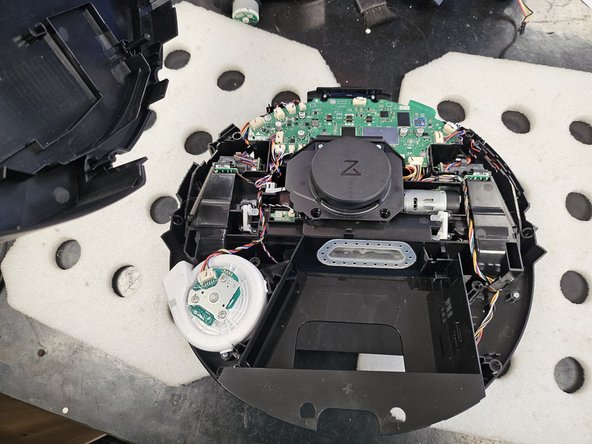
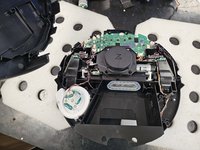
    • Flip it over and simply pull the chassis halves apart.

  10. Roborock Q5 Pro: Laser Distance Sensor Replacement, Screeeeeeews.: 10 단계, 이미지 1개 중 1개
    • Here are the screws organised by steps and type.

    • Use this if needed as a reference during reassembly.

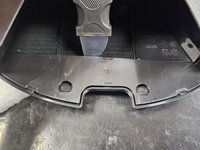
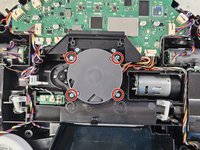
  11. Roborock Q5 Pro: Laser Distance Sensor Replacement, Remove the LDS cage.: 11 단계, 이미지 3개 중 1개 Roborock Q5 Pro: Laser Distance Sensor Replacement, Remove the LDS cage.: 11 단계, 이미지 3개 중 2개 Roborock Q5 Pro: Laser Distance Sensor Replacement, Remove the LDS cage.: 11 단계, 이미지 3개 중 3개
    • Remove the marked screws using a PH2 screwdriver.

    • Then, remove it.

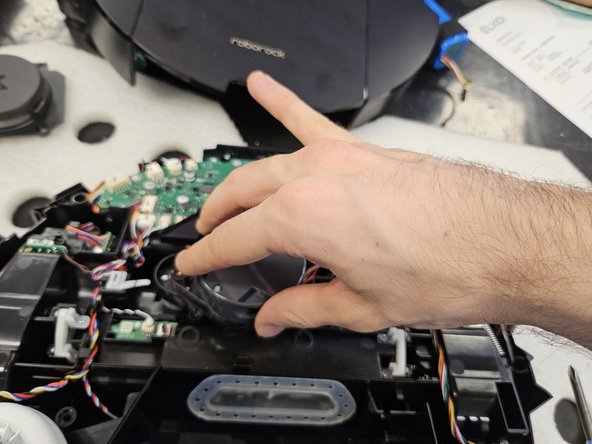
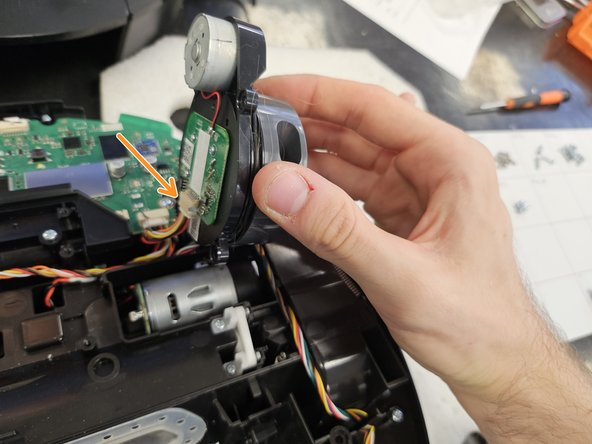
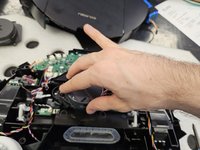
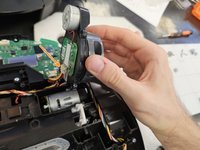
  12. Roborock Q5 Pro: Laser Distance Sensor Replacement, Remove the LDS.: 12 단계, 이미지 3개 중 1개 Roborock Q5 Pro: Laser Distance Sensor Replacement, Remove the LDS.: 12 단계, 이미지 3개 중 2개 Roborock Q5 Pro: Laser Distance Sensor Replacement, Remove the LDS.: 12 단계, 이미지 3개 중 3개
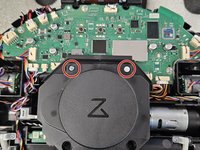
    • Remove the marked screws using a PH2 screwdriver.

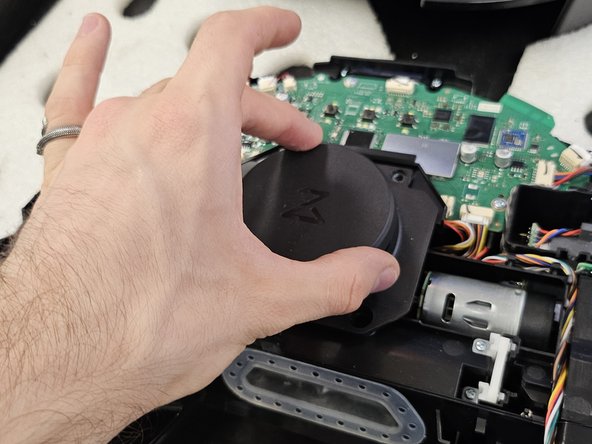
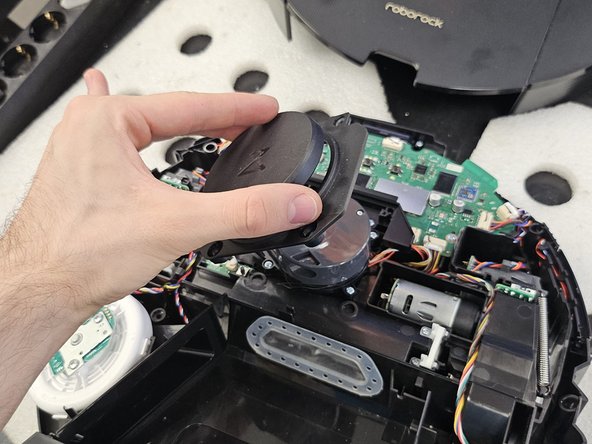
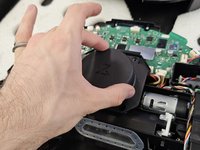
    • Lift the LDS towards the right, then disconnect the connector.

    • If you're replacing the LDS, simply insert the new one and reassemble your device.

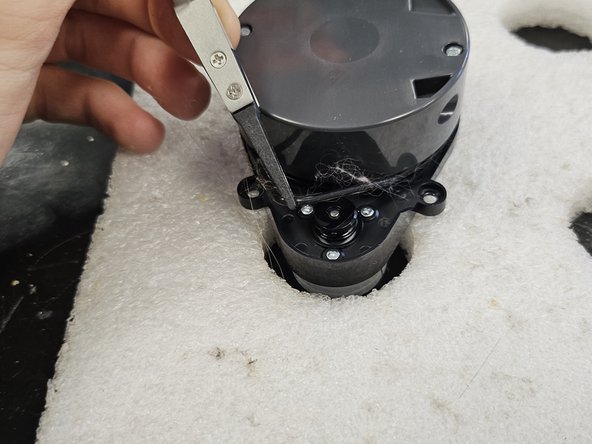
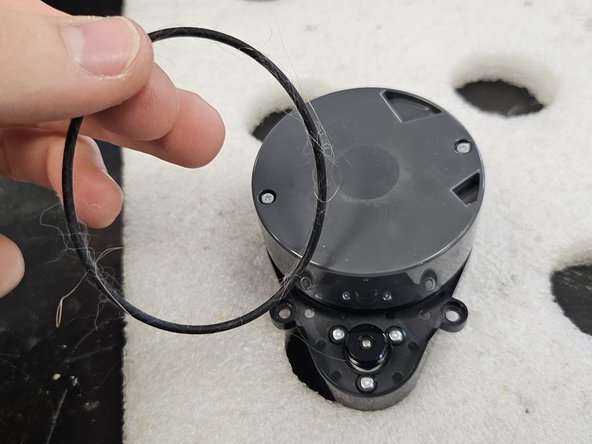
  13. Roborock Q5 Pro: Laser Distance Sensor Replacement, Remove the rubber band.: 13 단계, 이미지 3개 중 1개 Roborock Q5 Pro: Laser Distance Sensor Replacement, Remove the rubber band.: 13 단계, 이미지 3개 중 2개 Roborock Q5 Pro: Laser Distance Sensor Replacement, Remove the rubber band.: 13 단계, 이미지 3개 중 3개
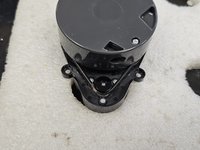
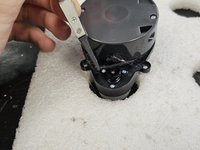
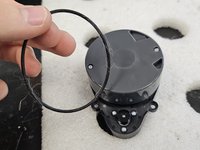
    • Remove the rubber band using some tweezers, forceps or your fingers.

    • Make sure to clean it. This one was quite dirty, which was causing the motor to seize.

    • Your robot may have a different iteration of the LDS, which has a cover over the rubber band section. In that case, please check: Roborock Q Revo: Laser Distance Sensor Replacement and skip to step 12.

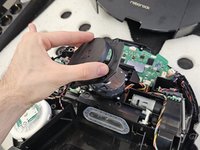
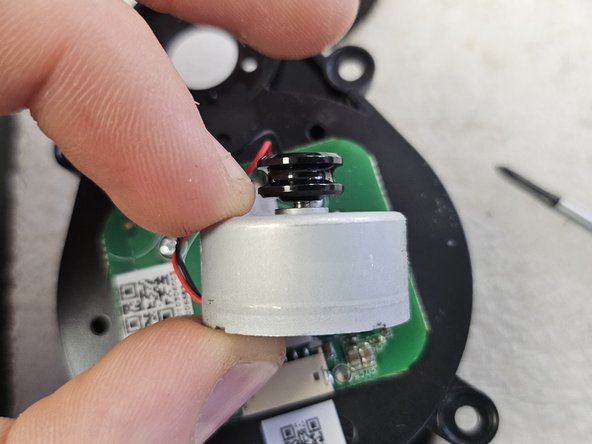
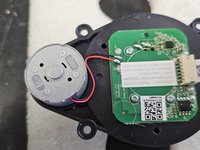
  14. Roborock Q5 Pro: Laser Distance Sensor Replacement, Remove the motor.: 14 단계, 이미지 3개 중 1개 Roborock Q5 Pro: Laser Distance Sensor Replacement, Remove the motor.: 14 단계, 이미지 3개 중 2개 Roborock Q5 Pro: Laser Distance Sensor Replacement, Remove the motor.: 14 단계, 이미지 3개 중 3개
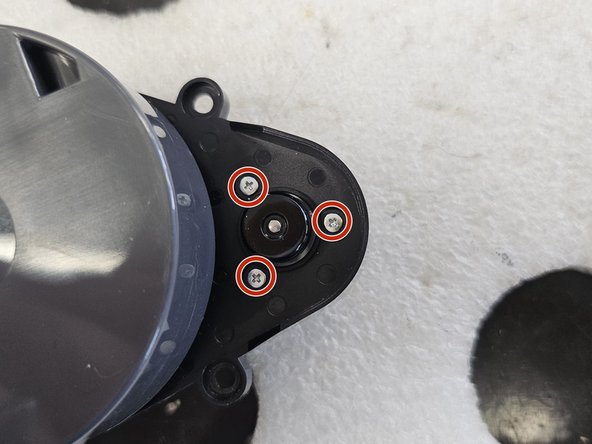
    • Before removing the motor, flip it over and check whether it has a connector or is soldered directly onto the PCBA.

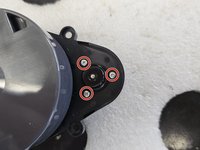
    • Remove the screws.

    • Now you can remove and replace the motor.

    • Your robot may have a different iteration of the LDS, which needs it's driving wheel removed before you can remove the screws. In that case, please check: Roborock Q Revo: Laser Distance Sensor Replacement and skip to step 12.

결론

To reassemble your device, follow these instructions in reverse order.

다른 한 분이 해당 안내서를 완성하였습니다.

작성자

1다른 기여자 명과 함께

DegenFixer

회원 가입일: 09/18/24

5,081 평판

안내서 24개를 작성함

0가이드 댓글

댓글 쓰기

조회 통계:

지난 24시간: 28

지난 7일: 118

지난 30일: 456

전체 시간: 4,659