주요 콘텐츠로 건너뛰기

Roborock S5 Max: Motherboard Replacement

필요한 것

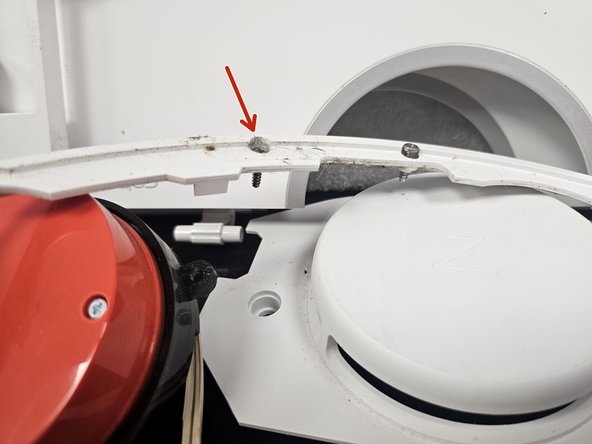
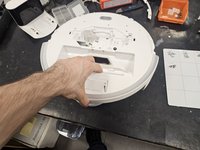
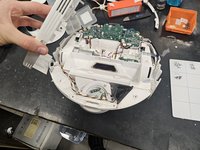
  1. Roborock S5 Max: Motherboard Replacement, Remove the top cover.: 1 단계, 이미지 3개 중 1개 Roborock S5 Max: Motherboard Replacement, Remove the top cover.: 1 단계, 이미지 3개 중 2개 Roborock S5 Max: Motherboard Replacement, Remove the top cover.: 1 단계, 이미지 3개 중 3개
    • Remove the front half. It is only held on by latches.

    • Remove the screws and plastic tabs holding the back half in place.

    • Remove the back half.

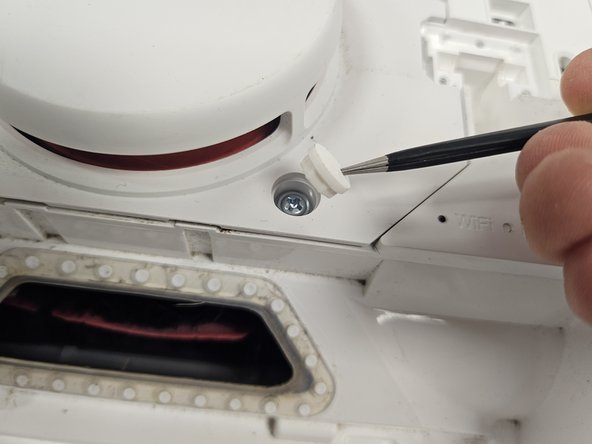
  2. Roborock S5 Max: Motherboard Replacement, Remove the rubber caps.: 2 단계, 이미지 2개 중 1개 Roborock S5 Max: Motherboard Replacement, Remove the rubber caps.: 2 단계, 이미지 2개 중 2개
    • Remove the rubber caps.

    • There are multiple techniques to do this, but I usually just stab them with sharp tipped tweezers. You could slip them in between the housing and the rubber cap as well.

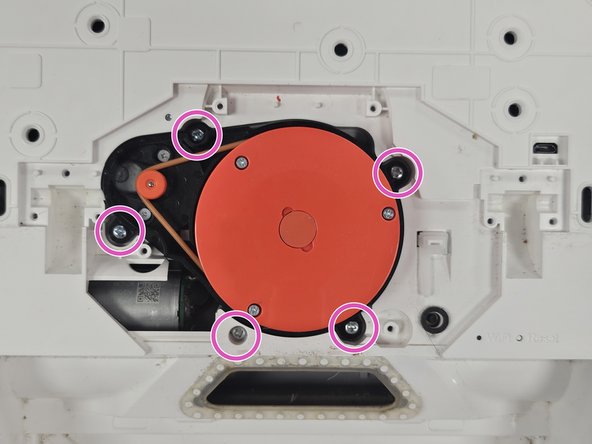
  3. Roborock S5 Max: Motherboard Replacement, Remove the Lidar.: 3 단계, 이미지 2개 중 1개 Roborock S5 Max: Motherboard Replacement, Remove the Lidar.: 3 단계, 이미지 2개 중 2개
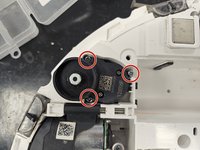
    • Remove the screws of the LiDAR cage, then the cage itself.

    • Remove the screws of the LiDAR, then the LiDAR itself.

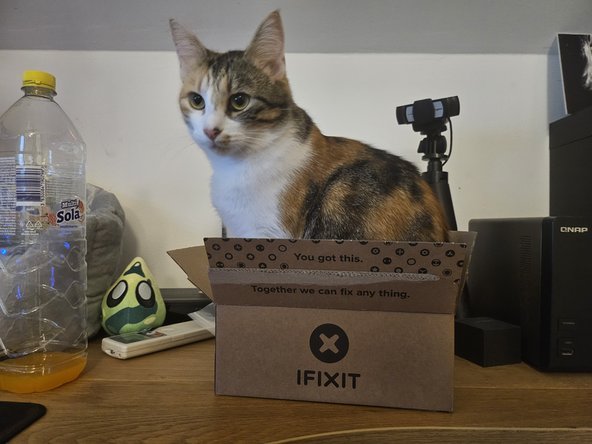
  4. Roborock S5 Max: Motherboard Replacement, Package from iFixit?: 4 단계, 이미지 2개 중 1개 Roborock S5 Max: Motherboard Replacement, Package from iFixit?: 4 단계, 이미지 2개 중 2개
    • When'd they start selling these?

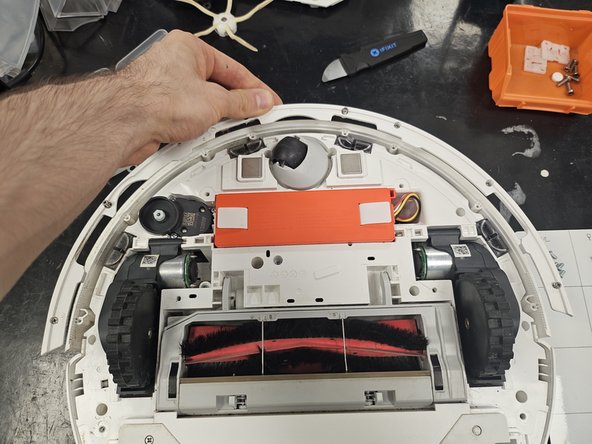
  5. Roborock S5 Max: Motherboard Replacement, Remove the bottom cover.: 5 단계, 이미지 1개 중 1개
    • Remove the side brush.

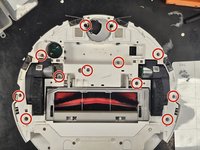
    • Remove the screws.

    • Lift the bottom cover off.

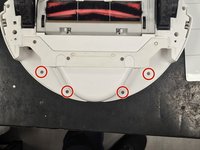
  6. Roborock S5 Max: Motherboard Replacement, Remove the bumper.: 6 단계, 이미지 3개 중 1개 Roborock S5 Max: Motherboard Replacement, Remove the bumper.: 6 단계, 이미지 3개 중 2개 Roborock S5 Max: Motherboard Replacement, Remove the bumper.: 6 단계, 이미지 3개 중 3개
    • Unscrew the screws.

    • Remove the lid of the bumper, then the bumper itself.

    • I usually just leave the screws inside of the bumper lid. If you do so, make sure you don't lose any.

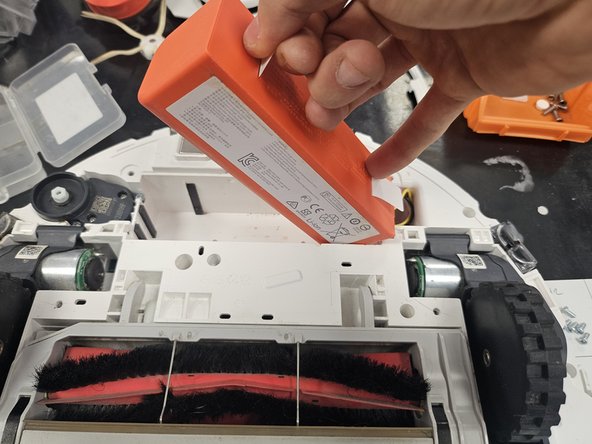
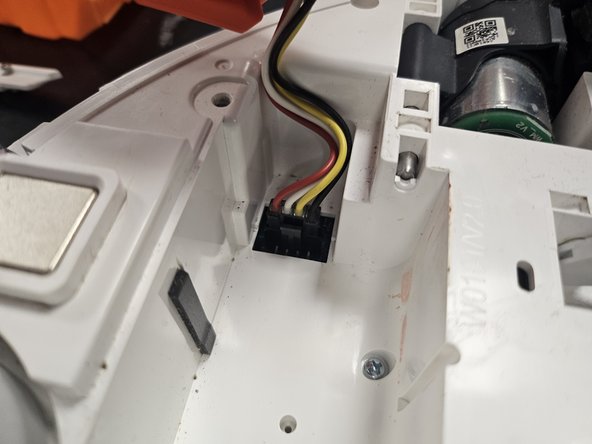
  7. Roborock S5 Max: Motherboard Replacement, Remove the battery.: 7 단계, 이미지 3개 중 1개 Roborock S5 Max: Motherboard Replacement, Remove the battery.: 7 단계, 이미지 3개 중 2개 Roborock S5 Max: Motherboard Replacement, Remove the battery.: 7 단계, 이미지 3개 중 3개
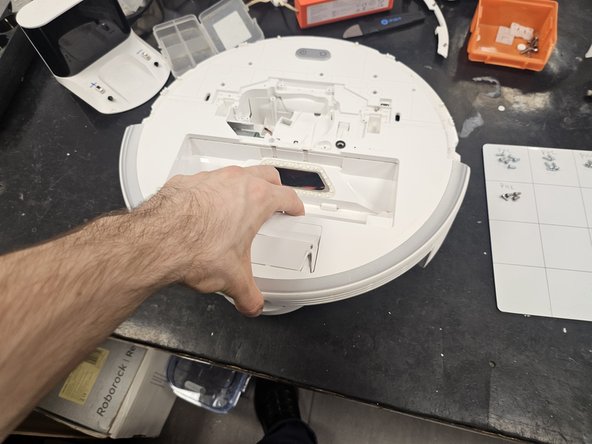
    • Grab it by the tab, then lift it out, tilting it towards the cable.

    • Once you can reach it, squeeze the connector to release it.

    • Don't tear the connector off the motherboard by yanking the battery out.

  8. Roborock S5 Max: Motherboard Replacement, Remove the side brush motor and the chassis screws.: 8 단계, 이미지 2개 중 1개 Roborock S5 Max: Motherboard Replacement, Remove the side brush motor and the chassis screws.: 8 단계, 이미지 2개 중 2개
    • Remove the screws from the side brush motor.

    • Simply lift it out.

    • Remove the rest of the screws from the chassis.

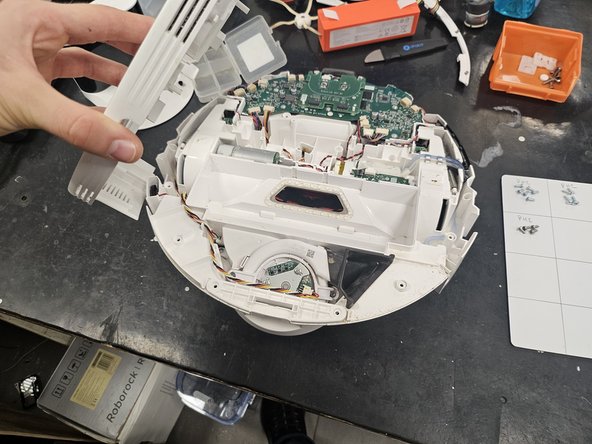
  9. Roborock S5 Max: Motherboard Replacement, Take the chassis apart.: 9 단계, 이미지 3개 중 1개 Roborock S5 Max: Motherboard Replacement, Take the chassis apart.: 9 단계, 이미지 3개 중 2개 Roborock S5 Max: Motherboard Replacement, Take the chassis apart.: 9 단계, 이미지 3개 중 3개
    • Remove the final 4 screws (these are non-magnetic).

    • Flip it over, then pull the chassis apart.

  10. Roborock S5 Max: Motherboard Replacement, Screeeews!: 10 단계, 이미지 1개 중 1개
    • Here are the screws organised by steps and size.

    • Use this if needed as a reference during reassembly.

    • The screws from the bottom cover (6, large) and bumper (8, small) are missing, as I usually keep the bottom cover screws separately as they are non-magnetic, and I usually do not remove the screws from the bumper lid.

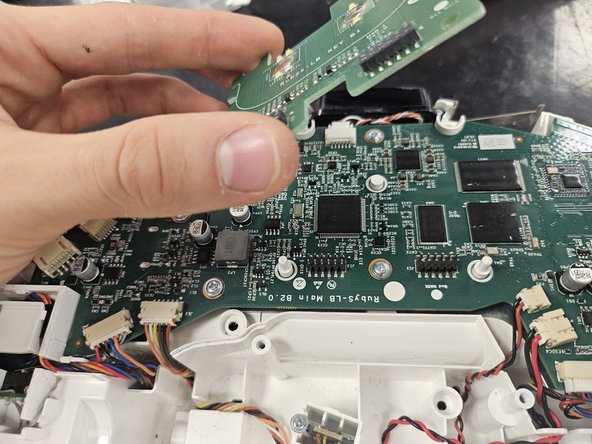
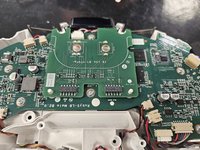
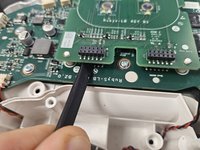
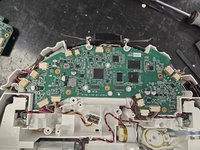
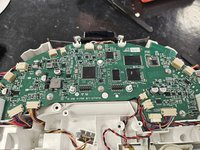
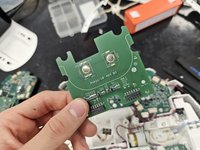
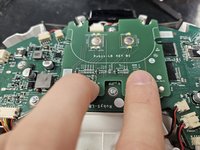
  11. Roborock S5 Max: Motherboard Replacement, Remove the PCBA that houses the buttons.: 11 단계, 이미지 3개 중 1개 Roborock S5 Max: Motherboard Replacement, Remove the PCBA that houses the buttons.: 11 단계, 이미지 3개 중 2개 Roborock S5 Max: Motherboard Replacement, Remove the PCBA that houses the buttons.: 11 단계, 이미지 3개 중 3개
    • Use a plastic spudger to dislodge it, then take it off.

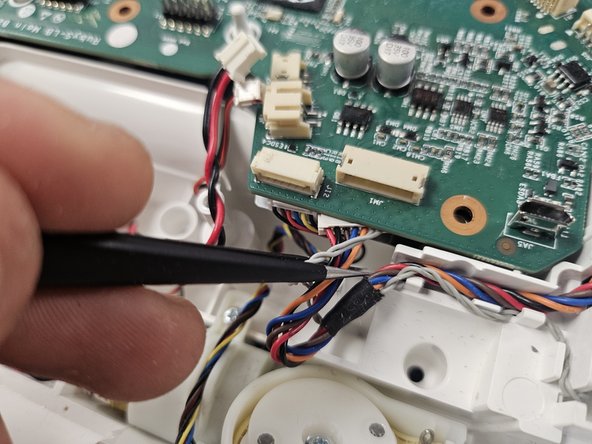
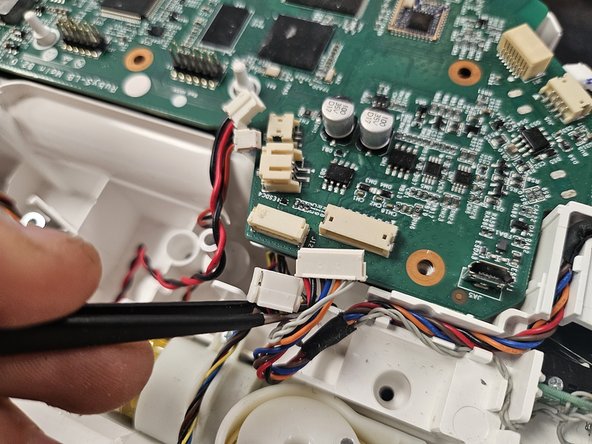
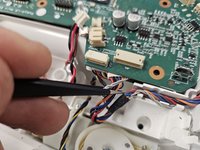
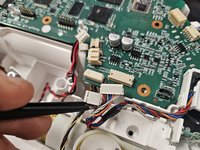
  12. Roborock S5 Max: Motherboard Replacement, Remove the connectors: 12 단계, 이미지 3개 중 1개 Roborock S5 Max: Motherboard Replacement, Remove the connectors: 12 단계, 이미지 3개 중 2개 Roborock S5 Max: Motherboard Replacement, Remove the connectors: 12 단계, 이미지 3개 중 3개
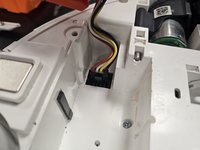
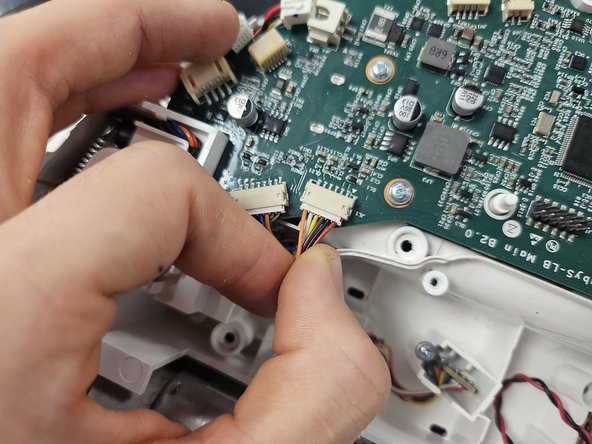
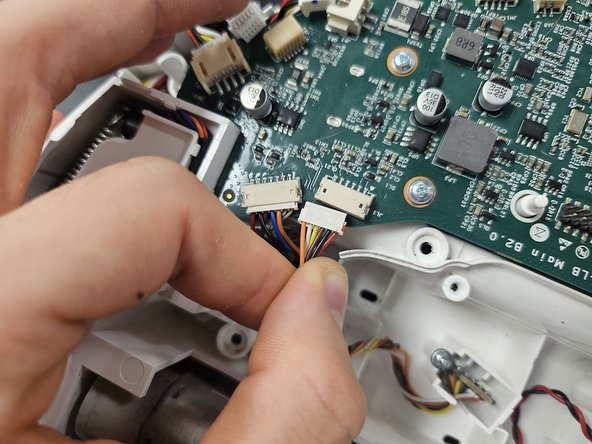
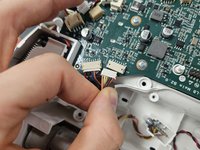
    • Disconnect all of the connectors.

    • Some of them are more finnicky, and will require you to rock them left to right while pulling them slightly.

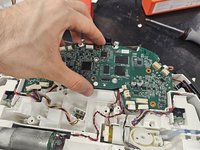
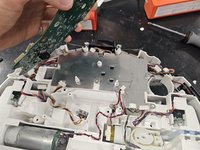
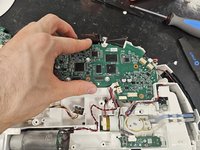
  13. Roborock S5 Max: Motherboard Replacement, Remove the motherboard: 13 단계, 이미지 3개 중 1개 Roborock S5 Max: Motherboard Replacement, Remove the motherboard: 13 단계, 이미지 3개 중 2개 Roborock S5 Max: Motherboard Replacement, Remove the motherboard: 13 단계, 이미지 3개 중 3개
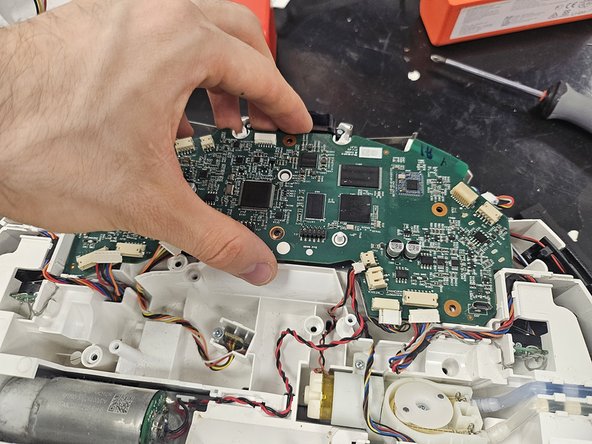
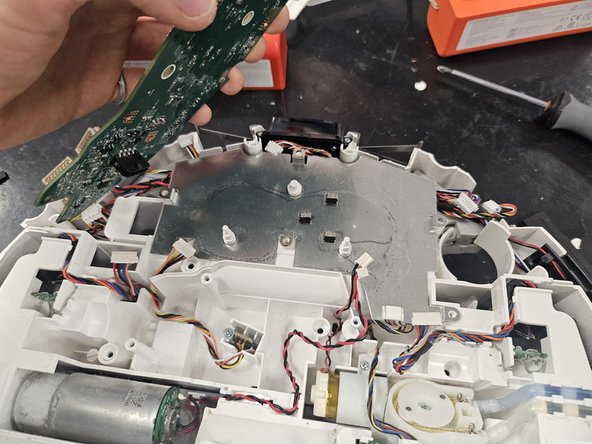
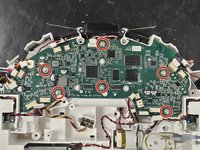
    • Remove the screws from the motherboard.

    • Take it out.

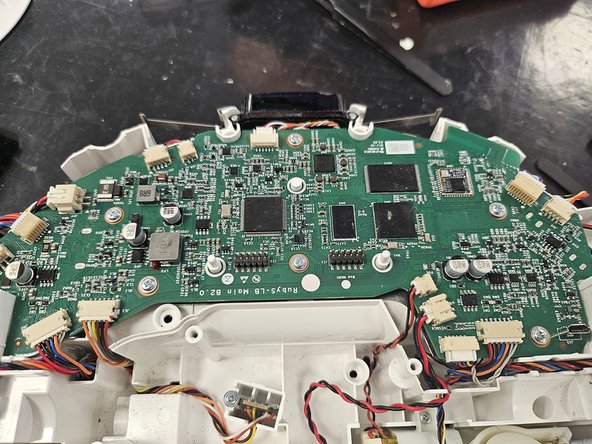
  14. Roborock S5 Max: Motherboard Replacement, Inserting a new motherboard.: 14 단계, 이미지 3개 중 1개 Roborock S5 Max: Motherboard Replacement, Inserting a new motherboard.: 14 단계, 이미지 3개 중 2개 Roborock S5 Max: Motherboard Replacement, Inserting a new motherboard.: 14 단계, 이미지 3개 중 3개
    • Put in the new motherboard, then use tweezers to free all the cables you've just squished under the motherboard.

  15. Roborock S5 Max: Motherboard Replacement, Connect the cables, screw the screws.: 15 단계, 이미지 2개 중 1개 Roborock S5 Max: Motherboard Replacement, Connect the cables, screw the screws.: 15 단계, 이미지 2개 중 2개
    • Connect all the cables, then screw in the screws.

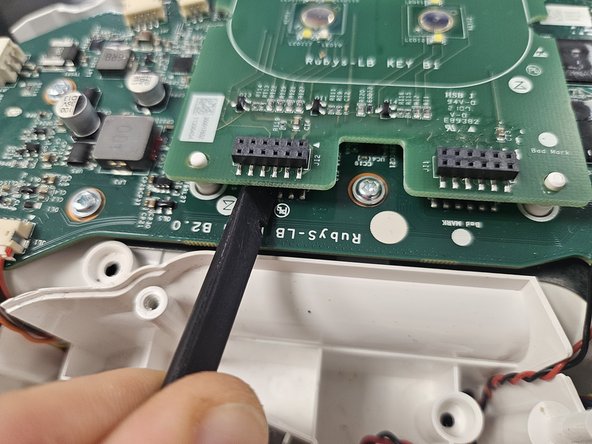
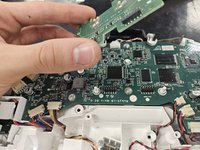
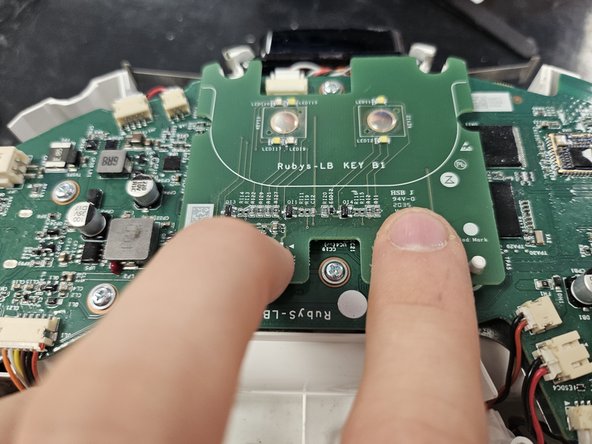
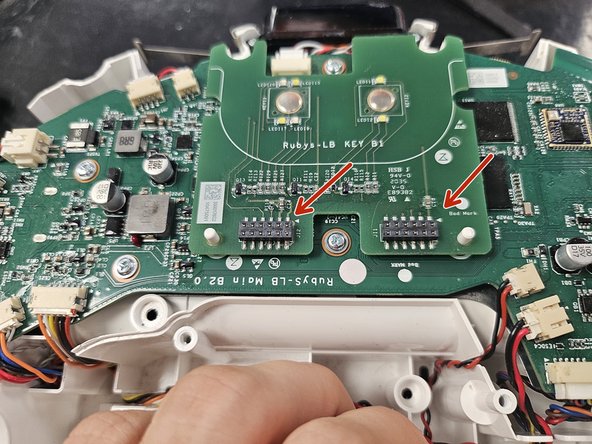
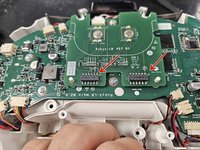
  16. Roborock S5 Max: Motherboard Replacement, Insert the button PCBA.: 16 단계, 이미지 3개 중 1개 Roborock S5 Max: Motherboard Replacement, Insert the button PCBA.: 16 단계, 이미지 3개 중 2개 Roborock S5 Max: Motherboard Replacement, Insert the button PCBA.: 16 단계, 이미지 3개 중 3개
    • Do not forget this!

    • Apply some pressure on the connectors. You will know you got them deep enough if you can see the motherboard's connectors just barely poking through on top.

결론

You could now test your device by connecting the battery, the LDS and inserting a dustbin, then triggering a clean. You can also reset the WiFi connection and attempt connecting to it before closing it up.

After that, to reassemble your device, follow from step 9 backwards.

다른 3명이 해당 안내서를 완성하였습니다.

작성자

1다른 기여자 명과 함께

DegenFixer

회원 가입일: 09/18/24

5,081 평판

안내서 24개를 작성함

1가이드 댓글

Does anyone know if replacing the motherboard would solve a S5 bootloop? Mine is stuck saying ”Railed to boot” and it can’t be reset.

Jack de Hosson - 답글
댓글 쓰기

조회 통계:

지난 24시간: 5

지난 7일: 22

지난 30일: 101

전체 시간: 1,372