주요 콘텐츠로 건너뛰기

Roborock S7: Cliff sensor replacement

필요한 것

  1. Roborock S7: Cliff sensor replacement, Top cover: 1 단계, 이미지 2개 중 1개 Roborock S7: Cliff sensor replacement, Top cover: 1 단계, 이미지 2개 중 2개
    • Begin by removing the front half of the top cover.

    • It is held on by relatively loose latches. They will come free with some force.

    • Do not bend the plastic cover too much. It has some flexibility, but if bent too much, it could deform or snap.

    • Continue by removing the back half of the top cover.

    • Once removing the screws and the plastic bits, it will just pop out.

  2. Roborock S7: Cliff sensor replacement, LiDAR: 2 단계, 이미지 3개 중 1개 Roborock S7: Cliff sensor replacement, LiDAR: 2 단계, 이미지 3개 중 2개 Roborock S7: Cliff sensor replacement, LiDAR: 2 단계, 이미지 3개 중 3개
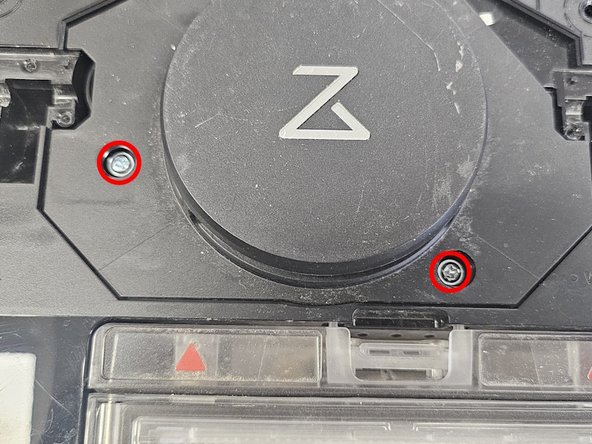
    • Remove the rubber caps covering the 2 screws.

    • Remove the screws.

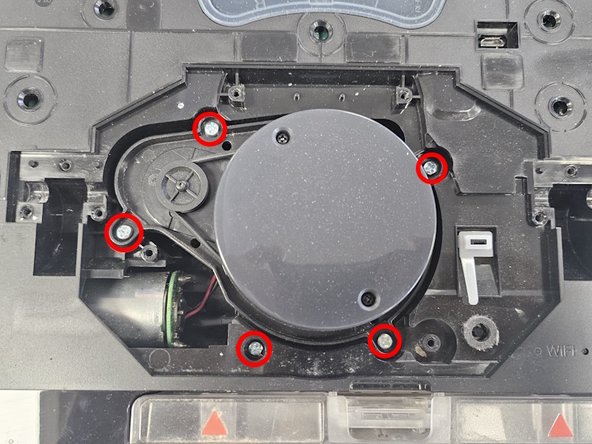
    • Remove the LiDAR cage.

    • Remove the LiDAR screws, then remove the LiDAR.

    • Based on the version of the robot, you might see one of 3 different iterations of the LiDAR. One, that is noticeably smaller, is connected via cable, whereas the other 2 are simply connected by a connector.

  3. Roborock S7: Cliff sensor replacement, Bottom cover, battery and bumper: 3 단계, 이미지 3개 중 1개 Roborock S7: Cliff sensor replacement, Bottom cover, battery and bumper: 3 단계, 이미지 3개 중 2개 Roborock S7: Cliff sensor replacement, Bottom cover, battery and bumper: 3 단계, 이미지 3개 중 3개
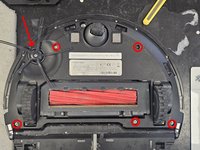
    • Remove the 5 screws and side brush, then remove the bottom panel.

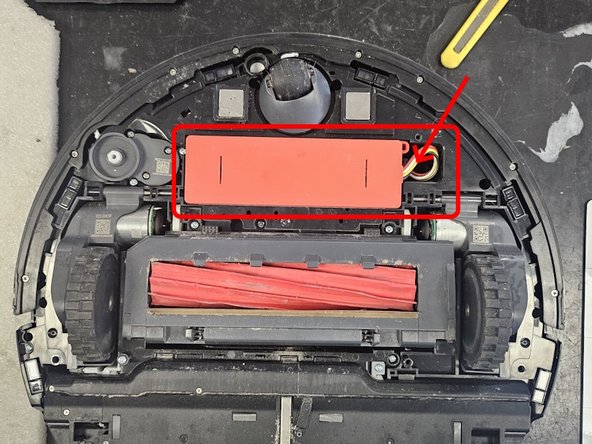
    • Remove the battery. Pull it up and over from left to right, then disconnect the connector.

    • Be careful with the connector. I've had cases where people had torn them off by yanking at the cable instead of pressing on and pulling the connector.

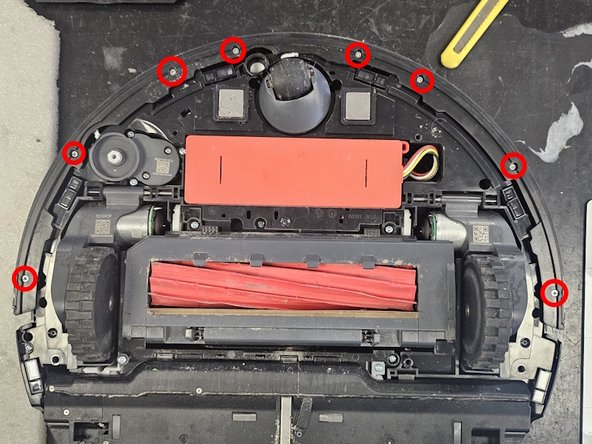
    • Remove the marked screws, then remove the top cover of the bumper, then the bumper itself.

  4. Roborock S7: Cliff sensor replacement, Side brush motor and VibraRise lift wire: 4 단계, 이미지 3개 중 1개 Roborock S7: Cliff sensor replacement, Side brush motor and VibraRise lift wire: 4 단계, 이미지 3개 중 2개 Roborock S7: Cliff sensor replacement, Side brush motor and VibraRise lift wire: 4 단계, 이미지 3개 중 3개
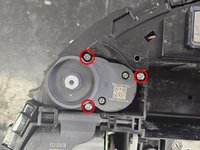
    • Continue by removing the side brush motor.

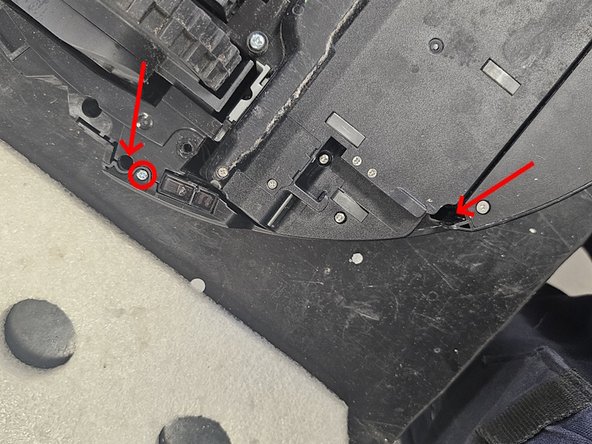
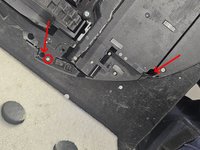
    • Move further below, then remove the screws. The 2 holes marked by arrows have screws within them. The smaller screws are PH1 and the bigger are PH2. After removing the screws, remove the side panel.

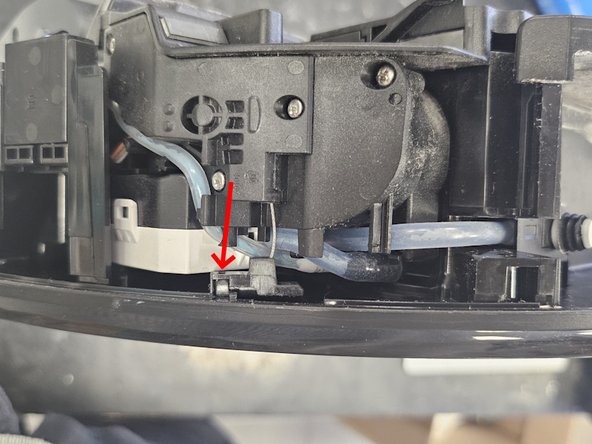
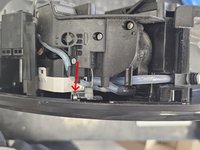
    • Remove the wire from the plastic housing. Angled tweezers recommended.

  5. Roborock S7: Cliff sensor replacement, Check on your feline assistant.: 5 단계, 이미지 1개 중 1개
    • Shhh, she's sleeping. 💤

  6. Roborock S7: Cliff sensor replacement, Chassis and main brush: 6 단계, 이미지 3개 중 1개 Roborock S7: Cliff sensor replacement, Chassis and main brush: 6 단계, 이미지 3개 중 2개 Roborock S7: Cliff sensor replacement, Chassis and main brush: 6 단계, 이미지 3개 중 3개
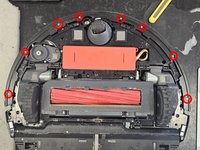
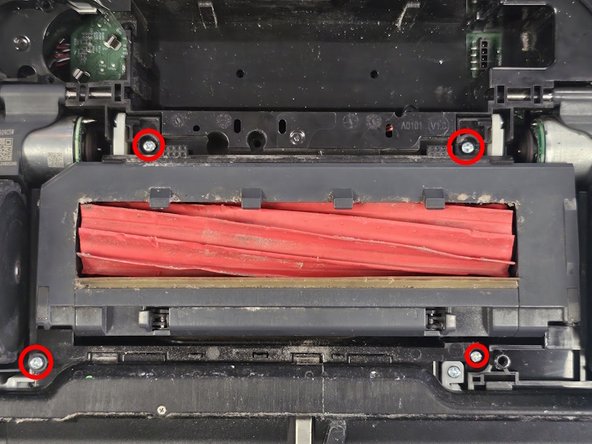
    • Remove the screws marked in image 1.

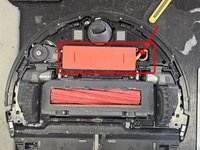
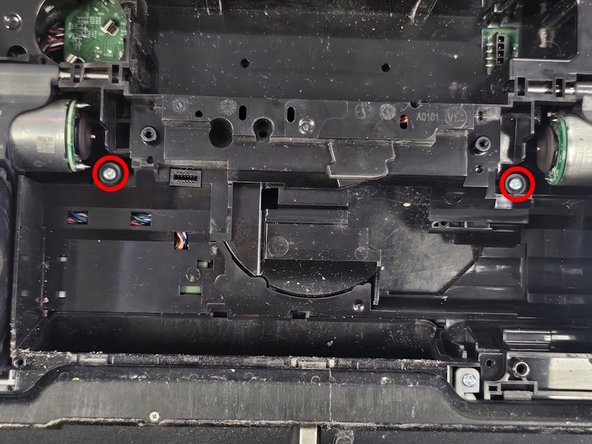
    • Now remove the screws in image 2, then remove the main brush assembly. There is no need to remove the brush cover or the brush itself. You simply pull it out.

    • Remove the 2 screws hidden by the main brush assembly.

  7. Roborock S7: Cliff sensor replacement, Latches on the back: 7 단계, 이미지 2개 중 1개 Roborock S7: Cliff sensor replacement, Latches on the back: 7 단계, 이미지 2개 중 2개
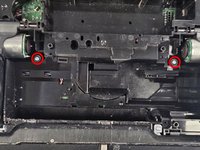
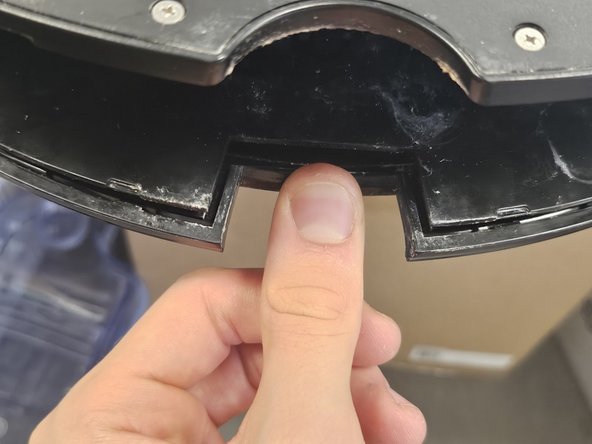
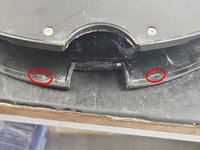
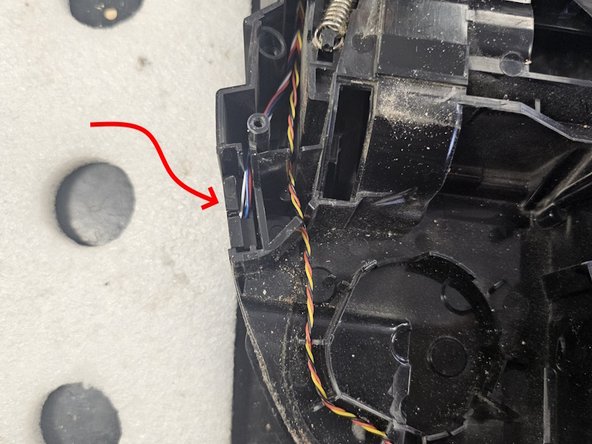
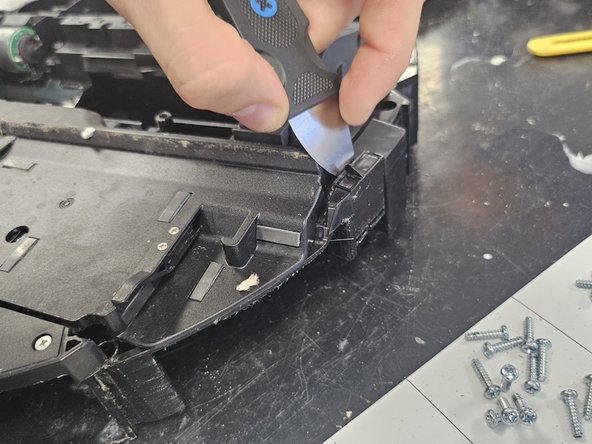
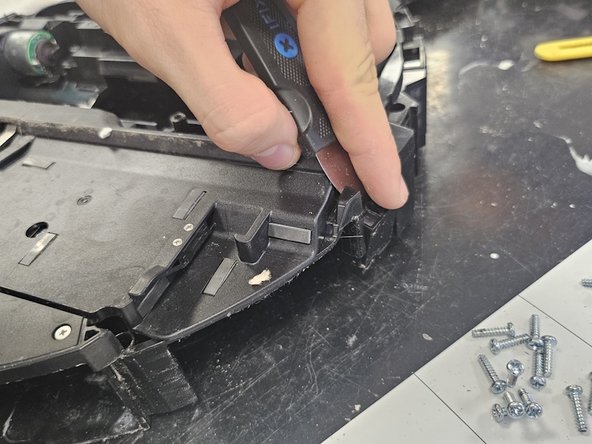
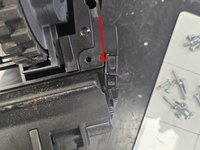
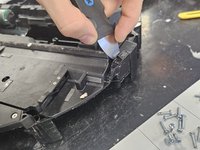
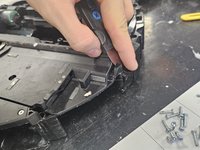
    • Unlatch these 2 latches.

  8. Roborock S7: Cliff sensor replacement, Finito: 8 단계, 이미지 1개 중 1개
    • And voila, it's open.

  9. Roborock S7: Cliff sensor replacement, Diagnose the faulty cliff sensor: 9 단계, 이미지 3개 중 1개 Roborock S7: Cliff sensor replacement, Diagnose the faulty cliff sensor: 9 단계, 이미지 3개 중 2개 Roborock S7: Cliff sensor replacement, Diagnose the faulty cliff sensor: 9 단계, 이미지 3개 중 3개
    • Begin by finding out which of your cliff sensors is dead. I don't have a scientific method here, but I start by checking the one that is most commonly faulty.

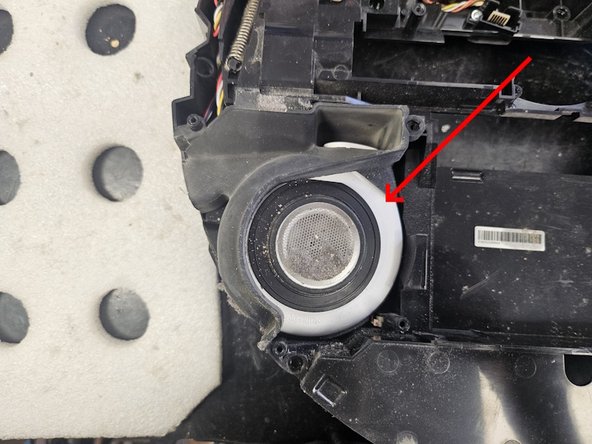
    • It's the cliff sensor that is next to the suction fan. Remove the suction fan cover, then the suction fan itself.

    • The reason this one is usually faulty is: If the suction fan swallows any water at all, some amount will almost certainly land within this cliff sensor, causing damage.

  10. Roborock S7: Cliff sensor replacement, Remove the cliff sensor: 10 단계, 이미지 3개 중 1개 Roborock S7: Cliff sensor replacement, Remove the cliff sensor: 10 단계, 이미지 3개 중 2개 Roborock S7: Cliff sensor replacement, Remove the cliff sensor: 10 단계, 이미지 3개 중 3개
    • Slip something thin in the gap. If you own an iFixit Jimmy, this is where it comes in very handy.

    • You can also use a hammer to tap the cliff sensor out of place, but that risks breaking the plastic housing.

  11. Roborock S7: Cliff sensor replacement, Disassemble the cliff sensor: 11 단계, 이미지 3개 중 1개 Roborock S7: Cliff sensor replacement, Disassemble the cliff sensor: 11 단계, 이미지 3개 중 2개 Roborock S7: Cliff sensor replacement, Disassemble the cliff sensor: 11 단계, 이미지 3개 중 3개
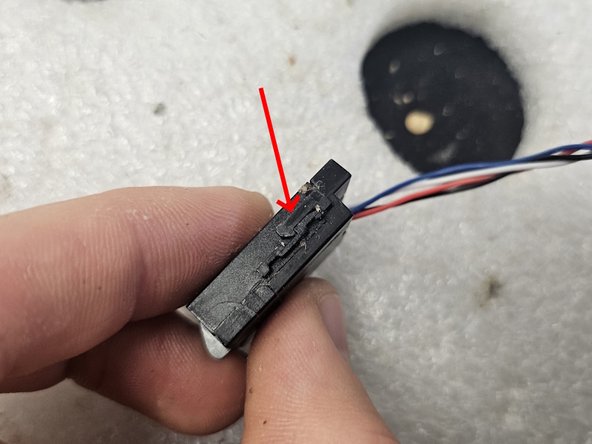
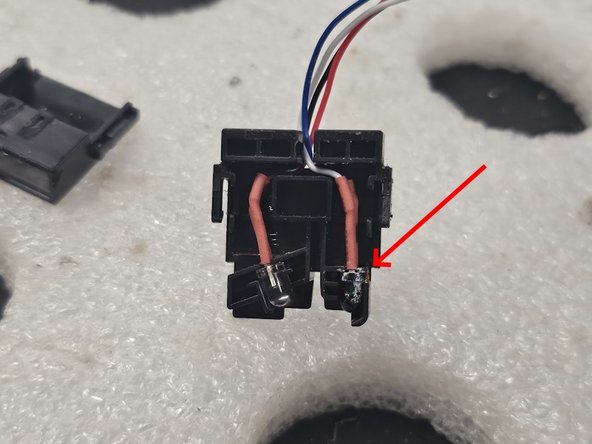
    • Take the cliff sensor apart. It is held together by 2 latches on both sides. Fold those out, then slide the 2 halves apart.

    • In my case, the damage was apparent.

  12. Roborock S7: Cliff sensor replacement, Replace the damaged part, then reassemble the sensor: 12 단계, 이미지 2개 중 1개 Roborock S7: Cliff sensor replacement, Replace the damaged part, then reassemble the sensor: 12 단계, 이미지 2개 중 2개
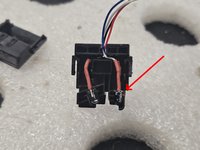
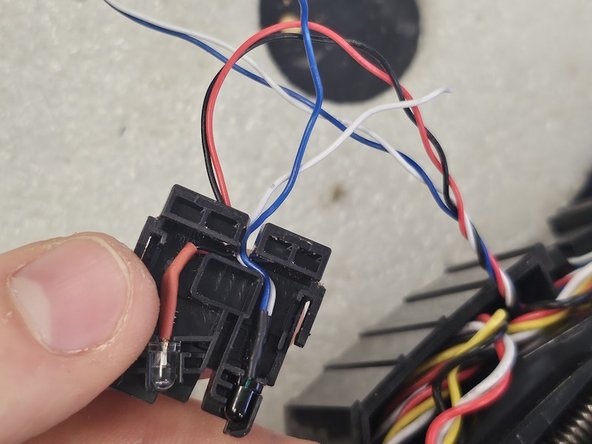
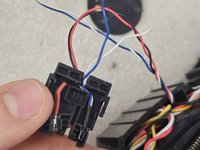
    • Prepare a replacement and fit it into the cliff sensor assembly.

    • Once you have it fitted properly, re-assemble the cliff sensor chassis.

  13. Roborock S7: Cliff sensor replacement, Check on your feline assistant.: 13 단계, 이미지 1개 중 1개
    • Why is she sitting like that, though?

  14. Roborock S7: Cliff sensor replacement, Soldering: 14 단계, 이미지 3개 중 1개 Roborock S7: Cliff sensor replacement, Soldering: 14 단계, 이미지 3개 중 2개 Roborock S7: Cliff sensor replacement, Soldering: 14 단계, 이미지 3개 중 3개
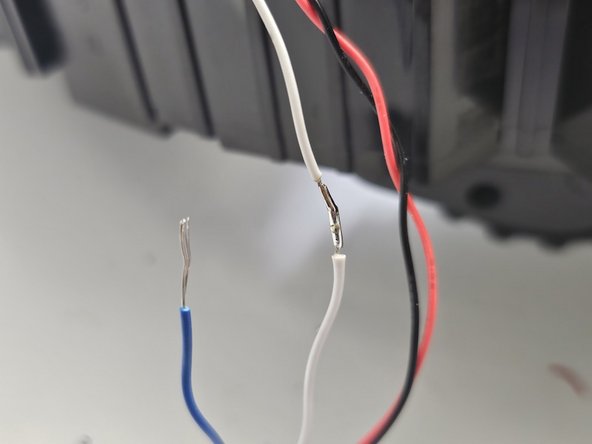
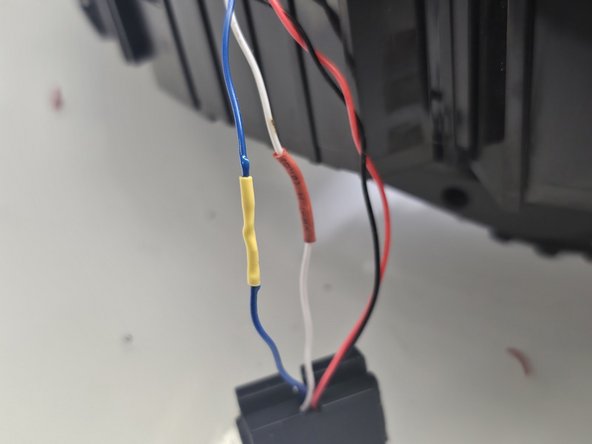
    • Now the fun part: Soldering!

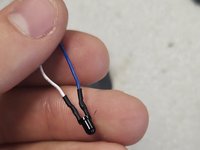
    • Solder the wires together, in my case it was simple. Blue on blue, white on white.

    • I think (but I am not certain, as I am not an electrician) that white is the positive while blue is the negative. Or it might not matter at all. I don't know.

    • This is a pretty low difficulty soldering task.

  15. Roborock S7: Cliff sensor replacement, Put it back where it belongs.: 15 단계, 이미지 1개 중 1개
    • Fit the cliff sensor back where it fits, then test the device to see if the error persists.

  16. Roborock S7: Cliff sensor replacement, Caution!: 16 단계, 이미지 1개 중 1개
    • When reassembling the device, ensure that no cables cover this (or any other) screw hole.

결론

To reassemble your device, follow instructions from step 8 in reverse order.

다른 9명이 해당 안내서를 완성하였습니다.

작성자

1다른 기여자 명과 함께

DegenFixer

회원 가입일: 09/18/24

5,081 평판

안내서 24개를 작성함

10가이드 댓글

Hi,

An object got lodged in the wheel well of my S7 and now it can't sit and vacuum normally. Could you please tell me which parts I need to remove to get there? Do I need to remove the water tank parts?

taye1234 - 답글
Where did you get the actual sensor to replace? I don't know what that part is or where to find it. Thanks!

Casey Johle - 답글
Look for s7 cliff sensor in google, amazon or alibaba...

Michael Büssow - 답글

You're so lucky... nobody can fix that whithout your feline assistant !
Thanks anyway :)

Pika Ksou - 답글

Alguém tem link de compra desse sensor? Preciso do sensor

Darlei Dallagnesi - 답글

댓글 쓰기

조회 통계:

지난 24시간: 18

지난 7일: 161

지난 30일: 931

전체 시간: 9,349