주요 콘텐츠로 건너뛰기

Samsung Galaxy J1 / J100 Touch Screen & LCD Replacement

필요한 것

동영상 개요

  1. Samsung Galaxy J1 / J100 Touch Screen & LCD Replacement, Touch Screen & LCD: 1 단계, 이미지 3개 중 1개 Samsung Galaxy J1 / J100 Touch Screen & LCD Replacement, Touch Screen & LCD: 1 단계, 이미지 3개 중 2개 Samsung Galaxy J1 / J100 Touch Screen & LCD Replacement, Touch Screen & LCD: 1 단계, 이미지 3개 중 3개
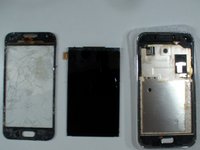
    • Here we have Samsung Galaxy J1 with broken glass and screen.

    • We will replace the touch screen and the LCD.

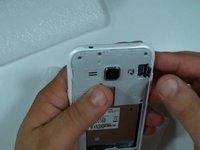
    • First remove the battery and any installed SIM and memory cards.

  2. Samsung Galaxy J1 / J100 Touch Screen & LCD Replacement: 2 단계, 이미지 3개 중 1개 Samsung Galaxy J1 / J100 Touch Screen & LCD Replacement: 2 단계, 이미지 3개 중 2개 Samsung Galaxy J1 / J100 Touch Screen & LCD Replacement: 2 단계, 이미지 3개 중 3개
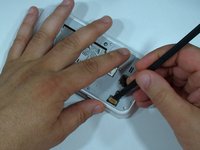
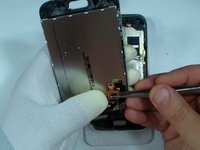
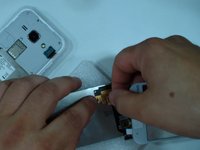
    • Under this plastic is the LCD flex cable connector.

    • Use a tool with a needlepoint and remove it.

  3. Samsung Galaxy J1 / J100 Touch Screen & LCD Replacement: 3 단계, 이미지 3개 중 1개 Samsung Galaxy J1 / J100 Touch Screen & LCD Replacement: 3 단계, 이미지 3개 중 2개 Samsung Galaxy J1 / J100 Touch Screen & LCD Replacement: 3 단계, 이미지 3개 중 3개
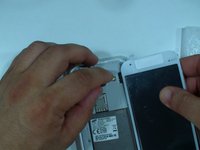
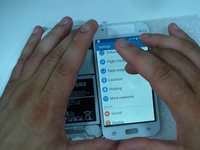
    • Disconnect the LCD flex cable.

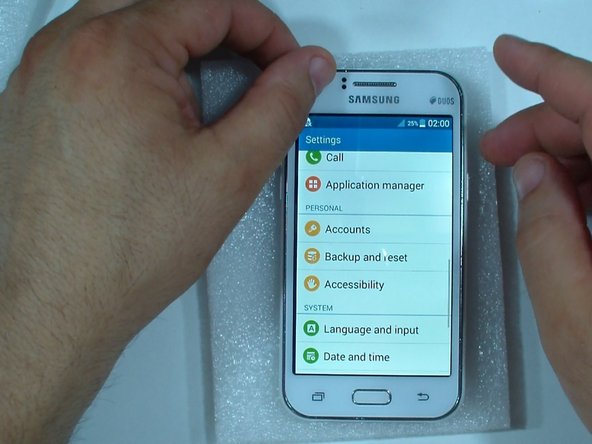
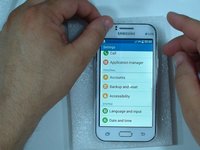
    • When I can, I always test new replacement part before I install it.

  4. Samsung Galaxy J1 / J100 Touch Screen & LCD Replacement: 4 단계, 이미지 3개 중 1개 Samsung Galaxy J1 / J100 Touch Screen & LCD Replacement: 4 단계, 이미지 3개 중 2개 Samsung Galaxy J1 / J100 Touch Screen & LCD Replacement: 4 단계, 이미지 3개 중 3개
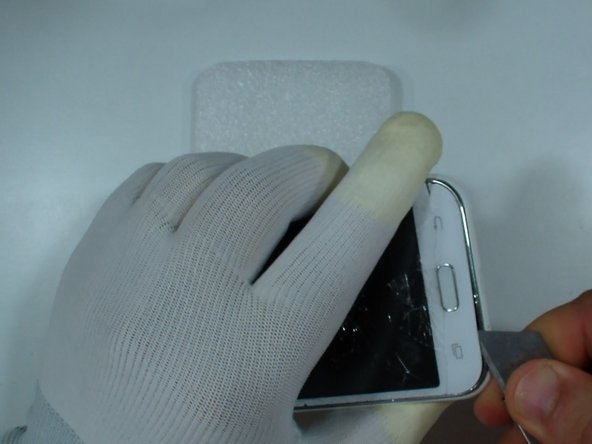
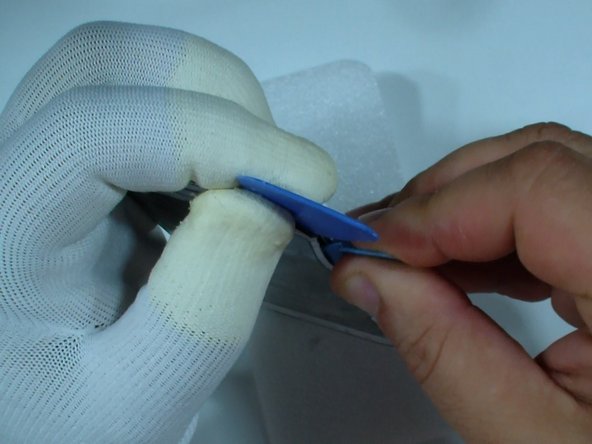
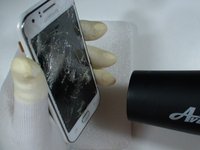
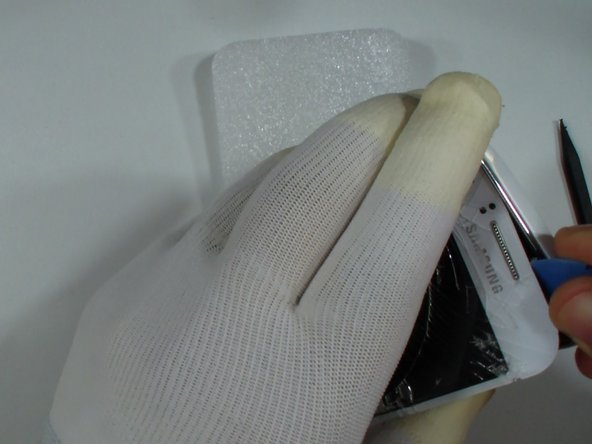
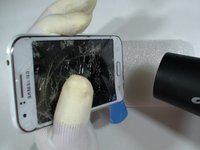
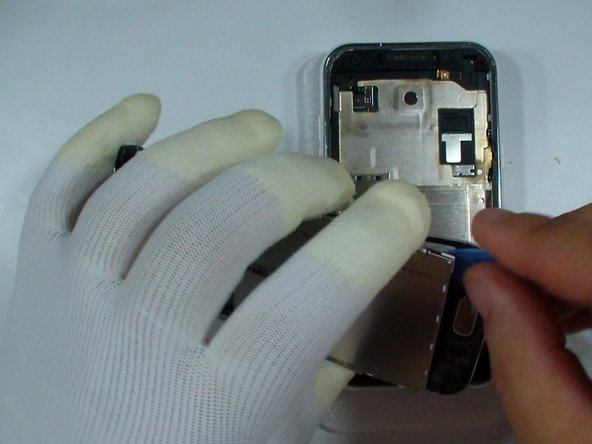
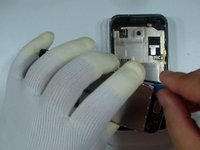
    • Use hot air to warm the glass and to make adhesive soften.

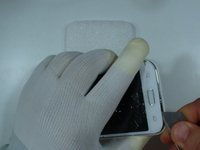
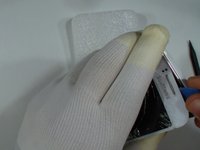
    • With a cutter or knife start the separation.

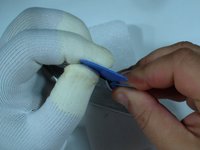
    • When you have enough space between the glass and the frame, continue with a plastic tool.

  5. Samsung Galaxy J1 / J100 Touch Screen & LCD Replacement: 5 단계, 이미지 3개 중 1개 Samsung Galaxy J1 / J100 Touch Screen & LCD Replacement: 5 단계, 이미지 3개 중 2개 Samsung Galaxy J1 / J100 Touch Screen & LCD Replacement: 5 단계, 이미지 3개 중 3개
    • You can warm the glass again to make the separation more easy.

    • If you want to change only the touch screen, be careful, don't break the LCD.

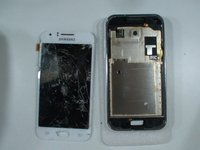
    • Finally remove the screen and the glass from the frame.

  6. Samsung Galaxy J1 / J100 Touch Screen & LCD Replacement: 6 단계, 이미지 3개 중 1개 Samsung Galaxy J1 / J100 Touch Screen & LCD Replacement: 6 단계, 이미지 3개 중 2개 Samsung Galaxy J1 / J100 Touch Screen & LCD Replacement: 6 단계, 이미지 3개 중 3개
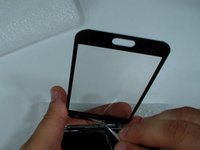
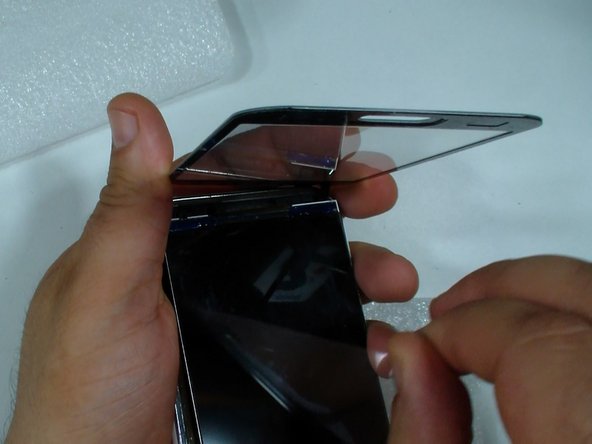
    • If you want to change only the glass, disconnect the touch screen flex cable and gently separate the glass from the LCD.

  7. Samsung Galaxy J1 / J100 Touch Screen & LCD Replacement: 7 단계, 이미지 3개 중 1개 Samsung Galaxy J1 / J100 Touch Screen & LCD Replacement: 7 단계, 이미지 3개 중 2개 Samsung Galaxy J1 / J100 Touch Screen & LCD Replacement: 7 단계, 이미지 3개 중 3개
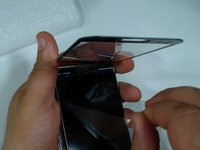
    • Connect the touch screen to the LCD flex cable.

    • Put the LCD and the screen in their place.

    • Remove the protector from the touch screen.

    • Install the earpiece metal plate - take it from the old touch screen.
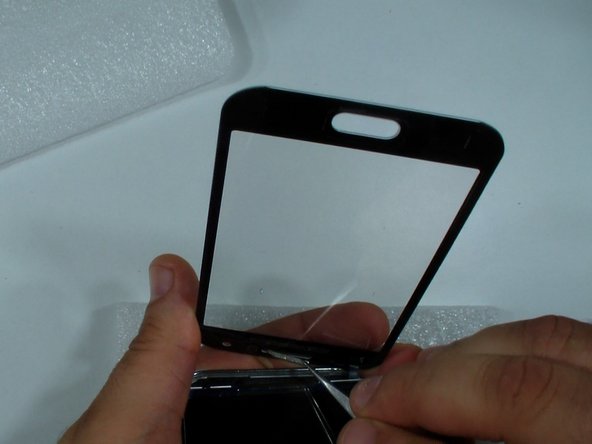
    • Remove the protector from the LCD (if it's new).

  8. Samsung Galaxy J1 / J100 Touch Screen & LCD Replacement: 8 단계, 이미지 2개 중 1개 Samsung Galaxy J1 / J100 Touch Screen & LCD Replacement: 8 단계, 이미지 2개 중 2개
    • Connect the LCD flex cable and you are ready.

결론

To reassemble your device, follow these instructions in reverse order.

다른 114명이 해당 안내서를 완성하였습니다.

작성자

2다른 기여자 명과 함께

ZFix

회원 가입일: 12/09/13

195,889 평판

안내서 330개를 작성함

Master Techs Master Techs 회원

Community

329 회원들

안내서 1,451개를 작성함

25가이드 댓글

Bonjour, ou peux t on trouver l'écran et la vitre de protection ? Merci d'avance

Romain - 답글
How much is the cost for Galaxy J1 replacement glass?

Charles Young - 답글

It costs from 18€ up to 25€.

Johannes Franzen -

none of my inventions are that price

nikola tesla -

댓글 쓰기

조회 통계:

지난 24시간: 2

지난 7일: 22

지난 30일: 88

전체 시간: 149,636