주요 콘텐츠로 건너뛰기
수리 커뮤니티 가입 - 계정 만들기

Samsung Galaxy Luna Motherboard Replacement

조회수: 1.4천

통계 보기:

지난 24시간
1
지난 7일:
14
지난 30일:
54
전체 시간:
1,373
댓글: 1

1 comment on steps.

완료함: 2

2명이 이 안내서를 "완료"로 표시했습니다. 다음은 귀하의 차례입니까?

즐겨찾기: 0

해당 안내서에 좋아요를 누르고 구독한 사람이 아직 없습니다. 첫 번째 주인공이 되시겠습니까?

소요 시간: 15 - 20 분
난이도: 조정
Samsung Galaxy Luna Motherboard Replacement

Use this guide to replace the motherboard.

필요한 것

도구

    1. Samsung Galaxy Luna Motherboard Replacement, SIM Card: 1 단계, 이미지 1개 중 1개
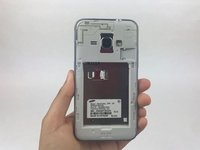
      • Using a plastic opening tool, pry the divot to the left of the camera to take off the rear case.

      댓글 쓰기

    2. Samsung Galaxy Luna Motherboard Replacement: 2 단계, 이미지 1개 중 1개
      • Pull the corner nearest to the divot to remove the case from the phone.

      댓글 쓰기

    3. Samsung Galaxy Luna Motherboard Replacement: 3 단계, 이미지 2개 중 1개 Samsung Galaxy Luna Motherboard Replacement: 3 단계, 이미지 2개 중 2개
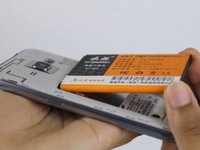
      • Place your fingernail or a prying tool at the bottom of the battery and pry it out of the case.

      댓글 쓰기

    4. Samsung Galaxy Luna Motherboard Replacement: 4 단계, 이미지 2개 중 1개 Samsung Galaxy Luna Motherboard Replacement: 4 단계, 이미지 2개 중 2개
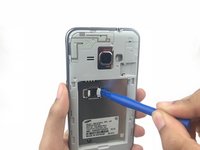
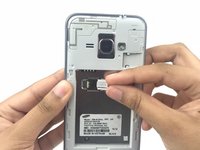
      • By using your finger or a plastic opening tool, push the SIM card further into its container until a click is heard.

      • Once the click is heard grab the SIM card and slide it out of the container.

      • Remove the SIM card completely.

      • During reassembly, slide the new SIM card into the slot until a click is heard.

      댓글 쓰기

    1. Samsung Galaxy Luna Motherboard Replacement, Motherboard: 5 단계, 이미지 3개 중 1개 Samsung Galaxy Luna Motherboard Replacement, Motherboard: 5 단계, 이미지 3개 중 2개 Samsung Galaxy Luna Motherboard Replacement, Motherboard: 5 단계, 이미지 3개 중 3개
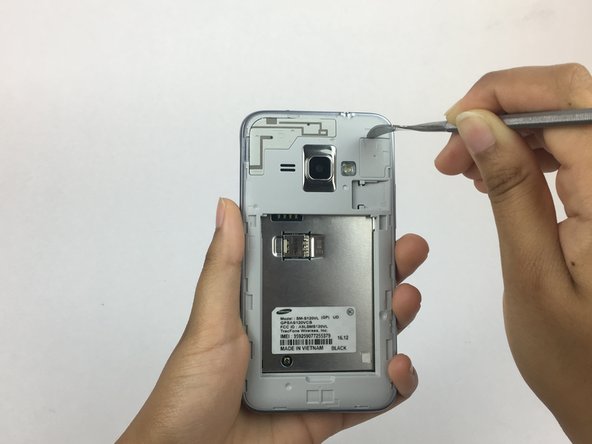
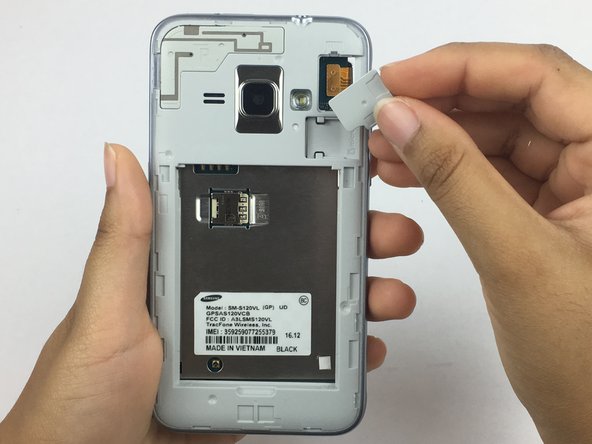
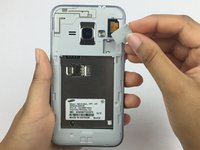
      • Use a plastic opening tool, or your fingernail to to take off the rear case by prying the divot to the left of the camera.

      • Lift the rear case by the corner nearest the divot and remove it from the phone.

      • Using an opening tool, take off the cover for the digitizer connector.

      • detach the connector with a tweezer or a plastic spudger.

      댓글 쓰기

    2. Samsung Galaxy Luna Motherboard Replacement: 6 단계, 이미지 3개 중 1개 Samsung Galaxy Luna Motherboard Replacement: 6 단계, 이미지 3개 중 2개 Samsung Galaxy Luna Motherboard Replacement: 6 단계, 이미지 3개 중 3개
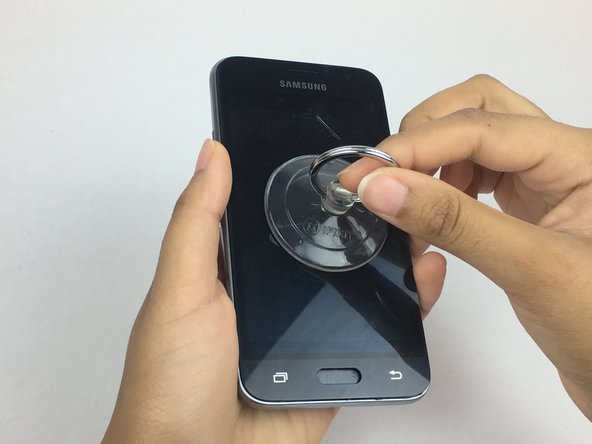
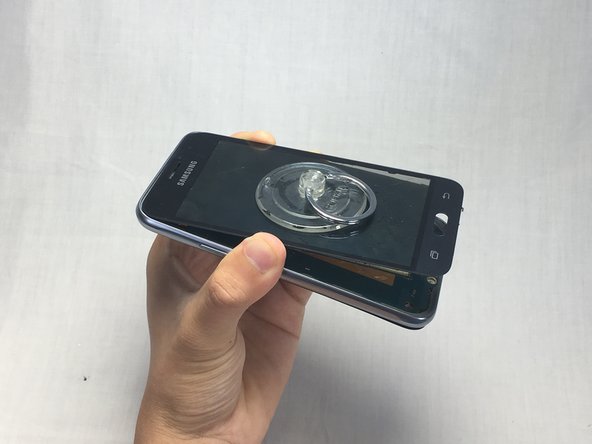
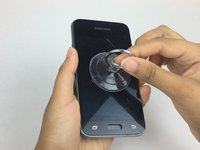
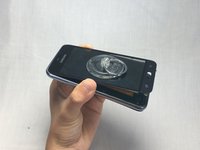
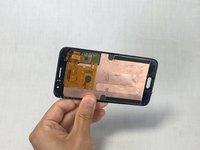
      • Place small suction cup on the center of screen and press firmly.

      • Hold the back of the phone and pull on the suction cup gently until the screen begins to bend.

      댓글 쓰기

    3. Samsung Galaxy Luna Motherboard Replacement: 7 단계, 이미지 2개 중 1개 Samsung Galaxy Luna Motherboard Replacement: 7 단계, 이미지 2개 중 2개
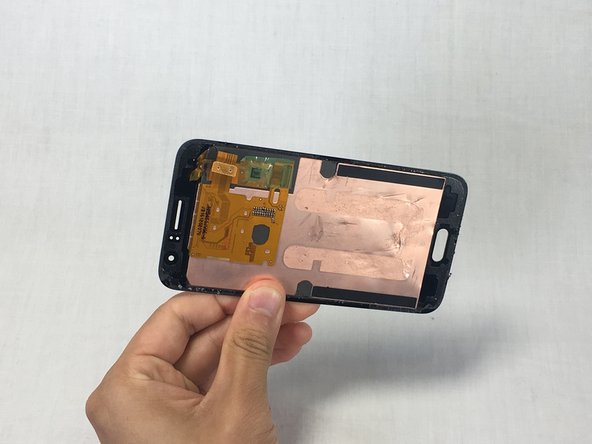
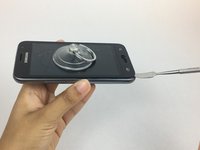
      • Insert the small metal spudger into an opening on the phone and pry off the screen.

      • Avoid tearing any exposed circuits as the screen is being removed.

      • Make sure the screen is completely detached from the motherboard before removing it.

      댓글 쓰기

    4. Samsung Galaxy Luna Motherboard Replacement: 8 단계, 이미지 2개 중 1개 Samsung Galaxy Luna Motherboard Replacement: 8 단계, 이미지 2개 중 2개
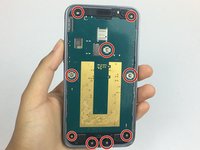
      • Using a Philips PH000 screwdriver, remove the nine 3 mm screws.

      댓글 쓰기

    5. Samsung Galaxy Luna Motherboard Replacement: 9 단계, 이미지 2개 중 1개 Samsung Galaxy Luna Motherboard Replacement: 9 단계, 이미지 2개 중 2개
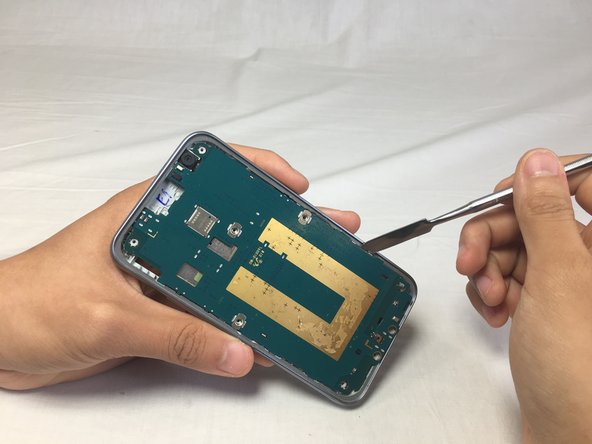
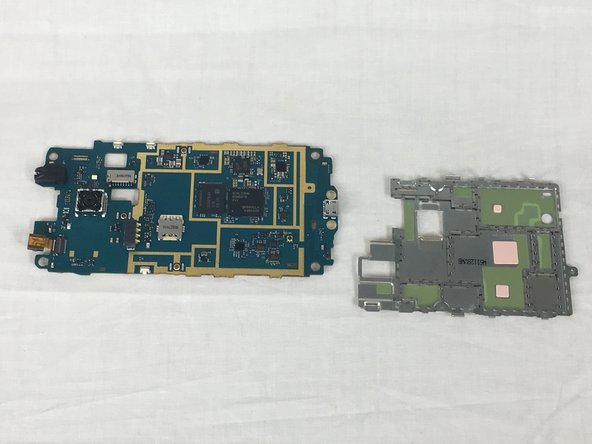
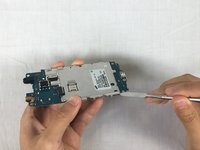
      • Using a metal spudger, gently pry the button frame off the motherboard.

      • Do the same for the motherboard.

      • Avoid scraping the circuitry on the motherboard, as they can be very fragile.

      댓글 쓰기

    6. Samsung Galaxy Luna Motherboard Replacement: 10 단계, 이미지 3개 중 1개 Samsung Galaxy Luna Motherboard Replacement: 10 단계, 이미지 3개 중 2개 Samsung Galaxy Luna Motherboard Replacement: 10 단계, 이미지 3개 중 3개
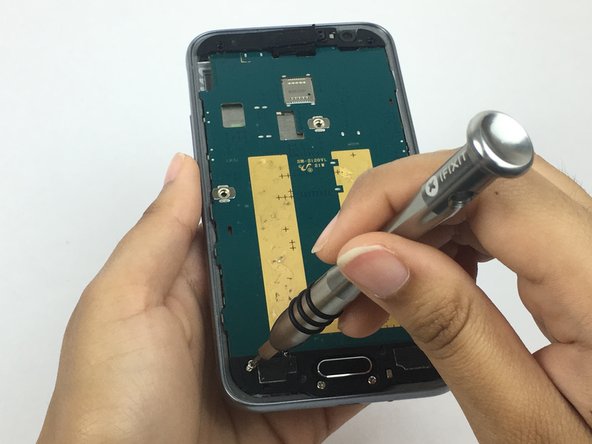
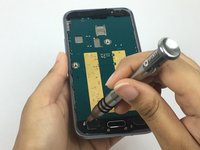
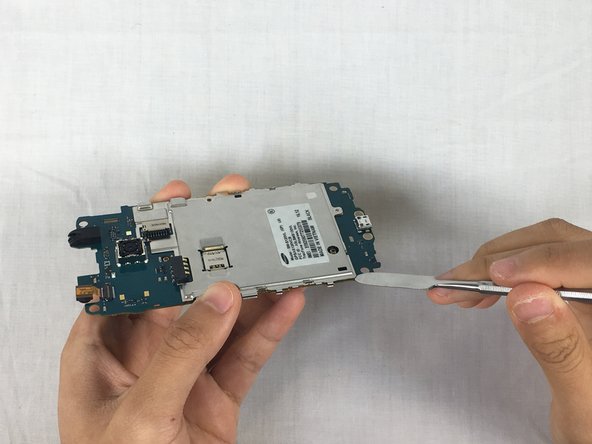
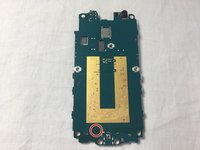
      • Using a Philips PH000 screwdriver, remove the black screw.

      • Use the metal spudger to pry open the motherboard cover.

      • Be careful when prying the cover of the motherboard. avoid scratching the motherboard circuitry.

      댓글 쓰기

결론

To reassemble your device, follow these instructions in reverse order.

취소: 해당 안내서를 완성하지 않았습니다.

다른 2명이 해당 안내서를 완성하였습니다.

작성자

4다른 기여자

Jahina Al Balushi

회원 가입일: 02/14/18

188 평판

안내서 1개를 작성함

팀

USF Tampa, Team S6-G1, Eyestone Spring 2018 USF Tampa, Team S6-G1, Eyestone Spring 2018 회원

USFT-EYESTONE-S18S6G1

4 회원들

안내서 60개를 작성함

0가이드 댓글

댓글 쓰기

조회 통계:

지난 24시간: 1

지난 7일: 14

지난 30일: 54

전체 시간: 1,373