주요 콘텐츠로 건너뛰기
수리 커뮤니티 가입 - 계정 만들기

Samsung Galaxy Note Display Assembly Replacement

필요한 것

  1. Samsung Galaxy Note Display Assembly Replacement, Stylus: 1 단계, 이미지 2개 중 1개 Samsung Galaxy Note Display Assembly Replacement, Stylus: 1 단계, 이미지 2개 중 2개
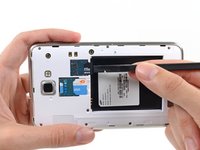
    • Grasp the cap of the stylus and remove it from its slot in the midframe.

  2. Samsung Galaxy Note Display Assembly Replacement, Rear Case: 2 단계, 이미지 2개 중 1개 Samsung Galaxy Note Display Assembly Replacement, Rear Case: 2 단계, 이미지 2개 중 2개
    • Pry with a plastic opening tool, or your fingernail, in the divot to the right of the rear-facing camera, near the volume rocker.

  3. Samsung Galaxy Note Display Assembly Replacement: 3 단계, 이미지 2개 중 1개 Samsung Galaxy Note Display Assembly Replacement: 3 단계, 이미지 2개 중 2개
    • Lift and remove the rear case from the phone.

  4. Samsung Galaxy Note Display Assembly Replacement, Battery: 4 단계, 이미지 2개 중 1개 Samsung Galaxy Note Display Assembly Replacement, Battery: 4 단계, 이미지 2개 중 2개
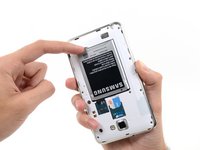
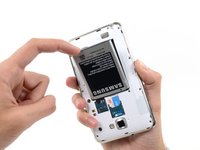
    • Insert your finger in the notch of the battery compartment.

    • Press the battery toward the rear facing camera while pulling outward.

  5. Samsung Galaxy Note Display Assembly Replacement, MicroSD Card: 5 단계, 이미지 3개 중 1개 Samsung Galaxy Note Display Assembly Replacement, MicroSD Card: 5 단계, 이미지 3개 중 2개 Samsung Galaxy Note Display Assembly Replacement, MicroSD Card: 5 단계, 이미지 3개 중 3개
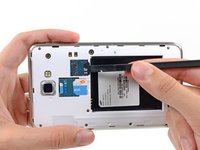
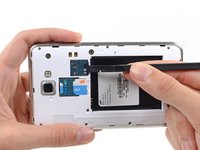
    • Use the flat end of a spudger, or your fingernail, to press the microSD card slightly deeper into its slot until you hear a click.

    • After the click, release the card and it will pop out of its slot.

    • For reassembly, push the microSD card into the slot until it clicks in place.

  6. Samsung Galaxy Note Display Assembly Replacement: 6 단계, 이미지 1개 중 1개
    • Remove the microSD card from its slot in the midframe.

  7. Samsung Galaxy Note Display Assembly Replacement, SIM Card: 7 단계, 이미지 2개 중 1개 Samsung Galaxy Note Display Assembly Replacement, SIM Card: 7 단계, 이미지 2개 중 2개
    • Use a plastic opening tool, or your fingernail, to push the SIM card out of its compartment.

  8. Samsung Galaxy Note Display Assembly Replacement: 8 단계, 이미지 2개 중 1개 Samsung Galaxy Note Display Assembly Replacement: 8 단계, 이미지 2개 중 2개
    • Slide the SIM card out the rest of the way with your thumb and remove it from the device.

  9. Samsung Galaxy Note Display Assembly Replacement, Midframe: 9 단계, 이미지 1개 중 1개
    • Remove the nine 3.4 mm Phillips #00 screws securing the midframe to the display assembly.

  10. Samsung Galaxy Note Display Assembly Replacement: 10 단계, 이미지 2개 중 1개 Samsung Galaxy Note Display Assembly Replacement: 10 단계, 이미지 2개 중 2개
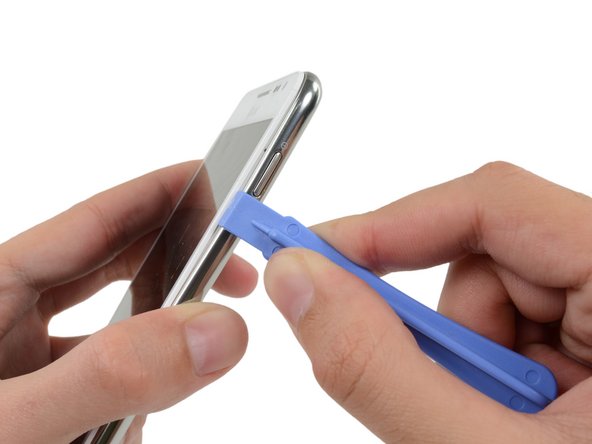
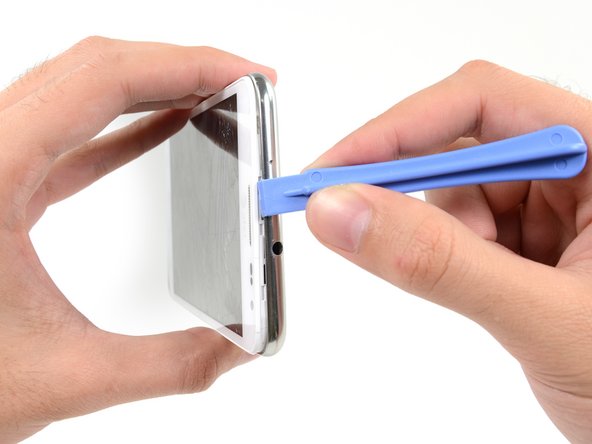
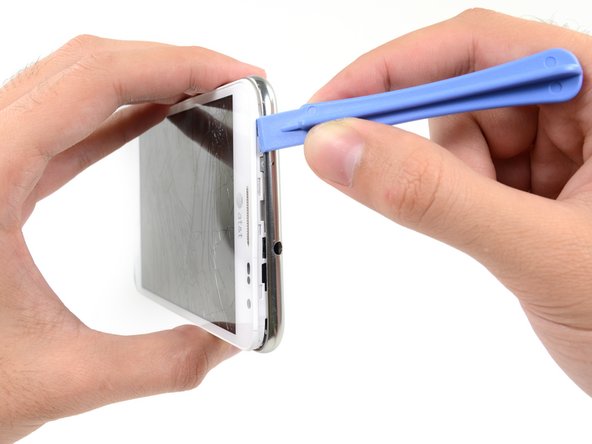
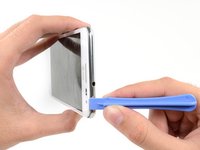
    • Insert your plastic opening tool to the left of the power button between the midframe and the front panel assembly and pry.

  11. Samsung Galaxy Note Display Assembly Replacement: 11 단계, 이미지 3개 중 1개 Samsung Galaxy Note Display Assembly Replacement: 11 단계, 이미지 3개 중 2개 Samsung Galaxy Note Display Assembly Replacement: 11 단계, 이미지 3개 중 3개
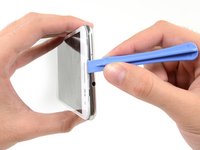
    • Slide the plastic opening tool down the seam.

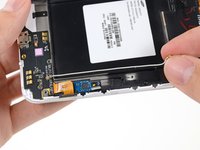
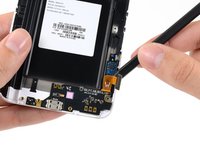
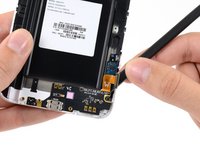
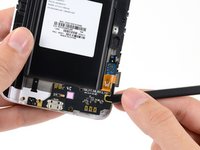
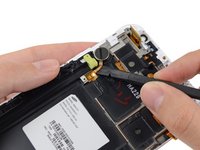
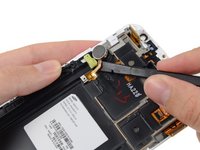
  12. Samsung Galaxy Note Display Assembly Replacement: 12 단계, 이미지 3개 중 1개 Samsung Galaxy Note Display Assembly Replacement: 12 단계, 이미지 3개 중 2개 Samsung Galaxy Note Display Assembly Replacement: 12 단계, 이미지 3개 중 3개
    • Insert your plastic opening tool to the left of the headphone jack between the midframe and the display assembly.

    • Slide the opening tool along the top edge of the phone.

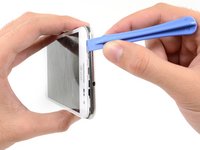
    • Continue to run the plastic opening tool around the perimeter of the phone until the midframe is separated.

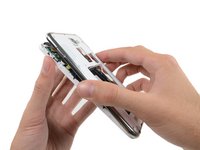
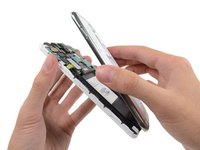
  13. Samsung Galaxy Note Display Assembly Replacement: 13 단계, 이미지 2개 중 1개 Samsung Galaxy Note Display Assembly Replacement: 13 단계, 이미지 2개 중 2개
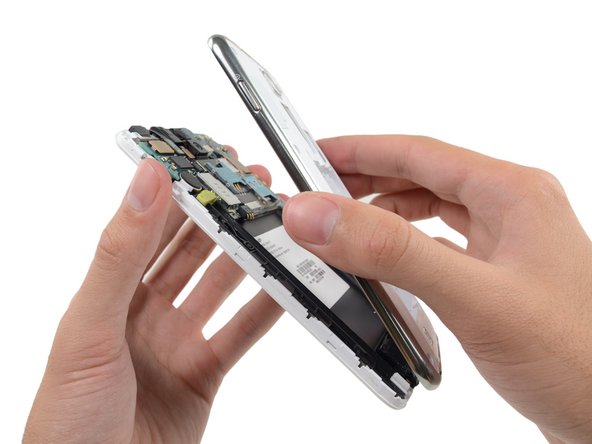
    • Remove the midframe from the display assembly.

  14. Samsung Galaxy Note Display Assembly Replacement, Motherboard Assembly: 14 단계, 이미지 2개 중 1개 Samsung Galaxy Note Display Assembly Replacement, Motherboard Assembly: 14 단계, 이미지 2개 중 2개
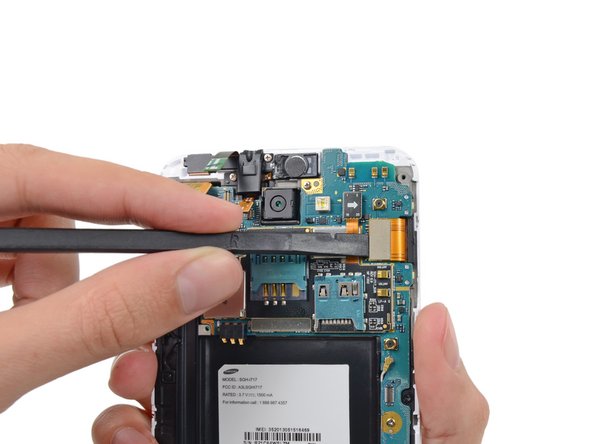
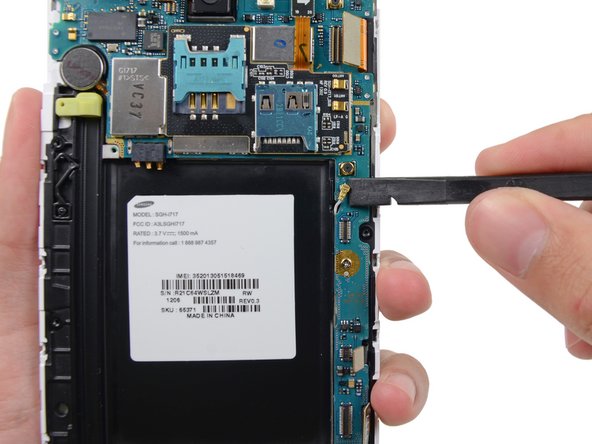
    • Use the flat end of a spudger to carefully disconnect the display cable connector.

  15. Samsung Galaxy Note Display Assembly Replacement: 15 단계, 이미지 3개 중 1개 Samsung Galaxy Note Display Assembly Replacement: 15 단계, 이미지 3개 중 2개 Samsung Galaxy Note Display Assembly Replacement: 15 단계, 이미지 3개 중 3개
    • Use a spudger to disconnect the front-facing camera assembly cable connector.

    • Disconnect the headphone jack/earpiece speaker assembly cable connector.

    • Disconnect the digitizer cable connector.

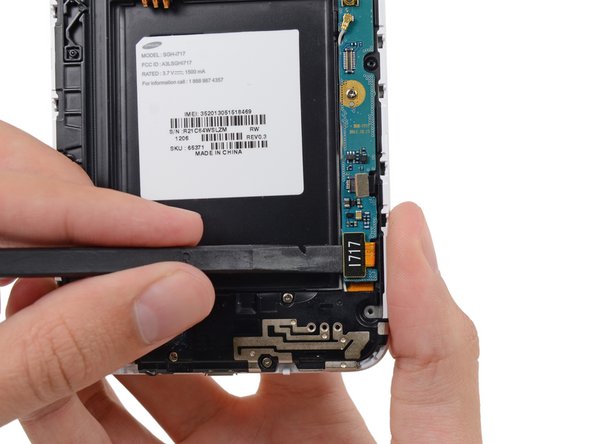
  16. Samsung Galaxy Note Display Assembly Replacement: 16 단계, 이미지 3개 중 1개 Samsung Galaxy Note Display Assembly Replacement: 16 단계, 이미지 3개 중 2개 Samsung Galaxy Note Display Assembly Replacement: 16 단계, 이미지 3개 중 3개
    • Disconnect the soft button cable connector with the flat end of a spudger.

    • Use a spudger to disconnect the USB board cable connector.

    • Disconnect the antenna cable connector.

  17. Samsung Galaxy Note Display Assembly Replacement: 17 단계, 이미지 1개 중 1개
    • Remove the two 3.4 mm Phillips #00 screws securing the motherboard to the display assembly.

  18. Samsung Galaxy Note Display Assembly Replacement: 18 단계, 이미지 2개 중 1개 Samsung Galaxy Note Display Assembly Replacement: 18 단계, 이미지 2개 중 2개
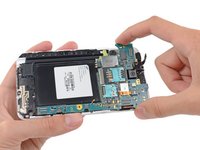
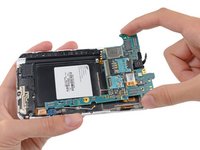
    • Remove the motherboard assembly from the display assembly.

  19. Samsung Galaxy Note Display Assembly Replacement, Display Assembly: 19 단계, 이미지 1개 중 1개
    • Remove the two 3 mm Phillips #00 screws securing the upper display assembly bracket.

  20. Samsung Galaxy Note Display Assembly Replacement: 20 단계, 이미지 2개 중 1개 Samsung Galaxy Note Display Assembly Replacement: 20 단계, 이미지 2개 중 2개
    이 단계에 사용된 도구:
    Tweezers
    $4.99
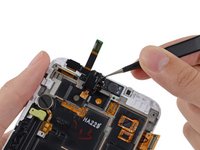
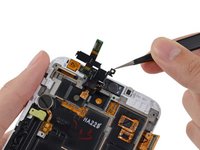
    • Use a pair of tweezers, or your fingers, to remove the upper display assembly bracket.

  21. Samsung Galaxy Note Display Assembly Replacement: 21 단계, 이미지 1개 중 1개
    • Using tweezers, or your fingers, remove the front-facing camera assembly.

  22. Samsung Galaxy Note Display Assembly Replacement: 22 단계, 이미지 2개 중 1개 Samsung Galaxy Note Display Assembly Replacement: 22 단계, 이미지 2개 중 2개
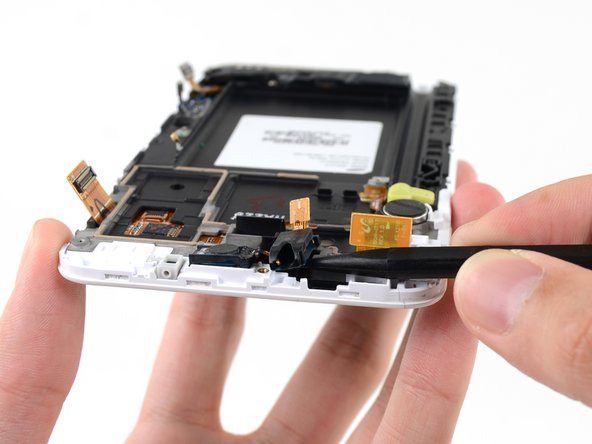
    • Use the tip of a spudger to pry the headphone jack/earpiece speaker assembly out of its recess in the display assembly.

  23. Samsung Galaxy Note Display Assembly Replacement: 23 단계, 이미지 1개 중 1개
    • Use tweezers, or your fingers, to remove the headphone jack/earpiece speaker assembly.

  24. Samsung Galaxy Note Display Assembly Replacement: 24 단계, 이미지 1개 중 1개
    • Remove the three 3 mm Phillips #00 screws securing the speaker enclosure to the front panel assembly.

  25. Samsung Galaxy Note Display Assembly Replacement: 25 단계, 이미지 1개 중 1개
    • Lift the speaker enclosure from the display assembly.

  26. Samsung Galaxy Note Display Assembly Replacement: 26 단계, 이미지 2개 중 1개 Samsung Galaxy Note Display Assembly Replacement: 26 단계, 이미지 2개 중 2개
    • Use the tip of a spudger to disconnect the antenna cable connector from the USB board.

    • Remove the antenna cable.

  27. Samsung Galaxy Note Display Assembly Replacement: 27 단계, 이미지 3개 중 1개 Samsung Galaxy Note Display Assembly Replacement: 27 단계, 이미지 3개 중 2개 Samsung Galaxy Note Display Assembly Replacement: 27 단계, 이미지 3개 중 3개
    • Push the flat end of a spudger under the USB board to separate it from the display assembly.

    • Insert the spudger at a shallow angle to avoid bending or damaging the USB board.

  28. Samsung Galaxy Note Display Assembly Replacement: 28 단계, 이미지 1개 중 1개
    • Remove the USB board.

  29. Samsung Galaxy Note Display Assembly Replacement: 29 단계, 이미지 3개 중 1개 Samsung Galaxy Note Display Assembly Replacement: 29 단계, 이미지 3개 중 2개 Samsung Galaxy Note Display Assembly Replacement: 29 단계, 이미지 3개 중 3개
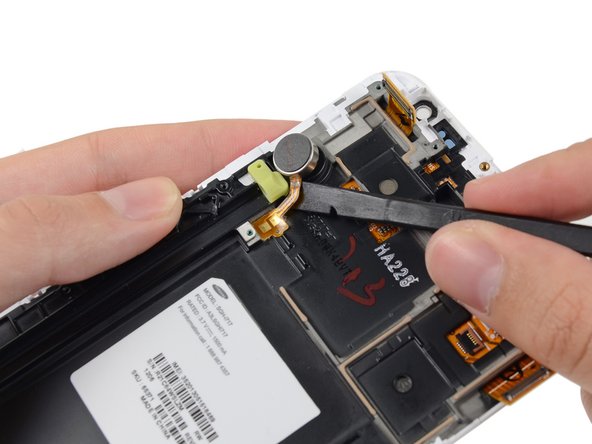
    • Insert the tip of a spudger under the vibrator connector cable near the contacts then slide toward the vibrator itself.

  30. Samsung Galaxy Note Display Assembly Replacement: 30 단계, 이미지 2개 중 1개 Samsung Galaxy Note Display Assembly Replacement: 30 단계, 이미지 2개 중 2개
    • Insert the flat end of a spudger under the vibrator connector cable, and pry it up from the adhesive.

  31. Samsung Galaxy Note Display Assembly Replacement: 31 단계, 이미지 1개 중 1개
    • Remove the vibrator from the display assembly.

결론

To reassemble your device, follow these instructions in reverse order.

다른 43명이 해당 안내서를 완성하였습니다.

작성자

4다른 기여자 명과 함께

Sam Goldheart

회원 가입일: 10/18/12

477,143 평판

안내서 538개를 작성함

iFixit iFixit 회원

Staff

123 회원들

안내서 25,536개를 작성함

6가이드 댓글

étape 31 ensuite ??

Fabrice - 답글 공유

Fantastic !!

omarkhurshid - 답글 공유

i have a galaxy not and its display is badly broken,at the top of the phone(front side),the display is broken so badly that i am able to a little circuit i.e. a brown color wire which is connected to the display.

so my ques. is that can the phone work after repairing or it has gone?

Abhishek Kumbhar - 답글 공유

Hello Abhishek Kumbhar, if the motherboard is not damaged it's all fine. All other parts are replaceable

Georg Fischer - 답글 공유

excellent photos

of samsung 717

murali maroju - 답글 공유

댓글 쓰기

조회 통계:

지난 24시간: 1

지난 7일: 19

지난 30일: 68

전체 시간: 45,035