주요 콘텐츠로 건너뛰기

Samsung Juke Click Wheel Replacement

필요한 것

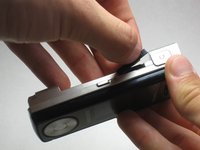
  1. Samsung Juke Click Wheel Replacement, Battery: 1 단계, 이미지 1개 중 1개
    • Press and hold down the button on the bottom side of the phone with your finger.

  2. Samsung Juke Click Wheel Replacement: 2 단계, 이미지 2개 중 1개 Samsung Juke Click Wheel Replacement: 2 단계, 이미지 2개 중 2개
    • While holding the button down, remove the back cover of the phone.

  3. Samsung Juke Click Wheel Replacement, Camera/Speaker: 3 단계, 이미지 1개 중 1개
    • Remove the four screws from the back of the phone using a Phillips #00 screwdriver.

  4. Samsung Juke Click Wheel Replacement: 4 단계, 이미지 1개 중 1개
    • Remove the two 7.3 mm screws from the camera and the speaker at the bottom back plate of the phone using a Phillips #00 screwdriver.

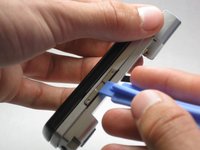
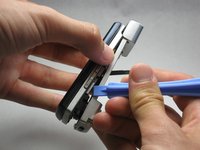
  5. Samsung Juke Click Wheel Replacement: 5 단계, 이미지 3개 중 1개 Samsung Juke Click Wheel Replacement: 5 단계, 이미지 3개 중 2개 Samsung Juke Click Wheel Replacement: 5 단계, 이미지 3개 중 3개
    • Locate the USB port (where the charger can be plugged in). Using the iFixit opening tool, open the phone cover.

    • Failure to open USB port cover at this stage may result in damaging the device.

  6. Samsung Juke Click Wheel Replacement: 6 단계, 이미지 1개 중 1개
    • Remove the 5.5 mm screws from both sides of the camera/speaker with a Phillips #00 screwdriver.

  7. Samsung Juke Click Wheel Replacement: 7 단계, 이미지 2개 중 1개 Samsung Juke Click Wheel Replacement: 7 단계, 이미지 2개 중 2개
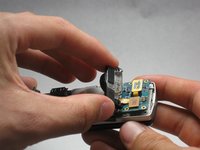
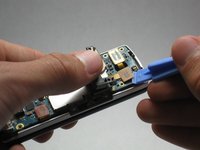
    • Use the iFixit opening tool to remove the camera/speaker from the motherboard.

    • Practice caution to prevent damage to the attaching ribbon.

  8. Samsung Juke Click Wheel Replacement: 8 단계, 이미지 2개 중 1개 Samsung Juke Click Wheel Replacement: 8 단계, 이미지 2개 중 2개
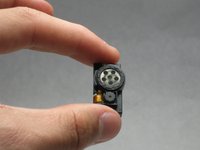
    • Use the iFixit opening tool to gently pry the camera/speaker off.

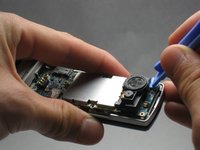
  9. Samsung Juke Click Wheel Replacement, Motherboard: 9 단계, 이미지 2개 중 1개 Samsung Juke Click Wheel Replacement, Motherboard: 9 단계, 이미지 2개 중 2개
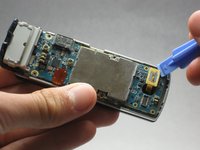
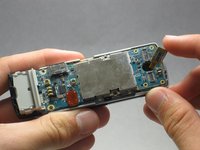
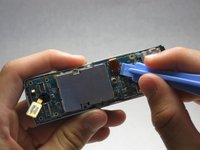
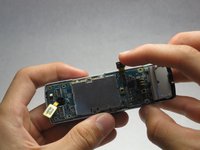
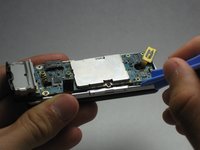
    • Use the iFixit opening tool to remove the yellow tab on the motherboard.

  10. Samsung Juke Click Wheel Replacement: 10 단계, 이미지 2개 중 1개 Samsung Juke Click Wheel Replacement: 10 단계, 이미지 2개 중 2개
    • Use the iFixit opening tool to remove the other orange tab to free the motherboard.

  11. Samsung Juke Click Wheel Replacement: 11 단계, 이미지 3개 중 1개 Samsung Juke Click Wheel Replacement: 11 단계, 이미지 3개 중 2개 Samsung Juke Click Wheel Replacement: 11 단계, 이미지 3개 중 3개
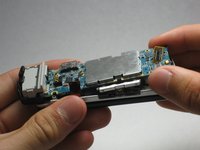
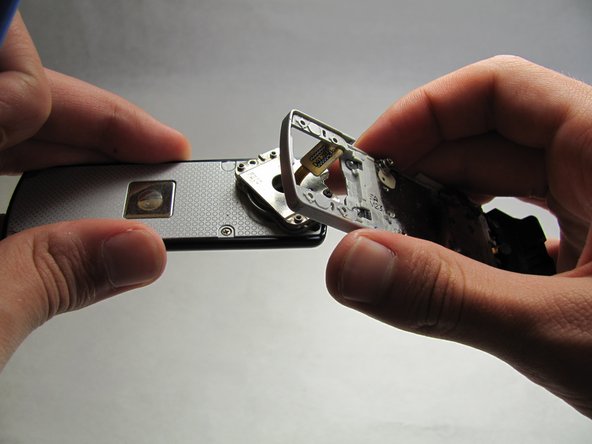
    • To completely remove the motherboard, use the iFixit opening tool to leverage it up, then use your fingers to pull it out.

    • Do not be alarmed if the volume and hold buttons are removed from the motherboard.

  12. Samsung Juke Click Wheel Replacement, Keyboard: 12 단계, 이미지 3개 중 1개 Samsung Juke Click Wheel Replacement, Keyboard: 12 단계, 이미지 3개 중 2개 Samsung Juke Click Wheel Replacement, Keyboard: 12 단계, 이미지 3개 중 3개
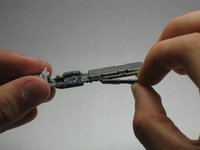
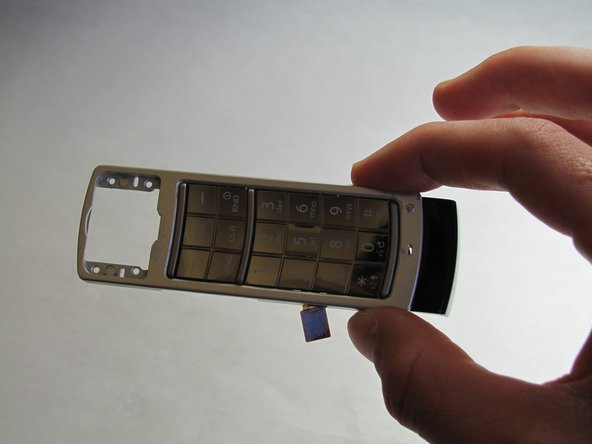
    • Open/swivel the phone so the back of the LCD panel is visible.

    • Use the iFixit opening tool to pry the keypad from the hinge on the back of the device.

    • A moderate amount of force may need to be applied.

  13. Samsung Juke Click Wheel Replacement, Click Wheel: 13 단계, 이미지 2개 중 1개 Samsung Juke Click Wheel Replacement, Click Wheel: 13 단계, 이미지 2개 중 2개
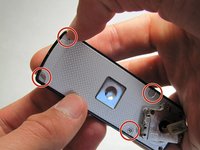
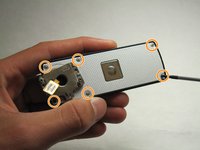
    • Using your fingernail, remove the stickers covering the screws on the back of the LCD casing.

    • Remove six 3.5 mm screws from the back of the device using a Phillips #00 screwdriver.

  14. Samsung Juke Click Wheel Replacement: 14 단계, 이미지 3개 중 1개 Samsung Juke Click Wheel Replacement: 14 단계, 이미지 3개 중 2개 Samsung Juke Click Wheel Replacement: 14 단계, 이미지 3개 중 3개
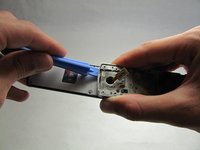
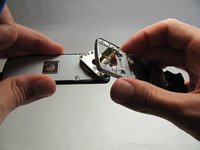
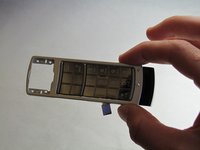
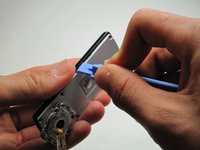
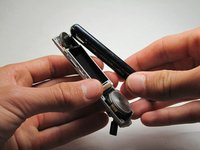
    • Using a generous amount of force, use your hands to pry loose the casing from the LCD panel.

    • If necessary, use the iFixit opening tool to completely free the casing.

    • Be careful not to sever the wire connecting the outer casing to the display board.

  15. Samsung Juke Click Wheel Replacement: 15 단계, 이미지 3개 중 1개 Samsung Juke Click Wheel Replacement: 15 단계, 이미지 3개 중 2개 Samsung Juke Click Wheel Replacement: 15 단계, 이미지 3개 중 3개
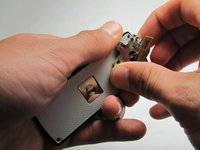
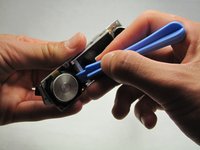
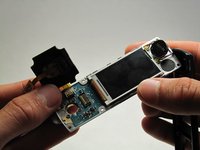
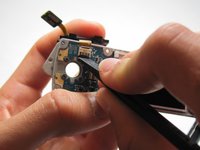
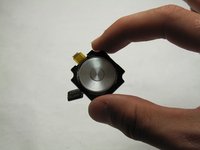
    • Using the iFixit opening tool, remove the click wheel from the board.

    • After you have freed the edges, use the spudger to release the clip holding it flush to the board.

  16. Samsung Juke Click Wheel Replacement: 16 단계, 이미지 3개 중 1개 Samsung Juke Click Wheel Replacement: 16 단계, 이미지 3개 중 2개 Samsung Juke Click Wheel Replacement: 16 단계, 이미지 3개 중 3개
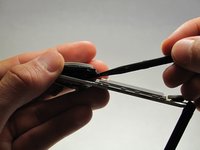
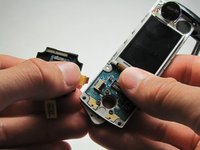
    • Unlock the ribbon connection by pressing down on the black clip.

    • Carefully pull the click wheel away from the device.

결론

To reassemble your device, follow these instructions in reverse order.

다른 한 분이 해당 안내서를 완성하였습니다.

작성자

8다른 기여자 명과 함께

Ryan Turner

회원 가입일: 04/15/10

107 평판

안내서 2개를 작성함

Cal Poly, Team 6-18, Maness Spring 2010 Cal Poly, Team 6-18, Maness Spring 2010 회원

CPSU-MANESS-S10S6G18

3 회원들

안내서 12개를 작성함

1가이드 댓글

All I have to say is: THANK YOU!

My juke's click wheel got stuck, which was draining my battery. I followed the incredibly easy to understand instructions and pictures and was able to free my click wheel. I cleaned the wheel and put my phone back together by going backward though the instructions, turned on my phone, and IT WORKED PERFECTLY. This saved my from having to buy a new, large and extremely expensive phone.

Thank You so much for these great, step-by-step instructions!

Rachel Krebs - 답글
댓글 쓰기

조회 통계:

지난 24시간: 0

지난 7일: 1

지난 30일: 9

전체 시간: 3,532