주요 콘텐츠로 건너뛰기

Samsung PL200 Lens Replacement

필요한 것

  1. Samsung PL200 Lens Replacement, Battery: 1 단계, 이미지 2개 중 1개 Samsung PL200 Lens Replacement, Battery: 1 단계, 이미지 2개 중 2개
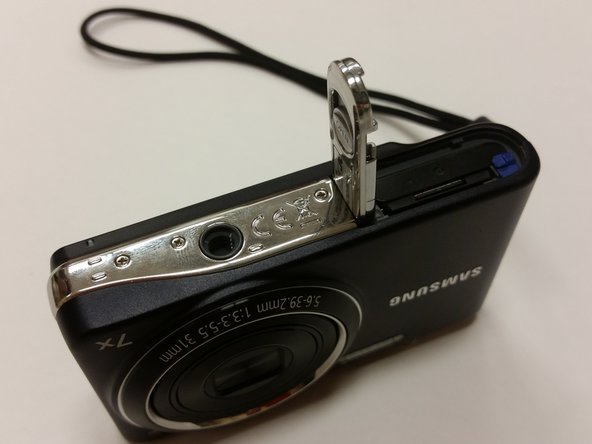
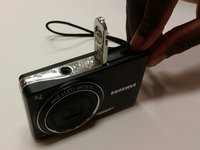
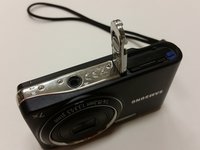
    • Flip Samsung PL200 over to access battery/SD card compartment on the bottom. There is a sliding release button (labeled 'OPEN') that can be slid sideways to open the battery/SD card compartment.

    • Slide this button in the direction that the arrow is pointing to release and open the spring loaded battery/SD card compartment door. Once opened, the battery should be visible.

  2. Samsung PL200 Lens Replacement: 2 단계, 이미지 3개 중 1개 Samsung PL200 Lens Replacement: 2 단계, 이미지 3개 중 2개 Samsung PL200 Lens Replacement: 2 단계, 이미지 3개 중 3개
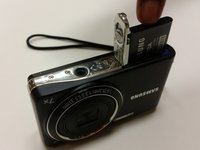
    • Once the battery/SD card compartment is opened, in order to remove the battery, you must push the small blue release button.

    • This will release the spring loaded battery.

    • Use your fingers to remove the old battery.

  3. Samsung PL200 Lens Replacement: 3 단계, 이미지 3개 중 1개 Samsung PL200 Lens Replacement: 3 단계, 이미지 3개 중 2개 Samsung PL200 Lens Replacement: 3 단계, 이미지 3개 중 3개
    • Insert the new battery into the battery slot.

    • Push it down with your finger until the blue release switch re-engages over top of the battery.

    • Close the battery/SD card compartment.

  4. Samsung PL200 Lens Replacement, LCD Screen: 4 단계, 이미지 1개 중 1개
    • Remove the six 3 mm external screws from the camera base using the Phillips #000 screwdriver.

  5. Samsung PL200 Lens Replacement: 5 단계, 이미지 3개 중 1개 Samsung PL200 Lens Replacement: 5 단계, 이미지 3개 중 2개 Samsung PL200 Lens Replacement: 5 단계, 이미지 3개 중 3개
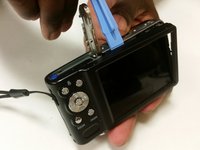
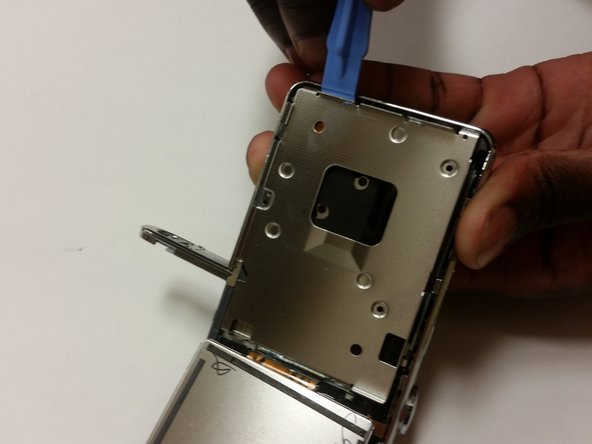
    • Use the plastic opening tools and your fingers to pull the external cover off.

  6. Samsung PL200 Lens Replacement: 6 단계, 이미지 2개 중 1개 Samsung PL200 Lens Replacement: 6 단계, 이미지 2개 중 2개
    이 단계에 사용된 도구:
    Tweezers
    $4.99
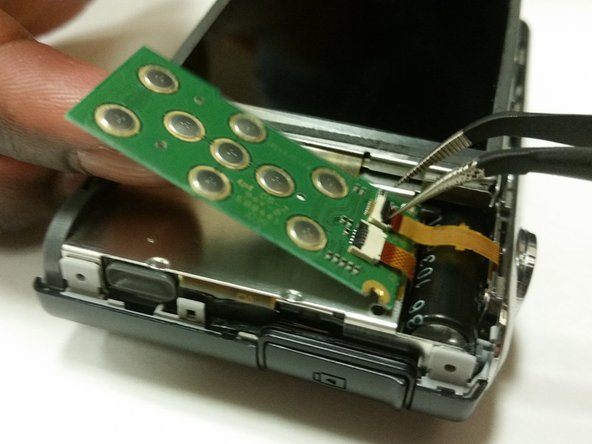
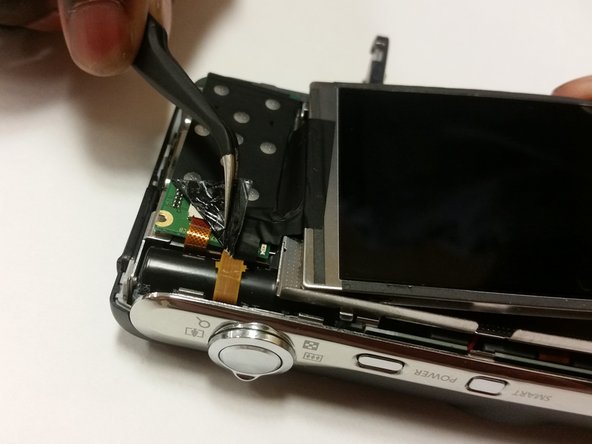
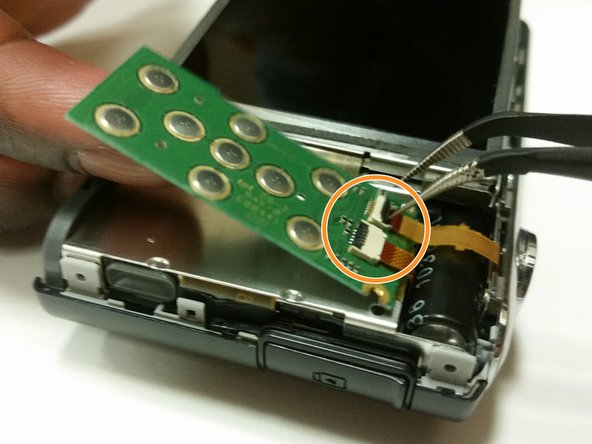
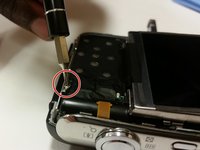
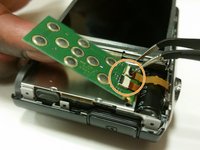
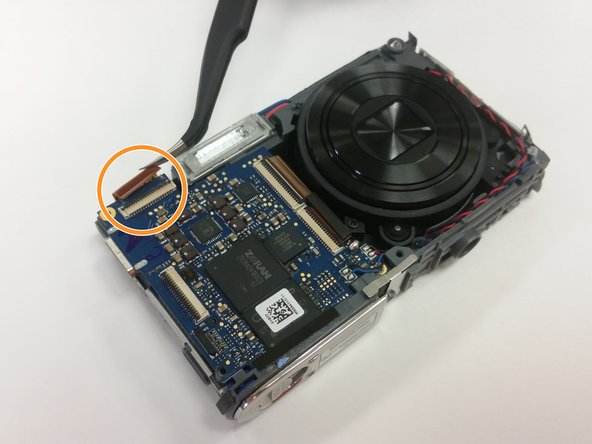
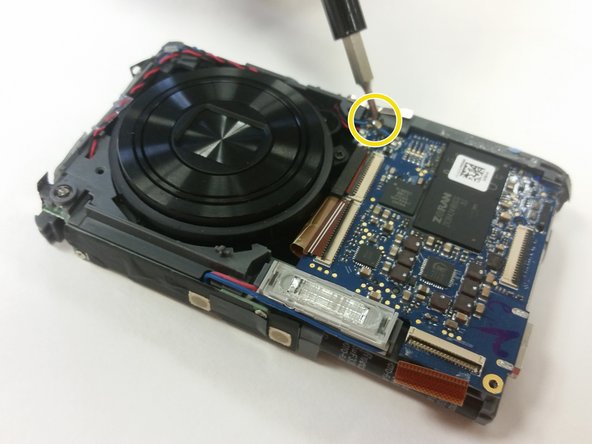
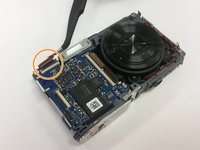
    • Remove the 3 mm screw holding the circuit board.

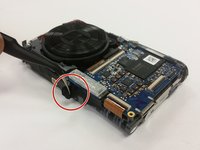
    • Use a pair of tweezers to detach the two ribbon cables connecting the circuit board to the camera.

    • Remove the circuit board.

  7. Samsung PL200 Lens Replacement: 7 단계, 이미지 2개 중 1개 Samsung PL200 Lens Replacement: 7 단계, 이미지 2개 중 2개
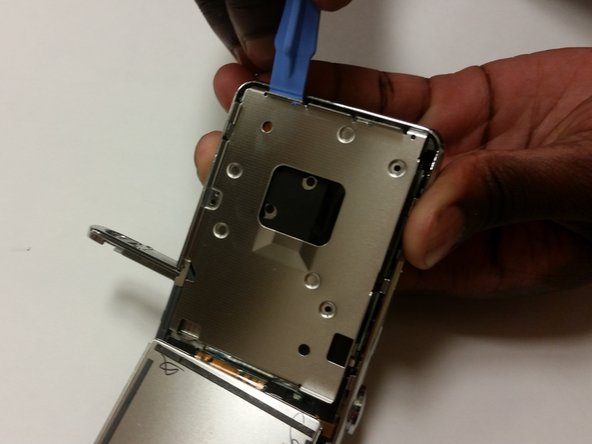
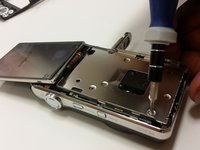
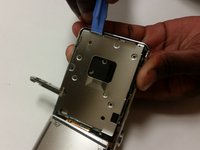
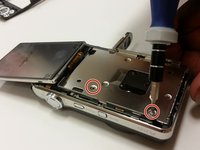
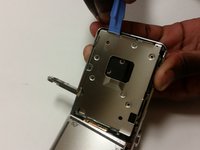
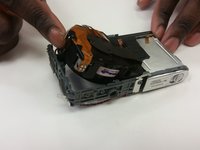
    • Flip the LCD screen forward and remove the two 3 mm screws holding the metal midframe using a Phillips #000 screwdriver.

    • Remove the midframe using an opening tool.

  8. Samsung PL200 Lens Replacement: 8 단계, 이미지 1개 중 1개
    • Remove the front cover. It will come off fairly easily.

  9. Samsung PL200 Lens Replacement: 9 단계, 이미지 2개 중 1개 Samsung PL200 Lens Replacement: 9 단계, 이미지 2개 중 2개
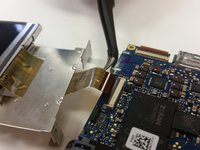
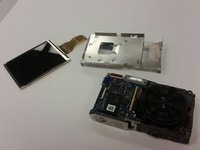
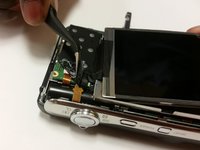
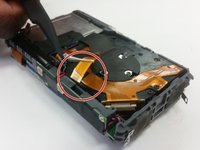
    • Lift the black strip and the ribbon will easily come out.

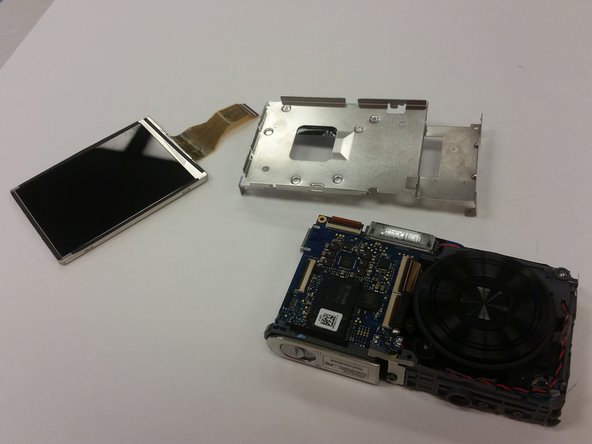
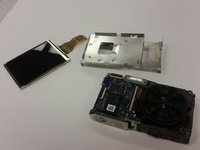
    • After doing this, the LCD screen will be separated from the camera.

  10. Samsung PL200 Lens Replacement, SD Card: 10 단계, 이미지 2개 중 1개 Samsung PL200 Lens Replacement, SD Card: 10 단계, 이미지 2개 중 2개
    • Push the battery cover over to access battery/SD card compartment on the bottom.

    • There is a sliding release button (labeled 'OPEN') that can be slid sideways to open the battery/SD card compartment.

    • Slide this button in the direction that the arrow is pointing to release and open the spring loaded battery/sd compartment door.

  11. Samsung PL200 Lens Replacement: 11 단계, 이미지 2개 중 1개 Samsung PL200 Lens Replacement: 11 단계, 이미지 2개 중 2개
    • Once the battery/SD card compartment is opened, simply push the SD card down to activate the spring loaded ejector to raise SD card.

    • Use your fingers to remove the old SD card.

    • Insert the new SD card into the SD card slot and push it down all the way until it clicks and remains flush with battery.

    • Close the battery/SD card compartment.

  12. Samsung PL200 Lens Replacement, Lens: 12 단계, 이미지 2개 중 1개 Samsung PL200 Lens Replacement, Lens: 12 단계, 이미지 2개 중 2개
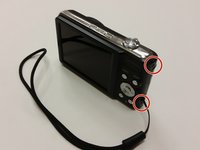
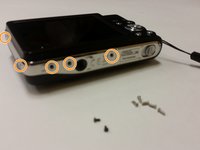
    • Remove the two black 3 mm screws from the right side of the camera using a Phillips #000 screwdriver.

    • Remove the five silver 3 mm screws from the camera's side and bottom using a Phillips #000 screwdriver.

  13. Samsung PL200 Lens Replacement: 13 단계, 이미지 2개 중 1개 Samsung PL200 Lens Replacement: 13 단계, 이미지 2개 중 2개
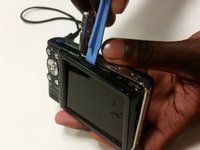
    • Use a plastic opening tool and your fingers to pry off the external cover.

  14. Samsung PL200 Lens Replacement: 14 단계, 이미지 3개 중 1개 Samsung PL200 Lens Replacement: 14 단계, 이미지 3개 중 2개 Samsung PL200 Lens Replacement: 14 단계, 이미지 3개 중 3개
    이 단계에 사용된 도구:
    Tweezers
    $4.99
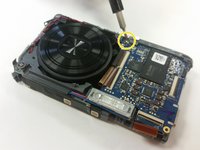
    • Remove the single 3 mm screw securing the circuit board with a Phillips #000 screwdriver.

    • Remove any leftover tape on the circuit board and screen.

    • Unplug and remove the wires from the circuit board using a set of tweezers.

  15. Samsung PL200 Lens Replacement: 15 단계, 이미지 2개 중 1개 Samsung PL200 Lens Replacement: 15 단계, 이미지 2개 중 2개
    • Flip the LCD screen forward and out to the side.

    • Use a Phillips #000 screwdriver to remove the two 3 mm screws beneath the LCD screen.

    • Remove the metal brace using the Plastic Opening Tool.

  16. Samsung PL200 Lens Replacement: 16 단계, 이미지 2개 중 1개 Samsung PL200 Lens Replacement: 16 단계, 이미지 2개 중 2개
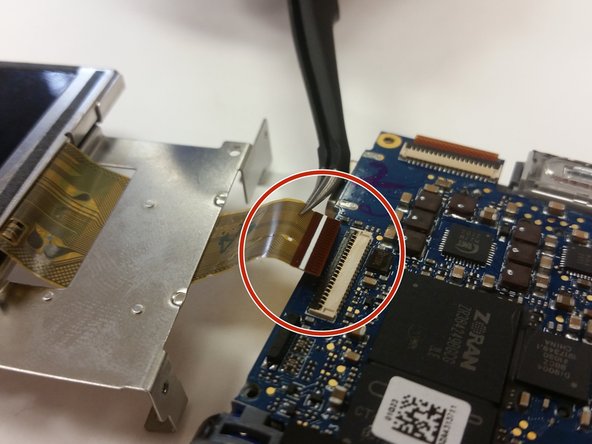
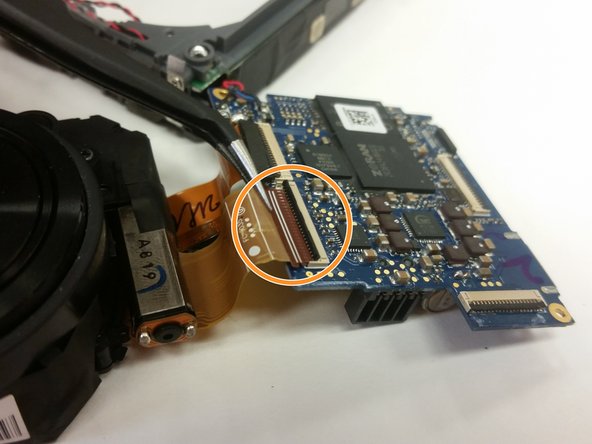
    • Flip the ZIF connector's locking bar vertically, then gently remove the ribbon cable.

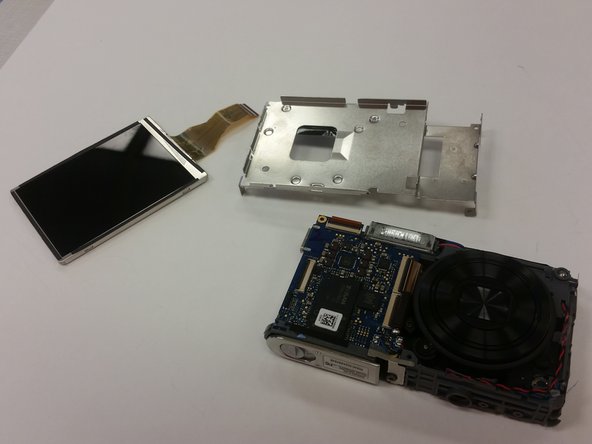
    • Remove the screen.

  17. Samsung PL200 Lens Replacement: 17 단계, 이미지 1개 중 1개
    • Remove the front cover of the camera using your fingers and a plastic opening tool.

  18. Samsung PL200 Lens Replacement: 18 단계, 이미지 1개 중 1개
    • Set the screen and metal brace aside.

    • Open the camera’s battery compartment on the bottom part of the camera.

  19. Samsung PL200 Lens Replacement: 19 단계, 이미지 1개 중 1개
    • Remove the two 3 mm corner screws that secure the motherboard, with a Phillips #000 screwdriver.

    • Remove any leftover tape that may still be on the motherboard.

  20. Samsung PL200 Lens Replacement: 20 단계, 이미지 3개 중 1개 Samsung PL200 Lens Replacement: 20 단계, 이미지 3개 중 2개 Samsung PL200 Lens Replacement: 20 단계, 이미지 3개 중 3개
    • Use tweezers to remove the tape from the bottom of the camera.

    • Then use the tweezers to disconnect the lens unit cord at the bottom of the camera from the motherboard.

    • Remove the last 3 mm screw securing the motherboard with a Phillips #00 screwdriver.

  21. Samsung PL200 Lens Replacement: 21 단계, 이미지 3개 중 1개 Samsung PL200 Lens Replacement: 21 단계, 이미지 3개 중 2개 Samsung PL200 Lens Replacement: 21 단계, 이미지 3개 중 3개
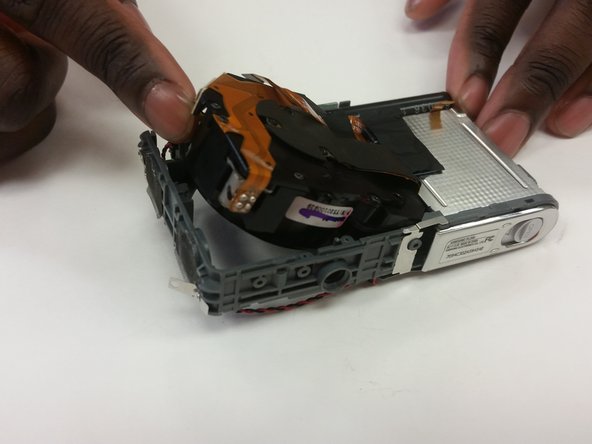
    • Use tweezers to unplug the small lens unit cord from the camera frame on the backside of the camera.

    • Gently lift the lens unit from the frame.

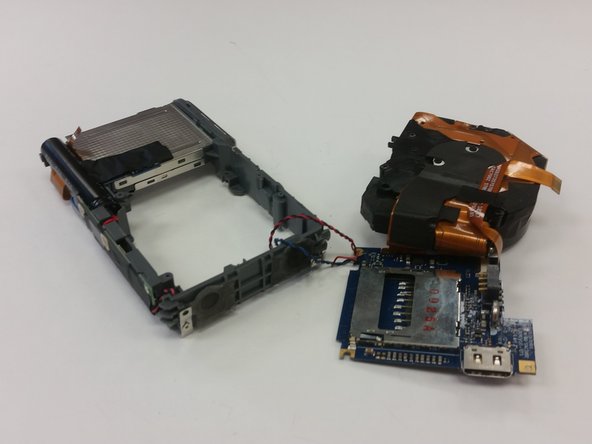
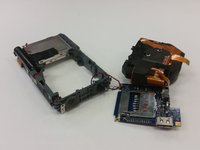
    • Separate the lens unit, motherboard, and camera.

  22. Samsung PL200 Lens Replacement: 22 단계, 이미지 3개 중 1개 Samsung PL200 Lens Replacement: 22 단계, 이미지 3개 중 2개 Samsung PL200 Lens Replacement: 22 단계, 이미지 3개 중 3개
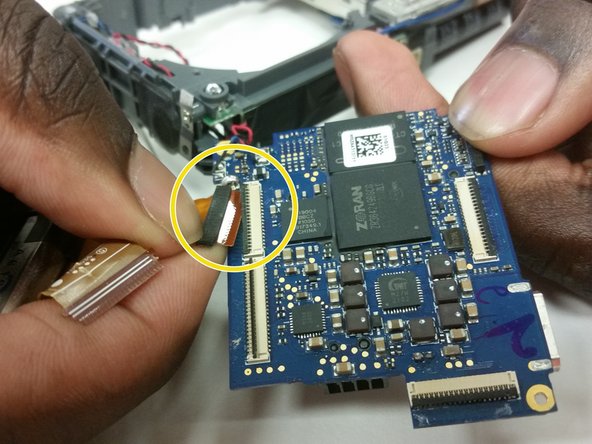
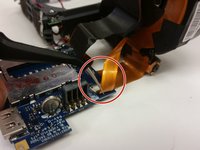
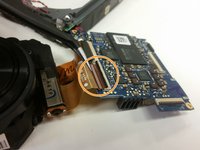
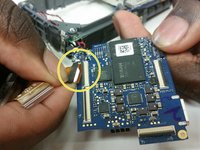
    • Use tweezers to disconnect the small ribbon cable from the motherboard.

    • Then use the tweezers to remove the first large lens unit ribbon cable from the motherboard.

    • Finally, use the tweezers to remove the second large lens unit ribbon cable from the motherboard.

  23. Samsung PL200 Lens Replacement: 23 단계, 이미지 1개 중 1개
    • You have now separated the lens unit. Replace it with a functional lens unit at this stage, and reassemble the device.

결론

To reassemble your device, follow these instructions in reverse order.

다른 2명이 해당 안내서를 완성하였습니다.

작성자

11다른 기여자 명과 함께

Weston Tracey

회원 가입일: 01/29/15

178 평판

안내서 1개를 작성함

Clemson, Team 15-7, Shirley Winter 2015 Clemson, Team 15-7, Shirley Winter 2015 회원

CLEM-SHIRLEY-W15S15G7

5 회원들

안내서 10개를 작성함

0가이드 댓글

댓글 쓰기

조회 통계:

지난 24시간: 2

지난 7일: 8

지난 30일: 24

전체 시간: 1,404