주요 콘텐츠로 건너뛰기

Sega CD CD Tray Replacement

필요한 것

  1. Sega CD CD Tray Replacement, Sega CD Plastic Housing Removal: 1 단계, 이미지 2개 중 1개 Sega CD CD Tray Replacement, Sega CD Plastic Housing Removal: 1 단계, 이미지 2개 중 2개
    • Using a Phillips head screwdriver remove six screws from the bottom of the console.

    • The six screws are marked.

  2. Sega CD CD Tray Replacement: 2 단계, 이미지 1개 중 1개
    • Remove the two screws that attach the Genesis' connector to the rest of the console.

    • The two screws are marked in the diagram.

  3. Sega CD CD Tray Replacement: 3 단계, 이미지 1개 중 1개
    • Slide the lock tab to the left to separate the halves of the console.

  4. Sega CD CD Tray Replacement: 4 단계, 이미지 1개 중 1개
    • Lift from the left side to remove the top of the case.

  5. Sega CD CD Tray Replacement: 5 단계, 이미지 1개 중 1개
    • Using the spudger, pry the cover off of the Genesis attachment.

  6. Sega CD CD Tray Replacement: 6 단계, 이미지 1개 중 1개
    • Lift the top of the case to remove the cover.

  7. Sega CD CD Tray Replacement: 7 단계, 이미지 1개 중 1개
    • Remove the faceplate by pulling it up, then out.

  8. Sega CD CD Tray Replacement, CD Tray: 8 단계, 이미지 2개 중 1개 Sega CD CD Tray Replacement, CD Tray: 8 단계, 이미지 2개 중 2개
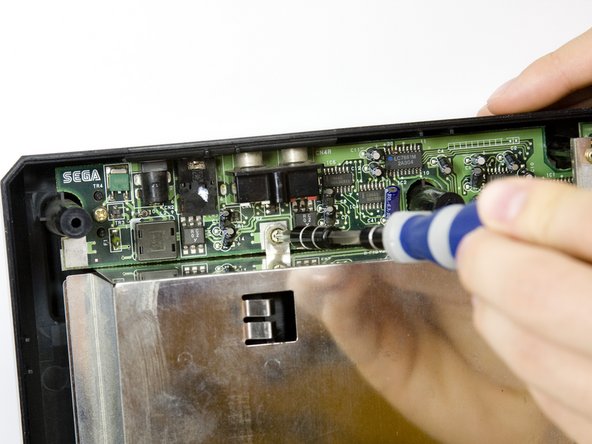
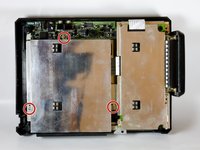
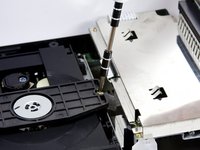
    • Remove metal plate by unscrewing the three screws with the Phillips head screwdriver and then lifting the plate.

    • The three screws are shown on the diagram.

  9. Sega CD CD Tray Replacement: 9 단계, 이미지 2개 중 1개 Sega CD CD Tray Replacement: 9 단계, 이미지 2개 중 2개
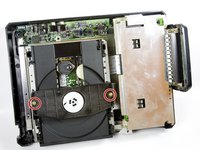
    • Remove the two screws from the plastic bar.

    • The two screws are shown pictured.

  10. Sega CD CD Tray Replacement: 10 단계, 이미지 2개 중 1개 Sega CD CD Tray Replacement: 10 단계, 이미지 2개 중 2개
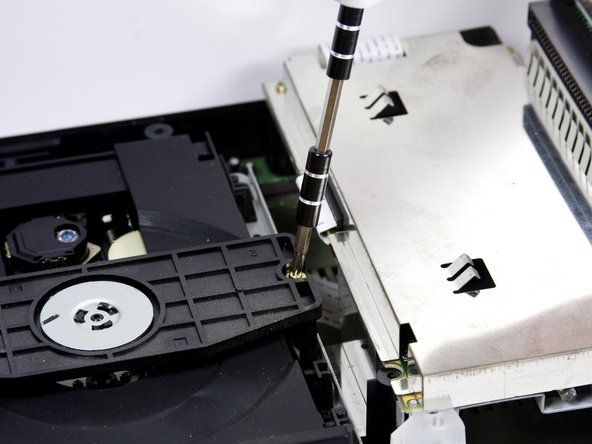
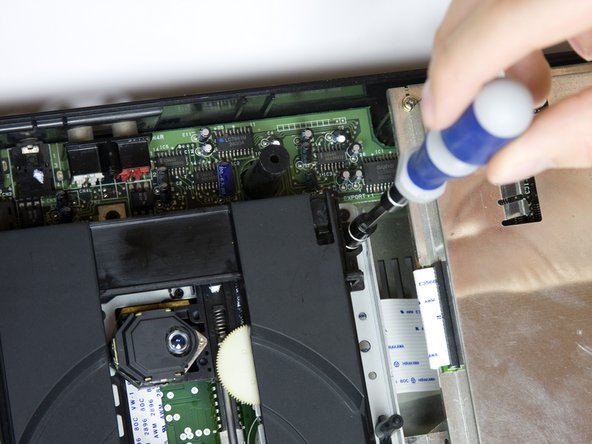
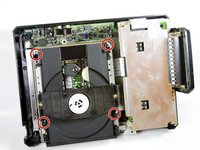
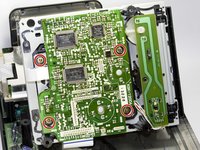
    • To remove the CD tray

    • Remove the four screws with the Phillips head screwdriver.

  11. Sega CD CD Tray Replacement: 11 단계, 이미지 1개 중 1개
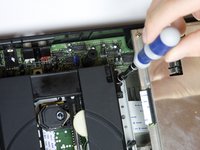
    • Carefully unplug the wire connected to optical reader.

  12. Sega CD CD Tray Replacement: 12 단계, 이미지 2개 중 1개 Sega CD CD Tray Replacement: 12 단계, 이미지 2개 중 2개
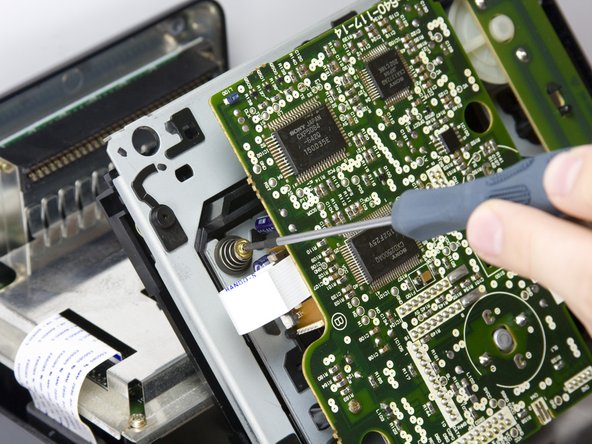
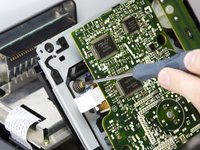
    • Remove the four screws on the underside of the CD tray with a small Phillips head screwdriver.

    • The four screws are highlighted on the diagram.

    • The four springs below the circuit board are attached to the screws, so be careful not to lose them when you remove the screws.

  13. Sega CD CD Tray Replacement: 13 단계, 이미지 1개 중 1개
    • Carefully remove the CD tray from circuit board.

결론

To reassemble your device, follow these instructions in reverse order.

다른 한 분이 해당 안내서를 완성하였습니다.

작성자

9다른 기여자 명과 함께

sskyllin

회원 가입일: 10/18/10

21 평판

안내서 2개를 작성함

Cal Poly, Team 5-14, Maness Fall 2010 Cal Poly, Team 5-14, Maness Fall 2010 회원

CPSU-MANESS-F10S5G14

4 회원들

안내서 12개를 작성함

0가이드 댓글

댓글 쓰기

조회 통계:

지난 24시간: 1

지난 7일: 10

지난 30일: 62

전체 시간: 10,618