주요 콘텐츠로 건너뛰기

Shark UltraCyclone CH951 U4 Power Control Board Replacement

필요한 것

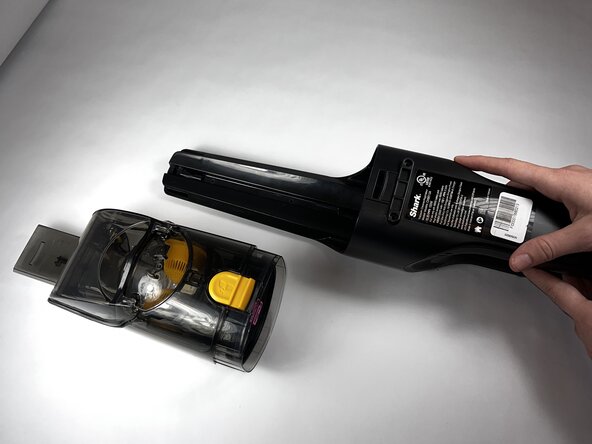
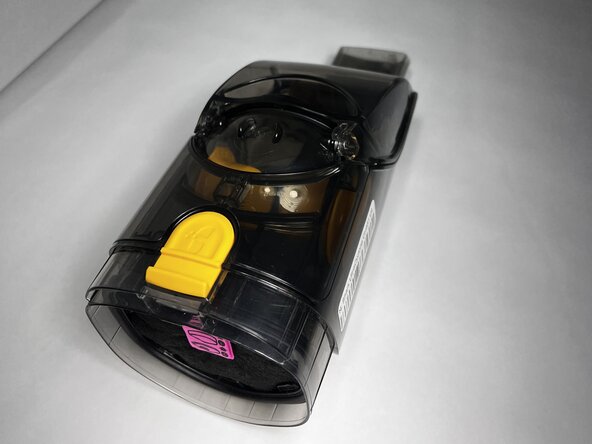
  1. Shark UltraCyclone CH951 U4 Power Control Board Replacement, Dust Cup: 1 단계, 이미지 3개 중 1개 Shark UltraCyclone CH951 U4 Power Control Board Replacement, Dust Cup: 1 단계, 이미지 3개 중 2개 Shark UltraCyclone CH951 U4 Power Control Board Replacement, Dust Cup: 1 단계, 이미지 3개 중 3개
    • Press the dust cup release button and gently pull the dust cup away from the body of the vacuum.

  2. Shark UltraCyclone CH951 U4 Power Control Board Replacement, Casing: 2 단계, 이미지 2개 중 1개 Shark UltraCyclone CH951 U4 Power Control Board Replacement, Casing: 2 단계, 이미지 2개 중 2개
    • Use a TR9 Torx screwdriver to remove the two 8.7 mm screws previously behind the dust cup.

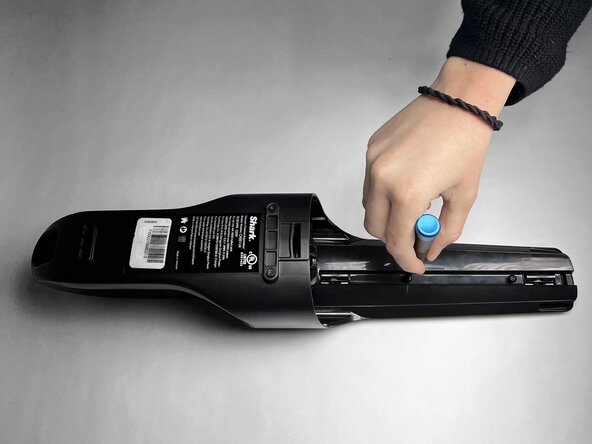
  3. Shark UltraCyclone CH951 U4 Power Control Board Replacement: 3 단계, 이미지 1개 중 1개
    • Remove the two 12.2 mm screws underneath the dust cup button using a TR9 Torx screwdriver.

  4. Shark UltraCyclone CH951 U4 Power Control Board Replacement: 4 단계, 이미지 1개 중 1개
    • Remove the 13.9 mm screw beneath the charging port using a TR9 Torx screwdriver.

  5. Shark UltraCyclone CH951 U4 Power Control Board Replacement: 5 단계, 이미지 1개 중 1개
    • Use the TR9 Torx screwdriver to remove two 11.6 mm screws that hold the exterior motor in place.

    • They are located underneath where the dust cup previously was and above the exterior motor.

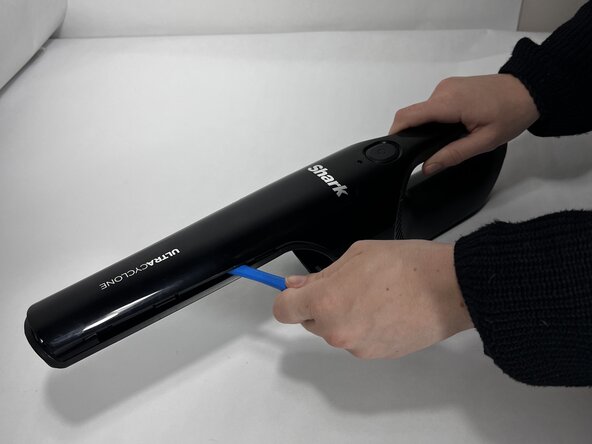
  6. Shark UltraCyclone CH951 U4 Power Control Board Replacement: 6 단계, 이미지 3개 중 1개 Shark UltraCyclone CH951 U4 Power Control Board Replacement: 6 단계, 이미지 3개 중 2개 Shark UltraCyclone CH951 U4 Power Control Board Replacement: 6 단계, 이미지 3개 중 3개
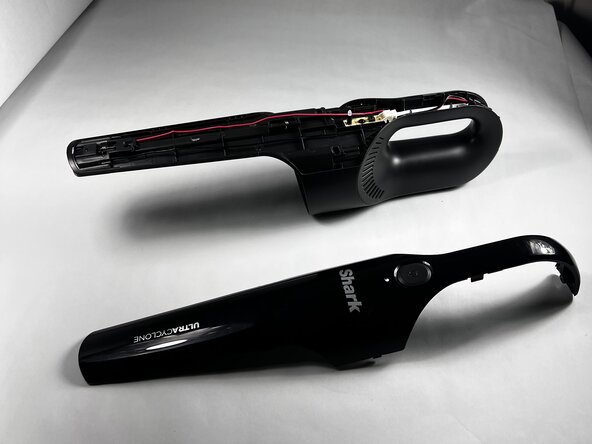
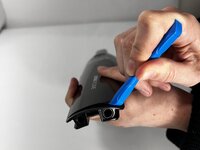
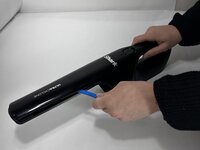
    • Run an iFixit Opening Tool under the casing along the vacuum body until the shell is removed starting around the attachment port, and sliding down towards the charging port.

    • If necessary, apply gentle force.

  7. Shark UltraCyclone CH951 U4 Power Control Board Replacement, Power Control Board: 7 단계, 이미지 3개 중 1개 Shark UltraCyclone CH951 U4 Power Control Board Replacement, Power Control Board: 7 단계, 이미지 3개 중 2개 Shark UltraCyclone CH951 U4 Power Control Board Replacement, Power Control Board: 7 단계, 이미지 3개 중 3개
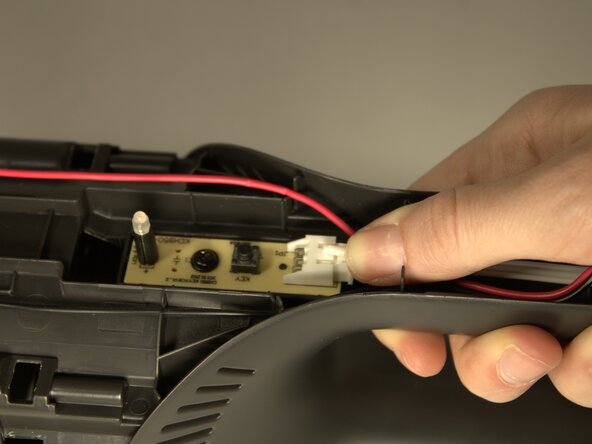
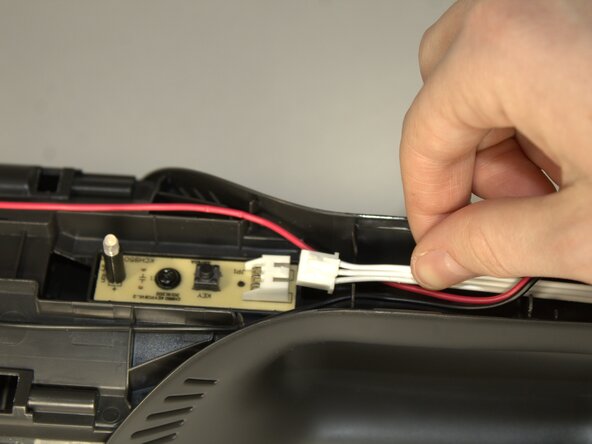
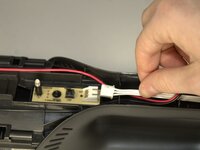
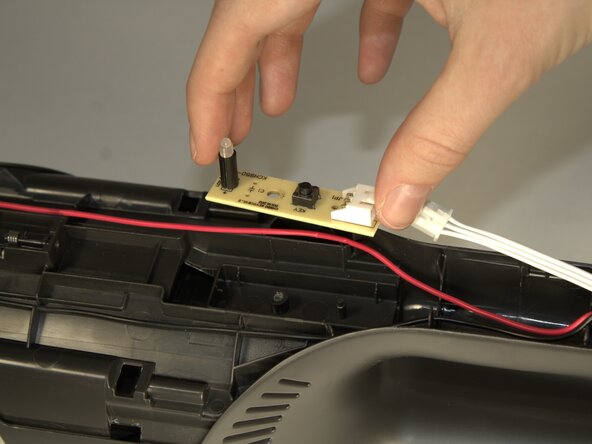
    • Press down on the connection point of the white wire and disconnect it.

    • The connector looks like a white latch. Push down on the edge to pop it out of place.

  8. Shark UltraCyclone CH951 U4 Power Control Board Replacement: 8 단계, 이미지 1개 중 1개
    • Remove the 8.7mm screw in the center of the button control board.

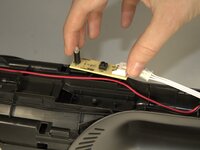
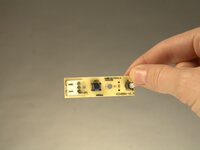
  9. Shark UltraCyclone CH951 U4 Power Control Board Replacement: 9 단계, 이미지 3개 중 1개 Shark UltraCyclone CH951 U4 Power Control Board Replacement: 9 단계, 이미지 3개 중 2개 Shark UltraCyclone CH951 U4 Power Control Board Replacement: 9 단계, 이미지 3개 중 3개
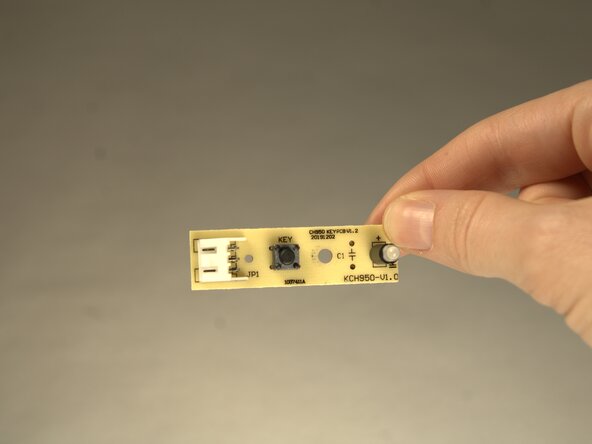
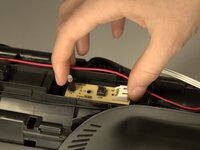
    • Remove the board by using your fingers and lifting the component from the body of the device.

결론

To reassemble your device, follow these instructions in reverse order.

다른 한 분이 해당 안내서를 완성하였습니다.

작성자

3다른 기여자 명과 함께

Jessica Beck

회원 가입일: 01/24/25

587 평판

안내서 4개를 작성함

0가이드 댓글

댓글 쓰기

조회 통계:

지난 24시간: 0

지난 7일: 1

지난 30일: 14

전체 시간: 124