주요 콘텐츠로 건너뛰기

Sharp EL-546XT Battery Replacement

필요한 것
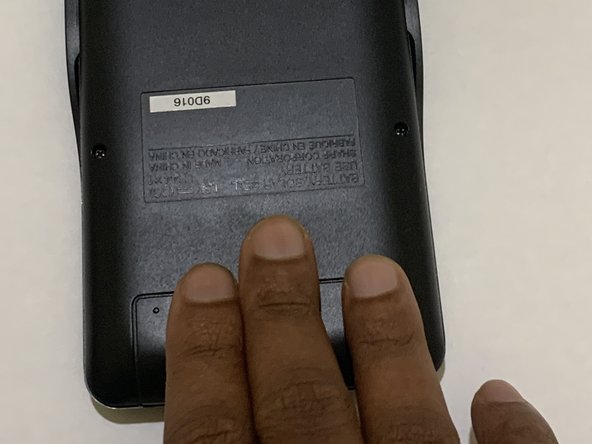
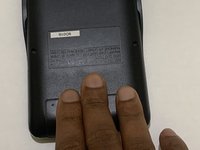
  1. Sharp EL-546XT Battery Replacement, Battery: 1 단계, 이미지 2개 중 1개 Sharp EL-546XT Battery Replacement, Battery: 1 단계, 이미지 2개 중 2개
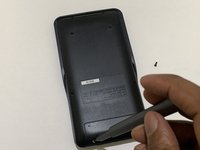
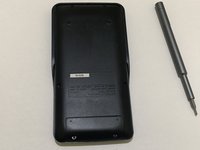
    • Place the calculator on a clean workspace with the back facing up.

  2. Sharp EL-546XT Battery Replacement: 2 단계, 이미지 3개 중 1개 Sharp EL-546XT Battery Replacement: 2 단계, 이미지 3개 중 2개 Sharp EL-546XT Battery Replacement: 2 단계, 이미지 3개 중 3개
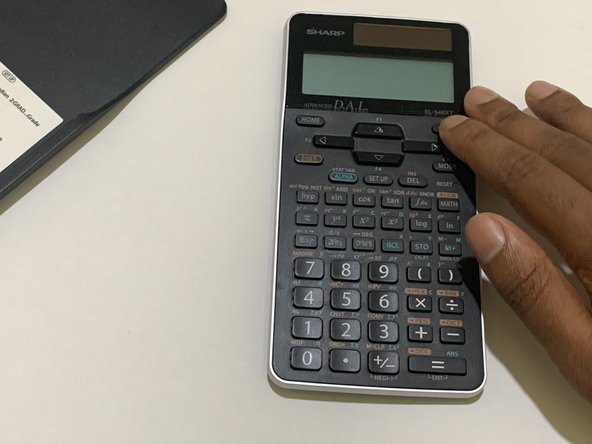
    • Remove the calculator cover if you had it on.

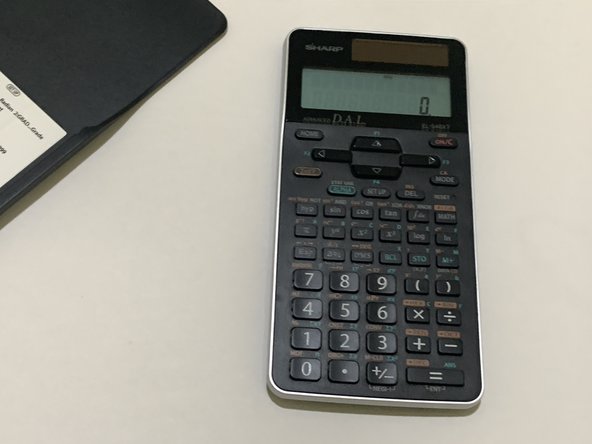
    • Turn off the calculator using the 2nd F button then clicking the ON button.

  3. Sharp EL-546XT Battery Replacement: 3 단계, 이미지 3개 중 1개 Sharp EL-546XT Battery Replacement: 3 단계, 이미지 3개 중 2개 Sharp EL-546XT Battery Replacement: 3 단계, 이미지 3개 중 3개
    • Put the calculator cover back on to ensure you don't accidentally press any buttons.

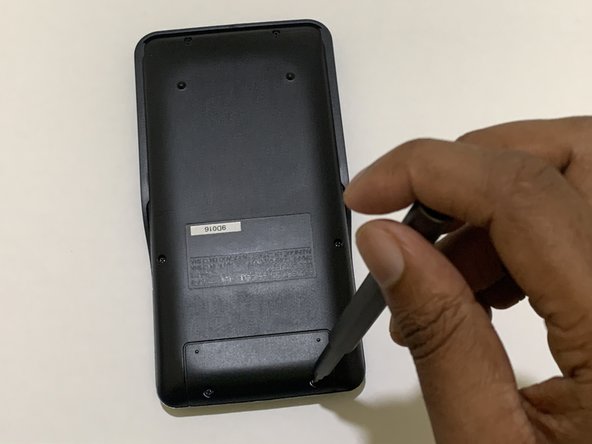
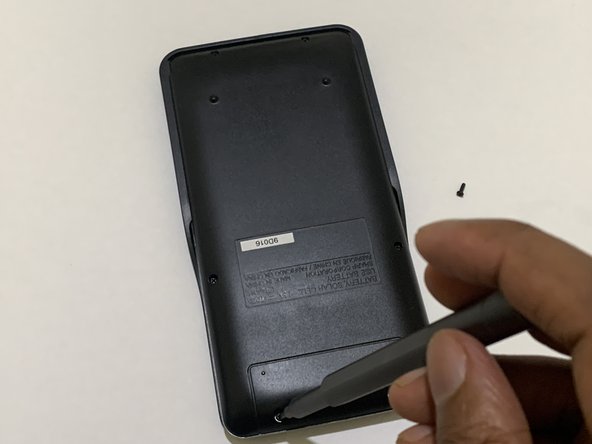
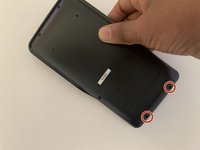
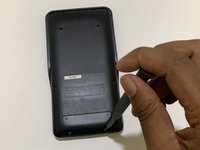
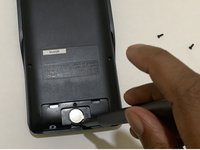
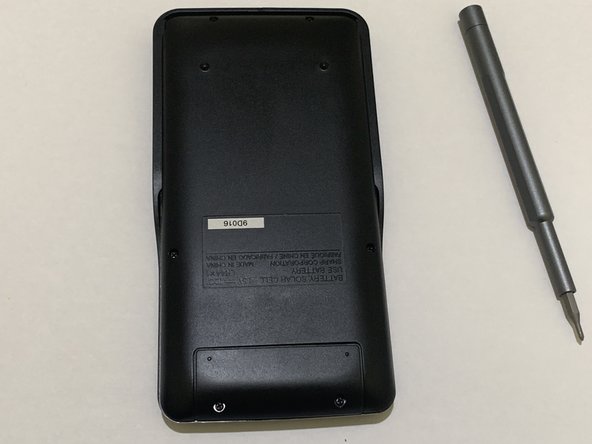
    • Remove the screws from the battery door.

    • Do not remove the other screws as they are not for the battery compartment.

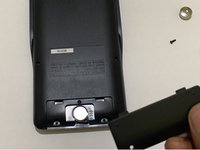
  4. Sharp EL-546XT Battery Replacement: 4 단계, 이미지 2개 중 1개 Sharp EL-546XT Battery Replacement: 4 단계, 이미지 2개 중 2개
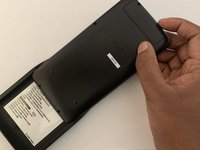
    • Remove the battery door from the calculator.

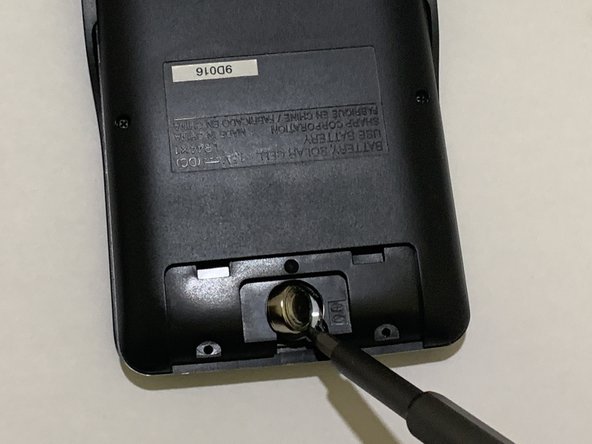
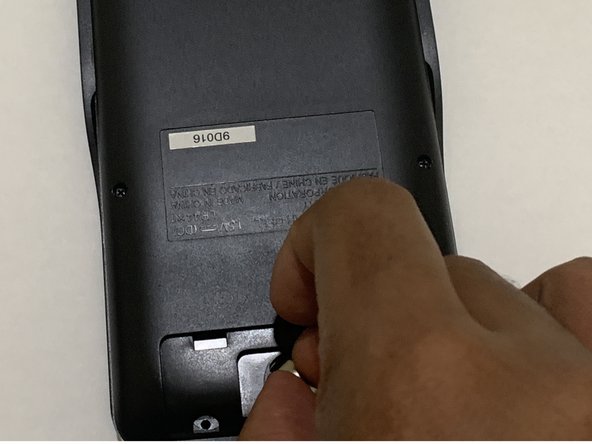
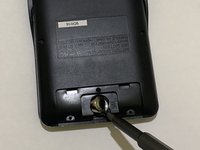
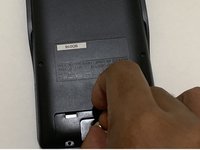
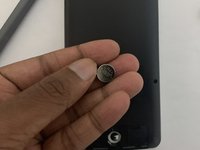
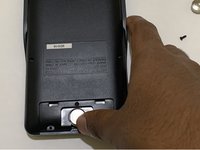
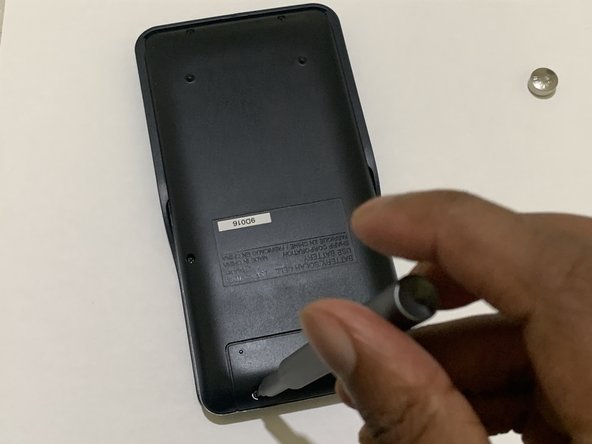
  5. Sharp EL-546XT Battery Replacement: 5 단계, 이미지 3개 중 1개 Sharp EL-546XT Battery Replacement: 5 단계, 이미지 3개 중 2개 Sharp EL-546XT Battery Replacement: 5 단계, 이미지 3개 중 3개
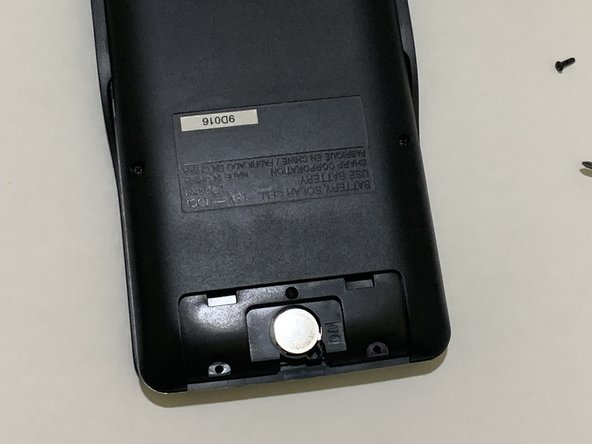
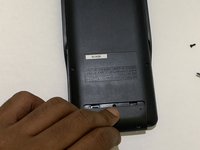
    • Use a spudger to gently push the coin battery out through the small hole located below the battery.

    • Be careful not to apply too much force when pushing the old battery out to avoid damaging the calculator or the battery compartment.

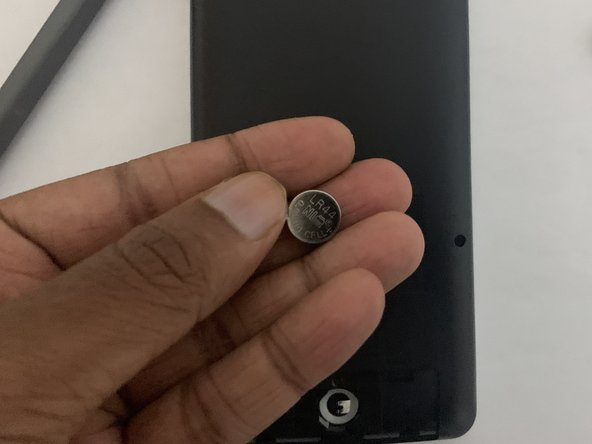
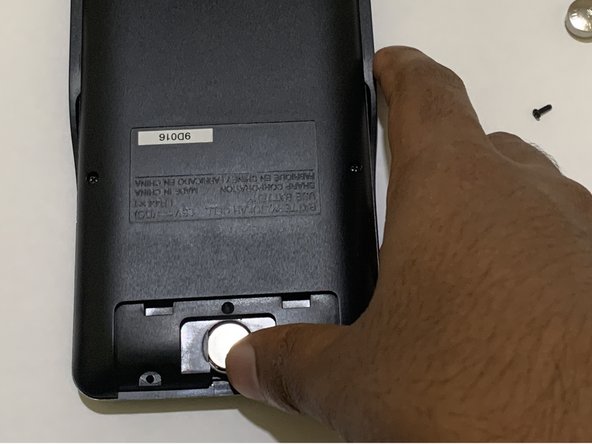
  6. Sharp EL-546XT Battery Replacement: 6 단계, 이미지 3개 중 1개 Sharp EL-546XT Battery Replacement: 6 단계, 이미지 3개 중 2개 Sharp EL-546XT Battery Replacement: 6 단계, 이미지 3개 중 3개
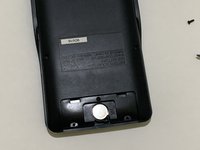
    • Gently insert the new battery into the battery compartment.

    • Handle the new batteries with care.

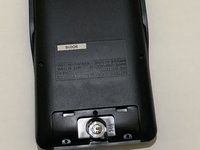
  7. Sharp EL-546XT Battery Replacement: 7 단계, 이미지 2개 중 1개 Sharp EL-546XT Battery Replacement: 7 단계, 이미지 2개 중 2개
    • Ensure the battery is properly slotted in the battery compartment.

    • Close the battery compartment with the battery door.

  8. Sharp EL-546XT Battery Replacement: 8 단계, 이미지 3개 중 1개 Sharp EL-546XT Battery Replacement: 8 단계, 이미지 3개 중 2개 Sharp EL-546XT Battery Replacement: 8 단계, 이미지 3개 중 3개
    • Attach the screws back to the battery door.

  9. Sharp EL-546XT Battery Replacement: 9 단계, 이미지 3개 중 1개 Sharp EL-546XT Battery Replacement: 9 단계, 이미지 3개 중 2개 Sharp EL-546XT Battery Replacement: 9 단계, 이미지 3개 중 3개
    • Take the calculator out of the cover.

    • Turn on the calculator and test if it's functioning.

결승점

다른 한 분이 해당 안내서를 완성하였습니다.

작성자

2다른 기여자 명과 함께

Mithunan Sivagnanam

회원 가입일: 05/22/23

196 평판

안내서 1개를 작성함

York University, Team A-11, Allen Summer 2023 York University, Team A-11, Allen Summer 2023 회원

YORK-ALLEN-SU23SAG11

1 회원

안내서 2개를 작성함

0가이드 댓글

댓글 쓰기

조회 통계:

지난 24시간: 0

지난 7일: 4

지난 30일: 27

전체 시간: 1,086