주요 콘텐츠로 건너뛰기

SiriusXM Onyx Motherboard Replacement

필요한 것

  1. SiriusXM Onyx Motherboard Replacement, Motherboard: 1 단계, 이미지 1개 중 1개
    • Take the iFixit opening tool and place it between the crevice as shown.

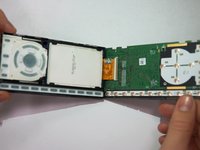
  2. SiriusXM Onyx Motherboard Replacement: 2 단계, 이미지 2개 중 1개 SiriusXM Onyx Motherboard Replacement: 2 단계, 이미지 2개 중 2개
    • Apply pressure to the iFixit opening tool, pushing down until the the plastic casing pops off.

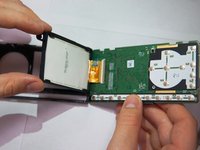
  3. SiriusXM Onyx Motherboard Replacement: 3 단계, 이미지 2개 중 1개 SiriusXM Onyx Motherboard Replacement: 3 단계, 이미지 2개 중 2개
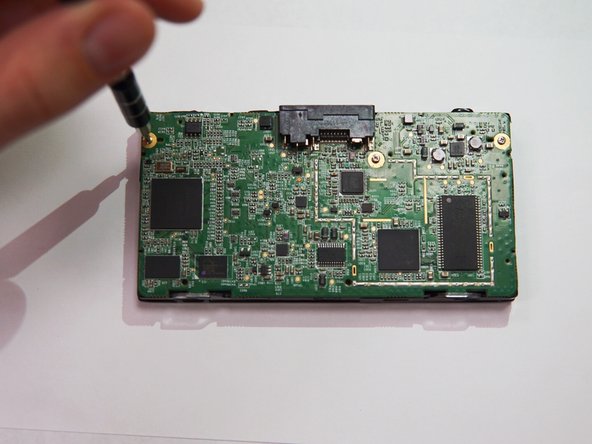
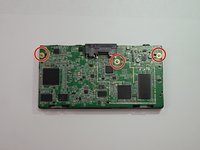
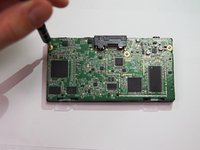
    • Use the Phillips PH00 to remove the three marked screws.

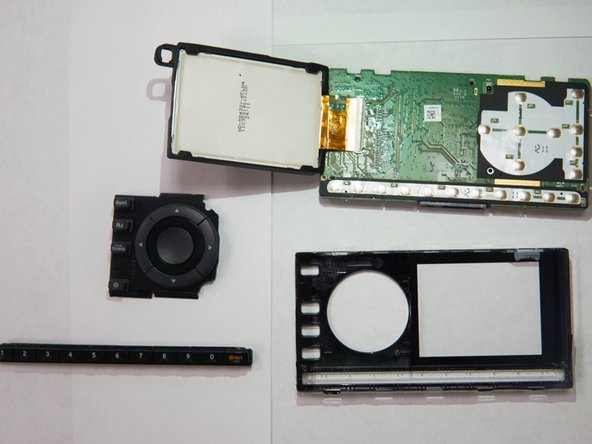
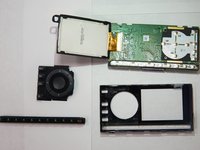
  4. SiriusXM Onyx Motherboard Replacement: 4 단계, 이미지 3개 중 1개 SiriusXM Onyx Motherboard Replacement: 4 단계, 이미지 3개 중 2개 SiriusXM Onyx Motherboard Replacement: 4 단계, 이미지 3개 중 3개
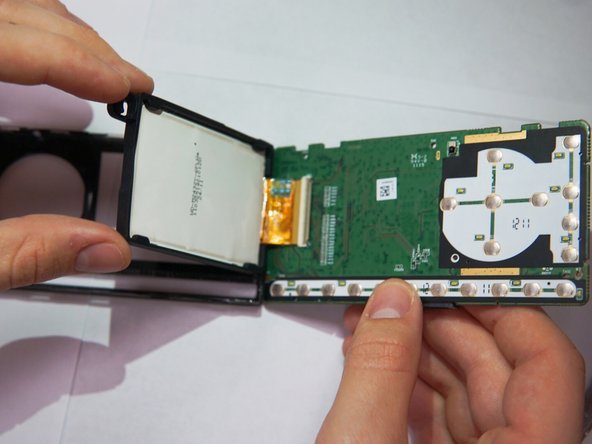
    • Once the screws have been removed, the motherboard is free to come out.

결론

To reassemble your device, follow these instructions in reverse order.

작성자

4다른 기여자 명과 함께

Christina Tao

회원 가입일: 10/17/17

319 평판

안내서 3개를 작성함

UC Santa Barbara, Team S2-G8, Weedon Fall 2017 UC Santa Barbara, Team S2-G8, Weedon Fall 2017 회원

UCSB-WEEDON-F17S2G8

5 회원들

안내서 4개를 작성함

0가이드 댓글

댓글 쓰기

조회 통계:

지난 24시간: 0

지난 7일: 2

지난 30일: 8

전체 시간: 689