주요 콘텐츠로 건너뛰기

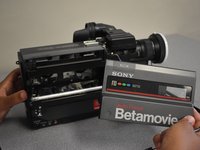
Sony Betamovie BMC-220 Cassette Compartment Replacement

필요한 것

  1. Sony Betamovie BMC-220 Cassette Compartment Replacement, Battery: 1 단계, 이미지 3개 중 1개 Sony Betamovie BMC-220 Cassette Compartment Replacement, Battery: 1 단계, 이미지 3개 중 2개 Sony Betamovie BMC-220 Cassette Compartment Replacement, Battery: 1 단계, 이미지 3개 중 3개
    • Orient your Betamovie so that the back of the device is sitting flat, and the bottom of the device is facing you.

    • Slide the RELEASE switch up to bring the hand drip down.

  2. Sony Betamovie BMC-220 Cassette Compartment Replacement: 2 단계, 이미지 3개 중 1개 Sony Betamovie BMC-220 Cassette Compartment Replacement: 2 단계, 이미지 3개 중 2개 Sony Betamovie BMC-220 Cassette Compartment Replacement: 2 단계, 이미지 3개 중 3개
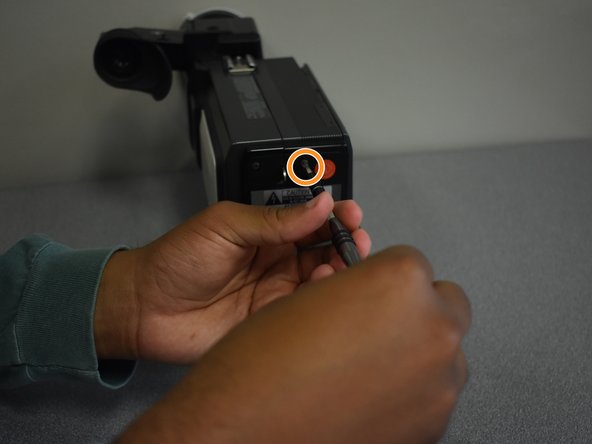
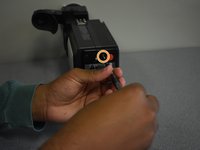
    • Turn the BATTERY knob to OPEN, and open the lid.

    • Reminder: When inserting a new battery, make sure the knob is turned to OPEN.

    • Be careful not to point the hand grip down when turning the BATTERY knob. The battery pack may fall out.

  3. Sony Betamovie BMC-220 Cassette Compartment Replacement: 3 단계, 이미지 1개 중 1개
    • Remove the battery from the Betamovie.

  4. Sony Betamovie BMC-220 Cassette Compartment Replacement, Cassette Compartment: 4 단계, 이미지 3개 중 1개 Sony Betamovie BMC-220 Cassette Compartment Replacement, Cassette Compartment: 4 단계, 이미지 3개 중 2개 Sony Betamovie BMC-220 Cassette Compartment Replacement, Cassette Compartment: 4 단계, 이미지 3개 중 3개
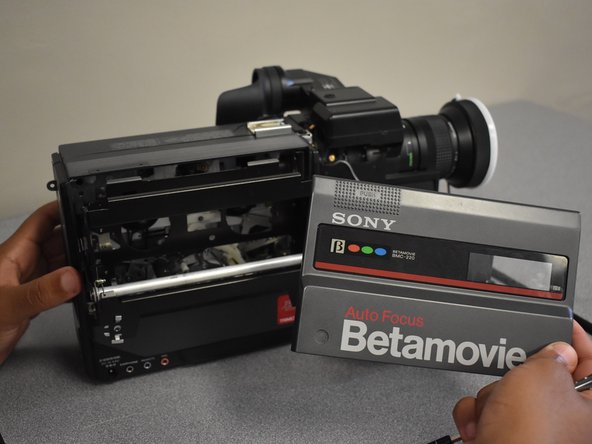
    • Remove the two screws (2mm x 6mm) at the base of the Cassette compartment using the Phillips #1 screwdriver.

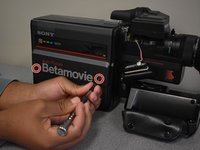
    • Remove the two screws (2mm x 6mm) at the back of the Betamovie using the Phillips #2 screwdriver.

    • Once all of the screws are removed, pop the cassette cover off of the camera.

  5. Sony Betamovie BMC-220 Cassette Compartment Replacement: 5 단계, 이미지 2개 중 1개 Sony Betamovie BMC-220 Cassette Compartment Replacement: 5 단계, 이미지 2개 중 2개
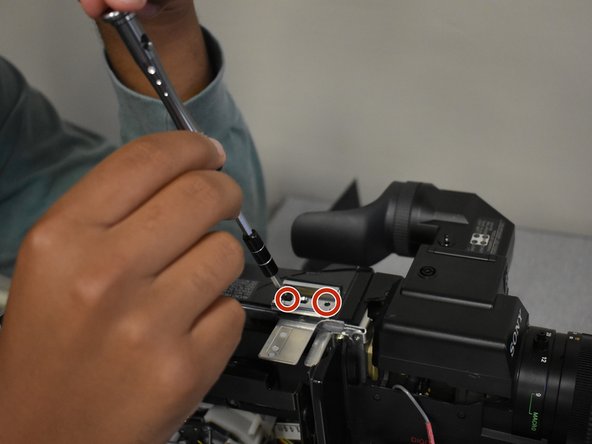
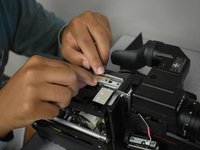
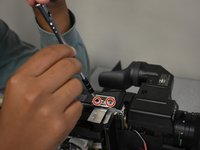
    • Remove the silver piece at the top of the Betamovie using your hands.

    • Remove the two screws (2mm x 6mm) under the flat silver piece using the Phillips #1 screwdriver. The silver metal clip comes off once the crews are removed.

  6. Sony Betamovie BMC-220 Cassette Compartment Replacement: 6 단계, 이미지 2개 중 1개 Sony Betamovie BMC-220 Cassette Compartment Replacement: 6 단계, 이미지 2개 중 2개
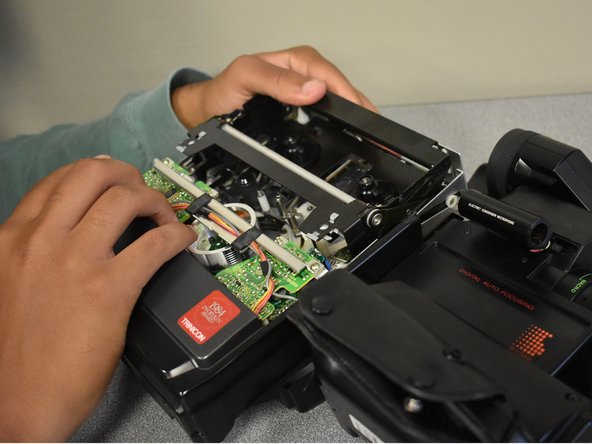
    • Remove the two screws (2mm x 6mm) underneath the cassette compartment on the bottom of the Betamovie with the Phillips #1 screwdriver.

    • Remove the bottom piece of the cassette compartment.

결론

To reassemble your device, follow these instructions in reverse order.

작성자

2다른 기여자 명과 함께

Mary McLaughlin

회원 가입일: 09/10/18

198 평판

안내서 1개를 작성함

1가이드 댓글

Do you know how to take out the Trinicon tube in this camera?

Kyle Gilchrist - 답글

댓글 쓰기

조회 통계:

지난 24시간: 1

지난 7일: 4

지난 30일: 21

전체 시간: 866