주요 콘텐츠로 건너뛰기
수리 커뮤니티 가입 - 계정 만들기

Sony TCM-450 Battery Cover Replacement

필요한 것

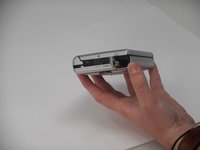
  1. Sony TCM-450 Battery Cover Replacement, Back Cabinet: 1 단계, 이미지 3개 중 1개 Sony TCM-450 Battery Cover Replacement, Back Cabinet: 1 단계, 이미지 3개 중 2개 Sony TCM-450 Battery Cover Replacement, Back Cabinet: 1 단계, 이미지 3개 중 3개
    • Remove the two 3.5 mm Phillips #00 screws from the bottom of the device.

    • Caution: Ensure the device is off and unplugged if using the power adapter, as it is unsafe to remove the cabinet while on and will cause damage and potential harm to the user.

  2. Sony TCM-450 Battery Cover Replacement: 2 단계, 이미지 3개 중 1개 Sony TCM-450 Battery Cover Replacement: 2 단계, 이미지 3개 중 2개 Sony TCM-450 Battery Cover Replacement: 2 단계, 이미지 3개 중 3개
    • Open the lid, and carefully remove the two 9.7 mm Phillips #0 screws from the inside of the front cabinet.

    • Exercise caution while removing these screws, as damage to essential parts may occur and other minor damages may occur if the screwdriver slips.

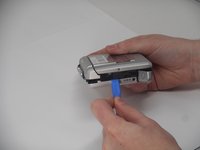
  3. Sony TCM-450 Battery Cover Replacement: 3 단계, 이미지 3개 중 1개 Sony TCM-450 Battery Cover Replacement: 3 단계, 이미지 3개 중 2개 Sony TCM-450 Battery Cover Replacement: 3 단계, 이미지 3개 중 3개
    • Open the battery cover, and gently remove the back cabinet with the iFixit Opening tool.

    • The device will make a popping sound when removing the back cabinet. The back cabinet may feel as if it is not loose. However, as long as the back cabinet looks disconnected from the lid, it is safe to remove.

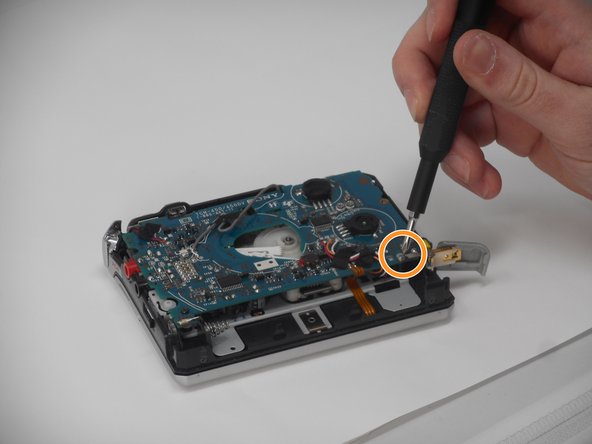
  4. Sony TCM-450 Battery Cover Replacement, Battery Cover: 4 단계, 이미지 3개 중 1개 Sony TCM-450 Battery Cover Replacement, Battery Cover: 4 단계, 이미지 3개 중 2개 Sony TCM-450 Battery Cover Replacement, Battery Cover: 4 단계, 이미지 3개 중 3개
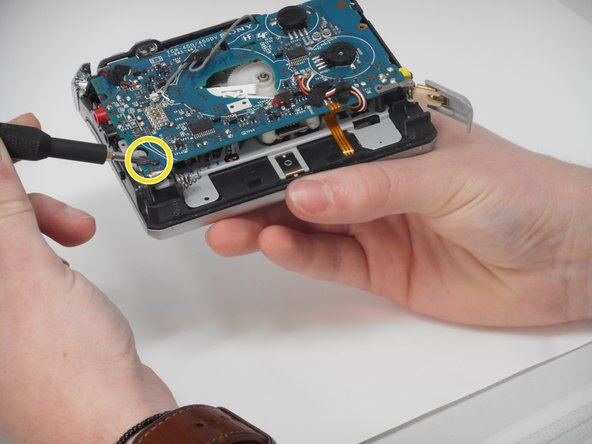
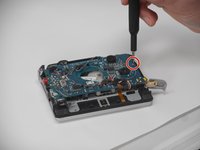
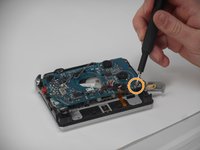
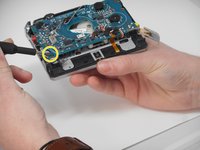
    • Carefully remove the three inner screws as shown from the circuit board to loosen it.

    • Remove the following screws in this order:

    • A 3.4 mm Phillips #00

    • A 4.6 mm Phillips #00

    • A 9.7 mm Phillips #0

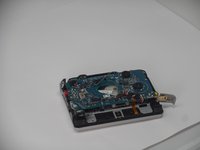
  5. Sony TCM-450 Battery Cover Replacement: 5 단계, 이미지 2개 중 1개 Sony TCM-450 Battery Cover Replacement: 5 단계, 이미지 2개 중 2개
    • Carefully move the gray wire out of its slot on the circuit board before continuing.

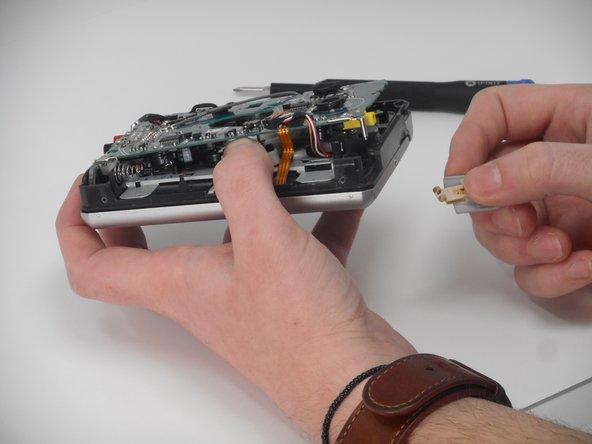
  6. Sony TCM-450 Battery Cover Replacement: 6 단계, 이미지 3개 중 1개 Sony TCM-450 Battery Cover Replacement: 6 단계, 이미지 3개 중 2개 Sony TCM-450 Battery Cover Replacement: 6 단계, 이미지 3개 중 3개
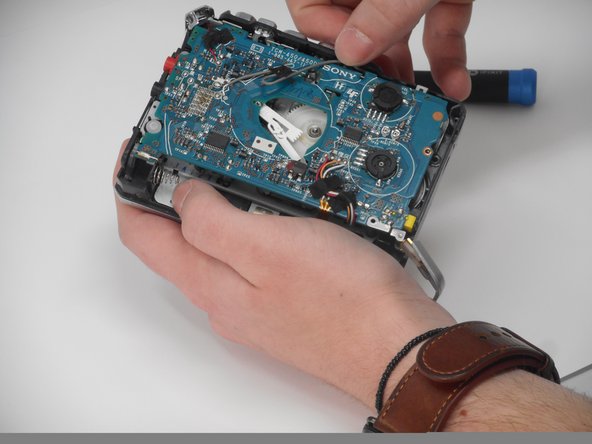
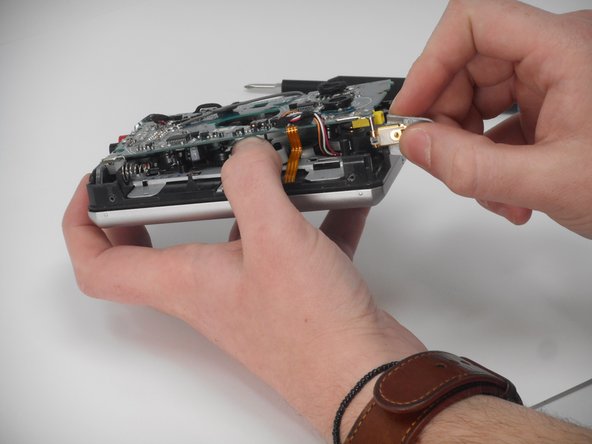
    • Gently lift the circuit board and gently slide the battery cover down off of the hinge pin as shown.

    • Caution: Do not lift the circuit board too high or wires will be torn and damaged.

결론

To reassemble your device, follow the above steps in reverse order.
Repair didn’t go as planned? Try some basic troubleshooting or ask our Answers community for help.

작성자

2다른 기여자 명과 함께

Callie Ann Brigance

회원 가입일: 09/25/24

459 평판

안내서 4개를 작성함

0가이드 댓글

댓글 쓰기

조회 통계:

지난 24시간: 1

지난 7일: 7

지난 30일: 37

전체 시간: 306