주요 콘텐츠로 건너뛰기
수리 커뮤니티 가입 - 계정 만들기

Sony VAIO VPC-EB33FM Display Replacement

필요한 것

  1. Sony VAIO VPC-EB33FM Display Replacement, Battery: 1 단계, 이미지 2개 중 1개 Sony VAIO VPC-EB33FM Display Replacement, Battery: 1 단계, 이미지 2개 중 2개
    • Power down the laptop by pressing the power button.

    • Turn the laptop onto its backside.

    댓글 쓰기

  2. Sony VAIO VPC-EB33FM Display Replacement: 2 단계, 이미지 1개 중 1개
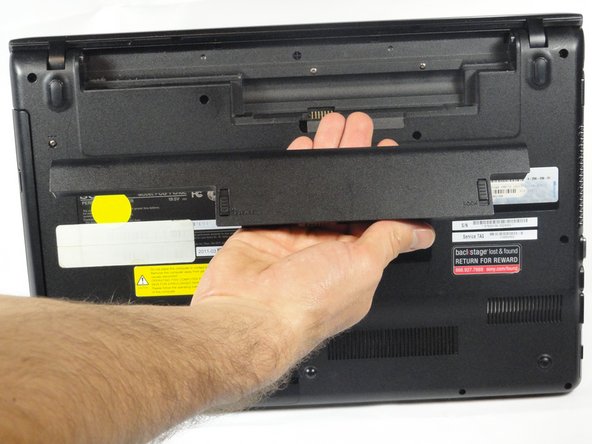
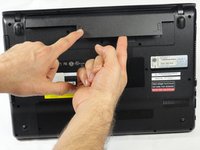
    • To release the battery, hold both the release button and the unlock button at the same time.

    댓글 쓰기

  3. Sony VAIO VPC-EB33FM Display Replacement: 3 단계, 이미지 2개 중 1개 Sony VAIO VPC-EB33FM Display Replacement: 3 단계, 이미지 2개 중 2개
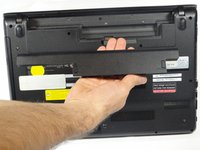
    • Remove the battery out from the notch while continuing to hold the release button.

    댓글 쓰기

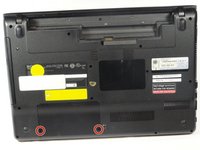
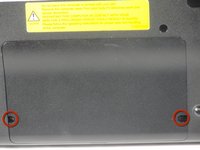
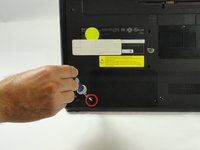
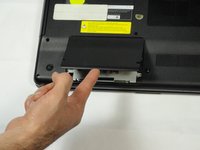
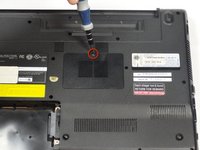
  4. Sony VAIO VPC-EB33FM Display Replacement, Hard Drive: 4 단계, 이미지 3개 중 1개 Sony VAIO VPC-EB33FM Display Replacement, Hard Drive: 4 단계, 이미지 3개 중 2개 Sony VAIO VPC-EB33FM Display Replacement, Hard Drive: 4 단계, 이미지 3개 중 3개
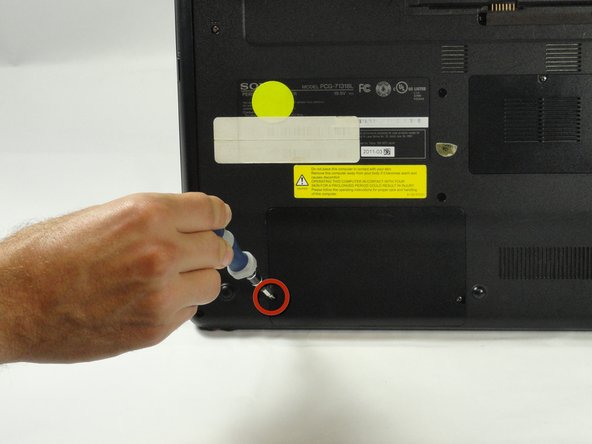
    • Use a Phillips #00 screwdriver to remove the two 7.8 mm cover screws on the bottom corners of the panel.

    댓글 쓰기

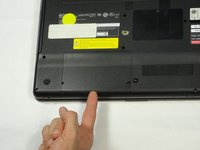
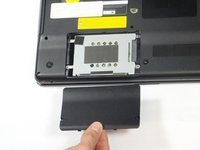
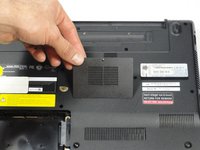
  5. Sony VAIO VPC-EB33FM Display Replacement: 5 단계, 이미지 3개 중 1개 Sony VAIO VPC-EB33FM Display Replacement: 5 단계, 이미지 3개 중 2개 Sony VAIO VPC-EB33FM Display Replacement: 5 단계, 이미지 3개 중 3개
    • Use a finger/fingernail to grip the notch at the bottom of the panel to lift it off.

    • You may need to use your other hand to safely remove the panel.

    • You can also use a spudger for this step.

    댓글 쓰기

  6. Sony VAIO VPC-EB33FM Display Replacement: 6 단계, 이미지 1개 중 1개
    • Remove the two remaining 7.8 mm screws using the Phillips #00 screwdriver.

    댓글 쓰기

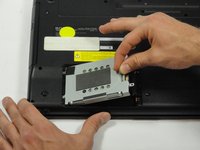
  7. Sony VAIO VPC-EB33FM Display Replacement: 7 단계, 이미지 1개 중 1개
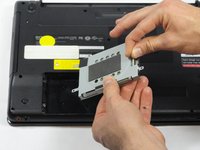
    • Grab the tab between your thumb and index finger.

    • Hold the hard drive securely in a horizontal position using your other hand.

    • Push the hard drive to the left using the plastic tab to disconnect it from the laptop.

    • To prevent damage of the connection on the hard disk drive or the laptop, perform this task slowly and with care.

    댓글 쓰기

  8. Sony VAIO VPC-EB33FM Display Replacement: 8 단계, 이미지 2개 중 1개 Sony VAIO VPC-EB33FM Display Replacement: 8 단계, 이미지 2개 중 2개
    • While still holding the plastic tab, lift the right side of the hard drive out at a 45º angle.

    • Pull the hard drive out.

    댓글 쓰기

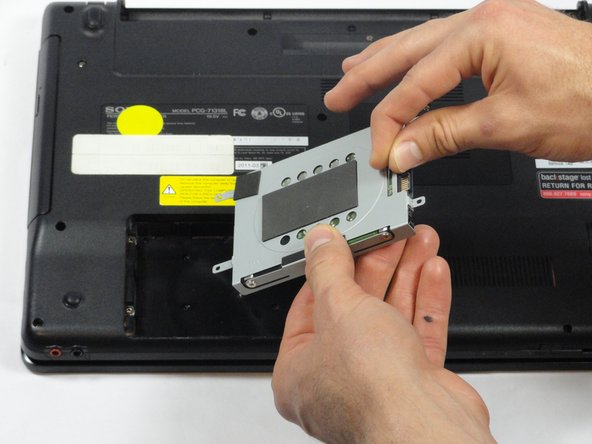
  9. Sony VAIO VPC-EB33FM Display Replacement: 9 단계, 이미지 2개 중 1개 Sony VAIO VPC-EB33FM Display Replacement: 9 단계, 이미지 2개 중 2개
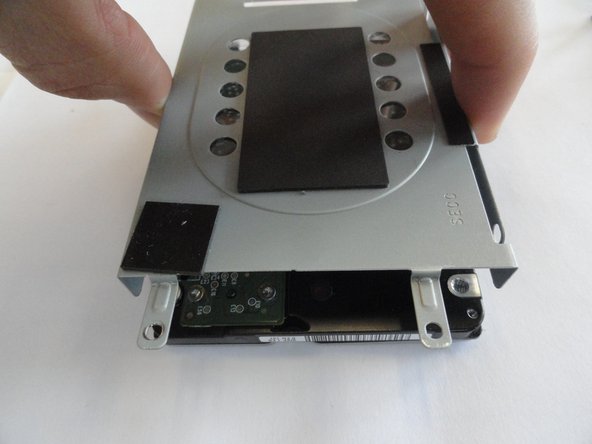
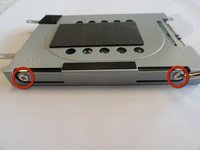
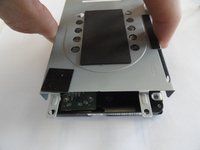
    • If you need to remove the bracket from the hard drive, follow the next few steps:

    • Remove the two 3.7 mm screws from either side of the bracket with a Phillips #00 screwdriver.

    • Lift the bracket off the hard drive.

    댓글 쓰기

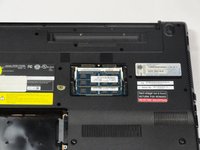
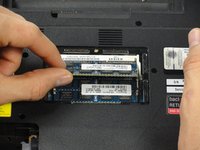
  10. Sony VAIO VPC-EB33FM Display Replacement, RAM: 10 단계, 이미지 3개 중 1개 Sony VAIO VPC-EB33FM Display Replacement, RAM: 10 단계, 이미지 3개 중 2개 Sony VAIO VPC-EB33FM Display Replacement, RAM: 10 단계, 이미지 3개 중 3개
    • Remove the one screw with a Phillips #00 screwdriver.

    • The screw cannot be removed from the RAM casing cover.

    댓글 쓰기

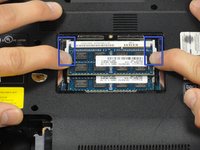
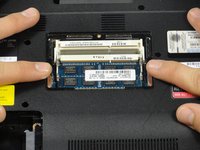
  11. Sony VAIO VPC-EB33FM Display Replacement: 11 단계, 이미지 2개 중 1개 Sony VAIO VPC-EB33FM Display Replacement: 11 단계, 이미지 2개 중 2개
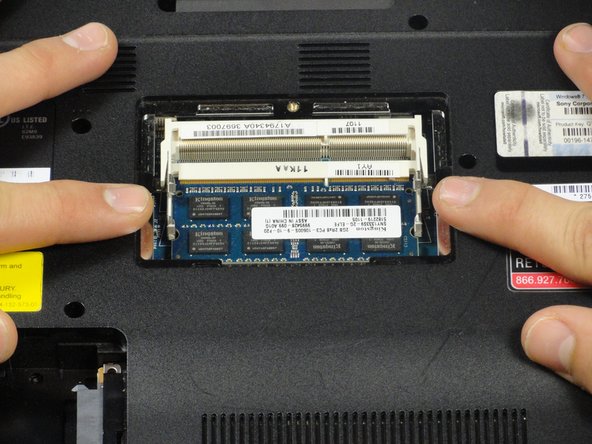
    • Pull the two retaining arms away from the center of the RAM chip.

    • The RAM will make a "pop" sound and the RAM stick will rise for ease of handling.

    댓글 쓰기

  12. Sony VAIO VPC-EB33FM Display Replacement: 12 단계, 이미지 3개 중 1개 Sony VAIO VPC-EB33FM Display Replacement: 12 단계, 이미지 3개 중 2개 Sony VAIO VPC-EB33FM Display Replacement: 12 단계, 이미지 3개 중 3개
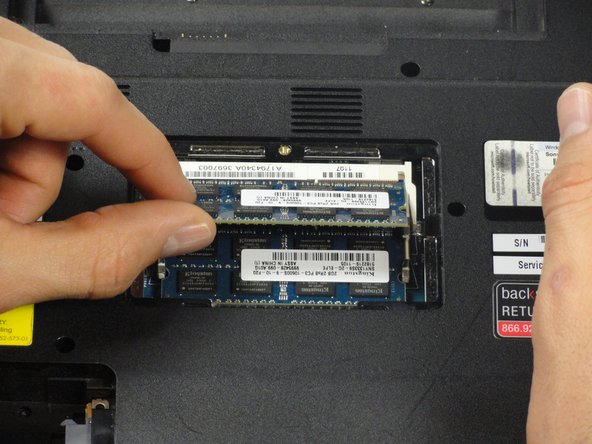
    • Pull the RAM stick out of its socket.

    • To remove the second stick of RAM, repeat steps six and seven.

    • When installing RAM, make sure sticks are firmly in place or the computer will not register them.

    댓글 쓰기

  13. Sony VAIO VPC-EB33FM Display Replacement, Keyboard: 13 단계, 이미지 1개 중 1개
    • Using a Phillips #00 screwdriver remove the following screws securing the back cover :

    • Two 3.8-mm screws

    • Two 8.9-mm screws

    • Twelve 7.75-mm screws

    댓글 쓰기

  14. Sony VAIO VPC-EB33FM Display Replacement: 14 단계, 이미지 1개 중 1개
    • Check to make sure all screws have been removed.

    • Using both hands separate the back cover by lifting from the back and working around the perimeter to release tabs.

    댓글 쓰기

  15. Sony VAIO VPC-EB33FM Display Replacement: 15 단계, 이미지 1개 중 1개
    • Uninstalling the keyboard may require a second set of hands.

    • During the removal of the back cover, a screw that attaches the optical drive to the laptop is also taken out. This means the optical drive is ready to be removed.

    • Remove the optical drive by sliding it out.

    댓글 쓰기

  16. Sony VAIO VPC-EB33FM Display Replacement: 16 단계, 이미지 2개 중 1개 Sony VAIO VPC-EB33FM Display Replacement: 16 단계, 이미지 2개 중 2개
    • Once the optical drive is removed, locate the keyboard ejection button and press down on it until you hear a snap.

    • Once you hear this sound, it means that a section of the keyboard has been ejected.

    댓글 쓰기

  17. Sony VAIO VPC-EB33FM Display Replacement: 17 단계, 이미지 1개 중 1개
    • Turn the laptop onto its frontside and unfold the laptop so the keyboard is fully visible.

    • Locate the area where the section of the keyboard was ejected.

    댓글 쓰기

  18. Sony VAIO VPC-EB33FM Display Replacement: 18 단계, 이미지 2개 중 1개 Sony VAIO VPC-EB33FM Display Replacement: 18 단계, 이미지 2개 중 2개
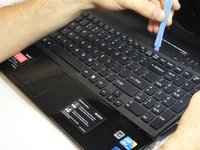
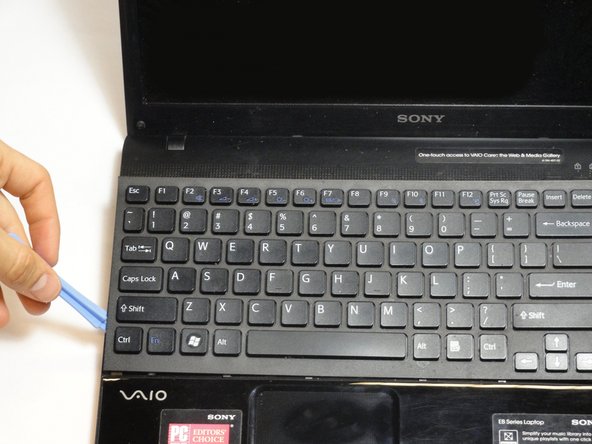
    • Start to pry out the keyboard with your hands.

    • Be careful not to break any of the hooks that attach the keyboard to the laptop.

    • If it seems difficult to remove the keyboard with your hands, then use a plastic opening tool.

    댓글 쓰기

  19. Sony VAIO VPC-EB33FM Display Replacement: 19 단계, 이미지 2개 중 1개 Sony VAIO VPC-EB33FM Display Replacement: 19 단계, 이미지 2개 중 2개
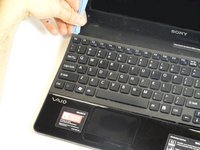
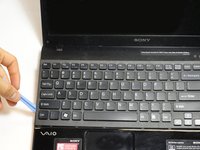
    • Remain cautious to not break the hooks.

    • Continue all the way around the keyboard until you can detach it from the laptop.

    댓글 쓰기

  20. Sony VAIO VPC-EB33FM Display Replacement: 20 단계, 이미지 2개 중 1개 Sony VAIO VPC-EB33FM Display Replacement: 20 단계, 이미지 2개 중 2개
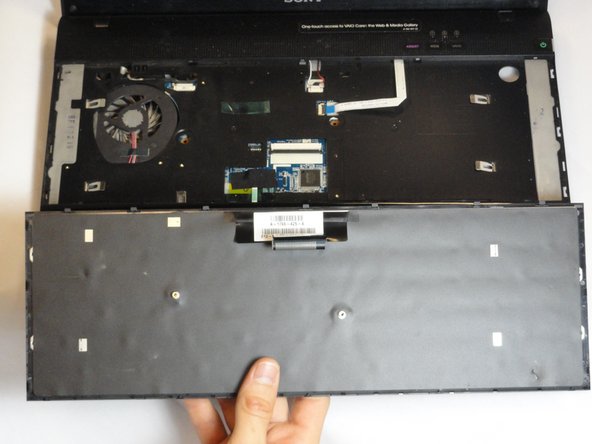
    • Do not immediately pull the keyboard away from the laptop. There is still an attachment between the keyboard and laptop.

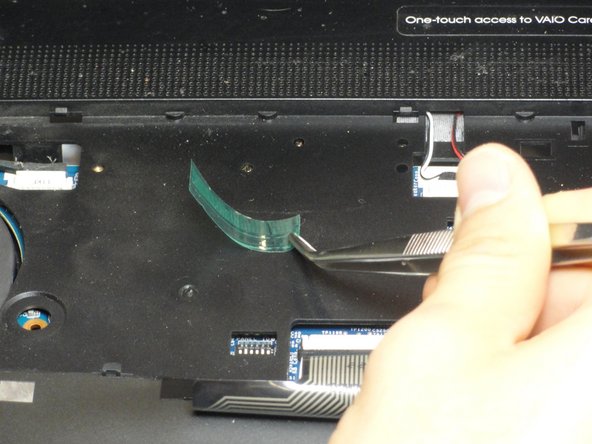
    • Turn the keyboard on its face and locate the green tape and the ribbon attachment.

    • Using the metal tweezer, remove only the green sticker.

    • Place the sticker at any location as long as you remember to use it for installing the keyboard.

    댓글 쓰기

  21. Sony VAIO VPC-EB33FM Display Replacement: 21 단계, 이미지 2개 중 1개 Sony VAIO VPC-EB33FM Display Replacement: 21 단계, 이미지 2개 중 2개
    • Locate the black retaining arms.

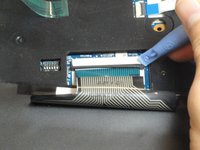
    • Using the plastic opening tool, pull the retaining arms out.

    • The retaining arms will not come off completely.

    댓글 쓰기

  22. Sony VAIO VPC-EB33FM Display Replacement: 22 단계, 이미지 2개 중 1개 Sony VAIO VPC-EB33FM Display Replacement: 22 단계, 이미지 2개 중 2개
    • It is safe to touch the ribbon attachment.

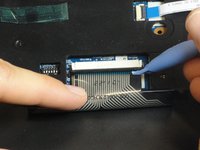
    • Lift the retaining arms with the plastic opening tool at an angle so that the ribbon attachment can be pulled out.

    댓글 쓰기

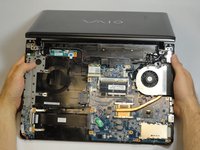
  23. Sony VAIO VPC-EB33FM Display Replacement, Display: 23 단계, 이미지 1개 중 1개
    • Use a Phillips #1 screwdriver to remove the three 8.88-mm screws attached to the metal hinge at the corner of the laptop.

    • Repeat for the three screws on the opposite corner.

    댓글 쓰기

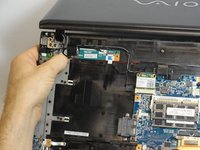
  24. Sony VAIO VPC-EB33FM Display Replacement: 24 단계, 이미지 1개 중 1개
    • Lift the metal hinges on each corner to a 90º angle.

    댓글 쓰기

  25. Sony VAIO VPC-EB33FM Display Replacement: 25 단계, 이미지 1개 중 1개
    • Gently pull out the base and place it with the keyboard side up under the display.

    댓글 쓰기

  26. Sony VAIO VPC-EB33FM Display Replacement: 26 단계, 이미지 1개 중 1개
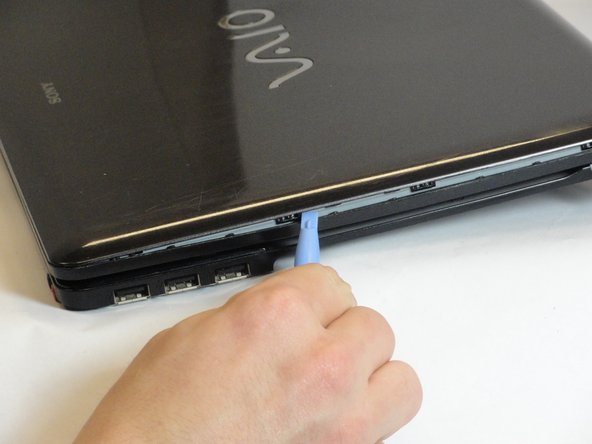
    • Use the spudger tool remove the plastic covers on the four corners of the display.

    • If this is the first time they are being removed they will be held in place by glue. Some force may be required.

    댓글 쓰기

  27. Sony VAIO VPC-EB33FM Display Replacement: 27 단계, 이미지 1개 중 1개
    • Use a Phillips #00 screwdriver to remove the four 5.75-mm screws under the plastic covers.

    댓글 쓰기

  28. Sony VAIO VPC-EB33FM Display Replacement: 28 단계, 이미지 3개 중 1개 Sony VAIO VPC-EB33FM Display Replacement: 28 단계, 이미지 3개 중 2개 Sony VAIO VPC-EB33FM Display Replacement: 28 단계, 이미지 3개 중 3개
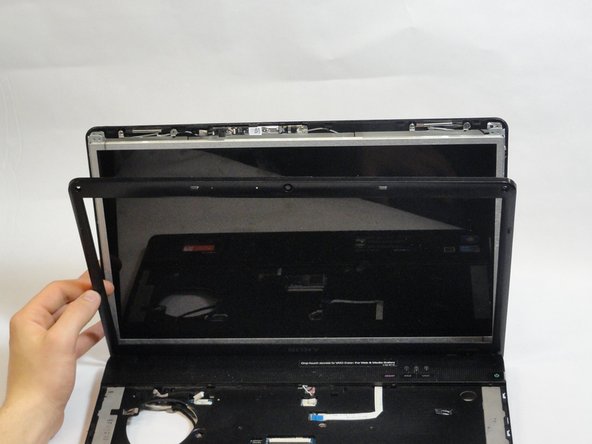
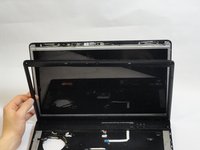
    • Use the plastic opening tool to separate the plastic front cover by wedging the tool along the seam.

    • Flip the laptop to the other side. If the front cover is still attached continue using the plastic opening tool to separate.

    • Carefully lift up the display. Completely detach the front plastic cover.

    댓글 쓰기

  29. Sony VAIO VPC-EB33FM Display Replacement: 29 단계, 이미지 1개 중 1개
    • Use a Phillips #00 screwdriver to remove the four 5.65-mm screws on each bottom corner of the display.

    댓글 쓰기

  30. Sony VAIO VPC-EB33FM Display Replacement: 30 단계, 이미지 3개 중 1개 Sony VAIO VPC-EB33FM Display Replacement: 30 단계, 이미지 3개 중 2개 Sony VAIO VPC-EB33FM Display Replacement: 30 단계, 이미지 3개 중 3개
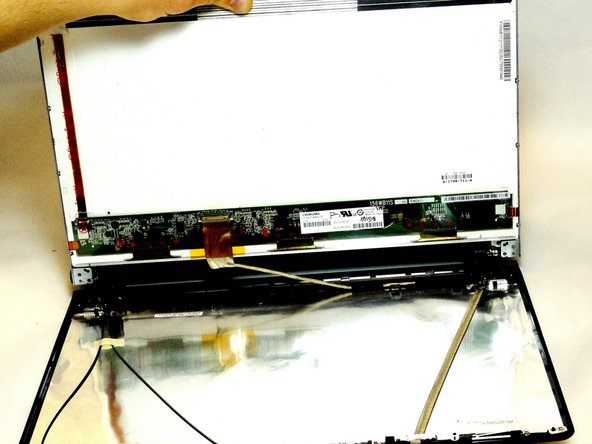
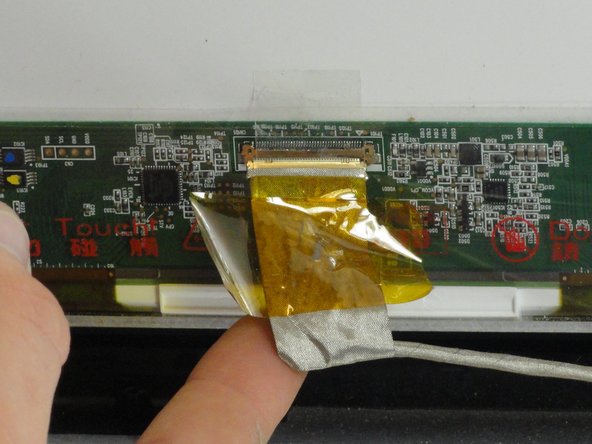
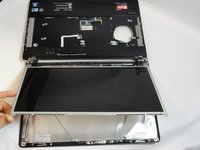
    • Do not pull too hard to avoid damage to the connections.

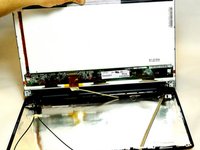
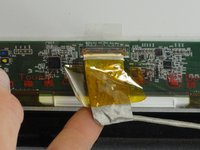
    • Gently lift and pull the LCD screen up. The back of the screen has a connection attached by yellow tape.

    • Holding the silver flap underneath the yellow tape, pull up and disconnect the wire.

    • Place the LCD screen aside.

    댓글 쓰기

  31. Sony VAIO VPC-EB33FM Display Replacement: 31 단계, 이미지 1개 중 1개
    • Grab a hold of the black plastic hinge and pull out completely.

    • Repeat for the other side.

    댓글 쓰기

  32. Sony VAIO VPC-EB33FM Display Replacement: 32 단계, 이미지 2개 중 1개 Sony VAIO VPC-EB33FM Display Replacement: 32 단계, 이미지 2개 중 2개
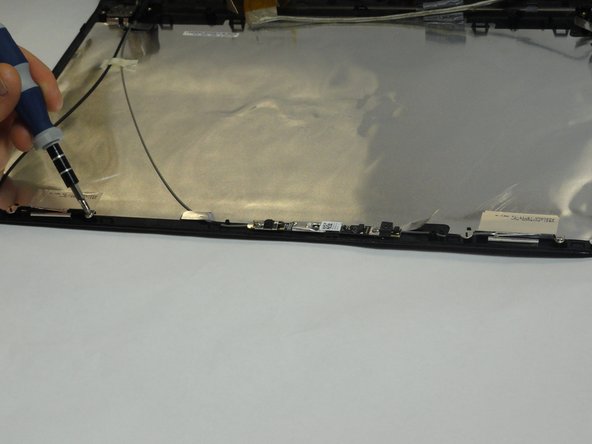
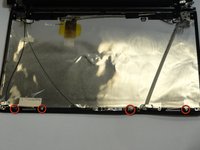
    • Use a Phillips #00 screwdriver to remove the four 3.15-mm screws at top of the display.

    댓글 쓰기

  33. Sony VAIO VPC-EB33FM Display Replacement: 33 단계, 이미지 3개 중 1개 Sony VAIO VPC-EB33FM Display Replacement: 33 단계, 이미지 3개 중 2개 Sony VAIO VPC-EB33FM Display Replacement: 33 단계, 이미지 3개 중 3개
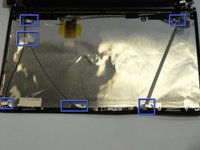
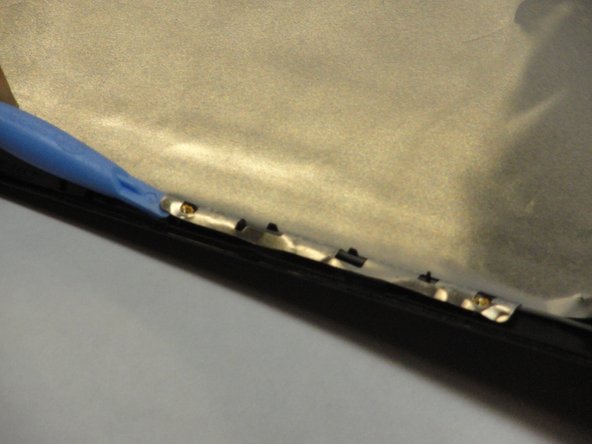
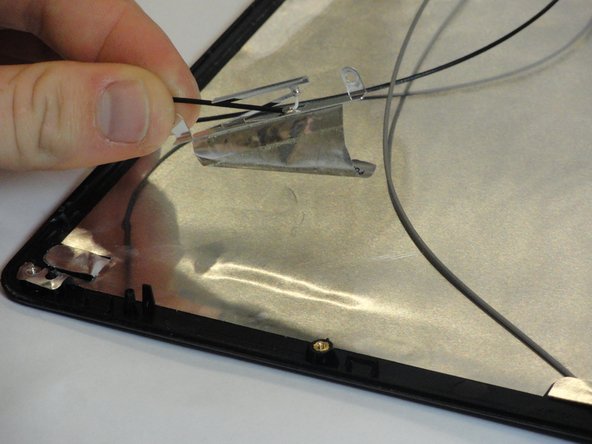
    • Use the plastic opening tool to gently fold back all metal flaps at the beginnings and ends of wires.

    • Remove the tape holding a thin black and gray wire in place.

    댓글 쓰기

  34. Sony VAIO VPC-EB33FM Display Replacement: 34 단계, 이미지 1개 중 1개
    이 단계에 사용된 도구:
    Tweezers
    $4.99
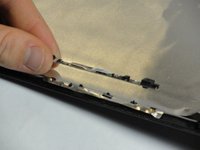
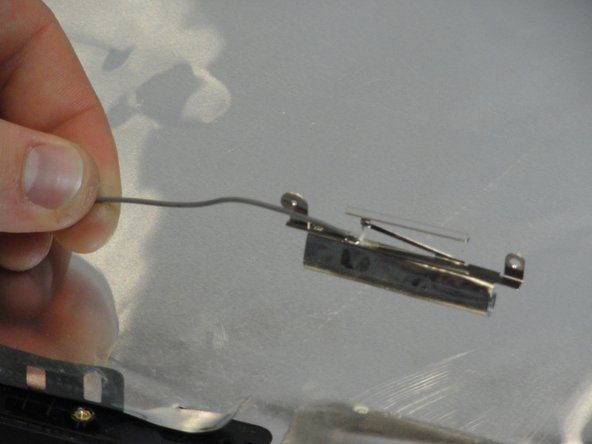
    • Use a plastic opening tool to loosen and remove the two connections at the top end of the wire with a thick silver covering.

    • Metal tweezers may also be used to remove the connections.

    댓글 쓰기

  35. Sony VAIO VPC-EB33FM Display Replacement: 35 단계, 이미지 2개 중 1개 Sony VAIO VPC-EB33FM Display Replacement: 35 단계, 이미지 2개 중 2개
    • Carefully pull the webcam and to remove it.

    • Fold back the metal flap under the webcam with the plastic opening tool.

    댓글 쓰기

  36. Sony VAIO VPC-EB33FM Display Replacement: 36 단계, 이미지 2개 중 1개 Sony VAIO VPC-EB33FM Display Replacement: 36 단계, 이미지 2개 중 2개
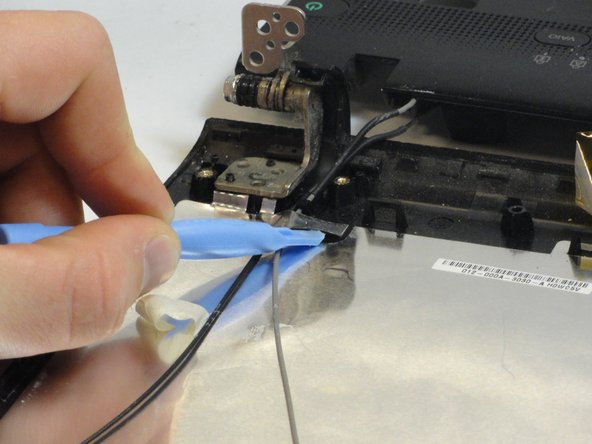
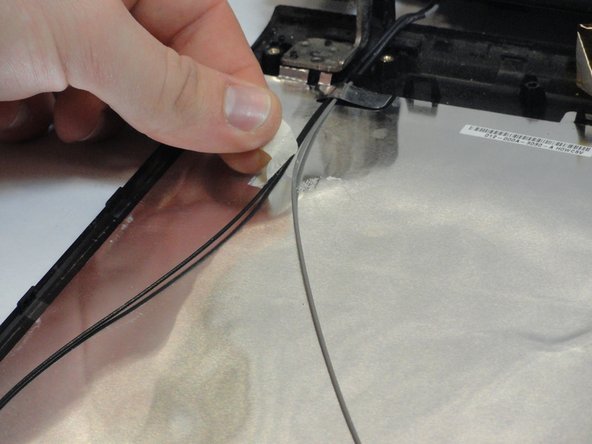
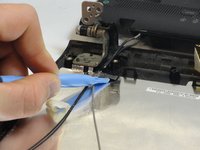
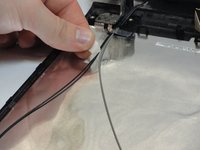
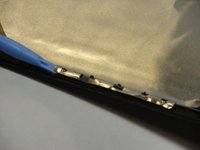
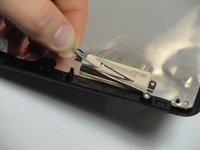
    • Pull back the silver tape attaching the gray wire.

    댓글 쓰기

  37. Sony VAIO VPC-EB33FM Display Replacement: 37 단계, 이미지 2개 중 1개 Sony VAIO VPC-EB33FM Display Replacement: 37 단계, 이미지 2개 중 2개
    • Pull back the silver tape attaching the black wire

    댓글 쓰기

  38. Sony VAIO VPC-EB33FM Display Replacement: 38 단계, 이미지 1개 중 1개
    • Remove the bottom cover.

    • The laptop is now fully detached from the display.

    댓글 쓰기

결론

To reassemble your device, follow these instructions in reverse order.

취소: 해당 안내서를 완성하지 않았습니다.

다른 2명이 해당 안내서를 완성하였습니다.

작성자

6다른 기여자 명과 함께

Angelica Ramirez

회원 가입일: 01/15/13

138 평판

안내서 1개를 작성함

Cal Poly, Team 18-39, Regan Winter 2013 Cal Poly, Team 18-39, Regan Winter 2013 회원

CPSU-REGAN-W13S18G39

5 회원들

안내서 15개를 작성함

0가이드 댓글

댓글 쓰기

조회 통계:

지난 24시간: 5

지난 7일: 8

지난 30일: 33

전체 시간: 6,273