주요 콘텐츠로 건너뛰기

Sony WF-1000XM3 Case Battery Replacement

필요한 것

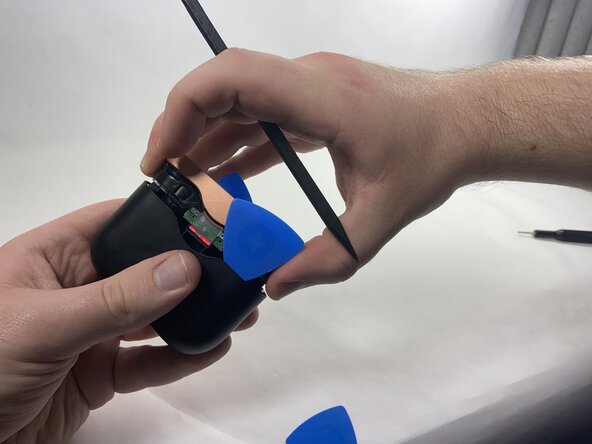
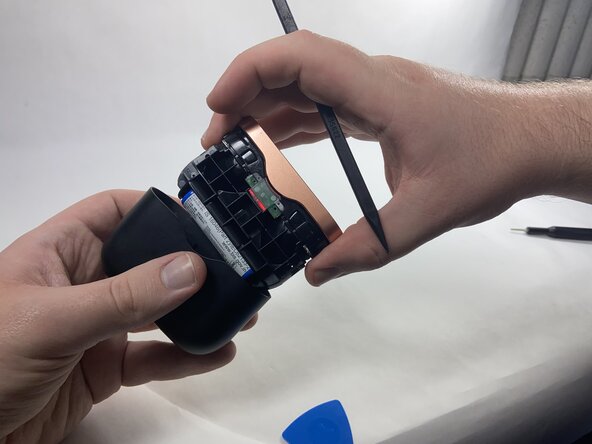
  1. Sony WF-1000XM3 Case Battery Replacement, Case Battery: 1 단계, 이미지 3개 중 1개 Sony WF-1000XM3 Case Battery Replacement, Case Battery: 1 단계, 이미지 3개 중 2개 Sony WF-1000XM3 Case Battery Replacement, Case Battery: 1 단계, 이미지 3개 중 3개
    • Use plastic opening picks to release the locking mechanism that secures the plastic shell of the charging case to its internal components.

    • Use a spudger to release the final lock and slide out the internal components of the charging case.

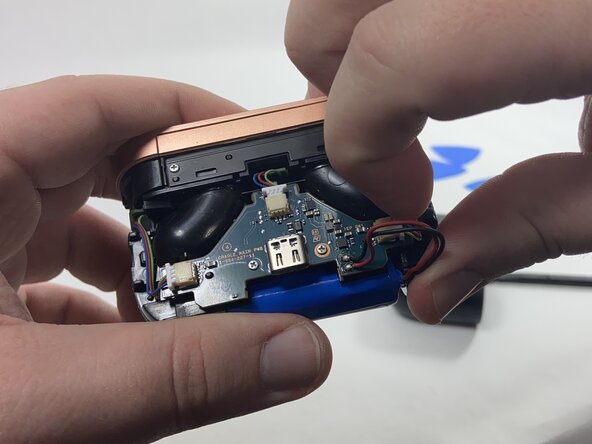
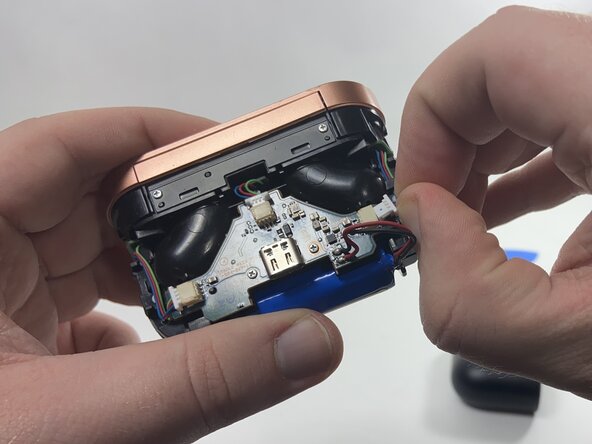
  2. Sony WF-1000XM3 Case Battery Replacement: 2 단계, 이미지 3개 중 1개 Sony WF-1000XM3 Case Battery Replacement: 2 단계, 이미지 3개 중 2개 Sony WF-1000XM3 Case Battery Replacement: 2 단계, 이미지 3개 중 3개
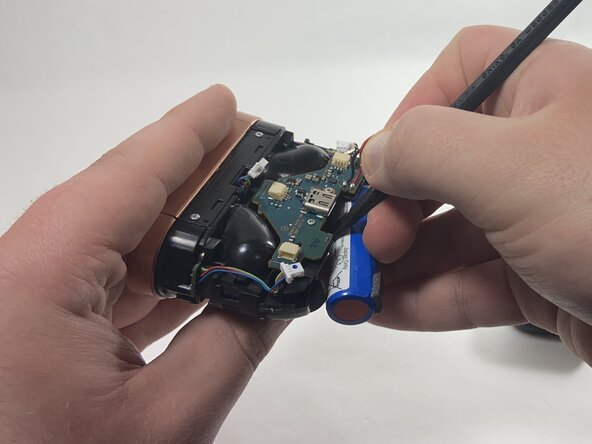
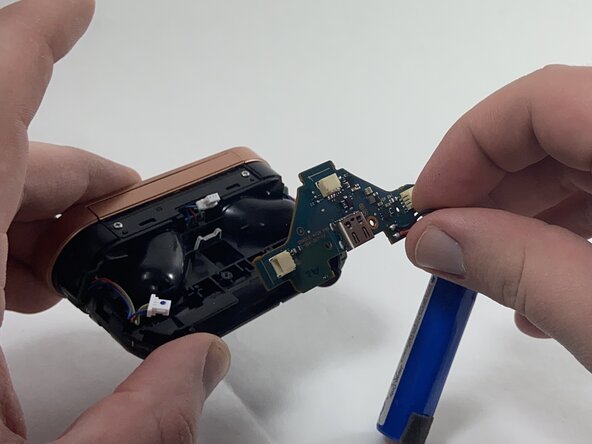
    • Use the point of a spudger to push on alternating sides of each connector to "walk" it out of its socket.

    • Do not pull on the cables as they may come loose.

    • To reconnect the cable, align the connector and use a spudger or clean fingernail to push it fully into the socket.

  3. Sony WF-1000XM3 Case Battery Replacement: 3 단계, 이미지 2개 중 1개 Sony WF-1000XM3 Case Battery Replacement: 3 단계, 이미지 2개 중 2개
    • Use a plastic spudger to carefully remove the battery from the double-sided tape securing it in place, then remove it from the battery compartment.

  4. Sony WF-1000XM3 Case Battery Replacement: 4 단계, 이미지 2개 중 1개 Sony WF-1000XM3 Case Battery Replacement: 4 단계, 이미지 2개 중 2개
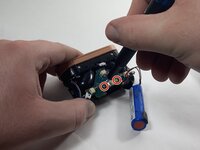
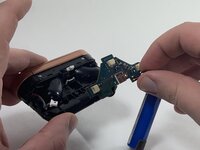
    • Remove the two metal 3 mm screws from the motherboard using a Phillips #000 screwdriver.

    • Remove the motherboard and battery assembly from the battery case

  5. Sony WF-1000XM3 Case Battery Replacement: 5 단계, 이미지 2개 중 1개 Sony WF-1000XM3 Case Battery Replacement: 5 단계, 이미지 2개 중 2개
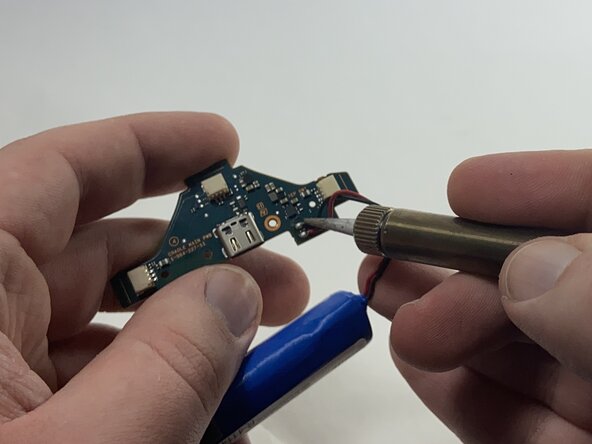
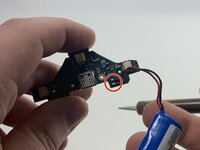
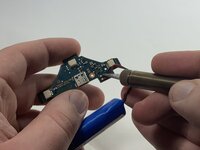
    • Desolder the red and black wires that connect the battery to the motherboard.

    • Solder the wires from the replacement battery into the circuit board following the same configuration.

    • Position the battery so that the raised section faces inward, allowing the case to fully seal.

    • Do not let ends of the wires of either battery touch, as they may spark and cause a fire.

결론

To reassemble your device, follow these instructions in reverse order. Take your e-waste to an R2 or e-Stewards certified recycler.

다른 3명이 해당 안내서를 완성하였습니다.

작성자

4다른 기여자 명과 함께

WyattC

회원 가입일: 10/24/24

470 평판

안내서 4개를 작성함

UMass Dartmouth, Team 3-6, Santin Fall 2024 UMass Dartmouth, Team 3-6, Santin Fall 2024 회원

UMASSD-SANTIN-F24S3G6

3 회원들

안내서 9개를 작성함

4가이드 댓글

what kind of battery is in the case?

Bóas Kár Ketilsson - 답글

What is the battery model of the battery?

Rafael Romero Flores - 답글

14500 3.7v, as seen in the battery label on Step 2

Tim Spanjersberg -

Has anyone had any success getting the case flush again? I've done cable management and the battery wires are out of the way and stuck down but the outer shell does not want to go back flush.

Spencer Montagu - 답글

댓글 쓰기

조회 통계:

지난 24시간: 11

지난 7일: 88

지난 30일: 429

전체 시간: 4,125