소개
If the navigation buttons on your Summer LookOut Duo baby monitor are refusing to function or need cleaning, this guide is a step-by-step on how to access the navigation buttons for cleaning or repair.
Before proceeding, make sure the device is powered off and dry to avoid internal damage to the device or potential shock hazards. Some electrical components will need to be removed in order to get to the navigation buttons.
CHOKING HAZARD: This device contains small screws. If possible, use a magnetic mat or small container within eyesight to keep track of the screws to prevent possible ingestion or misplacement.
필요한 것
-
-
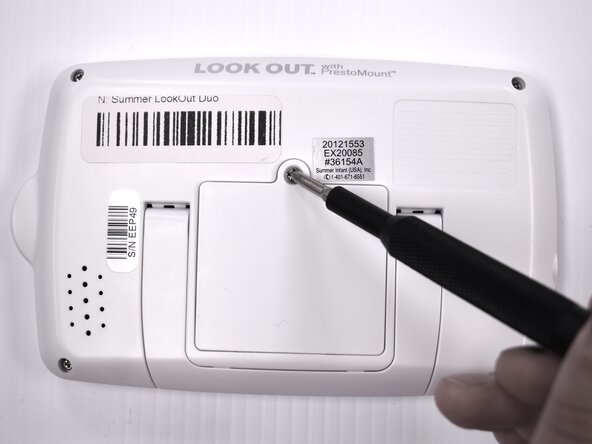
Flip the device over so the back is facing up.
-
Remove the 9 mm screw using a Phillips #1 screwdriver.
-
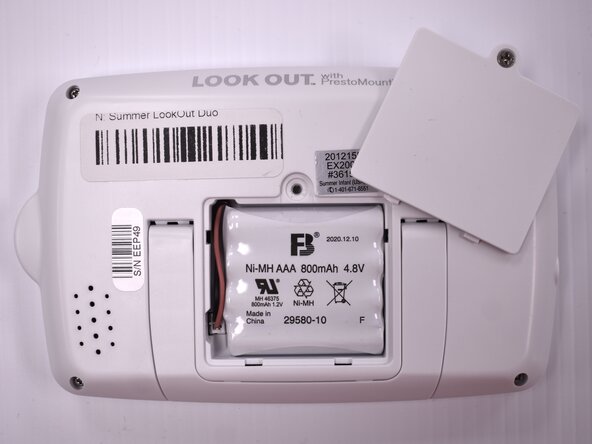
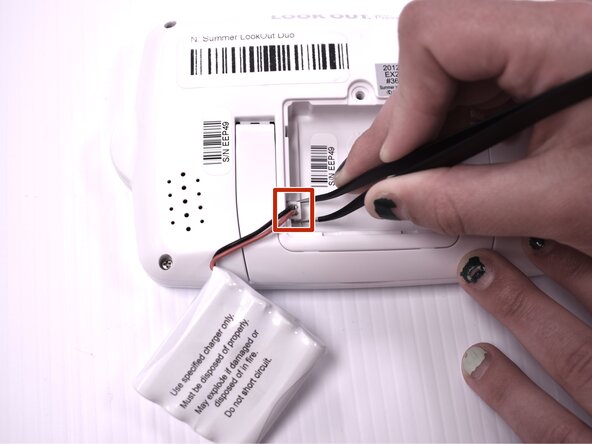
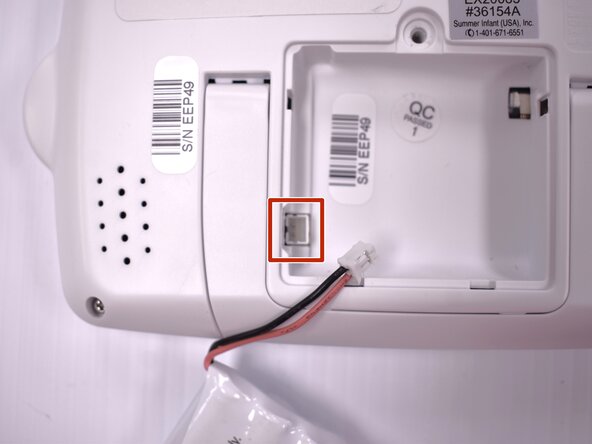
Lift the battery panel away from the device.
-
-
-
-
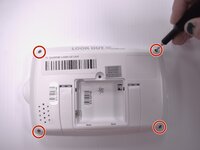
Using the Phillips #00 screwdriver, remove the four 7mm screws from each corner on the back of the handheld monitor.
-
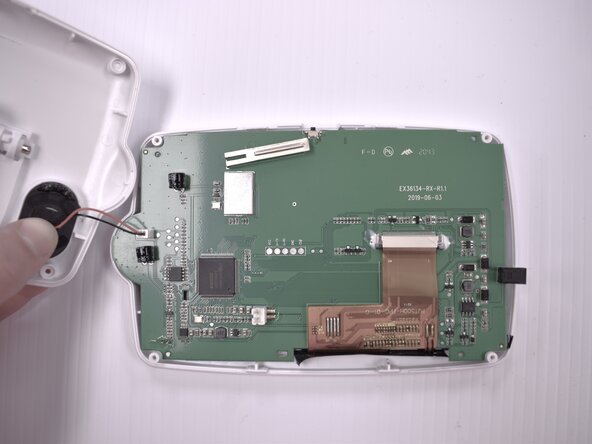
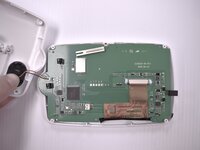
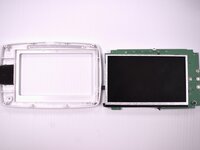
Remove the casing from the back of the handheld monitor.
-
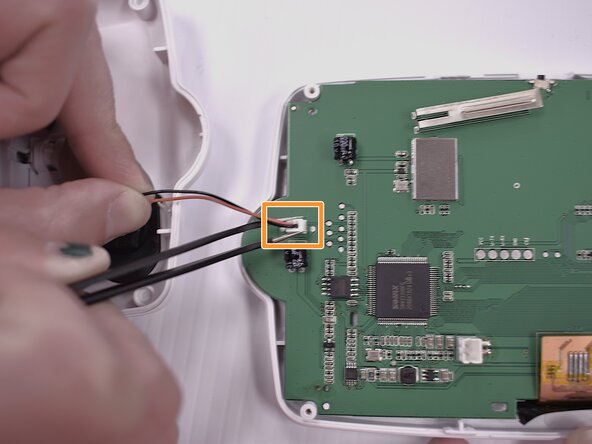
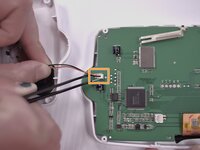
Using the angled tweezers, gently remove the plastic wire coupling connecting the speaker to the motherboard.
-
-
-
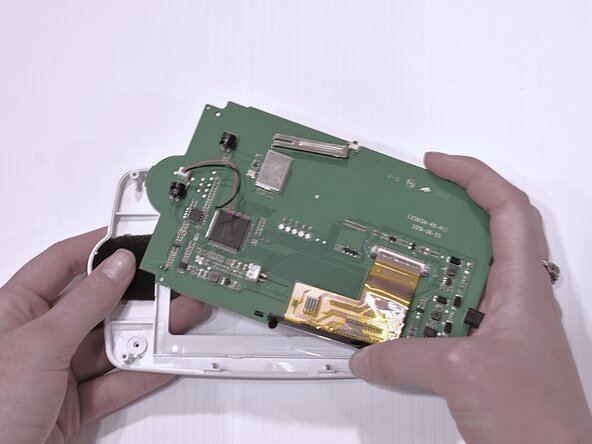
Gently remove the black foam padding from the back of the buttons.
-
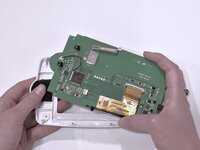
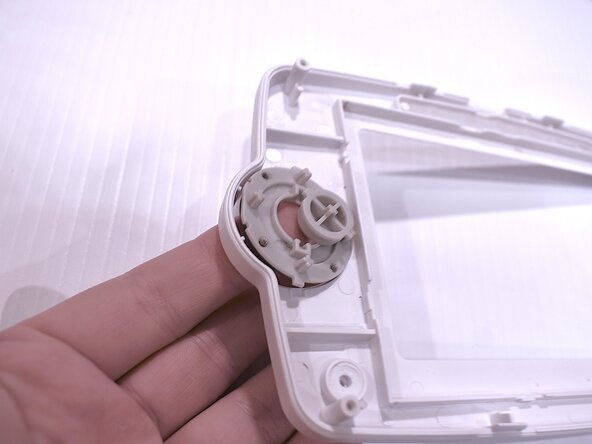
Using your fingers, gently lift the navigation buttons from the front monitor casing.
-







To reassemble your device, follow these instructions in reverse order.


팀

Idaho State University, Team 1-4, Watkins Spring 2025 Idaho State University, Team 1-4, Watkins Spring 2025 회원
ISU-WATKINS-S25S1G4
4 회원들
안내서 5개를 작성함
