주요 콘텐츠로 건너뛰기

T-Mobile Huawei Prism U8651T LCD Replacement

필요한 것

  1. T-Mobile Huawei Prism U8651T LCD Replacement, Remove Back Cover Panel: 1 단계, 이미지 3개 중 1개 T-Mobile Huawei Prism U8651T LCD Replacement, Remove Back Cover Panel: 1 단계, 이미지 3개 중 2개 T-Mobile Huawei Prism U8651T LCD Replacement, Remove Back Cover Panel: 1 단계, 이미지 3개 중 3개
    • Place the phone face down.

    • Slide the back cover panel away from you, until you hear a click.

    • Lift the back cover panel off.

  2. T-Mobile Huawei Prism U8651T LCD Replacement, Remove Battery: 2 단계, 이미지 3개 중 1개 T-Mobile Huawei Prism U8651T LCD Replacement, Remove Battery: 2 단계, 이미지 3개 중 2개 T-Mobile Huawei Prism U8651T LCD Replacement, Remove Battery: 2 단계, 이미지 3개 중 3개
    • Place the plastic opening tool in the gap between the camera and battery.

    • Pry the battery up.

    • Remove the battery.

  3. T-Mobile Huawei Prism U8651T LCD Replacement, Torx Screws: 3 단계, 이미지 3개 중 1개 T-Mobile Huawei Prism U8651T LCD Replacement, Torx Screws: 3 단계, 이미지 3개 중 2개 T-Mobile Huawei Prism U8651T LCD Replacement, Torx Screws: 3 단계, 이미지 3개 중 3개
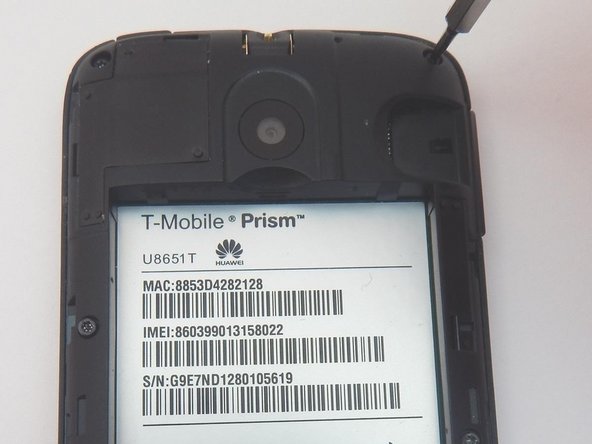
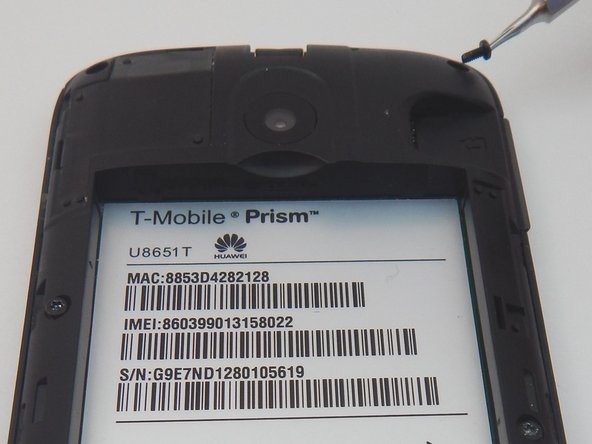
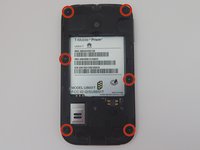
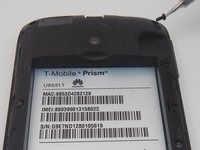
    • Locate the six 3mm torx screws holding the plastic mid frame in place.

    • Remove the six torx screws with the T4 torx screwdriver.

  4. T-Mobile Huawei Prism U8651T LCD Replacement, Remove Plastic Mid Frame: 4 단계, 이미지 3개 중 1개 T-Mobile Huawei Prism U8651T LCD Replacement, Remove Plastic Mid Frame: 4 단계, 이미지 3개 중 2개 T-Mobile Huawei Prism U8651T LCD Replacement, Remove Plastic Mid Frame: 4 단계, 이미지 3개 중 3개
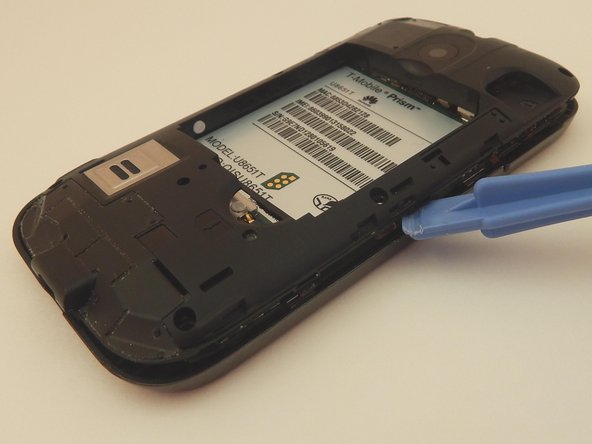
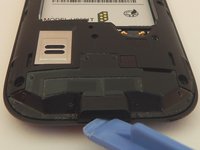
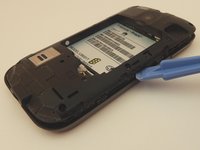
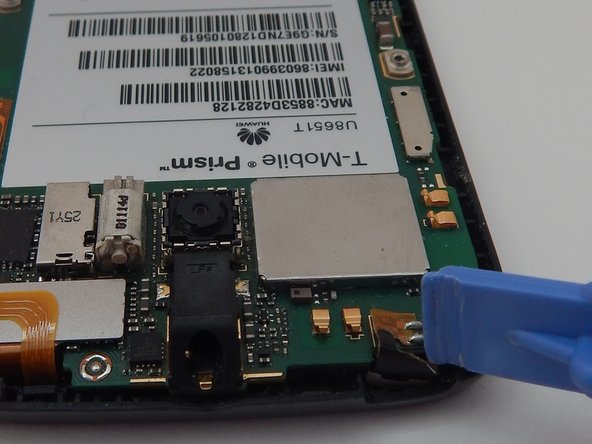
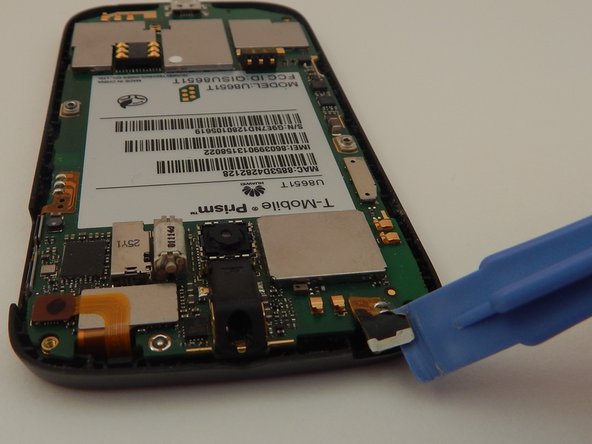
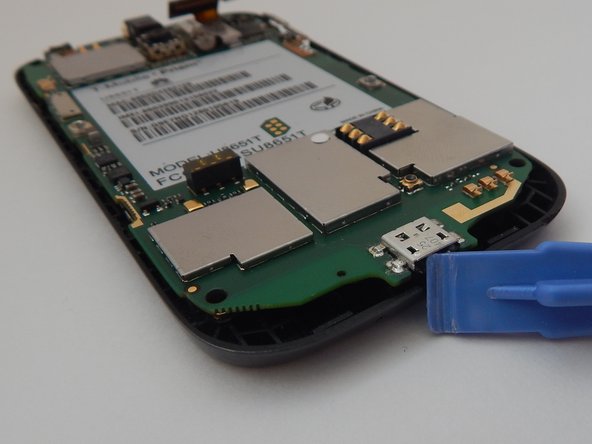
    • Place the plastic opening tool in the charging port.

    • Pry up to loosen the bottom edge of the plastic mid frame.

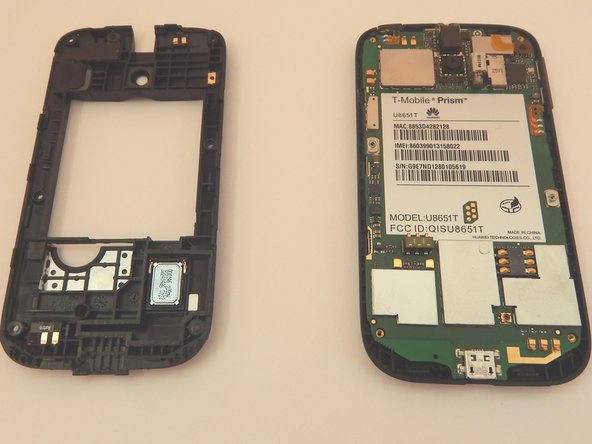
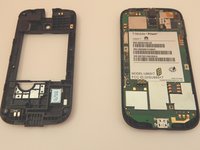
    • Work the plastic opening tool along the seam, until the the plastic mid frame is detached.

    • Remove the plastic mid frame.

  5. T-Mobile Huawei Prism U8651T LCD Replacement, Remove Power and Volume Buttons: 5 단계, 이미지 2개 중 1개 T-Mobile Huawei Prism U8651T LCD Replacement, Remove Power and Volume Buttons: 5 단계, 이미지 2개 중 2개
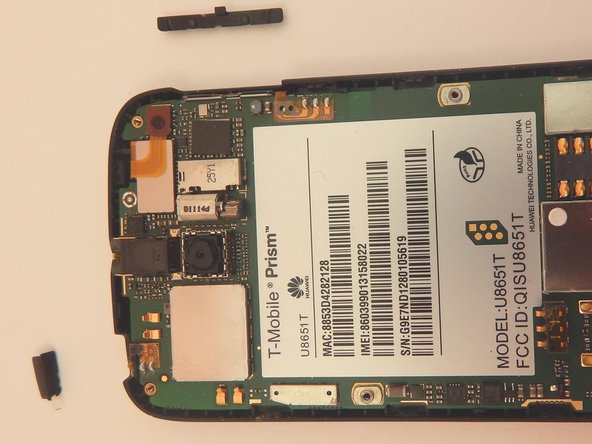
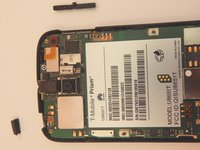
    • Locate the power button.

    • Locate the volume botton.

    • Slide the two buttons up and out of the phone.

    • The removed buttons are incredibly easy to lose, so be sure to keep an eye on them.

  6. T-Mobile Huawei Prism U8651T LCD Replacement, Remove Power Button Sensor Strip: 6 단계, 이미지 3개 중 1개 T-Mobile Huawei Prism U8651T LCD Replacement, Remove Power Button Sensor Strip: 6 단계, 이미지 3개 중 2개 T-Mobile Huawei Prism U8651T LCD Replacement, Remove Power Button Sensor Strip: 6 단계, 이미지 3개 중 3개
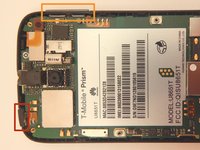
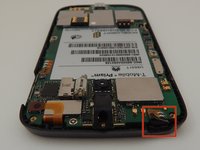
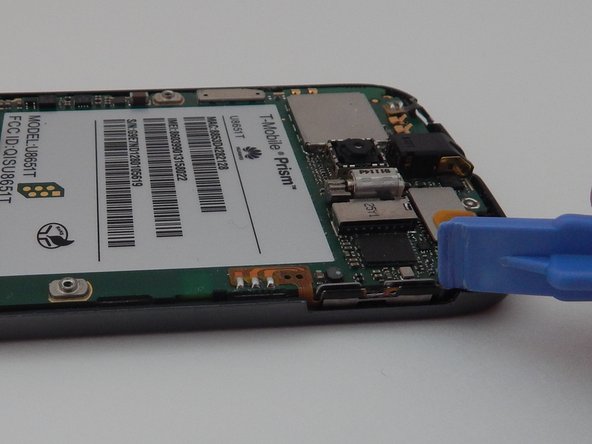
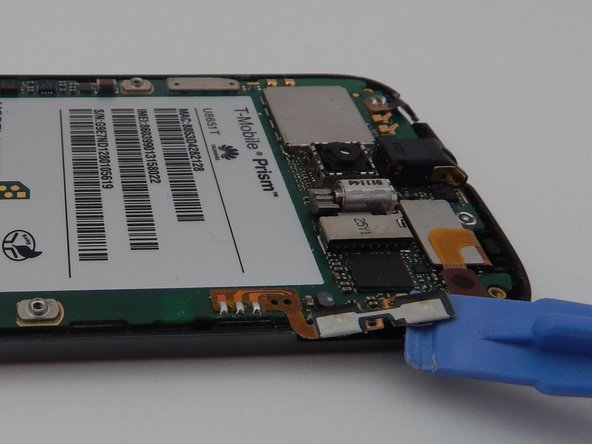
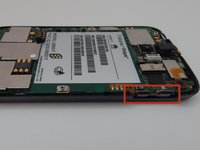
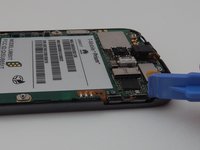
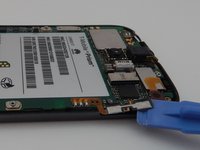
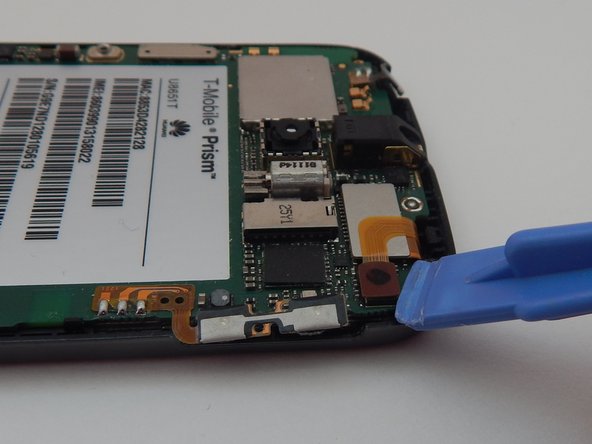
    • Locate the power button sensor strip.

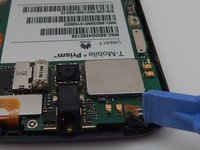
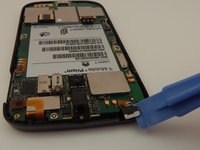
    • Place the plastic opening tool under the sensor strip.

    • Pry the sensor strip up.

  7. T-Mobile Huawei Prism U8651T LCD Replacement, Remove Volume Button Sensor Strip: 7 단계, 이미지 3개 중 1개 T-Mobile Huawei Prism U8651T LCD Replacement, Remove Volume Button Sensor Strip: 7 단계, 이미지 3개 중 2개 T-Mobile Huawei Prism U8651T LCD Replacement, Remove Volume Button Sensor Strip: 7 단계, 이미지 3개 중 3개
    • Locate the volume button sensor strip.

    • Place the plastic opening tool under the sensor strip.

    • Pry the sensor strip up.

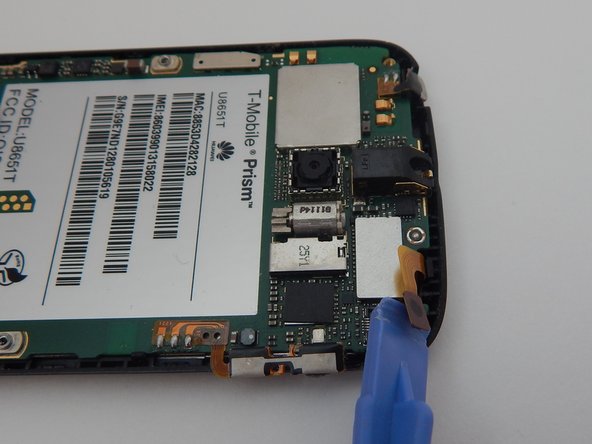
  8. T-Mobile Huawei Prism U8651T LCD Replacement, Remove Outer Screen Connector: 8 단계, 이미지 3개 중 1개 T-Mobile Huawei Prism U8651T LCD Replacement, Remove Outer Screen Connector: 8 단계, 이미지 3개 중 2개 T-Mobile Huawei Prism U8651T LCD Replacement, Remove Outer Screen Connector: 8 단계, 이미지 3개 중 3개
    • Locate the outer screen connector.

    • Place the plastic opening tool under the screen connector.

    • Pry the screen connector up.

  9. T-Mobile Huawei Prism U8651T LCD Replacement, Remove Inner Screen Connector: 9 단계, 이미지 3개 중 1개 T-Mobile Huawei Prism U8651T LCD Replacement, Remove Inner Screen Connector: 9 단계, 이미지 3개 중 2개 T-Mobile Huawei Prism U8651T LCD Replacement, Remove Inner Screen Connector: 9 단계, 이미지 3개 중 3개
    • Locate the inner screen connector.

    • Place the plastic opening tool under the screen connector.

    • Pry the screen connector up.

  10. T-Mobile Huawei Prism U8651T LCD Replacement, Remove Motherboard: 10 단계, 이미지 3개 중 1개 T-Mobile Huawei Prism U8651T LCD Replacement, Remove Motherboard: 10 단계, 이미지 3개 중 2개 T-Mobile Huawei Prism U8651T LCD Replacement, Remove Motherboard: 10 단계, 이미지 3개 중 3개
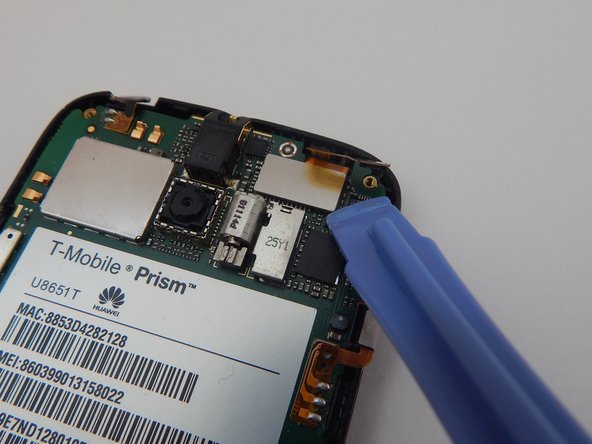
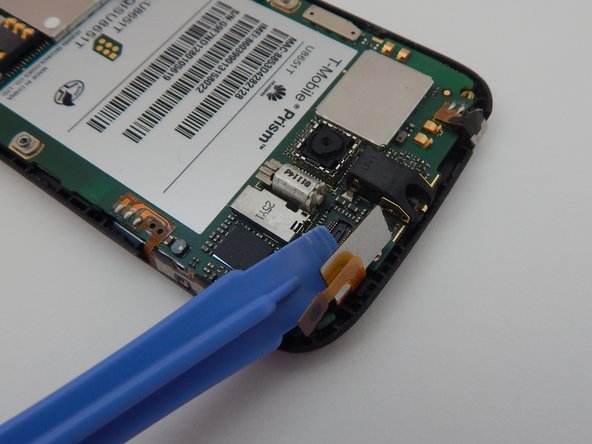
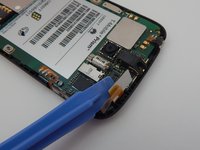
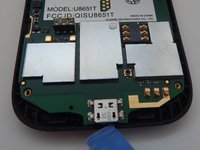
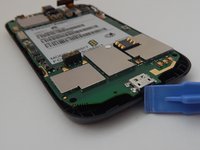
    • Place the plastic opening tool in the charger port.

    • Pry the motherboard up.

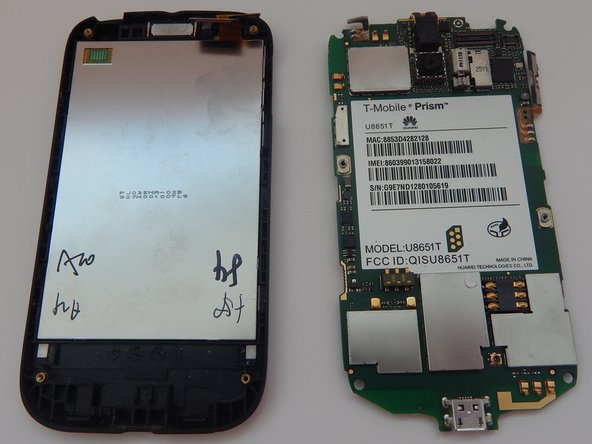
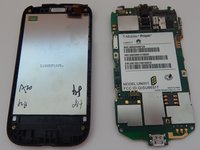
    • Remove the motherboard.

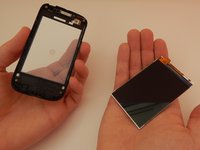
  11. T-Mobile Huawei Prism U8651T LCD Replacement, Remove Screen: 11 단계, 이미지 3개 중 1개 T-Mobile Huawei Prism U8651T LCD Replacement, Remove Screen: 11 단계, 이미지 3개 중 2개 T-Mobile Huawei Prism U8651T LCD Replacement, Remove Screen: 11 단계, 이미지 3개 중 3개
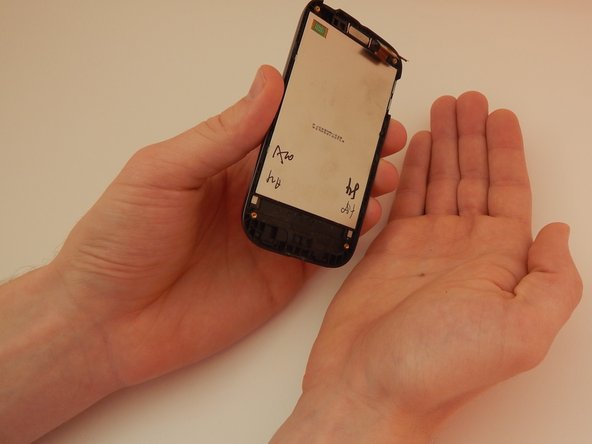
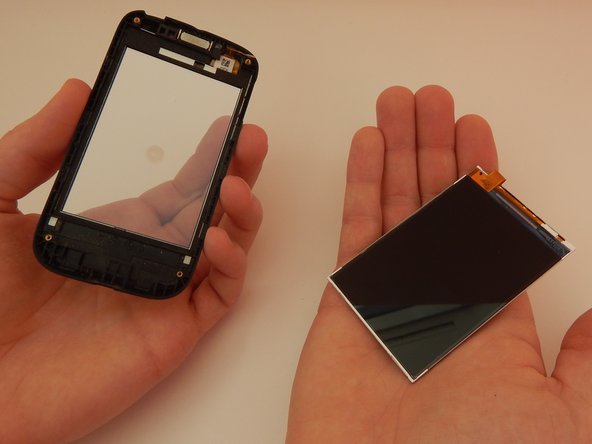
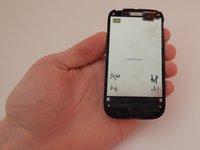
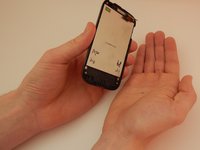
    • Pick up the front half of your phone with your left hand.

    • Slowly rotate the phone so the screen falls into your right hand.

    • Be extremely careful not to drop the screen.

결론

To reassemble your device, follow these instructions in reverse order.

다른 한 분이 해당 안내서를 완성하였습니다.

작성자

3다른 기여자 명과 함께

Dillon

회원 가입일: 10/23/14

578 평판

안내서 5개를 작성함

Michigan Tech, Team 1-7, Lauer Fall 2014 Michigan Tech, Team 1-7, Lauer Fall 2014 회원

MTU-LAUER-F14S1G7

3 회원들

안내서 10개를 작성함

0가이드 댓글

댓글 쓰기

조회 통계:

지난 24시간: 0

지난 7일: 0

지난 30일: 9

전체 시간: 997