주요 콘텐츠로 건너뛰기

Tineco FLOOR ONE S3 Breeze Battery Replacement

필요한 것

  1. Tineco FLOOR ONE S3 Breeze Battery Replacement, Battery: 1 단계, 이미지 2개 중 1개 Tineco FLOOR ONE S3 Breeze Battery Replacement, Battery: 1 단계, 이미지 2개 중 2개
    • Remove six 10.6 mm screws from the back of the vacuum with a Phillips #1 screwdriver.

    • Remove the entire back piece.

  2. Tineco FLOOR ONE S3 Breeze Battery Replacement: 2 단계, 이미지 1개 중 1개
    • Remove four 10.6 mm screws from the remaining white back piece with a Phillips #1 screwdriver.

  3. Tineco FLOOR ONE S3 Breeze Battery Replacement: 3 단계, 이미지 3개 중 1개 Tineco FLOOR ONE S3 Breeze Battery Replacement: 3 단계, 이미지 3개 중 2개 Tineco FLOOR ONE S3 Breeze Battery Replacement: 3 단계, 이미지 3개 중 3개
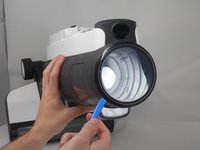
    • Pry open and remove the black ring at the top of the vacuum using by using an opening tool.

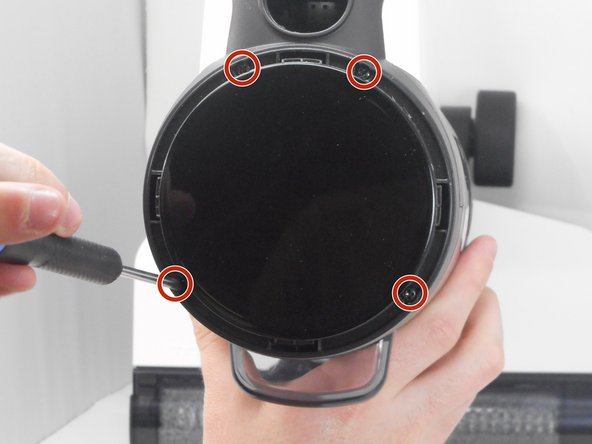
    • Remove four 10.6 mm screws located underneath the previously pried ring using a Phillips #1 screwdriver.

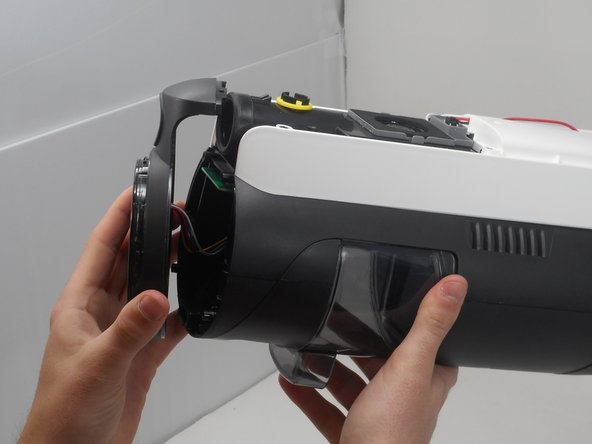
    • Remove the top circular piece from the body of the vacuum.

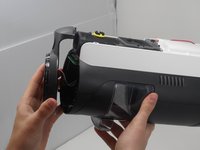
  4. Tineco FLOOR ONE S3 Breeze Battery Replacement: 4 단계, 이미지 1개 중 1개
    • Remove the white back piece of the vacuum.

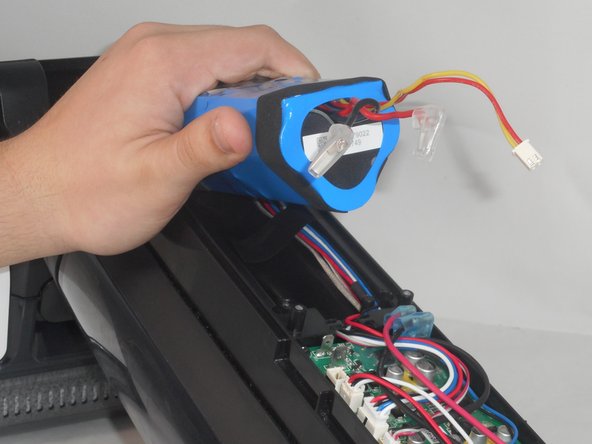
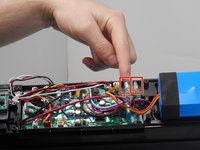
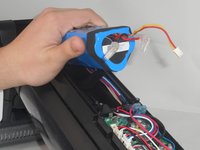
  5. Tineco FLOOR ONE S3 Breeze Battery Replacement: 5 단계, 이미지 2개 중 1개 Tineco FLOOR ONE S3 Breeze Battery Replacement: 5 단계, 이미지 2개 중 2개
    • Unplug the wires of the battery by carefully pulling them up from the motherboard.

    • Slide the battery out of its slot and replace it with the new battery.

    • The connection may be difficult to remove. Be careful not to rip the entire connector from the motherboard.

결론

To reassemble your device, follow these instructions in reverse order.

다른 2명이 해당 안내서를 완성하였습니다.

작성자

4다른 기여자 명과 함께

Seth Bowers

회원 가입일: 02/14/24

235 평판

안내서 2개를 작성함

0가이드 댓글

댓글 쓰기

조회 통계:

지난 24시간: 10

지난 7일: 62

지난 30일: 435

전체 시간: 7,379