주요 콘텐츠로 건너뛰기

Tofu65 Keyboard PCB Replacement

필요한 것

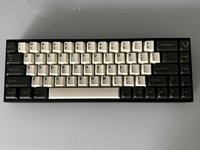
  1. Tofu65 Keyboard PCB Replacement, Keyboard PCB: 1 단계, 이미지 1개 중 1개
    • Unplug the power cord.

  2. Tofu65 Keyboard PCB Replacement: 2 단계, 이미지 1개 중 1개
    • Use a keycap puller to remove the keycaps from the keyboard.

    • Be sure to pull straight up when removing the keycaps to avoid damaging the key switches.

  3. Tofu65 Keyboard PCB Replacement: 3 단계, 이미지 1개 중 1개
    • Use the switch puller to pinch the switch on the two pins to release the switch from the PCB.

    • Pull straight up when removing the switch. It should not take much force to pull them out.

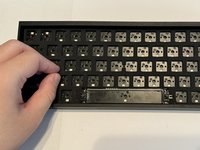
  4. Tofu65 Keyboard PCB Replacement: 4 단계, 이미지 2개 중 1개 Tofu65 Keyboard PCB Replacement: 4 단계, 이미지 2개 중 2개
    • Remove the plastic cover that protects the PCB.

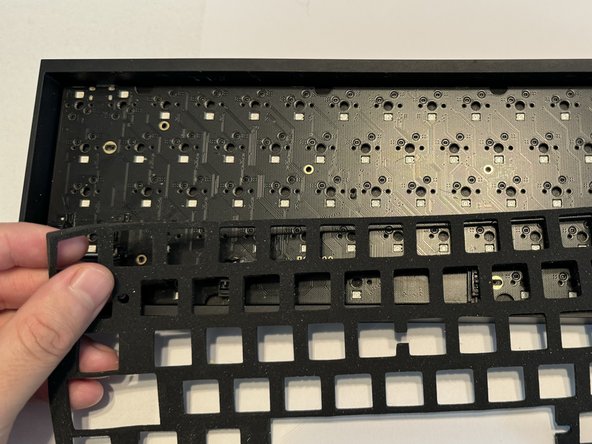
  5. Tofu65 Keyboard PCB Replacement: 5 단계, 이미지 2개 중 1개 Tofu65 Keyboard PCB Replacement: 5 단계, 이미지 2개 중 2개
    • Gently remove the foam layer protecting the PCB.

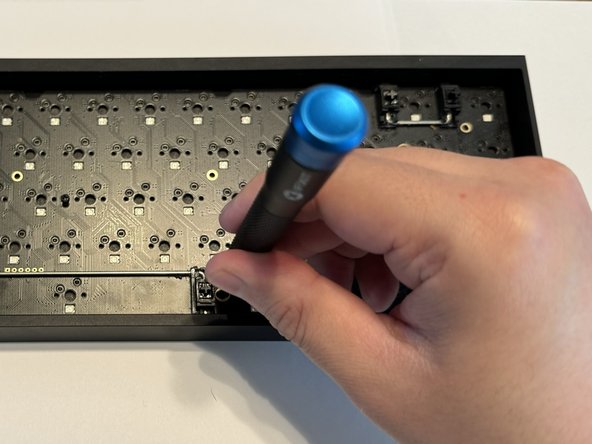
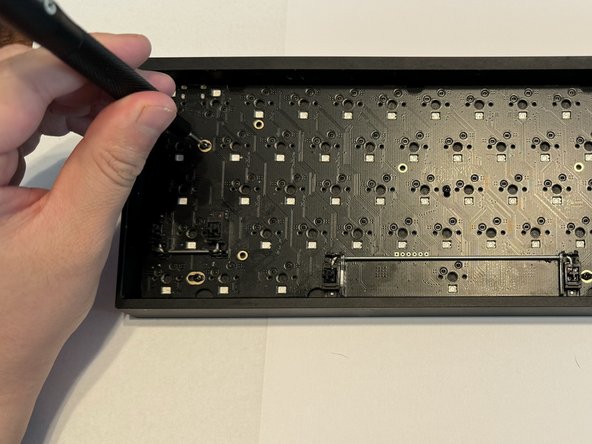
  6. Tofu65 Keyboard PCB Replacement: 6 단계, 이미지 3개 중 1개 Tofu65 Keyboard PCB Replacement: 6 단계, 이미지 3개 중 2개 Tofu65 Keyboard PCB Replacement: 6 단계, 이미지 3개 중 3개
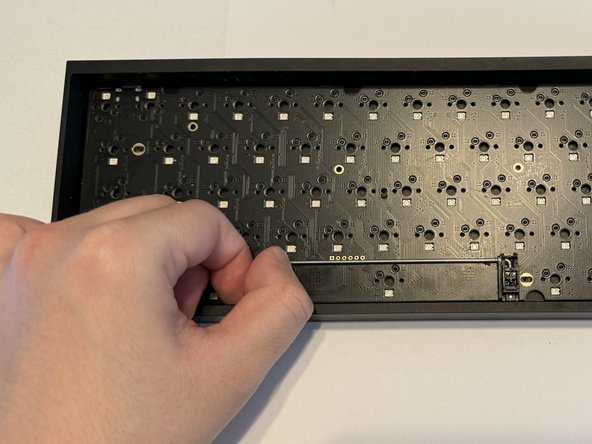
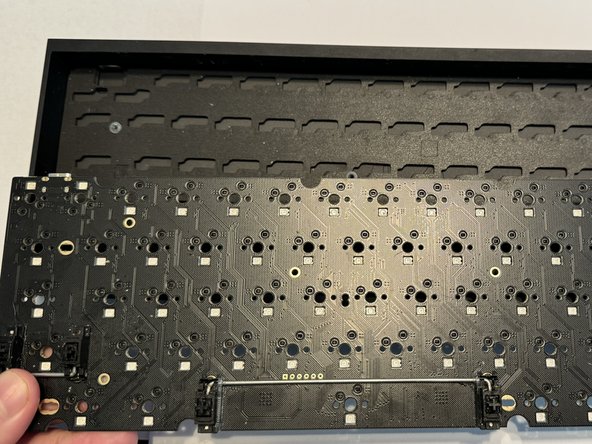
    • Use a Phillips #000 screwdriver to remove the six 5 mm screws keeping the PCB in place.

  7. Tofu65 Keyboard PCB Replacement: 7 단계, 이미지 2개 중 1개 Tofu65 Keyboard PCB Replacement: 7 단계, 이미지 2개 중 2개
    • Remove the old PCB from the bottom case.

  8. Tofu65 Keyboard PCB Replacement: 8 단계, 이미지 2개 중 1개 Tofu65 Keyboard PCB Replacement: 8 단계, 이미지 2개 중 2개
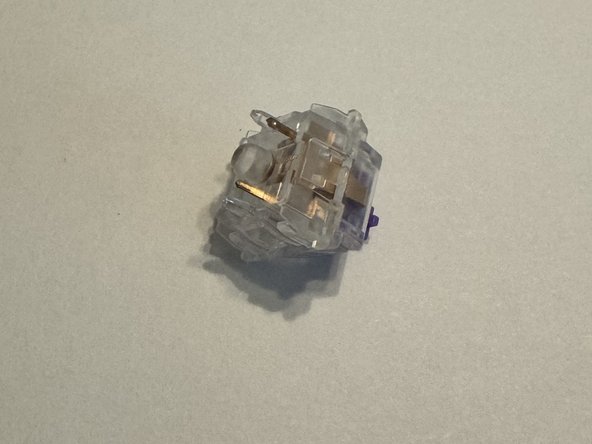
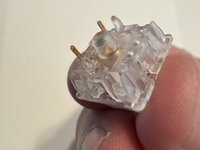
    • Ensure your keyboard switches are in good condition and the golden pins are not bent.

    • If the pins are bent, carefully bend them so they are straight or replace them with new switches.

  9. Tofu65 Keyboard PCB Replacement: 9 단계, 이미지 3개 중 1개 Tofu65 Keyboard PCB Replacement: 9 단계, 이미지 3개 중 2개 Tofu65 Keyboard PCB Replacement: 9 단계, 이미지 3개 중 3개
    • Replace your PCB.

    • Place the foam and plastic plate cover back.

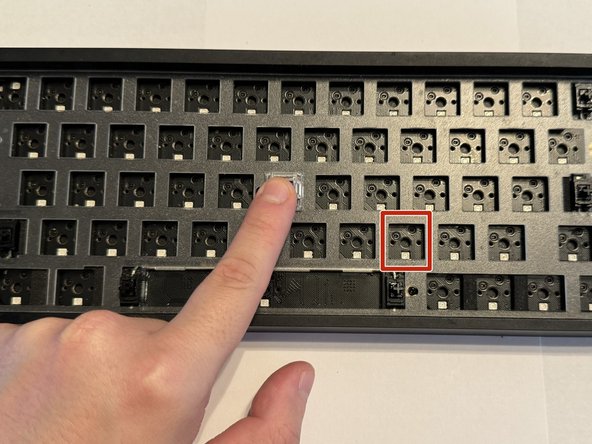
    • Line up the key switch pins with the sockets on the PCB before installing them.

    • Install the keyboard switches and apply a small amount of force to ensure they make contact with the PCB.

  10. Tofu65 Keyboard PCB Replacement: 10 단계, 이미지 2개 중 1개 Tofu65 Keyboard PCB Replacement: 10 단계, 이미지 2개 중 2개
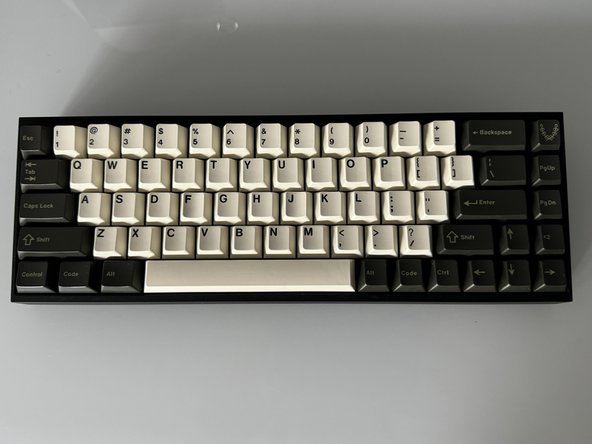
    • Replace each keycaps onto the appropriate switch.

    • Press down firmly on each to ensure they are making contact.

결승점

다른 한 분이 해당 안내서를 완성하였습니다.

작성자

2다른 기여자 명과 함께

Daniel Payan

회원 가입일: 03/05/24

202 평판

안내서 1개를 작성함

0가이드 댓글

댓글 쓰기

조회 통계:

지난 24시간: 3

지난 7일: 17

지난 30일: 59

전체 시간: 789