주요 콘텐츠로 건너뛰기

Viotek Gaming Monitor W2711SE Back Panel Attachment Latch Repair

필요한 것

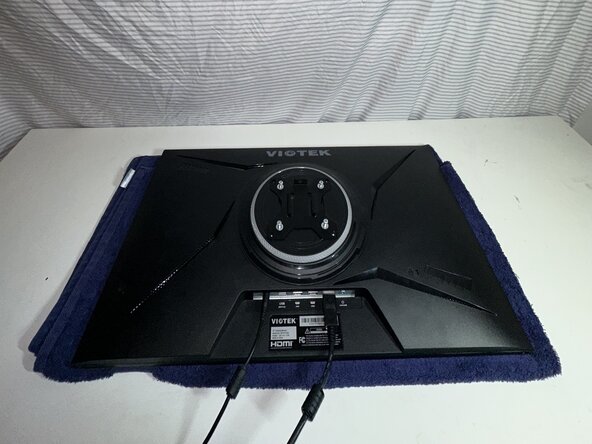
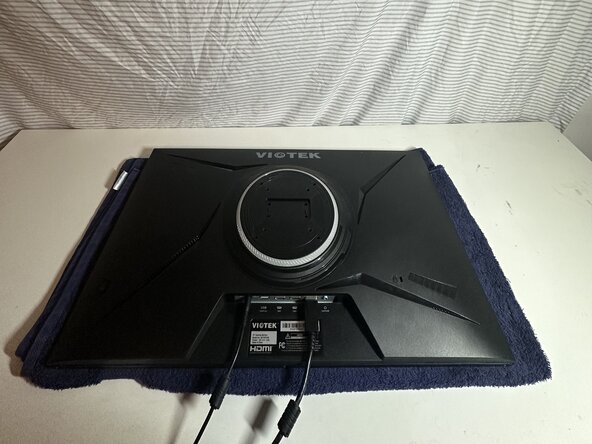
  1. Viotek Gaming Monitor W2711SE Back Panel Attachment Latch Repair, Viotek Gaming Monitor W2711SE Back Panel Attachment Latch Repair: 1 단계, 이미지 2개 중 1개 Viotek Gaming Monitor W2711SE Back Panel Attachment Latch Repair, Viotek Gaming Monitor W2711SE Back Panel Attachment Latch Repair: 1 단계, 이미지 2개 중 2개
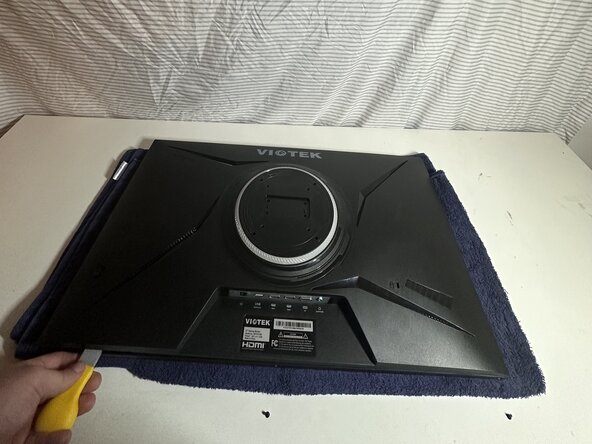
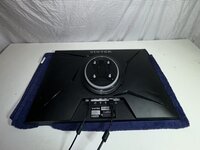
    • Clean your workspace and make sure you have enough room to lay the monitor down.

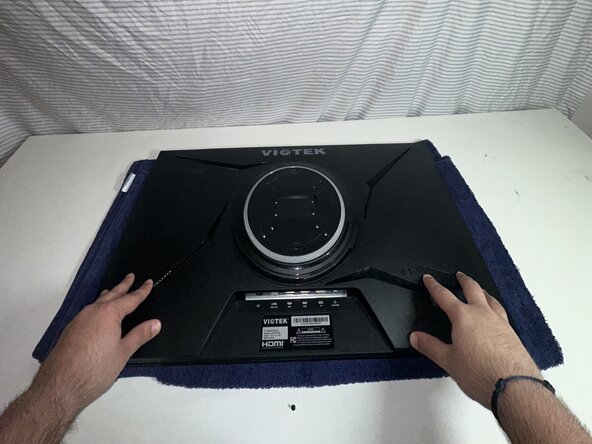
    • Place the monitor face down on a soft, static-free surface.

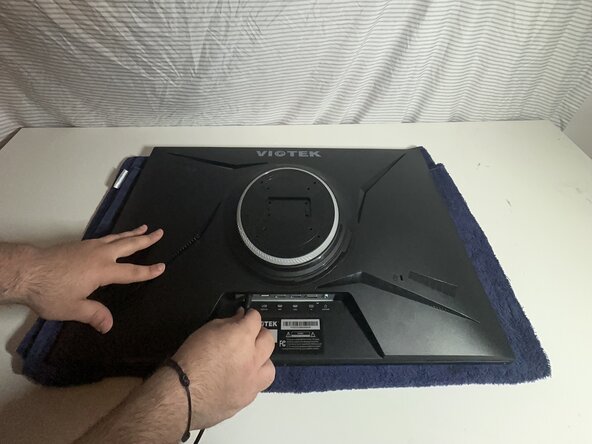
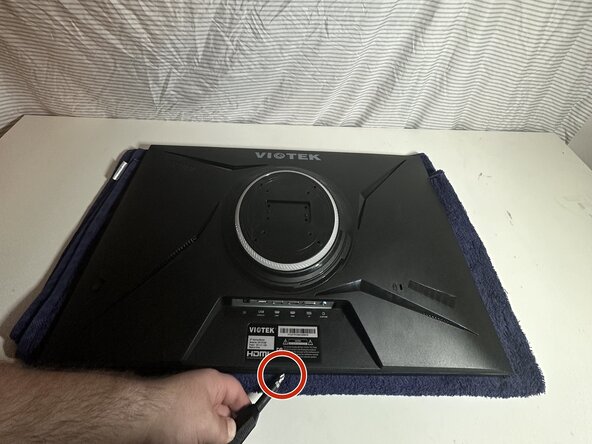
  2. Viotek Gaming Monitor W2711SE Back Panel Attachment Latch Repair: 2 단계, 이미지 3개 중 1개 Viotek Gaming Monitor W2711SE Back Panel Attachment Latch Repair: 2 단계, 이미지 3개 중 2개 Viotek Gaming Monitor W2711SE Back Panel Attachment Latch Repair: 2 단계, 이미지 3개 중 3개
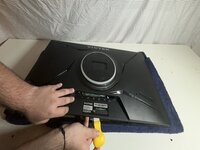
    • Before you begin, unplug all cables, starting with the display cable and then the power cable.

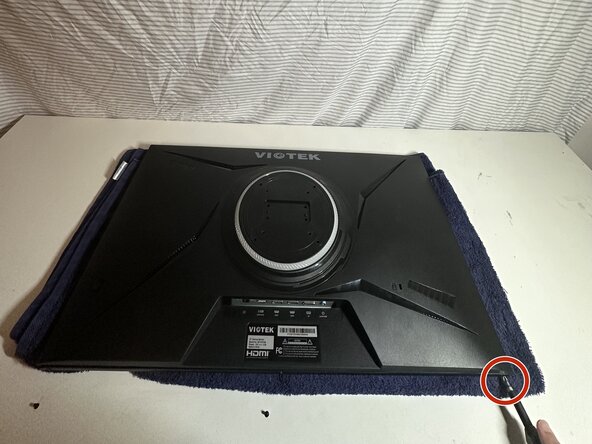
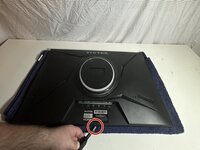
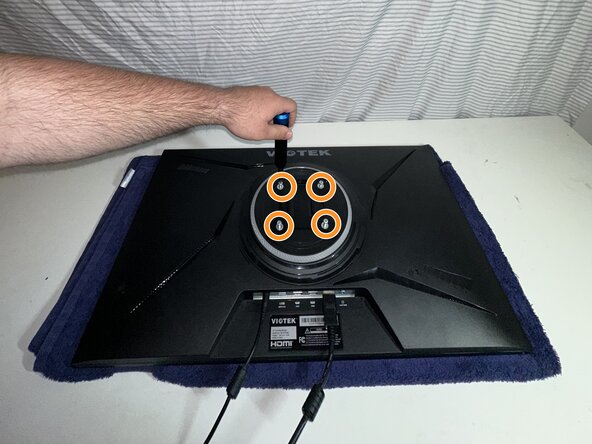
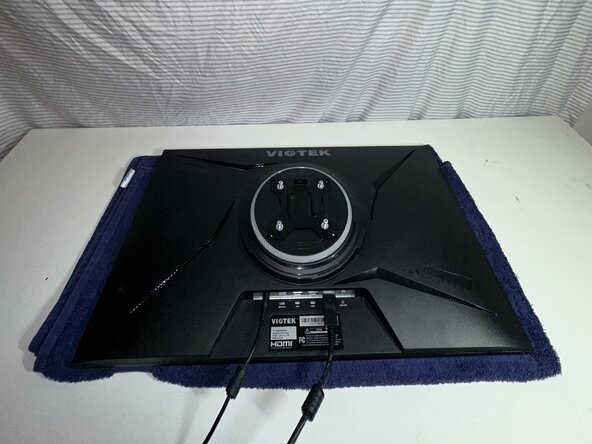
    • Use a Phillips screwdriver to remove four 24.5 mm screws from the center of the back panel.

  3. Viotek Gaming Monitor W2711SE Back Panel Attachment Latch Repair: 3 단계, 이미지 3개 중 1개 Viotek Gaming Monitor W2711SE Back Panel Attachment Latch Repair: 3 단계, 이미지 3개 중 2개 Viotek Gaming Monitor W2711SE Back Panel Attachment Latch Repair: 3 단계, 이미지 3개 중 3개
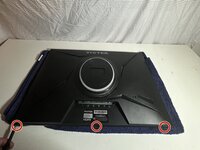
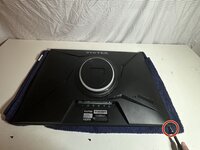
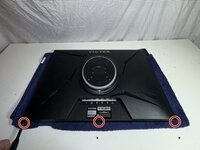
    • Use a Phillips #1 screwdriver to remove three 8.5 mm screws from the broken side of the panel.

    • Keep these screws organized so you don’t lose them.

  4. Viotek Gaming Monitor W2711SE Back Panel Attachment Latch Repair: 4 단계, 이미지 3개 중 1개 Viotek Gaming Monitor W2711SE Back Panel Attachment Latch Repair: 4 단계, 이미지 3개 중 2개 Viotek Gaming Monitor W2711SE Back Panel Attachment Latch Repair: 4 단계, 이미지 3개 중 3개
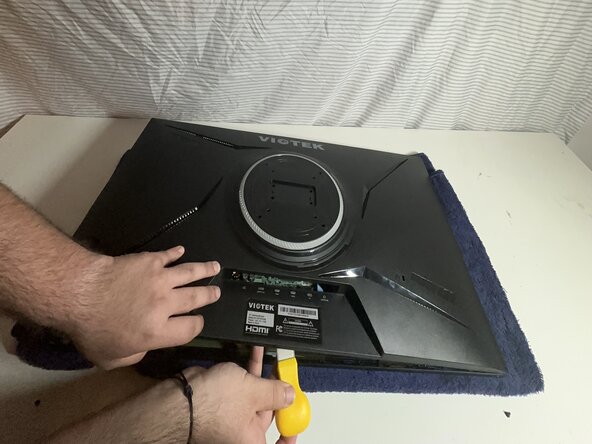
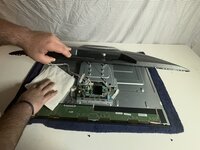
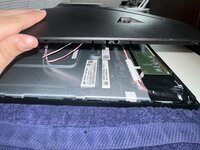
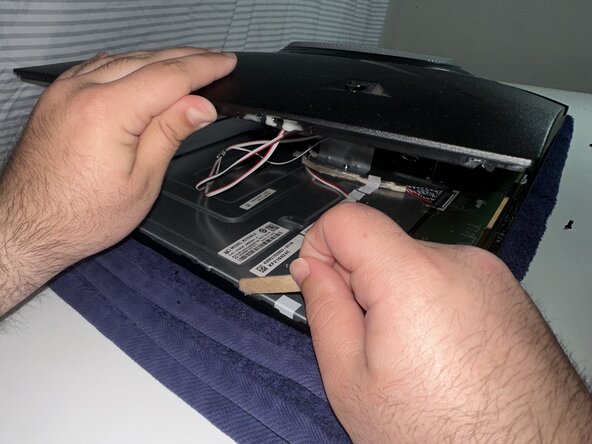
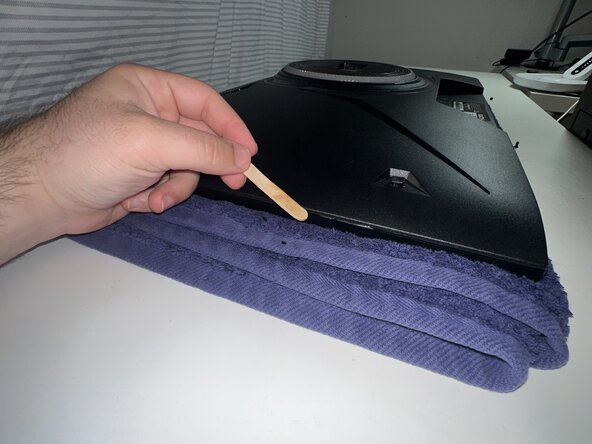
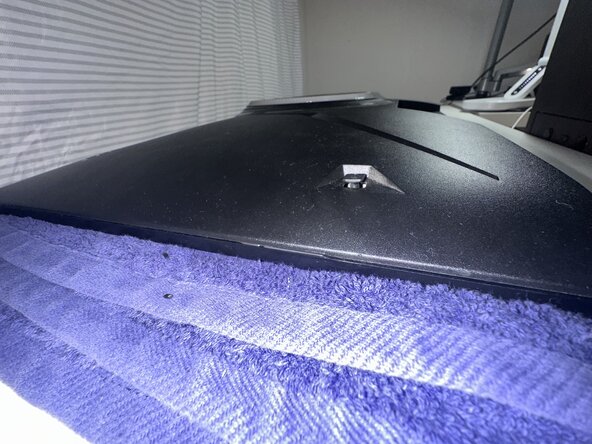
    • Use an opening tool to release the clips around the edge of the back panel, starting from the broken edge.

    • Do not force it. If you feel resistance, check that you've removed all of the screws securing the back panel. Avoid cracking other parts of the panel.

  5. Viotek Gaming Monitor W2711SE Back Panel Attachment Latch Repair: 5 단계, 이미지 3개 중 1개 Viotek Gaming Monitor W2711SE Back Panel Attachment Latch Repair: 5 단계, 이미지 3개 중 2개 Viotek Gaming Monitor W2711SE Back Panel Attachment Latch Repair: 5 단계, 이미지 3개 중 3개
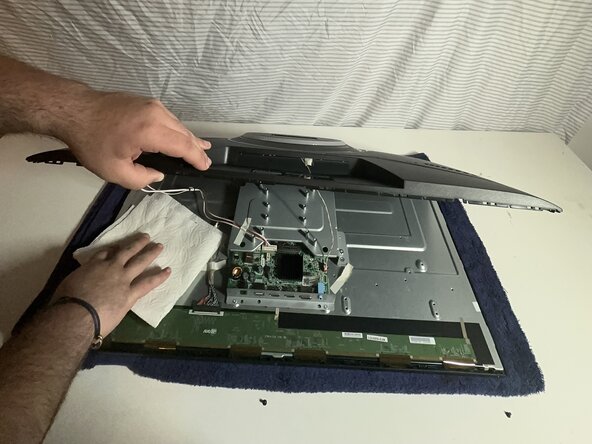
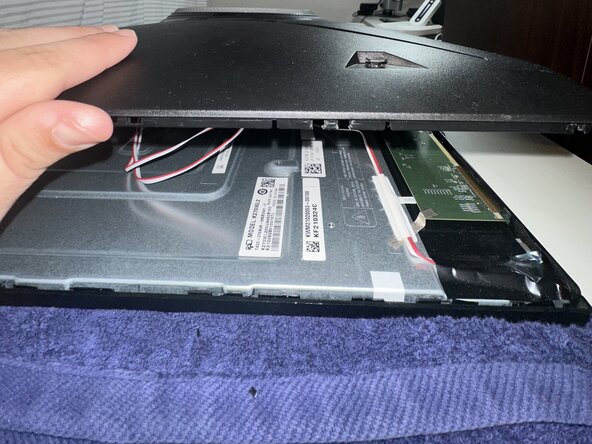
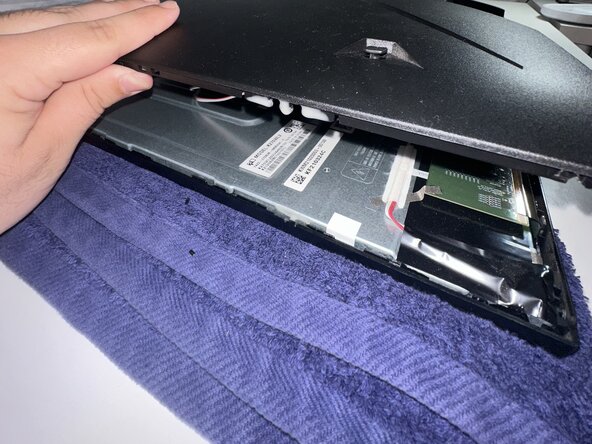
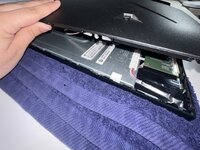
    • Lift the panel slowly and check for any short internal cables that could be pulled.

    • Be careful not to rip any cables when lifting the panel.

    • Clean out any dust or debris inside the monitor.

  6. Viotek Gaming Monitor W2711SE Back Panel Attachment Latch Repair: 6 단계, 이미지 3개 중 1개 Viotek Gaming Monitor W2711SE Back Panel Attachment Latch Repair: 6 단계, 이미지 3개 중 2개 Viotek Gaming Monitor W2711SE Back Panel Attachment Latch Repair: 6 단계, 이미지 3개 중 3개
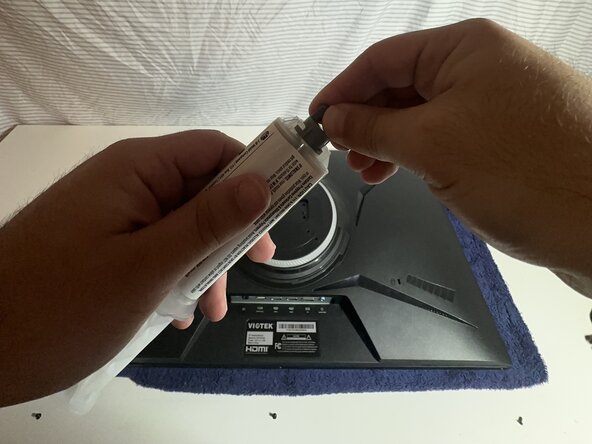
    • Follow the instructions on the package to prepare the epoxy.

    • Do not get epoxy on your hands. If you do, wash them immediately.

  7. Viotek Gaming Monitor W2711SE Back Panel Attachment Latch Repair: 7 단계, 이미지 3개 중 1개 Viotek Gaming Monitor W2711SE Back Panel Attachment Latch Repair: 7 단계, 이미지 3개 중 2개 Viotek Gaming Monitor W2711SE Back Panel Attachment Latch Repair: 7 단계, 이미지 3개 중 3개
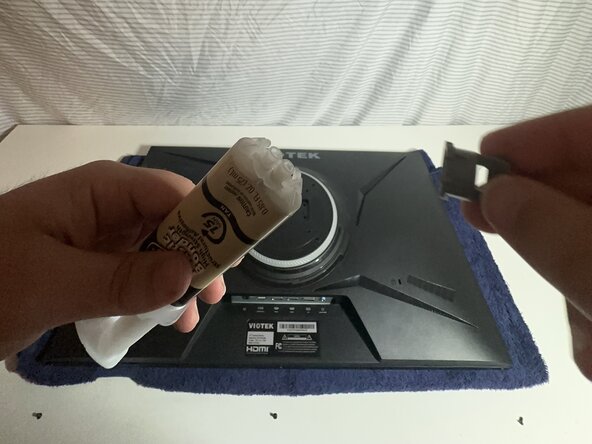
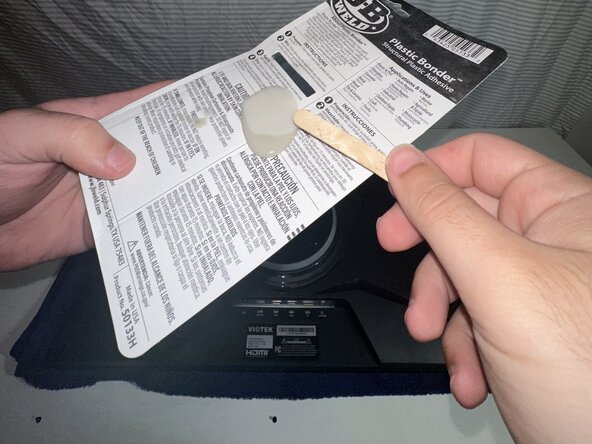
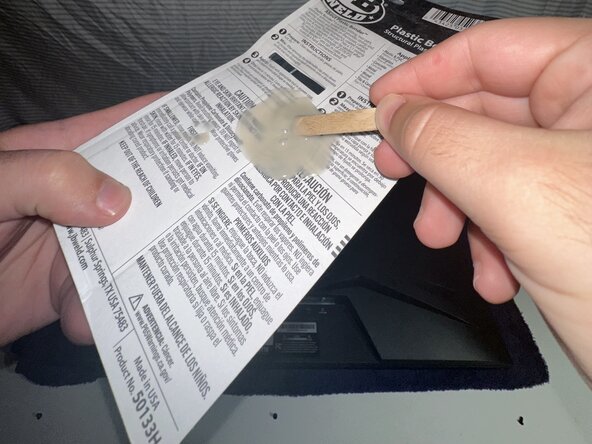
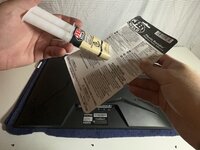
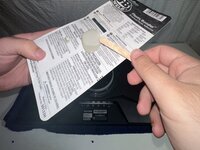
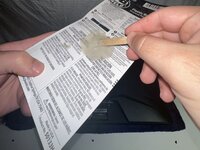
    • Follow the instructions for how to prepare the specific epoxy are you using.

    • Dispense a small amount onto a flat, disposable surface like the back of the packaging.

    • Mix with the provided stick or a disposable one.

    • Always wear gloves or avoid skin contact.

  8. Viotek Gaming Monitor W2711SE Back Panel Attachment Latch Repair: 8 단계, 이미지 3개 중 1개 Viotek Gaming Monitor W2711SE Back Panel Attachment Latch Repair: 8 단계, 이미지 3개 중 2개 Viotek Gaming Monitor W2711SE Back Panel Attachment Latch Repair: 8 단계, 이미지 3개 중 3개
    • Carefully apply epoxy to the broken clip.

    • In this example, the clip was completely broken at the attachment point, so epoxy was used to build a new support on what remained.

    • If you used the epoxy to rebuild the latch, make sure to wait at least 15 minutes for it to harden before closing the monitor.

    • Avoid excess epoxy buildup and direct contact with your hands.

  9. Viotek Gaming Monitor W2711SE Back Panel Attachment Latch Repair: 9 단계, 이미지 3개 중 1개 Viotek Gaming Monitor W2711SE Back Panel Attachment Latch Repair: 9 단계, 이미지 3개 중 2개 Viotek Gaming Monitor W2711SE Back Panel Attachment Latch Repair: 9 단계, 이미지 3개 중 3개
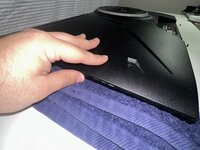
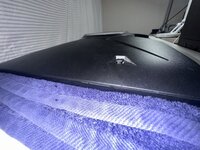
    • Press the panel down firmly.

    • Wipe off any excess epoxy to keep it tidy.

  10. Viotek Gaming Monitor W2711SE Back Panel Attachment Latch Repair: 10 단계, 이미지 3개 중 1개 Viotek Gaming Monitor W2711SE Back Panel Attachment Latch Repair: 10 단계, 이미지 3개 중 2개 Viotek Gaming Monitor W2711SE Back Panel Attachment Latch Repair: 10 단계, 이미지 3개 중 3개
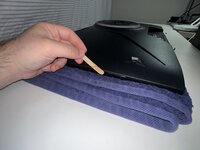
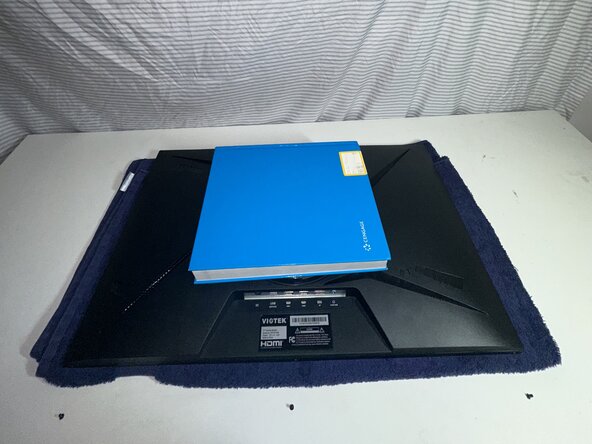
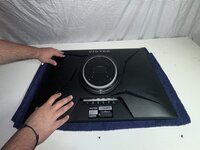
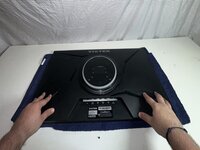
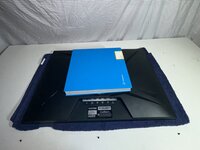
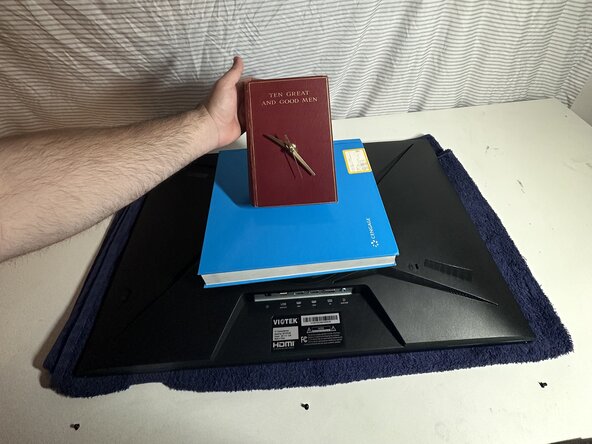
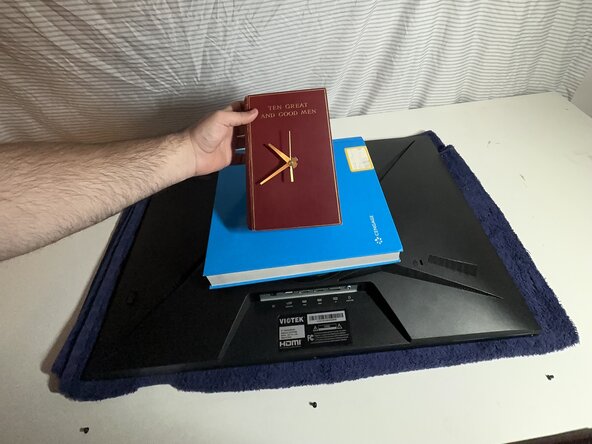
    • Once aligned, place a moderately heavy object on top of the monitor to keep pressure on the panel.

    • Use something flat and heavy enough to hold the panel down evenly.

  11. Viotek Gaming Monitor W2711SE Back Panel Attachment Latch Repair: 11 단계, 이미지 3개 중 1개 Viotek Gaming Monitor W2711SE Back Panel Attachment Latch Repair: 11 단계, 이미지 3개 중 2개 Viotek Gaming Monitor W2711SE Back Panel Attachment Latch Repair: 11 단계, 이미지 3개 중 3개
    • Set a timer for 15 minutes to let the epoxy cure. If you plan to sand it down, wait a full 30 minutes before doing so.

    • Always make sure to use the direction on the packaging of the epoxy.

  12. Viotek Gaming Monitor W2711SE Back Panel Attachment Latch Repair: 12 단계, 이미지 3개 중 1개 Viotek Gaming Monitor W2711SE Back Panel Attachment Latch Repair: 12 단계, 이미지 3개 중 2개 Viotek Gaming Monitor W2711SE Back Panel Attachment Latch Repair: 12 단계, 이미지 3개 중 3개
    • After the epoxy sets, use a Phillips #1 screwdriver to replace the 8.5 mm.

    • Replace the 24.5 mm Phillips #1 stand screws.

    • Plug the cords back into the bottom of the monitor.

결론

To reassemble your device, follow these instructions in reverse order. Take your e-waste to an R2 or e-Stewards certified recycler.

다른 한 분이 해당 안내서를 완성하였습니다.

작성자

1다른 기여자 명과 함께

Mattia polverosi

회원 가입일: 04/09/25

205 평판

안내서 1개를 작성함

0가이드 댓글

댓글 쓰기

조회 통계:

지난 24시간: 1

지난 7일: 8

지난 30일: 25

전체 시간: 168