주요 콘텐츠로 건너뛰기

Visual Land Prestige Elite 7Q LCD Screen Replacement

필요한 것

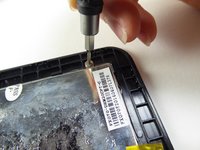
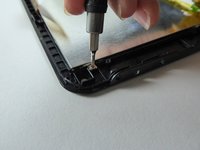
  1. Visual Land Prestige Elite 7Q LCD Screen Replacement, LCD Screen: 1 단계, 이미지 2개 중 1개 Visual Land Prestige Elite 7Q LCD Screen Replacement, LCD Screen: 1 단계, 이미지 2개 중 2개
    • At the bottom of the tablet, remove the two 3.6mm screws with a Phillips #000 screwdriver.

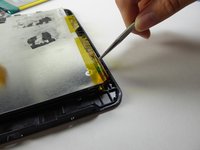
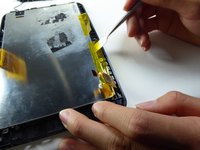
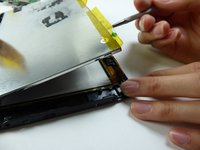
  2. Visual Land Prestige Elite 7Q LCD Screen Replacement: 2 단계, 이미지 2개 중 1개 Visual Land Prestige Elite 7Q LCD Screen Replacement: 2 단계, 이미지 2개 중 2개
    • Wedge a plastic opening tool into the edges of the tablet to pry it open.

  3. Visual Land Prestige Elite 7Q LCD Screen Replacement: 3 단계, 이미지 3개 중 1개 Visual Land Prestige Elite 7Q LCD Screen Replacement: 3 단계, 이미지 3개 중 2개 Visual Land Prestige Elite 7Q LCD Screen Replacement: 3 단계, 이미지 3개 중 3개
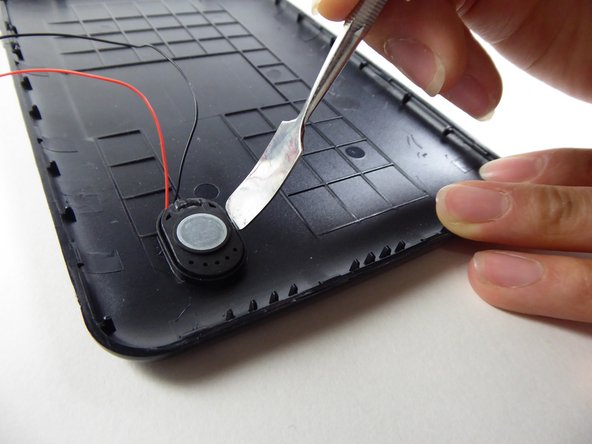
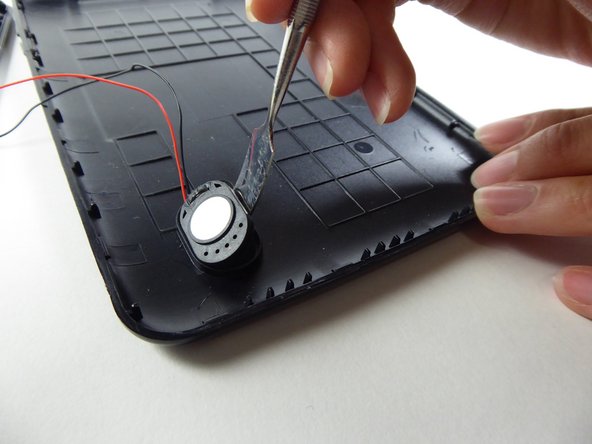
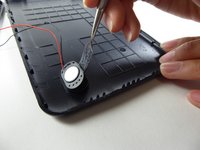
    • Wedge a curved metal spudger to remove the speaker.

  4. Visual Land Prestige Elite 7Q LCD Screen Replacement: 4 단계, 이미지 3개 중 1개 Visual Land Prestige Elite 7Q LCD Screen Replacement: 4 단계, 이미지 3개 중 2개 Visual Land Prestige Elite 7Q LCD Screen Replacement: 4 단계, 이미지 3개 중 3개
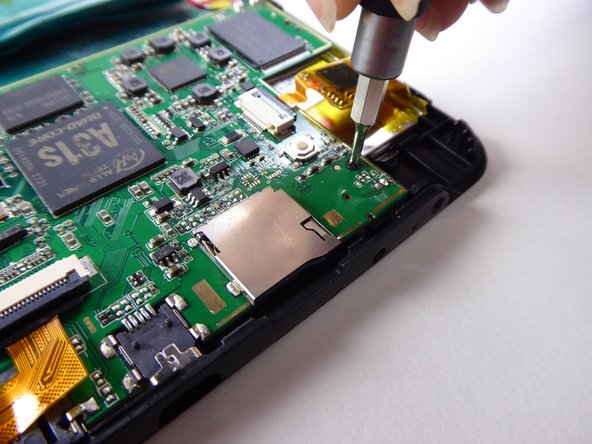
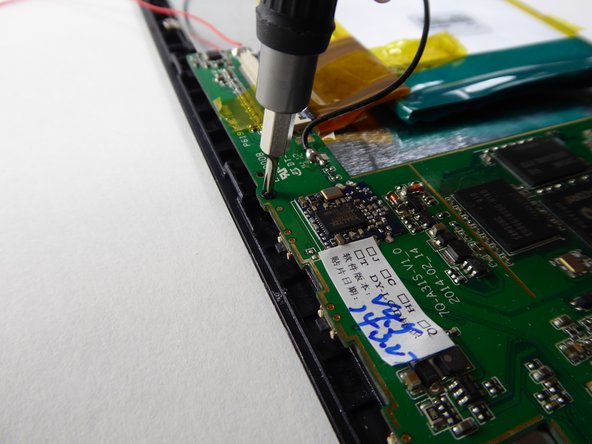
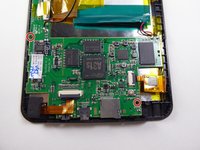
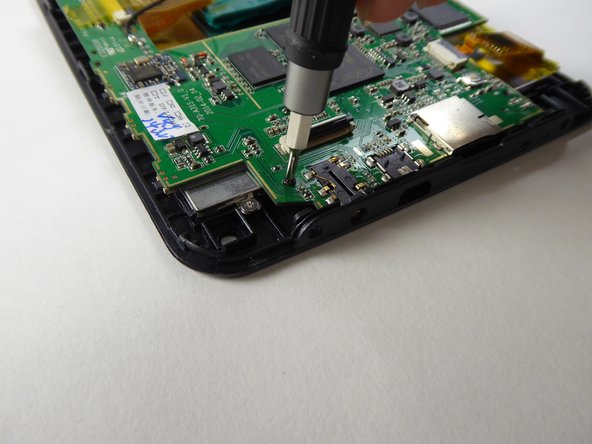
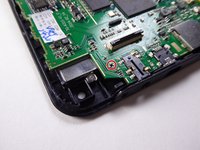
    • Use a Phillips #000 screwdriver to remove the two 3.6mm screws.

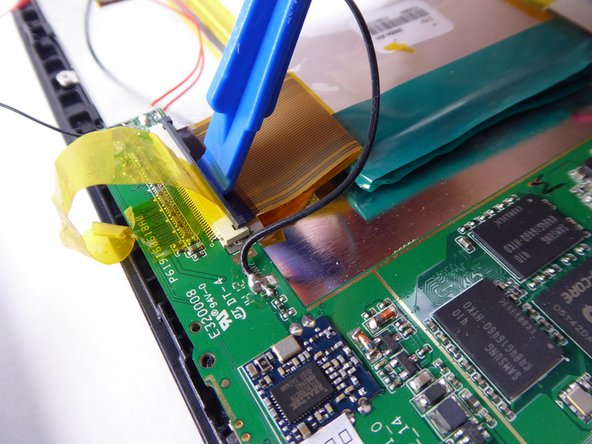
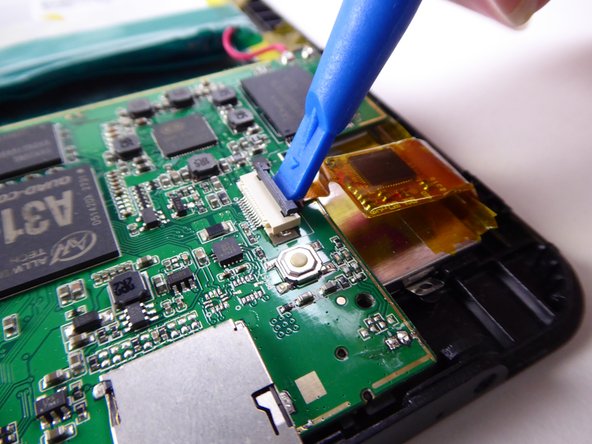
  5. Visual Land Prestige Elite 7Q LCD Screen Replacement: 5 단계, 이미지 3개 중 1개 Visual Land Prestige Elite 7Q LCD Screen Replacement: 5 단계, 이미지 3개 중 2개 Visual Land Prestige Elite 7Q LCD Screen Replacement: 5 단계, 이미지 3개 중 3개
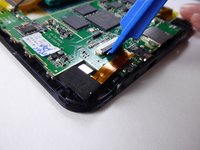
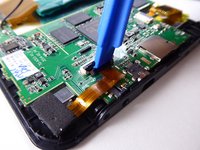
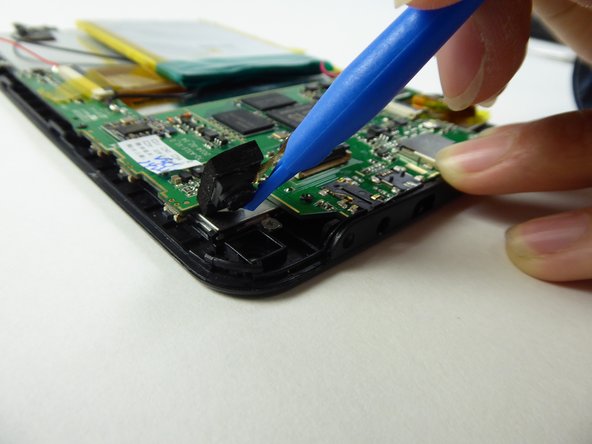
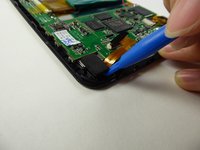
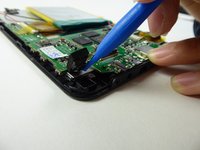
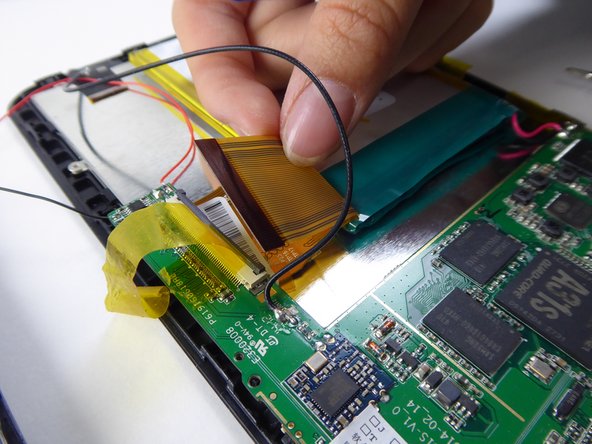
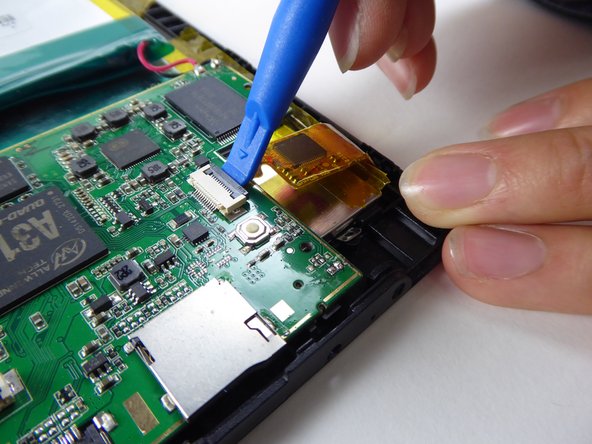
    • Use a plastic opening tool to lift the black tab.

  6. Visual Land Prestige Elite 7Q LCD Screen Replacement: 6 단계, 이미지 2개 중 1개 Visual Land Prestige Elite 7Q LCD Screen Replacement: 6 단계, 이미지 2개 중 2개
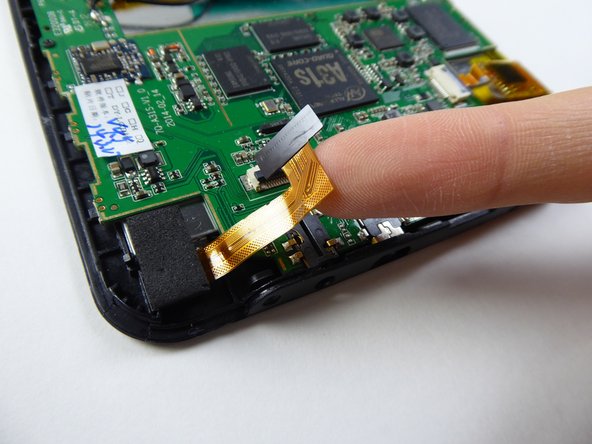
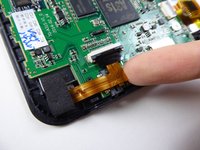
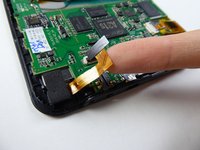
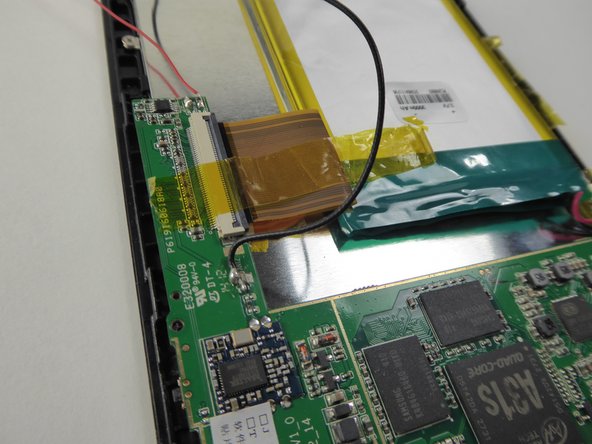
    • Carefully remove the ribbon cable from the black tab.

  7. Visual Land Prestige Elite 7Q LCD Screen Replacement: 7 단계, 이미지 2개 중 1개 Visual Land Prestige Elite 7Q LCD Screen Replacement: 7 단계, 이미지 2개 중 2개
    • Use a plastic opening tool to remove the camera.

  8. Visual Land Prestige Elite 7Q LCD Screen Replacement: 8 단계, 이미지 2개 중 1개 Visual Land Prestige Elite 7Q LCD Screen Replacement: 8 단계, 이미지 2개 중 2개
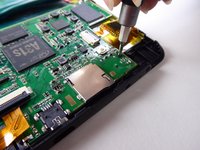
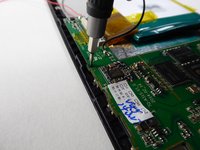
    • Use a Phillips #000 screwdriver to remove the 3.6mm screw.

  9. Visual Land Prestige Elite 7Q LCD Screen Replacement: 9 단계, 이미지 3개 중 1개 Visual Land Prestige Elite 7Q LCD Screen Replacement: 9 단계, 이미지 3개 중 2개 Visual Land Prestige Elite 7Q LCD Screen Replacement: 9 단계, 이미지 3개 중 3개
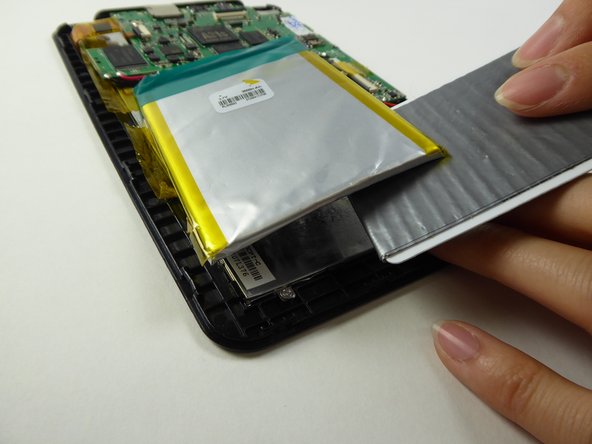
    • Lift the tape holding down the battery.

  10. Visual Land Prestige Elite 7Q LCD Screen Replacement: 10 단계, 이미지 2개 중 1개 Visual Land Prestige Elite 7Q LCD Screen Replacement: 10 단계, 이미지 2개 중 2개
    이 단계에 사용된 도구:
    Plastic Cards
    $2.99
  11. Visual Land Prestige Elite 7Q LCD Screen Replacement: 11 단계, 이미지 3개 중 1개 Visual Land Prestige Elite 7Q LCD Screen Replacement: 11 단계, 이미지 3개 중 2개 Visual Land Prestige Elite 7Q LCD Screen Replacement: 11 단계, 이미지 3개 중 3개
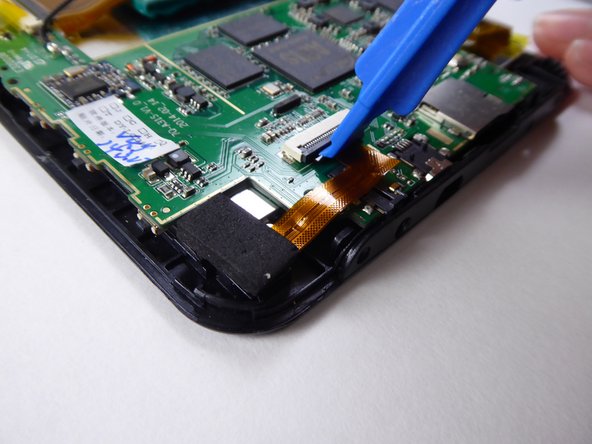
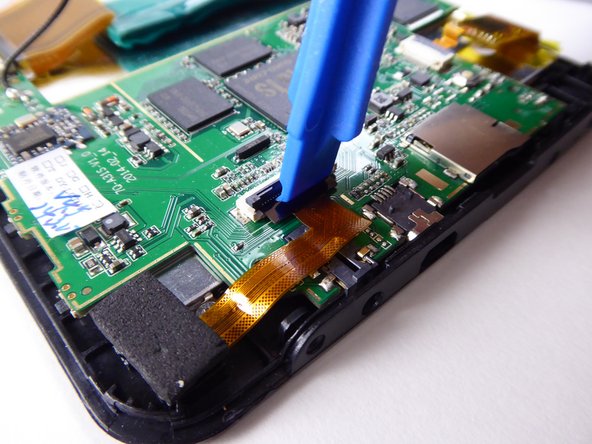
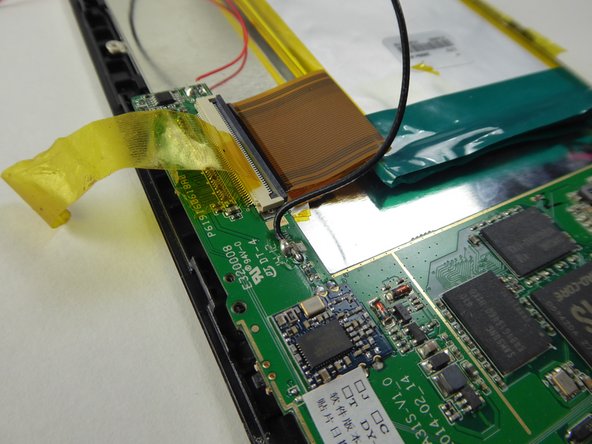
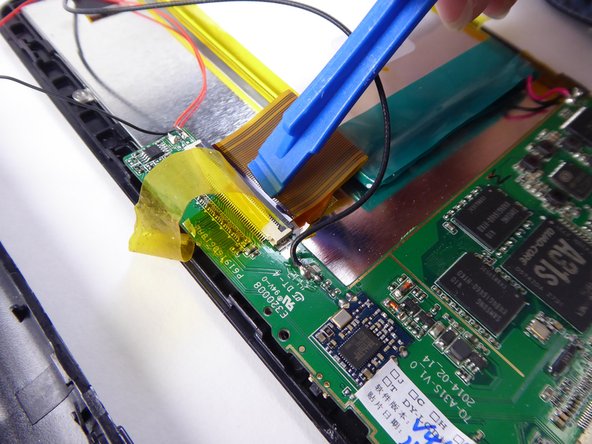
    • Use a plastic opening tool to lift the black tab.

  12. Visual Land Prestige Elite 7Q LCD Screen Replacement: 12 단계, 이미지 2개 중 1개 Visual Land Prestige Elite 7Q LCD Screen Replacement: 12 단계, 이미지 2개 중 2개
    • Carefully remove the ribbon cable from the black tab.

  13. Visual Land Prestige Elite 7Q LCD Screen Replacement: 13 단계, 이미지 3개 중 1개 Visual Land Prestige Elite 7Q LCD Screen Replacement: 13 단계, 이미지 3개 중 2개 Visual Land Prestige Elite 7Q LCD Screen Replacement: 13 단계, 이미지 3개 중 3개
    • Use a plastic opening tool to lift the black tab.

  14. Visual Land Prestige Elite 7Q LCD Screen Replacement: 14 단계, 이미지 1개 중 1개
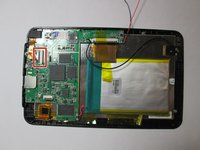
    • Lift to remove the battery and motherboard from the tablet.

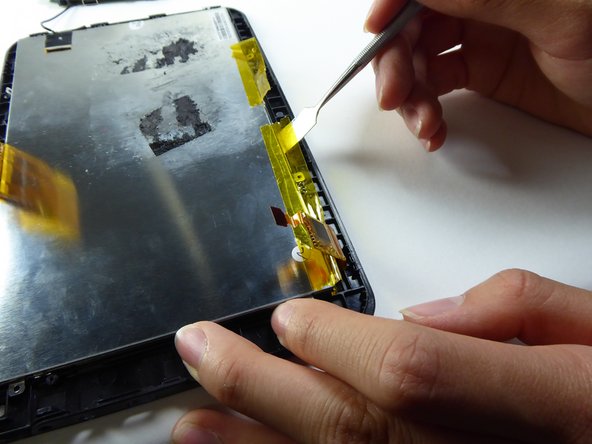
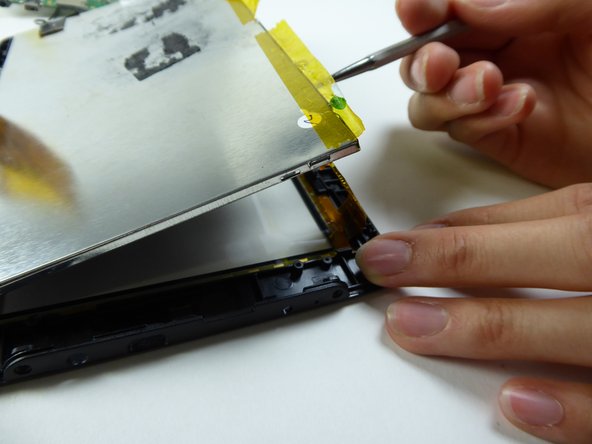
  15. Visual Land Prestige Elite 7Q LCD Screen Replacement: 15 단계, 이미지 3개 중 1개 Visual Land Prestige Elite 7Q LCD Screen Replacement: 15 단계, 이미지 3개 중 2개 Visual Land Prestige Elite 7Q LCD Screen Replacement: 15 단계, 이미지 3개 중 3개
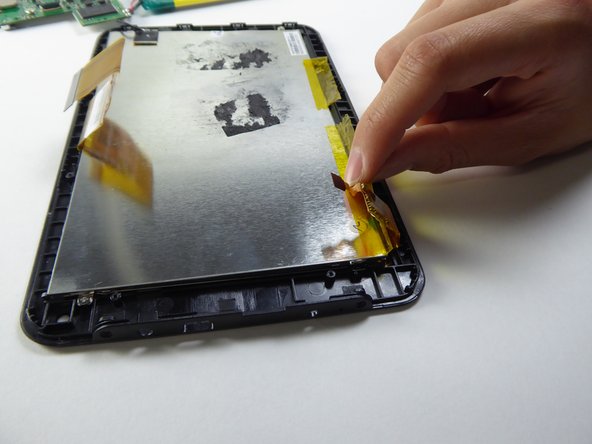
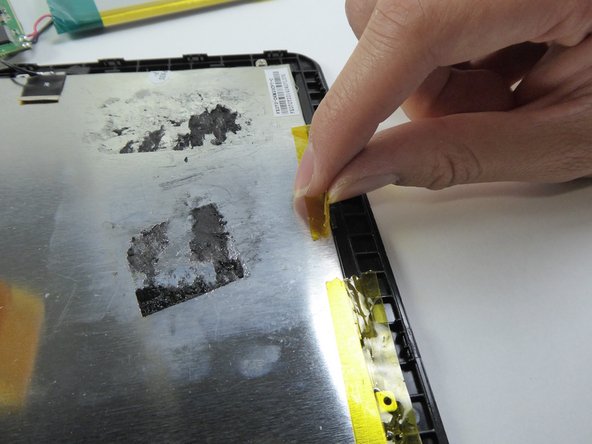
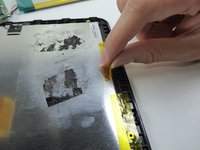
    • Lift the tape on the sides.

  16. Visual Land Prestige Elite 7Q LCD Screen Replacement: 16 단계, 이미지 3개 중 1개 Visual Land Prestige Elite 7Q LCD Screen Replacement: 16 단계, 이미지 3개 중 2개 Visual Land Prestige Elite 7Q LCD Screen Replacement: 16 단계, 이미지 3개 중 3개
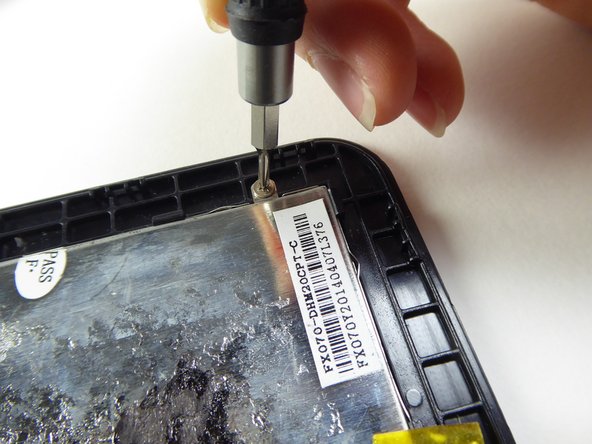
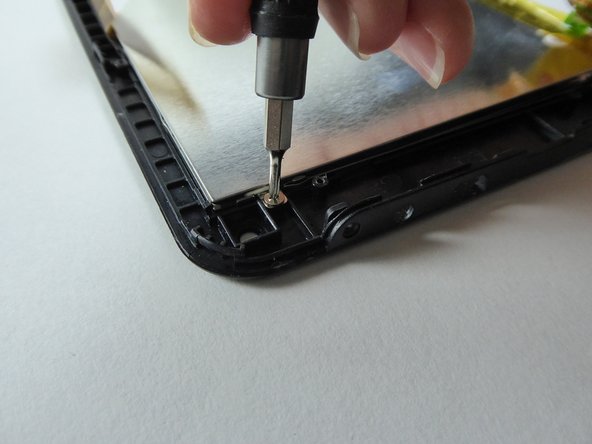
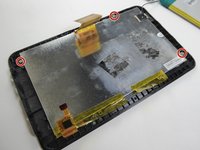
    • Use a Phillips #000 screwdriver to remove the three 2.5mm screws.

  17. Visual Land Prestige Elite 7Q LCD Screen Replacement: 17 단계, 이미지 3개 중 1개 Visual Land Prestige Elite 7Q LCD Screen Replacement: 17 단계, 이미지 3개 중 2개 Visual Land Prestige Elite 7Q LCD Screen Replacement: 17 단계, 이미지 3개 중 3개
    • Be careful on this step - the screen is fragile and can break easily.
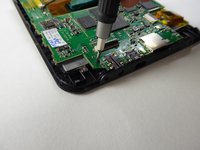
    • Wedge a metal spudger underneath the LCD to remove it.

    • Replace the LCD.

결론

To reassemble your device, follow these instructions in reverse order.

다른 2명이 해당 안내서를 완성하였습니다.

작성자

4다른 기여자 명과 함께

Sabrina Scholten

회원 가입일: 09/22/16

621 평판

안내서 6개를 작성함

UC Davis, Team 2-1, Oliver Fall 2016 UC Davis, Team 2-1, Oliver Fall 2016 회원

UCD-OLIVER-F16S2G1

5 회원들

안내서 12개를 작성함

0가이드 댓글

댓글 쓰기

조회 통계:

지난 24시간: 2

지난 7일: 3

지난 30일: 5

전체 시간: 451