주요 콘텐츠로 건너뛰기

Voluas VL001 Screen/Motherboard Assembly Replacement

필요한 것

  1. Voluas VL001 Screen/Motherboard Assembly Replacement, Storage Tank: 1 단계, 이미지 3개 중 1개 Voluas VL001 Screen/Motherboard Assembly Replacement, Storage Tank: 1 단계, 이미지 3개 중 2개 Voluas VL001 Screen/Motherboard Assembly Replacement, Storage Tank: 1 단계, 이미지 3개 중 3개
    • Remove the lid to the storage tank by using the latch and lifting off.

    • Grab the food storage tank on both sides. Depress the tabs that say "Push" on them and lift the tank off.

  2. Voluas VL001 Screen/Motherboard Assembly Replacement, Battery: 2 단계, 이미지 3개 중 1개 Voluas VL001 Screen/Motherboard Assembly Replacement, Battery: 2 단계, 이미지 3개 중 2개 Voluas VL001 Screen/Motherboard Assembly Replacement, Battery: 2 단계, 이미지 3개 중 3개
    • Place your pet feeder upside down.

    • Squeeze the lock and remove the battery cover.

    • Remove the three 1.5V D alkaline batteries.

  3. Voluas VL001 Screen/Motherboard Assembly Replacement, Housing: 3 단계, 이미지 3개 중 1개 Voluas VL001 Screen/Motherboard Assembly Replacement, Housing: 3 단계, 이미지 3개 중 2개 Voluas VL001 Screen/Motherboard Assembly Replacement, Housing: 3 단계, 이미지 3개 중 3개
    • Insert a metal spudger under the adhesive part of each rubber foot.

    • Pry the foot off.

  4. Voluas VL001 Screen/Motherboard Assembly Replacement: 4 단계, 이미지 2개 중 1개 Voluas VL001 Screen/Motherboard Assembly Replacement: 4 단계, 이미지 2개 중 2개
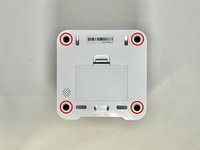
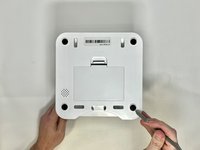
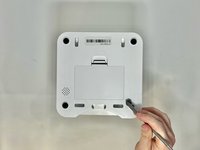
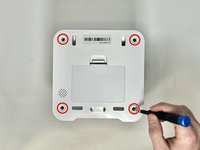
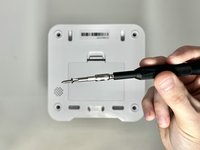
    • Remove four screws from the corners of the device using a Phillips #2 screwdriver.

    • These holes were previously covered by the rubber feet.

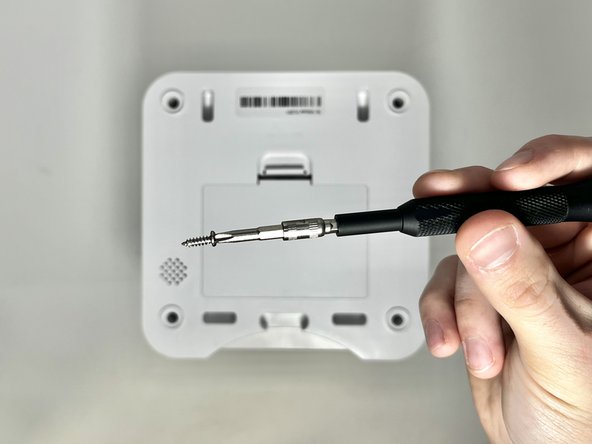
    • Using the magnetic tip of the screwdriver, carefully lift the screw out of the hole.

  5. Voluas VL001 Screen/Motherboard Assembly Replacement: 5 단계, 이미지 1개 중 1개
    • Turn the device over so it is oriented right-side up.

    • Lift the top part of the feeder off, exposing the mechanisms that run the feeder.

  6. Voluas VL001 Screen/Motherboard Assembly Replacement, Screen/Motherboard Assembly: 6 단계, 이미지 2개 중 1개 Voluas VL001 Screen/Motherboard Assembly Replacement, Screen/Motherboard Assembly: 6 단계, 이미지 2개 중 2개
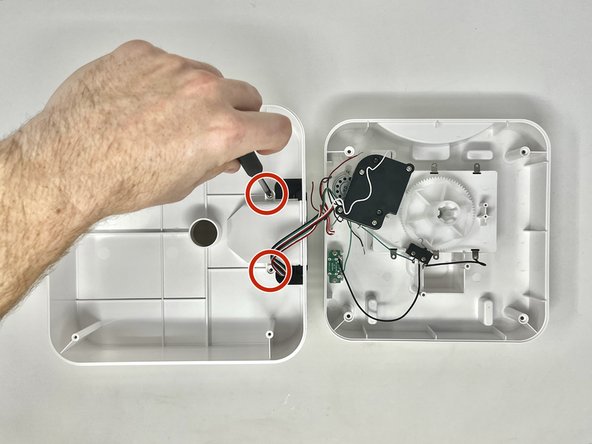
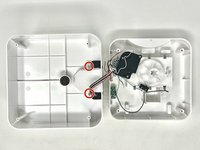
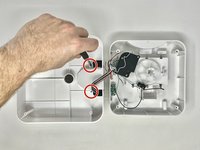
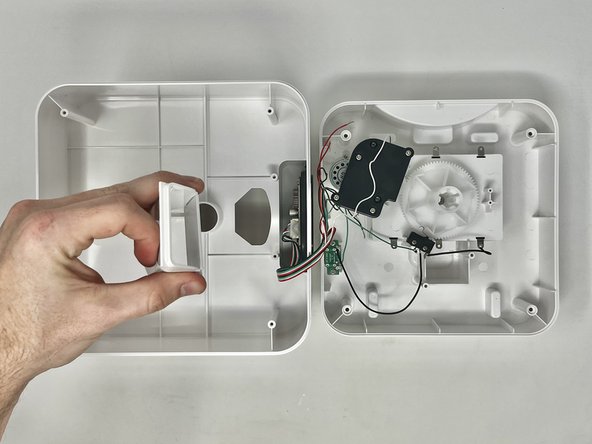
    • With the top part of the feeder sitting upside down, you can remove the chute.

    • Using a Phillips #2 screwdriver, remove the two 11.1 mm screws on either side of the chute.

  7. Voluas VL001 Screen/Motherboard Assembly Replacement: 7 단계, 이미지 2개 중 1개 Voluas VL001 Screen/Motherboard Assembly Replacement: 7 단계, 이미지 2개 중 2개
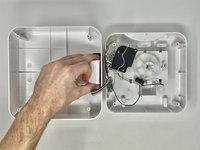
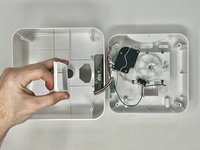
    • Grab the feeder chute on both sides and lift it off to remove it from the feeder.

  8. Voluas VL001 Screen/Motherboard Assembly Replacement: 8 단계, 이미지 3개 중 1개 Voluas VL001 Screen/Motherboard Assembly Replacement: 8 단계, 이미지 3개 중 2개 Voluas VL001 Screen/Motherboard Assembly Replacement: 8 단계, 이미지 3개 중 3개
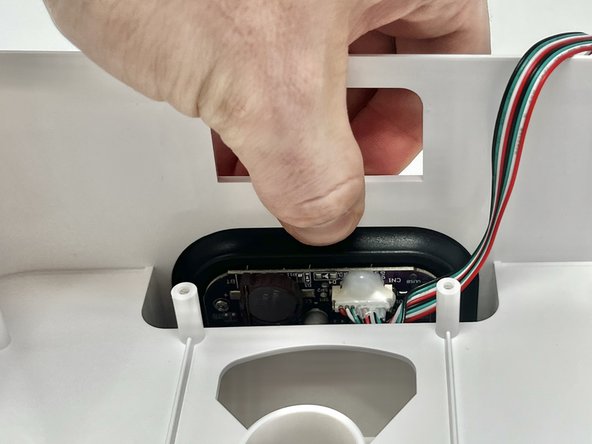
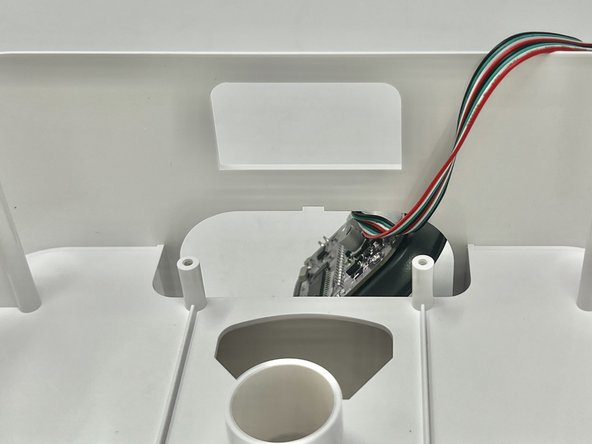
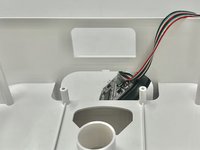
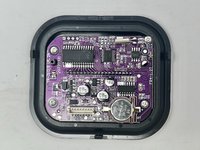
    • Using your finger, depress the tab that holds the assembly onto the device.

    • While pushing the tab down, push the screen out of the device.

  9. Voluas VL001 Screen/Motherboard Assembly Replacement: 9 단계, 이미지 3개 중 1개 Voluas VL001 Screen/Motherboard Assembly Replacement: 9 단계, 이미지 3개 중 2개 Voluas VL001 Screen/Motherboard Assembly Replacement: 9 단계, 이미지 3개 중 3개
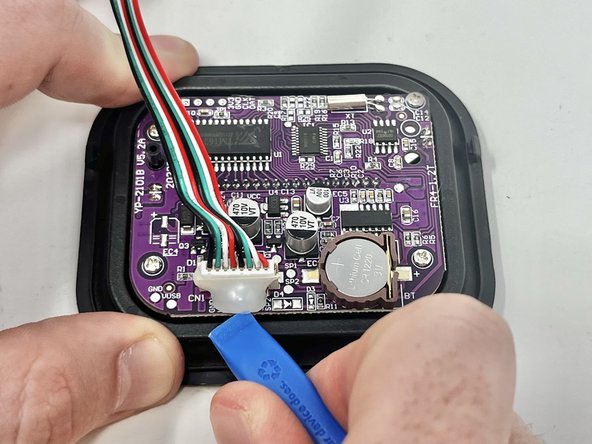
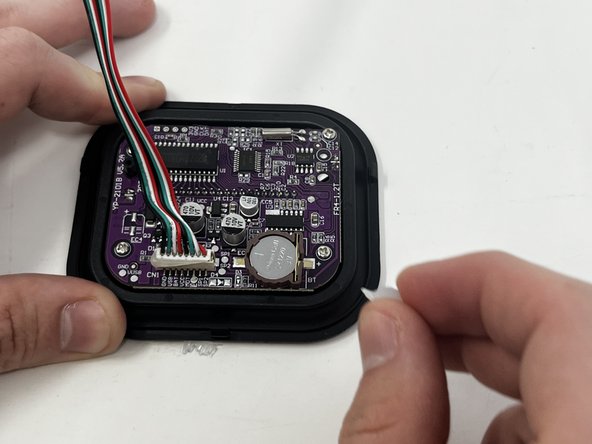
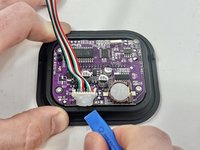
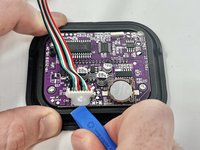
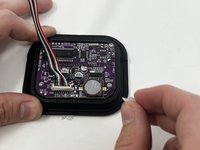
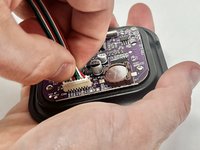
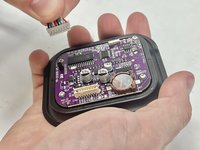
    • Using an opening tool, pry the dried silicone from around the connector.

    • Because you are working around the motherboard, try to limit how much you use its surface for leverage. It is a fragile part and can damage easily.

    • If needed, peel any remaining glue off with your fingers.

  10. Voluas VL001 Screen/Motherboard Assembly Replacement: 10 단계, 이미지 3개 중 1개 Voluas VL001 Screen/Motherboard Assembly Replacement: 10 단계, 이미지 3개 중 2개 Voluas VL001 Screen/Motherboard Assembly Replacement: 10 단계, 이미지 3개 중 3개
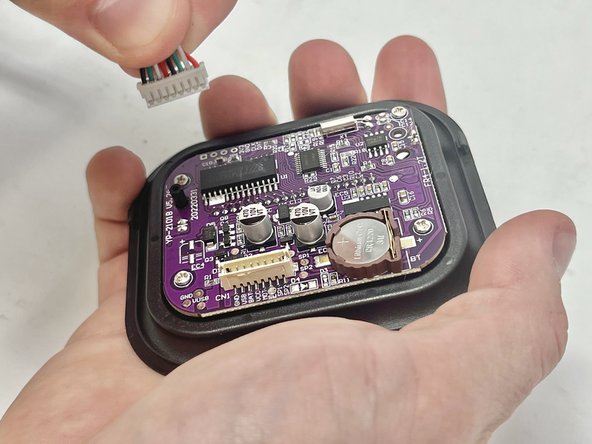
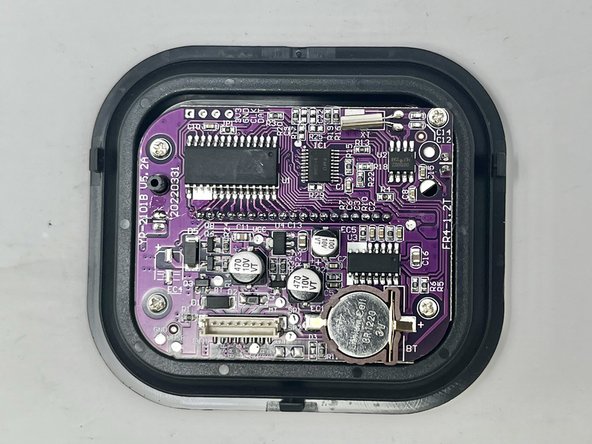
    • Firmly grab the connector, just above the plastic end, and pull firmly to remove.

결론

To reassemble your device, follow these instructions in reverse order.

작성자

3다른 기여자 명과 함께

Jade Thomson

회원 가입일: 01/30/24

699 평판

안내서 6개를 작성함

Utah Tech University, Team 1-3, McMurrin Spring 2024 Utah Tech University, Team 1-3, McMurrin Spring 2024 회원

UTAHTECH-MCMURRIN-S24S1G3

2 회원들

안내서 10개를 작성함

0가이드 댓글

댓글 쓰기

조회 통계:

지난 24시간: 1

지난 7일: 2

지난 30일: 6

전체 시간: 143