주요 콘텐츠로 건너뛰기

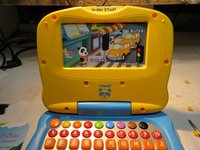
Vtech Emil the Panda

필요한 것

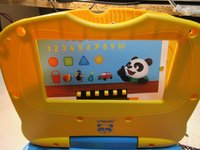
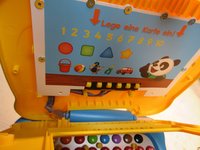
  1. Vtech Emil the Panda, Vtech Emil the Panda: 1 단계, 이미지 3개 중 1개 Vtech Emil the Panda, Vtech Emil the Panda: 1 단계, 이미지 3개 중 2개 Vtech Emil the Panda, Vtech Emil the Panda: 1 단계, 이미지 3개 중 3개
    • First you must detach thes round yellow plugs which cover the screws.

    • There are 6 short screws around the "display"

    • ...and two longer screws under that "display"

  2. Vtech Emil the Panda: 2 단계, 이미지 1개 중 1개
    • Here a view of these screws

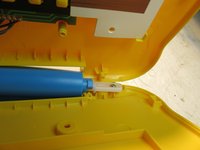
  3. Vtech Emil the Panda: 3 단계, 이미지 3개 중 1개 Vtech Emil the Panda: 3 단계, 이미지 3개 중 2개 Vtech Emil the Panda: 3 단계, 이미지 3개 중 3개
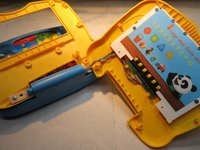
    • Now just pull it to open.

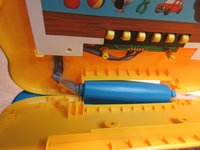
    • Down there is a spring and a plastic part, look at the pictures

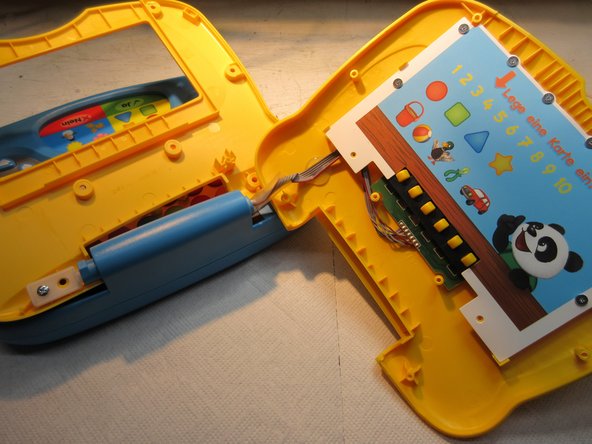
  4. Vtech Emil the Panda: 4 단계, 이미지 3개 중 1개 Vtech Emil the Panda: 4 단계, 이미지 3개 중 2개 Vtech Emil the Panda: 4 단계, 이미지 3개 중 3개
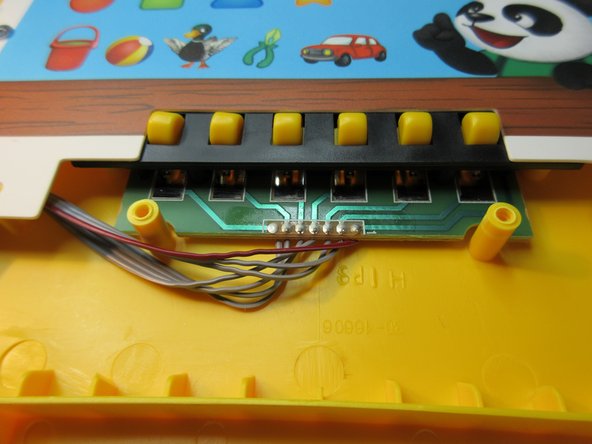
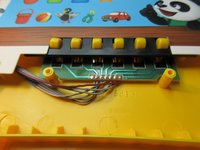
    • There you have these contact springs.

  5. Vtech Emil the Panda: 5 단계, 이미지 2개 중 1개 Vtech Emil the Panda: 5 단계, 이미지 2개 중 2개
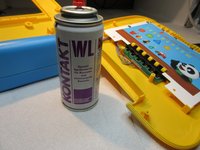
    • The springs are deoxidized with a electronics-cleaner-spray.

    • After reassembling, Emil nnow knows every card and can talk and sing.

    • Done. :)

결론

To reassemble your device, follow these instructions in reverse order.

다른 한 분이 해당 안내서를 완성하였습니다.

작성자

2다른 기여자 명과 함께

Schwarzstein

회원 가입일: 07/15/13

2,964 평판

안내서 13개를 작성함

0가이드 댓글

댓글 쓰기

조회 통계:

지난 24시간: 1

지난 7일: 3

지난 30일: 16

전체 시간: 930