주요 콘텐츠로 건너뛰기

YT-88 Automatic Intelligent Sweeping Robot Full Disassembly

필요한 것

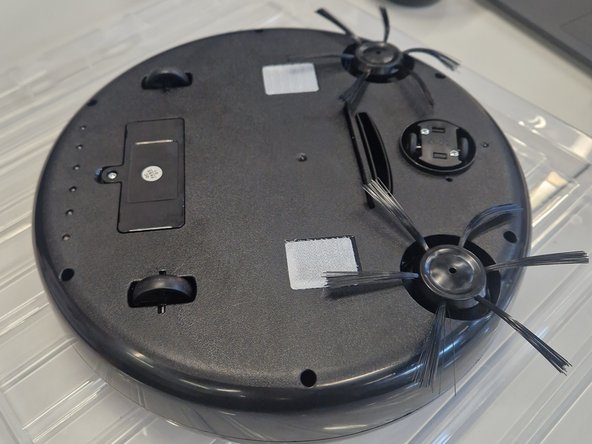
  1. YT-88 Automatic Intelligent Sweeping Robot Full Disassembly, Starting to Disassemble: 1 단계, 이미지 2개 중 1개 YT-88 Automatic Intelligent Sweeping Robot Full Disassembly, Starting to Disassemble: 1 단계, 이미지 2개 중 2개
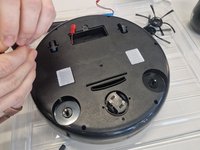
    • Turn the robot vacuum upside down to access the screws underneath.

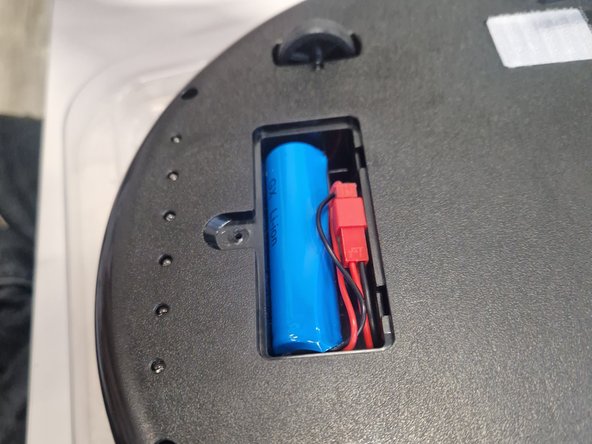
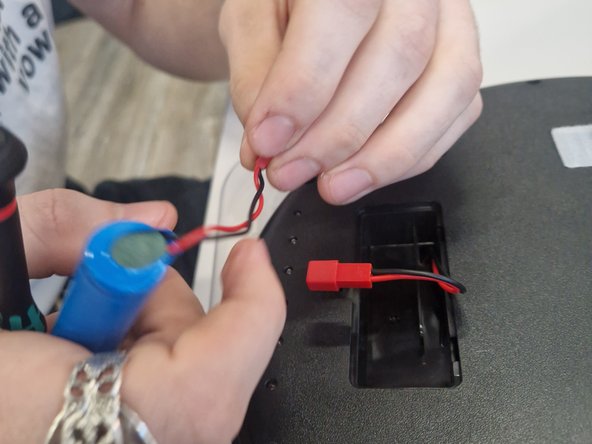
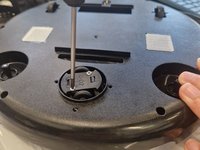
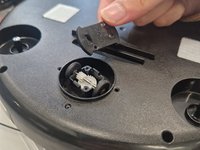
  2. YT-88 Automatic Intelligent Sweeping Robot Full Disassembly, Removing the battery: 2 단계, 이미지 3개 중 1개 YT-88 Automatic Intelligent Sweeping Robot Full Disassembly, Removing the battery: 2 단계, 이미지 3개 중 2개 YT-88 Automatic Intelligent Sweeping Robot Full Disassembly, Removing the battery: 2 단계, 이미지 3개 중 3개
    • Using a Phillips 1 screw bit - remove the battery cover and carefully unplug the 18650 rechargeable cell from connector and place it in a safe separate environment along with the battery cover.
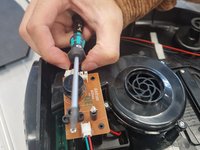
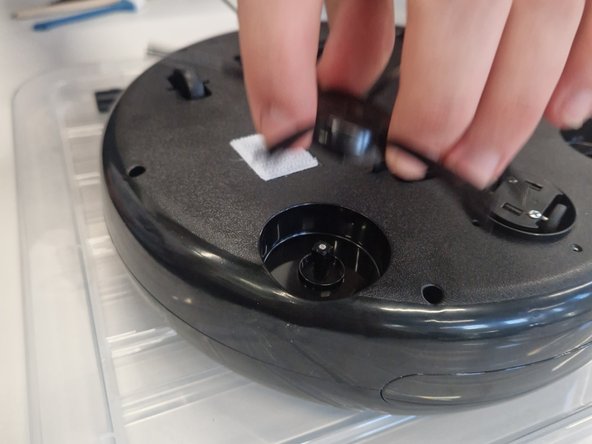
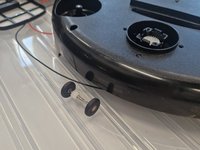
  3. YT-88 Automatic Intelligent Sweeping Robot Full Disassembly, Removing the sweepers: 3 단계, 이미지 3개 중 1개 YT-88 Automatic Intelligent Sweeping Robot Full Disassembly, Removing the sweepers: 3 단계, 이미지 3개 중 2개 YT-88 Automatic Intelligent Sweeping Robot Full Disassembly, Removing the sweepers: 3 단계, 이미지 3개 중 3개
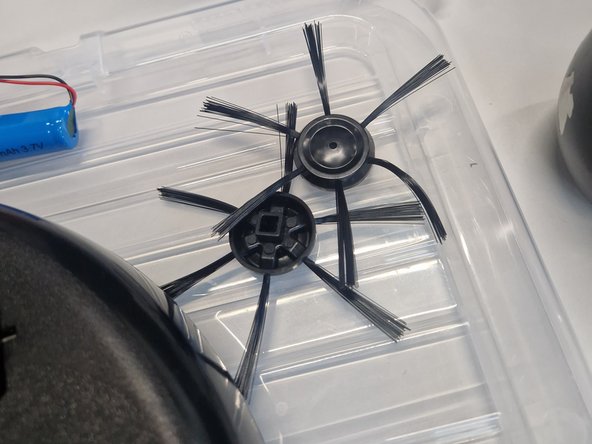
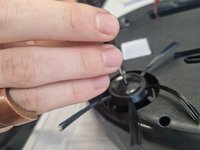
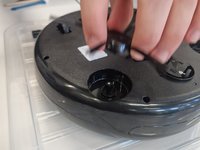
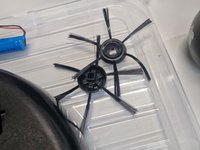
    • Using a Phillips #1 screw bit remove the screws from both of the sweepers and using a slight force or using the shaft of the driver for leverage, remove the sweepers.

  4. YT-88 Automatic Intelligent Sweeping Robot Full Disassembly, Removing the Top Cover: 4 단계, 이미지 2개 중 1개 YT-88 Automatic Intelligent Sweeping Robot Full Disassembly, Removing the Top Cover: 4 단계, 이미지 2개 중 2개
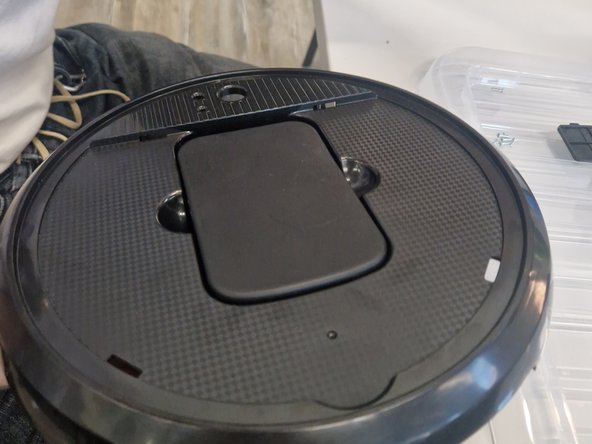
    • Using a Phillips #1 driver, remove 6 screws from the base of the vacuum and carefully remove the top cover.

  5. YT-88 Automatic Intelligent Sweeping Robot Full Disassembly, Disassembling the Top Cover: 5 단계, 이미지 3개 중 1개 YT-88 Automatic Intelligent Sweeping Robot Full Disassembly, Disassembling the Top Cover: 5 단계, 이미지 3개 중 2개 YT-88 Automatic Intelligent Sweeping Robot Full Disassembly, Disassembling the Top Cover: 5 단계, 이미지 3개 중 3개
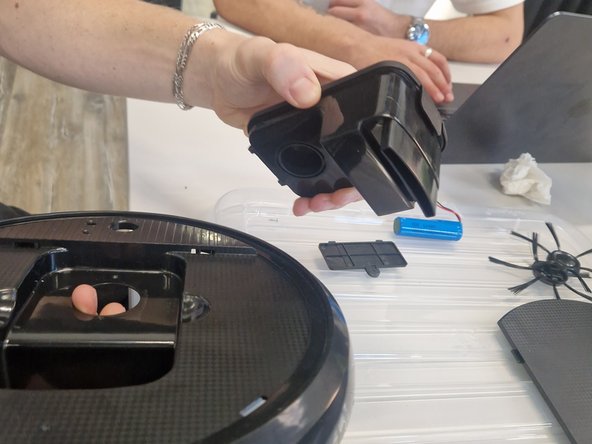
    • With the top cover now removed we can remove the clipping lid holding the dust box inside which can also be lifted out and removed.

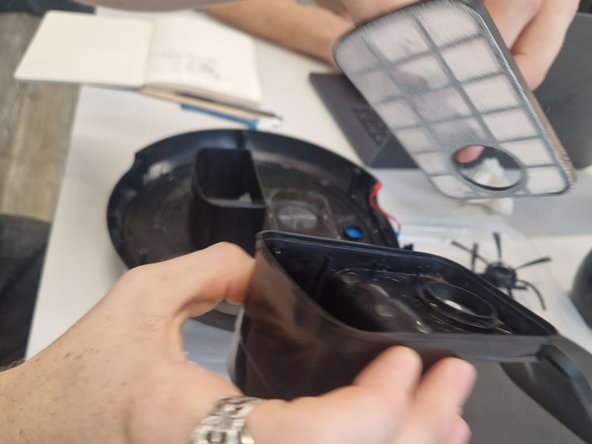
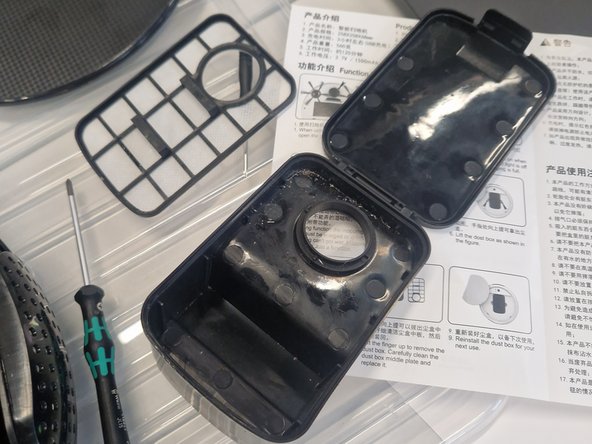
  6. YT-88 Automatic Intelligent Sweeping Robot Full Disassembly, Tearing down the Dust Box: 6 단계, 이미지 3개 중 1개 YT-88 Automatic Intelligent Sweeping Robot Full Disassembly, Tearing down the Dust Box: 6 단계, 이미지 3개 중 2개 YT-88 Automatic Intelligent Sweeping Robot Full Disassembly, Tearing down the Dust Box: 6 단계, 이미지 3개 중 3개
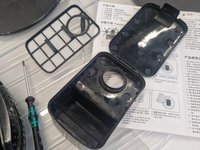
    • With the dust box removed we can open the latching lid and remove the dust filter by lifting it up from the provided tabs.

  7. YT-88 Automatic Intelligent Sweeping Robot Full Disassembly, Removing drive belts: 7 단계, 이미지 1개 중 1개
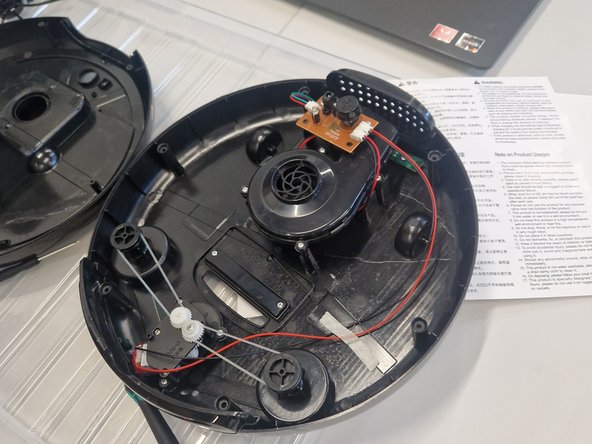
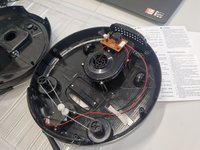
    • Back in the internals of the vacuum all located in the bottom cover, the sweeper's drive belts can be then removed easily as they have slack - use the shaft of the screw driver if there are difficulties removing them.
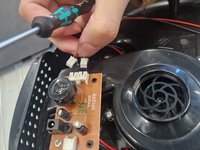
  8. YT-88 Automatic Intelligent Sweeping Robot Full Disassembly, Disconnecting the drive motor, impeller & UV light bar: 8 단계, 이미지 3개 중 1개 YT-88 Automatic Intelligent Sweeping Robot Full Disassembly, Disconnecting the drive motor, impeller & UV light bar: 8 단계, 이미지 3개 중 2개 YT-88 Automatic Intelligent Sweeping Robot Full Disassembly, Disconnecting the drive motor, impeller & UV light bar: 8 단계, 이미지 3개 중 3개
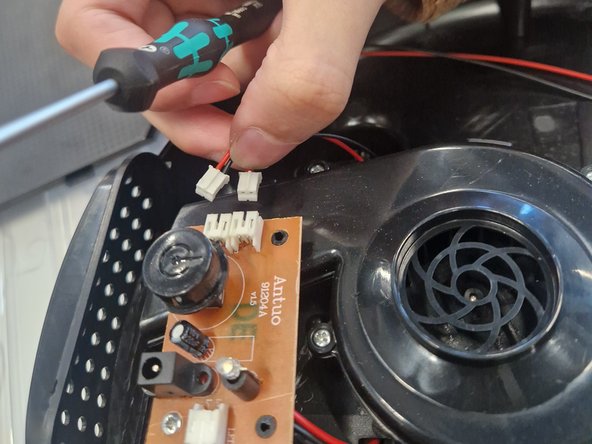
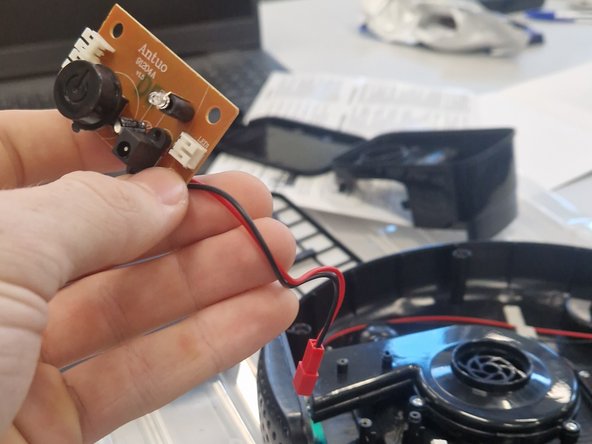
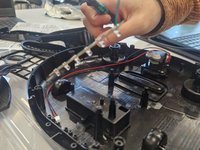
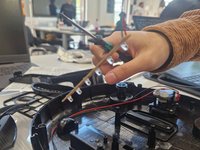
    • Carefully using your fingers, the a flat head screwdriver or recommended tweezers, remove the three JST connectors from the PCB which connect the impeller, drive motor assembly and UV light bar.

  9. YT-88 Automatic Intelligent Sweeping Robot Full Disassembly, Removing the PCB: 9 단계, 이미지 2개 중 1개 YT-88 Automatic Intelligent Sweeping Robot Full Disassembly, Removing the PCB: 9 단계, 이미지 2개 중 2개
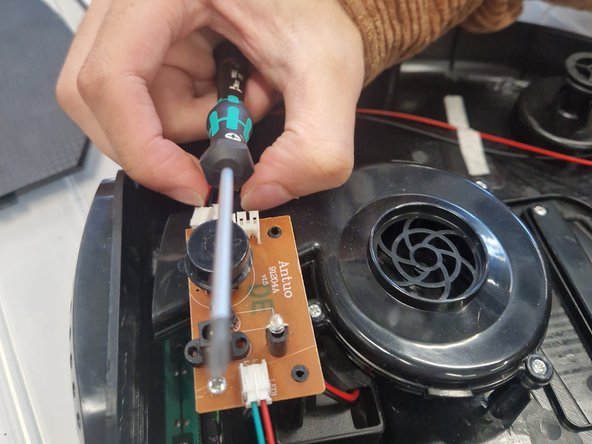
    • With the PCB now disconnected from the components, the PCB can be removed with a Phillips #1 driver. Put this carefully to one side.

    • Keep in mind the battery connecter needs to be fed through the battery compartment as it is soldered to the board.

  10. YT-88 Automatic Intelligent Sweeping Robot Full Disassembly, Removing the Impeller Assembly: 10 단계, 이미지 2개 중 1개 YT-88 Automatic Intelligent Sweeping Robot Full Disassembly, Removing the Impeller Assembly: 10 단계, 이미지 2개 중 2개
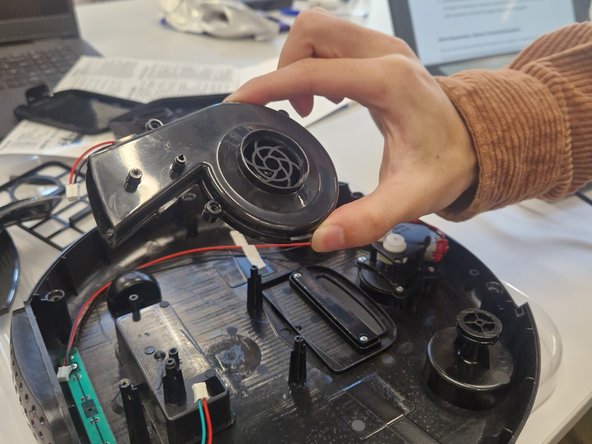
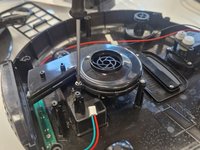
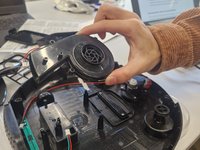
    • Using a Phillips #1 driver remove two screws that are holding the impeller assembly to the chassis - you can lift the assembly from the posts.

  11. YT-88 Automatic Intelligent Sweeping Robot Full Disassembly, Removing the loose parts: 11 단계, 이미지 2개 중 1개 YT-88 Automatic Intelligent Sweeping Robot Full Disassembly, Removing the loose parts: 11 단계, 이미지 2개 중 2개
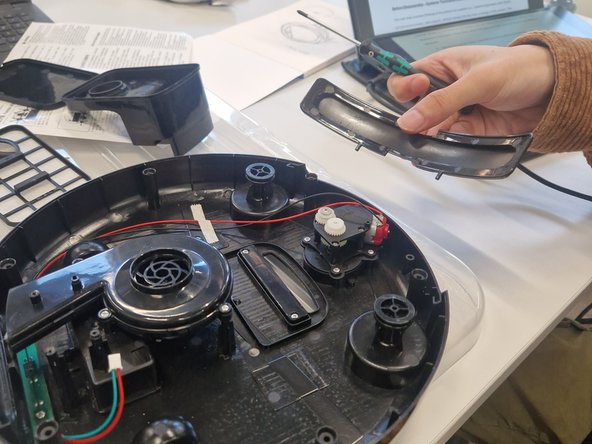
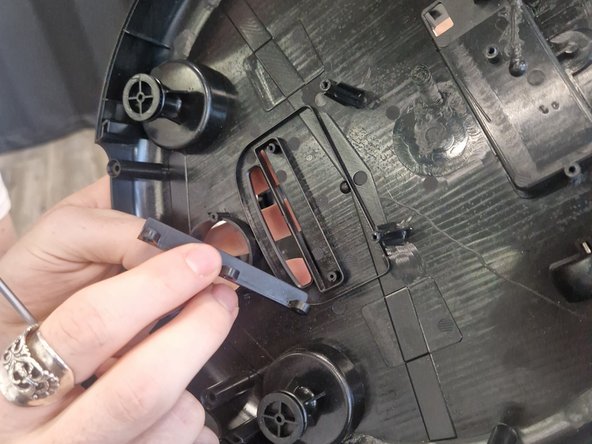
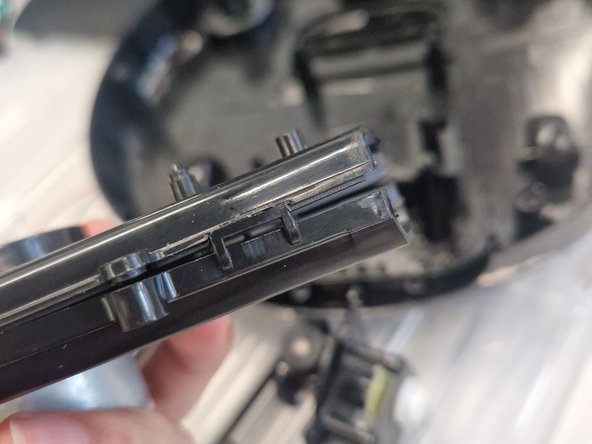
    • There are two parts that are loose as they used to be held in by the covers being together.

    • The exhaust cover and fake sensor bar can be lifted up and placed aside.

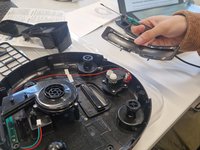
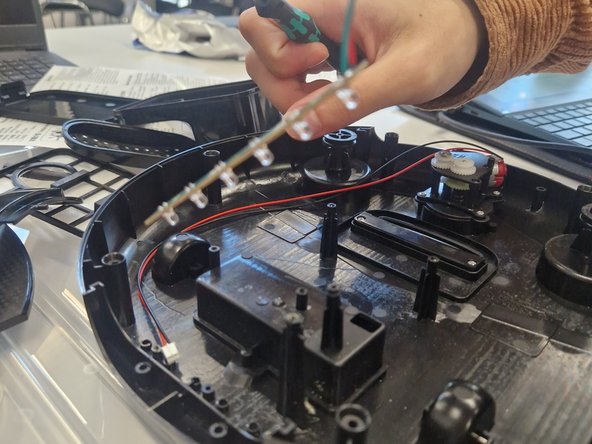
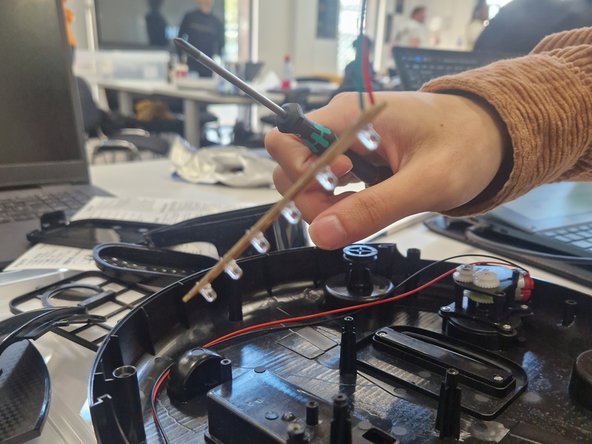
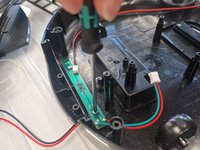
  12. YT-88 Automatic Intelligent Sweeping Robot Full Disassembly, Removing the UV light Bar: 12 단계, 이미지 3개 중 1개 YT-88 Automatic Intelligent Sweeping Robot Full Disassembly, Removing the UV light Bar: 12 단계, 이미지 3개 중 2개 YT-88 Automatic Intelligent Sweeping Robot Full Disassembly, Removing the UV light Bar: 12 단계, 이미지 3개 중 3개
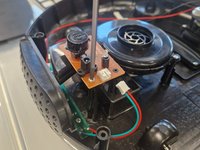
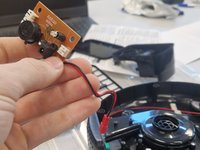
    • Using a Phillips #1 driver remove two screws that are holding the UV light bar in place keep this aside.

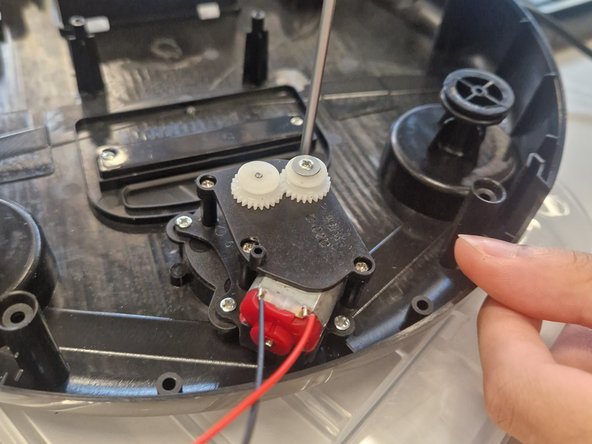
  13. YT-88 Automatic Intelligent Sweeping Robot Full Disassembly, Teardown the driver assembly: 13 단계, 이미지 3개 중 1개 YT-88 Automatic Intelligent Sweeping Robot Full Disassembly, Teardown the driver assembly: 13 단계, 이미지 3개 중 2개 YT-88 Automatic Intelligent Sweeping Robot Full Disassembly, Teardown the driver assembly: 13 단계, 이미지 3개 중 3개
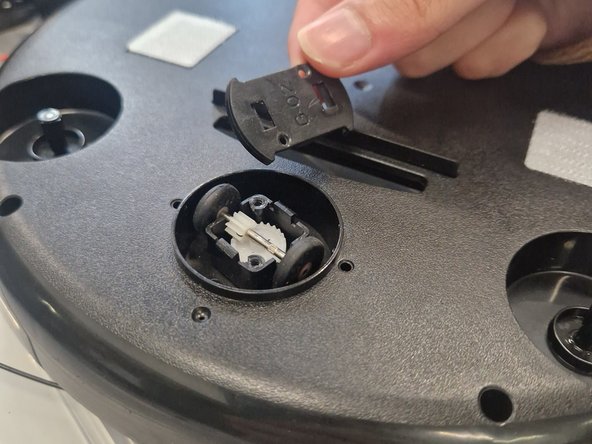
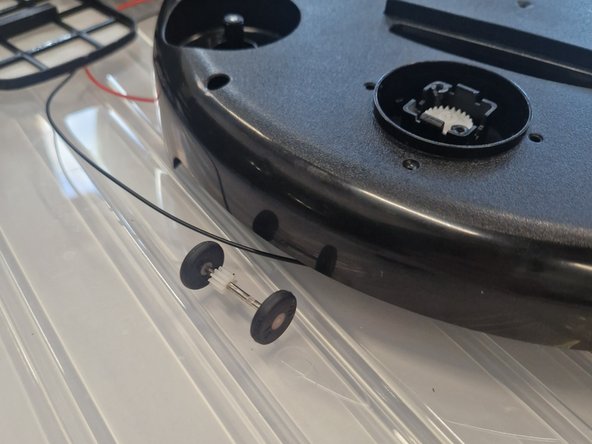
    • Using a Phillips #1 driver remove two screws holding the latched cover in place which will reveal the wheels attached to a shaft. You will need to use some tweezers or a flat head driver to carefully release the clips.

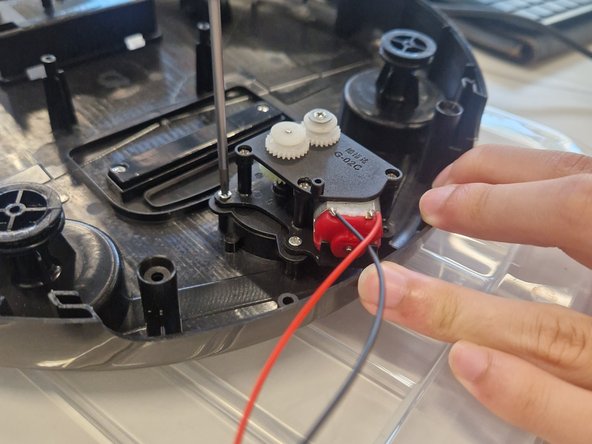
  14. YT-88 Automatic Intelligent Sweeping Robot Full Disassembly, Removing the driving assembly: 14 단계, 이미지 3개 중 1개 YT-88 Automatic Intelligent Sweeping Robot Full Disassembly, Removing the driving assembly: 14 단계, 이미지 3개 중 2개 YT-88 Automatic Intelligent Sweeping Robot Full Disassembly, Removing the driving assembly: 14 단계, 이미지 3개 중 3개
    • Using a Phillips #1 driver remove 4 screws holding the driver motor assembly in place - lift this up and keep it aside.

  15. YT-88 Automatic Intelligent Sweeping Robot Full Disassembly, Removing the rubber seal: 15 단계, 이미지 2개 중 1개 YT-88 Automatic Intelligent Sweeping Robot Full Disassembly, Removing the rubber seal: 15 단계, 이미지 2개 중 2개
    • Using a Phillips #1 driver, remove two screws securing the rubber seal that creates a tight seal with the floor for the suction. This can be easily removed from it's location.

  16. YT-88 Automatic Intelligent Sweeping Robot Full Disassembly, Tearing down the Impeller: 16 단계, 이미지 3개 중 1개 YT-88 Automatic Intelligent Sweeping Robot Full Disassembly, Tearing down the Impeller: 16 단계, 이미지 3개 중 2개 YT-88 Automatic Intelligent Sweeping Robot Full Disassembly, Tearing down the Impeller: 16 단계, 이미지 3개 중 3개
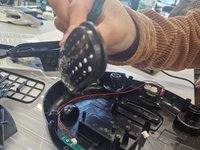
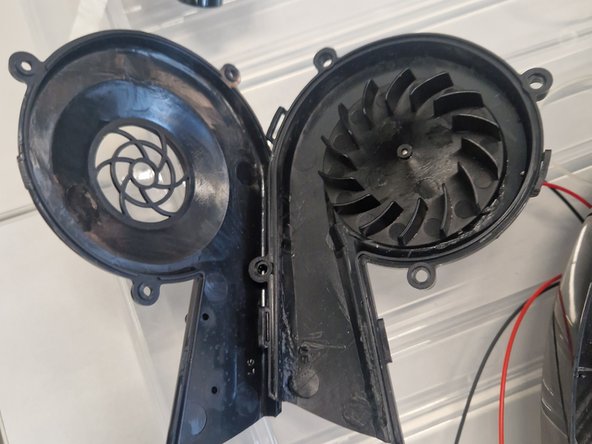
    • The Impeller assembly can be teared down even further for access such as maintenance or cleaning.

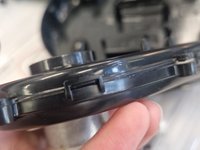
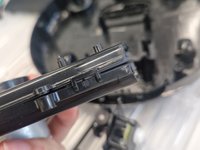
    • There are a few plastic clips that need to be carefully unlatched - use a flat head driver or a shim to do this. Take extra caution as some clips might be brittle and will snap with excessive force.

결론

To reassemble your device, follow these instructions in reverse order.

다른 한 분이 해당 안내서를 완성하였습니다.

작성자

1다른 기여자 명과 함께

Frankie Pang

회원 가입일: 10/24/24

253 평판

안내서 1개를 작성함

0가이드 댓글

댓글 쓰기

조회 통계:

지난 24시간: 0

지난 7일: 3

지난 30일: 20

전체 시간: 196