주요 콘텐츠로 건너뛰기

ZTE ZMAX Z970 Power Button Replacement

필요한 것

  1. ZTE ZMAX Z970 Power Button Replacement, Battery: 1 단계, 이미지 2개 중 1개 ZTE ZMAX Z970 Power Button Replacement, Battery: 1 단계, 이미지 2개 중 2개
    • Insert a fine point tool into the hole on the top left side of the phone to remove the SIM and SD card trays.

    • Pull out the trays.

  2. ZTE ZMAX Z970 Power Button Replacement: 2 단계, 이미지 2개 중 1개 ZTE ZMAX Z970 Power Button Replacement: 2 단계, 이미지 2개 중 2개
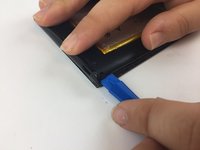
    • Insert a plastic opening tool into the groove between the phone’s back cover and casing.

    • Move the plastic opening tool along the edges of the phone to unclip the two pieces.

  3. ZTE ZMAX Z970 Power Button Replacement: 3 단계, 이미지 3개 중 1개 ZTE ZMAX Z970 Power Button Replacement: 3 단계, 이미지 3개 중 2개 ZTE ZMAX Z970 Power Button Replacement: 3 단계, 이미지 3개 중 3개
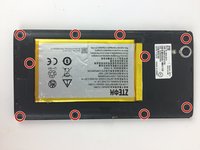
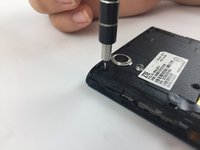
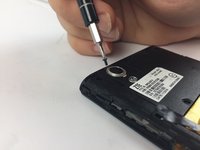
    • Remove the ten 1.2mm screws with a Phillips #000 screwdriver.

  4. ZTE ZMAX Z970 Power Button Replacement: 4 단계, 이미지 2개 중 1개 ZTE ZMAX Z970 Power Button Replacement: 4 단계, 이미지 2개 중 2개
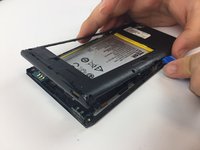
    • Remove the mid frame with the plastic opening tool.

  5. ZTE ZMAX Z970 Power Button Replacement: 5 단계, 이미지 2개 중 1개 ZTE ZMAX Z970 Power Button Replacement: 5 단계, 이미지 2개 중 2개
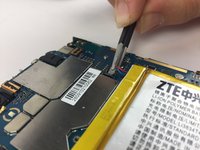
    • Disconnect the battery from the motherboard.

  6. ZTE ZMAX Z970 Power Button Replacement: 6 단계, 이미지 2개 중 1개 ZTE ZMAX Z970 Power Button Replacement: 6 단계, 이미지 2개 중 2개
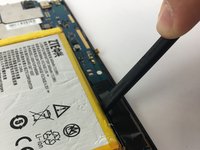
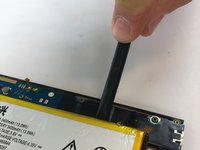
    • Wedge a spudger underneath the battery and gently pry upwards to remove the battery.

    • Once free from the glue, remove from device.

    • The glue holding down the battery is strong so work slow and cautiously to avoid starting a fire.

  7. ZTE ZMAX Z970 Power Button Replacement, Power Button: 7 단계, 이미지 3개 중 1개 ZTE ZMAX Z970 Power Button Replacement, Power Button: 7 단계, 이미지 3개 중 2개 ZTE ZMAX Z970 Power Button Replacement, Power Button: 7 단계, 이미지 3개 중 3개
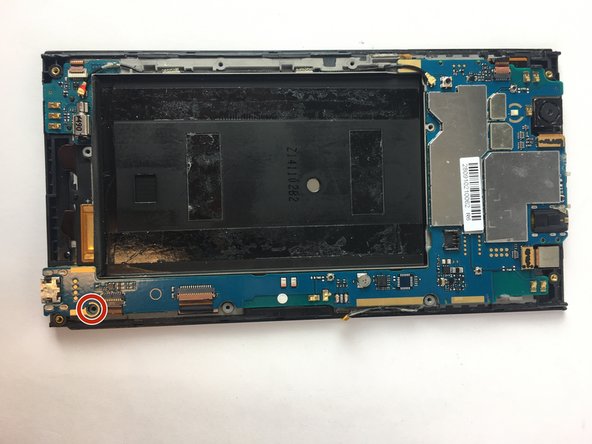
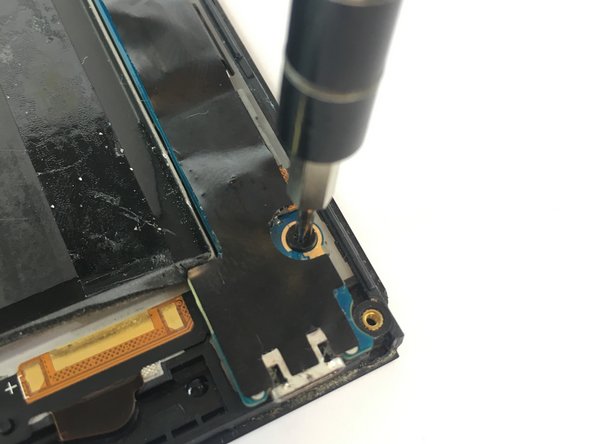
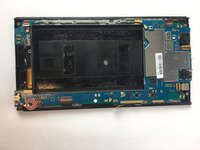
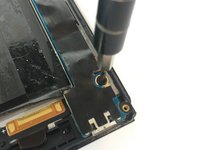
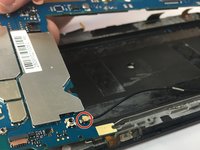
    • Remove the black tape covering the motherboard.

    • Remove the single 1.2mm screw with a Phillips #000 screwdriver.

  8. ZTE ZMAX Z970 Power Button Replacement: 8 단계, 이미지 3개 중 1개 ZTE ZMAX Z970 Power Button Replacement: 8 단계, 이미지 3개 중 2개 ZTE ZMAX Z970 Power Button Replacement: 8 단계, 이미지 3개 중 3개
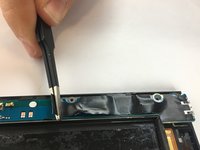
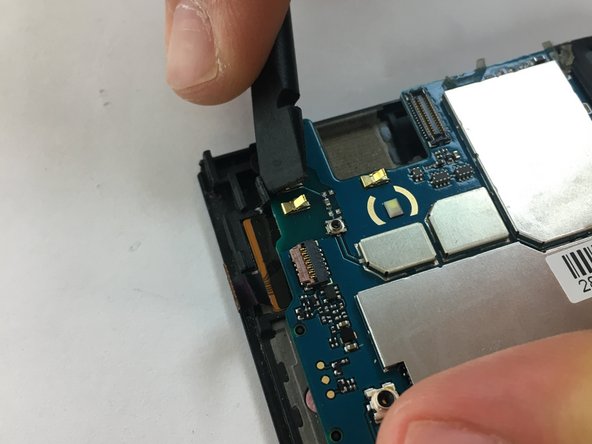
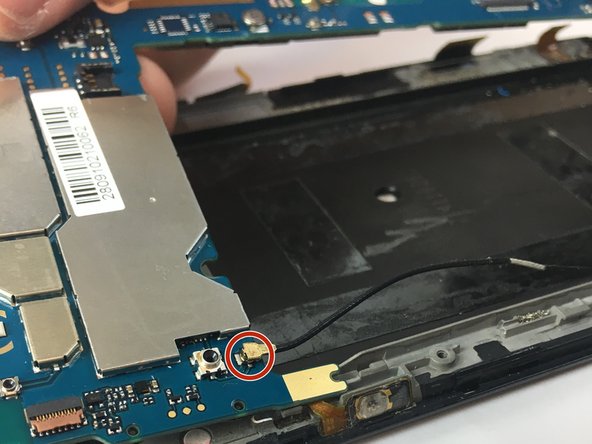
    • Use the flat end of the spudger to release the upper left and right prongs that secure the motherboard.

    • Detach the antenna cable.

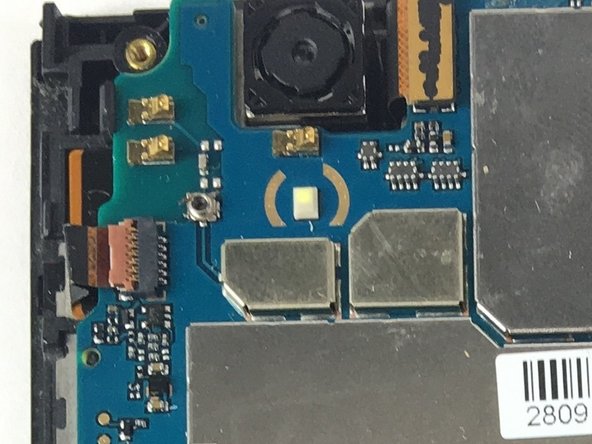
  9. ZTE ZMAX Z970 Power Button Replacement: 9 단계, 이미지 3개 중 1개 ZTE ZMAX Z970 Power Button Replacement: 9 단계, 이미지 3개 중 2개 ZTE ZMAX Z970 Power Button Replacement: 9 단계, 이미지 3개 중 3개
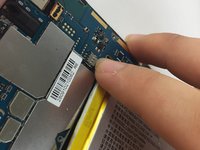
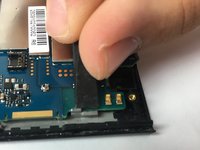
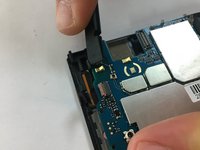
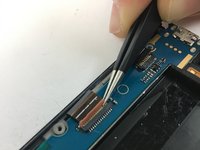
    • Lift up the tan flap on the three ZIF connectors.

    • Pull the ribbon out of the now unlocked ZIF connectors.

  10. ZTE ZMAX Z970 Power Button Replacement: 10 단계, 이미지 2개 중 1개 ZTE ZMAX Z970 Power Button Replacement: 10 단계, 이미지 2개 중 2개
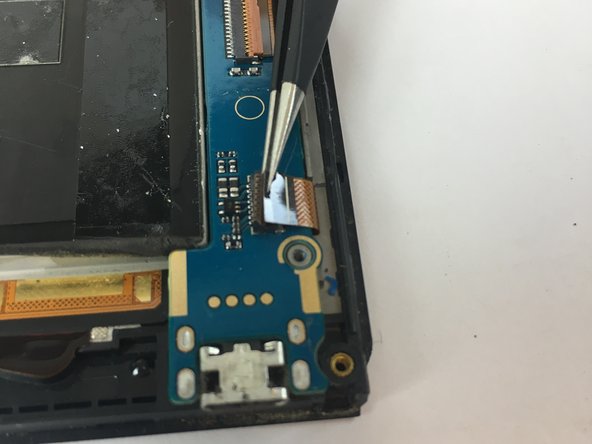
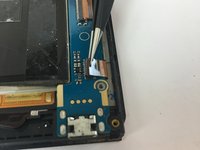
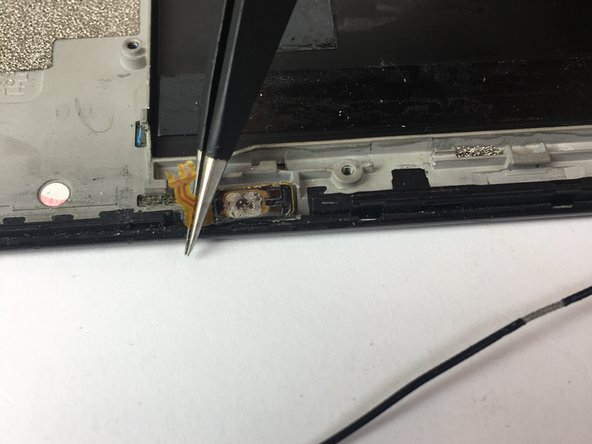
    • Lift the covering panel below the motherboard covering and connecting the power button.

    • Disconnect the circuit tape of the power button and remove the power button.

    • The power button in these photos has been damaged and not soldered to the motherboard.

    • The new power button will have to be desoldered to the mother board.

결론

To reassemble your device, follow these instructions in reverse order.

작성자

3다른 기여자 명과 함께

Burak Cengiz

회원 가입일: 02/15/18

480 평판

안내서 4개를 작성함

USF Tampa, Team S17-G3, Boczar Spring 2018 USF Tampa, Team S17-G3, Boczar Spring 2018 회원

USFT-BOCZAR-S18S17G3

3 회원들

안내서 10개를 작성함

0가이드 댓글

댓글 쓰기

조회 통계:

지난 24시간: 0

지난 7일: 2

지난 30일: 6

전체 시간: 666