주요 콘텐츠로 건너뛰기

iHome Nova IHRV6 "LiDar Scanner Stuck"

필요한 것

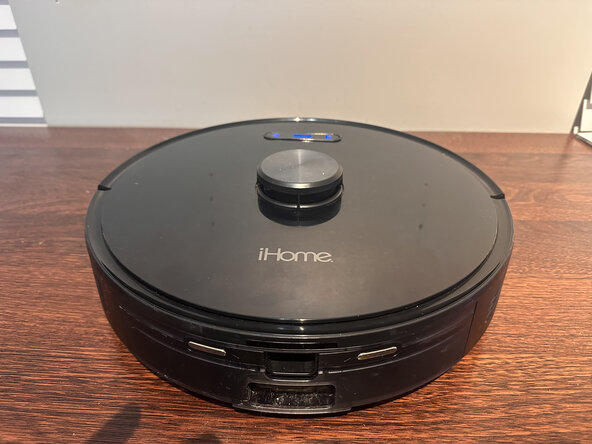
  1. iHome Nova IHRV6 "LiDar Scanner Stuck", iHome Nova IHRV6 "LiDar Scanner Stuck": 1 단계, 이미지 1개 중 1개
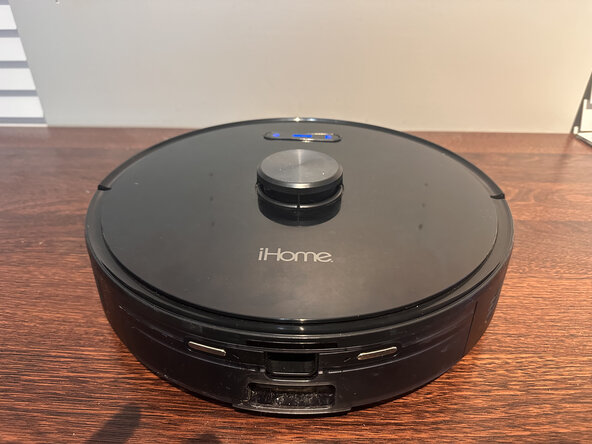
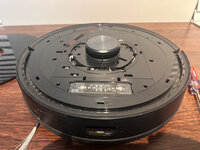
    • Had an issue where robot vacuum would not run. Whenever we started it up it would give an error message on the phone app saying "LiDar Scanner Stuck". Here is how I was able to fix the issue.

  2. iHome Nova IHRV6 "LiDar Scanner Stuck": 2 단계, 이미지 2개 중 1개 iHome Nova IHRV6 "LiDar Scanner Stuck": 2 단계, 이미지 2개 중 2개
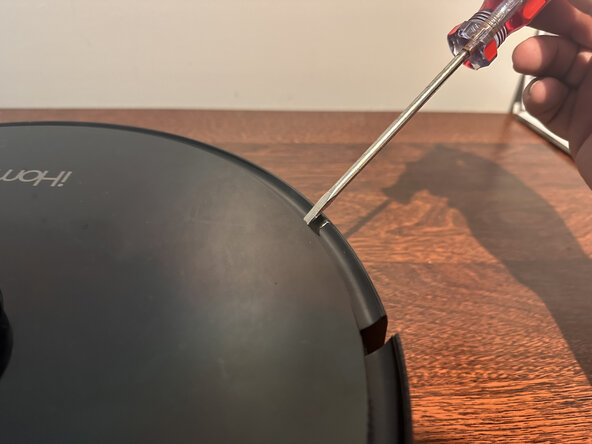
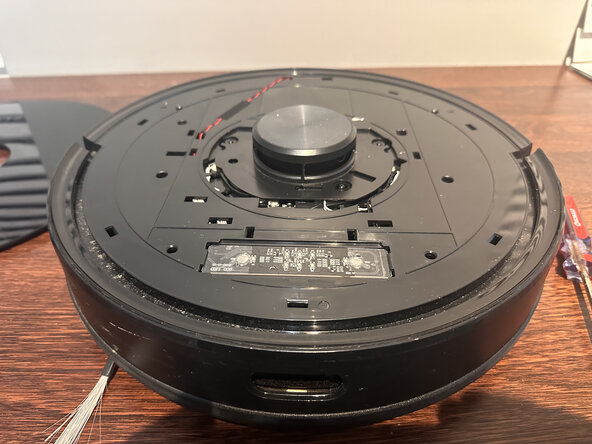
    • Pop the cover off of the top. I used a flat blade screwdriver to slide under the cover and then turned the screwdriver sideways. This popped the clips loose. Just work your way all the way around being careful.

  3. iHome Nova IHRV6 "LiDar Scanner Stuck": 3 단계, 이미지 1개 중 1개
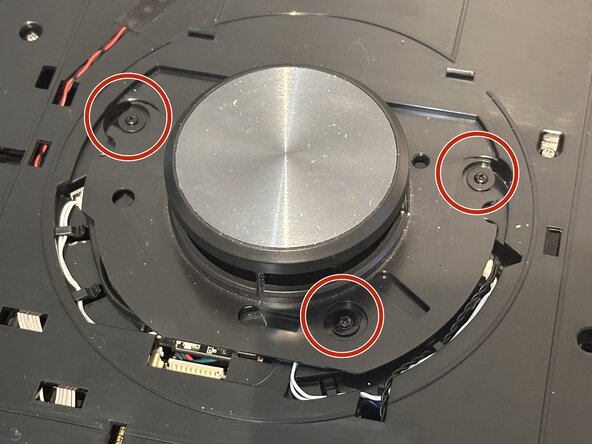
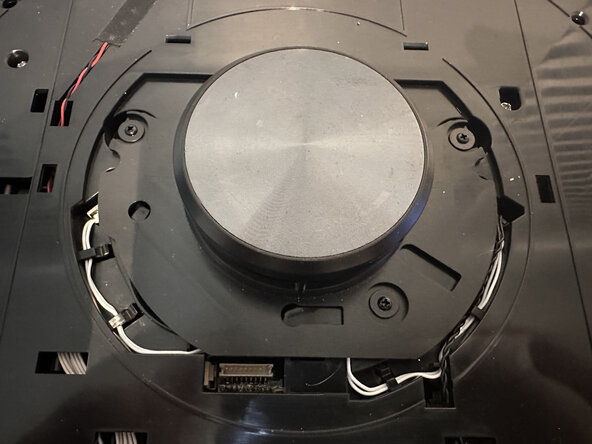
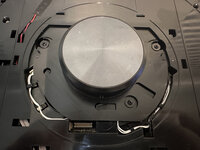
    • There are three screws covering the LiDar scanner. Remove these screws and take off the LiDar cover.

  4. iHome Nova IHRV6 "LiDar Scanner Stuck": 4 단계, 이미지 2개 중 1개 iHome Nova IHRV6 "LiDar Scanner Stuck": 4 단계, 이미지 2개 중 2개
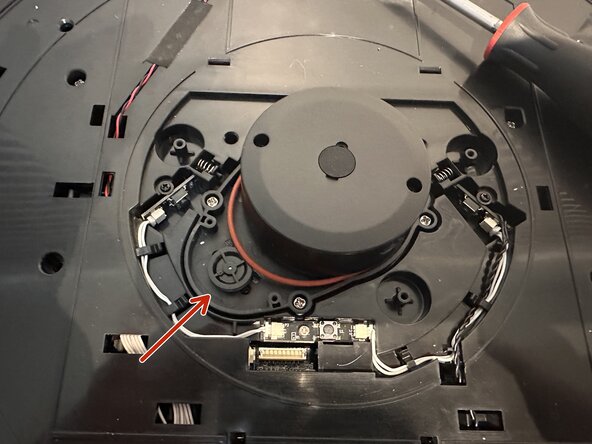
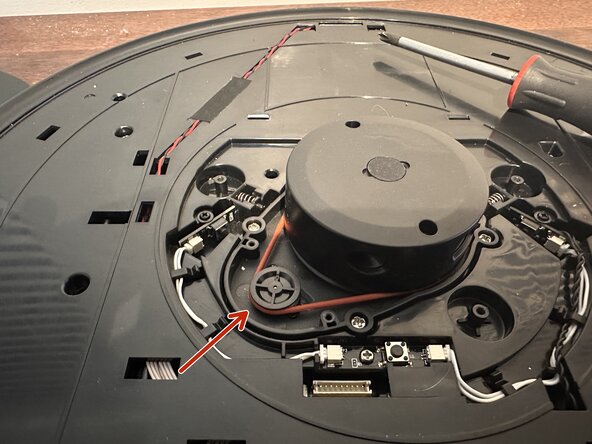
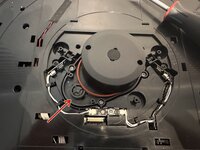
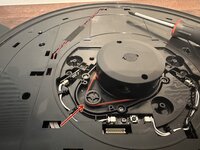
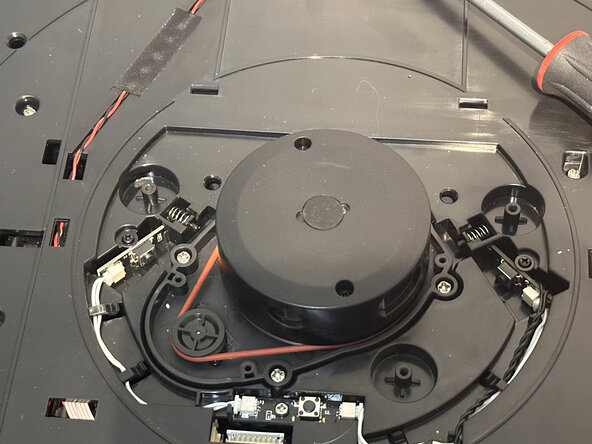
    • The LiDar scanner has a red rubber belt that attaches to a small wheel which makes the scanner spin. The belt had slipped off of the wheel. Just slip the belt back over the wheel.

  5. iHome Nova IHRV6 "LiDar Scanner Stuck": 5 단계, 이미지 1개 중 1개
    • At this point I tested the unit without the LiDar cover or the top cover to make sure it worked.

  6. iHome Nova IHRV6 "LiDar Scanner Stuck": 6 단계, 이미지 2개 중 1개 iHome Nova IHRV6 "LiDar Scanner Stuck": 6 단계, 이미지 2개 중 2개
    • Now just reassemble the LiDar scanner cover using the three screws and replace the top cover. Be careful to line up the clips and be gentle when pushing them back down.

결론

To reassemble your device, follow these instructions in reverse order.

작성자

1다른 기여자 명과 함께

Taylor Helton

회원 가입일: 01/16/23

61 평판

안내서 1개를 작성함

0가이드 댓글

댓글 쓰기

조회 통계:

지난 24시간: 3

지난 7일: 19

지난 30일: 96

전체 시간: 1,395