주요 콘텐츠로 건너뛰기
수리 커뮤니티 가입 - 계정 만들기
iPhone 16 Pro Battery Installation

단지 전제 조건
이 가이드는 전제 조건만을 다룹니다! 이 가이드는 다른 절차의 일부이며 단독으로 사용할 수 없습니다.

필요한 것

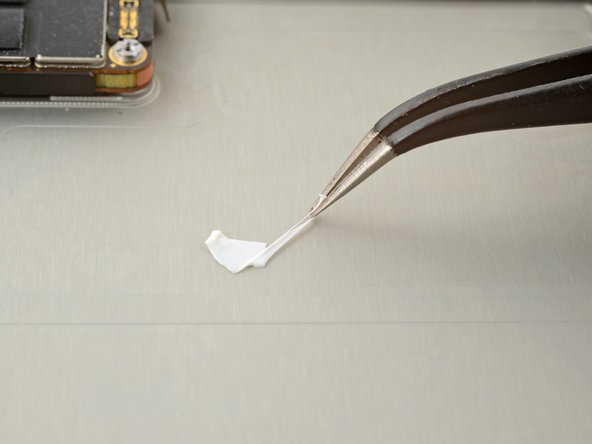
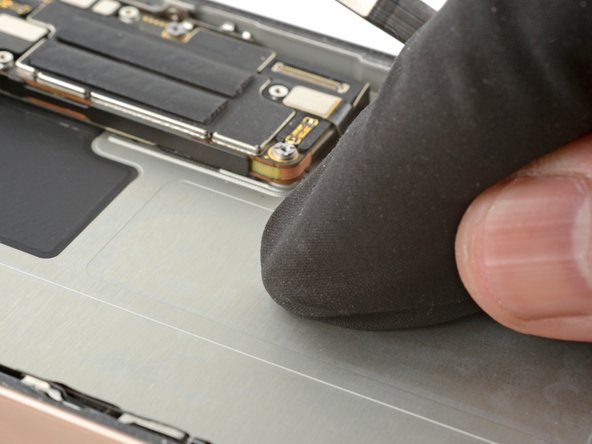
  1. iPhone 16 Pro Battery Installation, Clean the frame: 1 단계, 이미지 2개 중 1개 iPhone 16 Pro Battery Installation, Clean the frame: 1 단계, 이미지 2개 중 2개
    • Remove any remaining adhesive from the battery recess.

    • Wipe the frame surface with a lint-free cloth and a few drops of isopropyl alcohol. Wait for the alcohol to fully evaporate before installing the new battery.

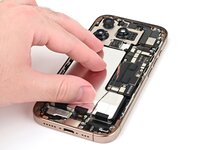
    • Before removing any liners on the adhesive, place the battery in its recess to check that it fits and that its cable reaches its socket on the logic board. Don't connect the battery yet!

  2. iPhone 16 Pro Battery Installation, Install new adhesive: 2 단계, 이미지 3개 중 1개 iPhone 16 Pro Battery Installation, Install new adhesive: 2 단계, 이미지 3개 중 2개 iPhone 16 Pro Battery Installation, Install new adhesive: 2 단계, 이미지 3개 중 3개
    이 단계에 사용된 도구:
    Stretch Release Battery Adhesive
    $3.99
    • The next four steps show how to apply custom-cut adhesive to the battery. If your battery comes with adhesive pre-installed, skip the next four steps.

    • If needed, follow this guide to apply generic stretch release adhesive strips instead. Ensure the position of these strips lines up with the adhesive wells in the phone's frame. Use this photo as a reference.

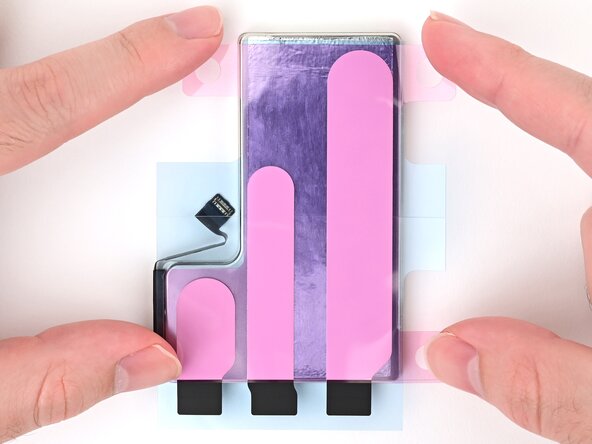
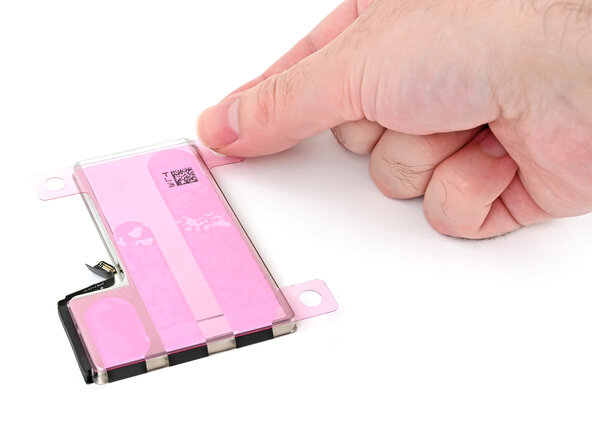
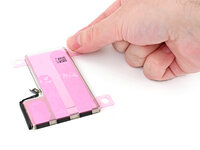
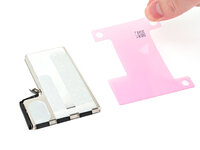
    • Align the new adhesive with your battery to see how it needs to be applied. Set all strips fully on the battery, and align the top edges of the black pull tabs with the bottom edge of the battery.

    • Your adhesive may look slightly different or have different liners.

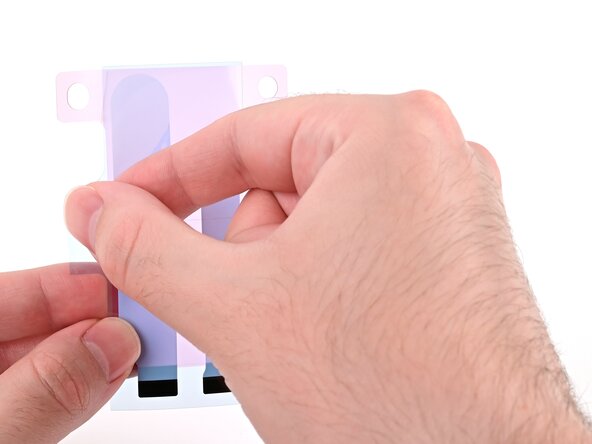
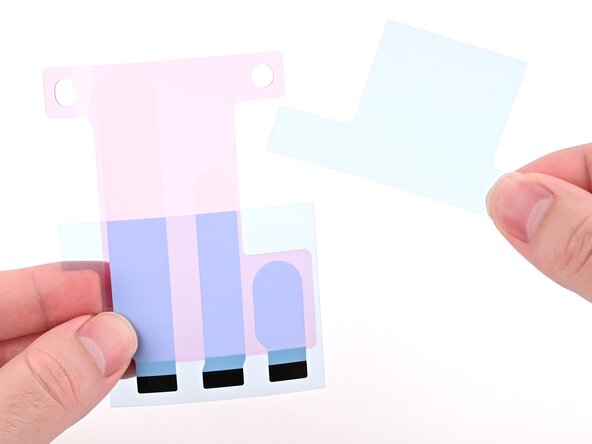
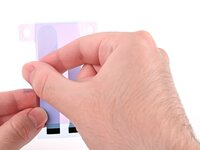
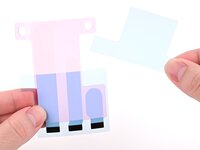
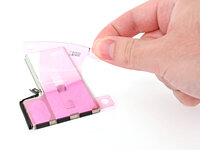
    • If the battery‑side of your adhesive has two liners, remove the top liner.

    • If the battery‑side of your adhesive has one liner, remove it.

  3. iPhone 16 Pro Battery Installation: 3 단계, 이미지 2개 중 1개 iPhone 16 Pro Battery Installation: 3 단계, 이미지 2개 중 2개
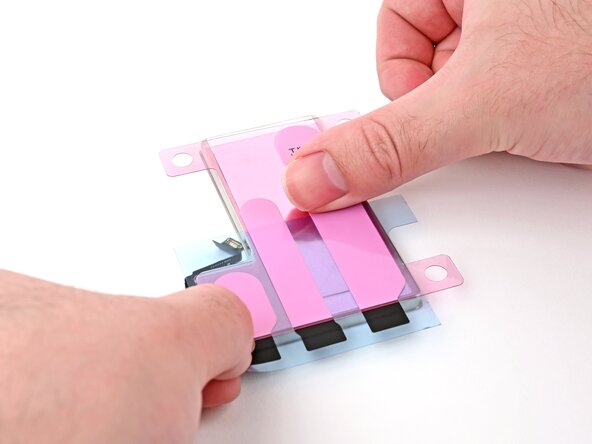
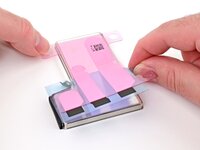
    • Lay the adhesive onto the battery and press each strip firmly into place.

  4. iPhone 16 Pro Battery Installation: 4 단계, 이미지 3개 중 1개 iPhone 16 Pro Battery Installation: 4 단계, 이미지 3개 중 2개 iPhone 16 Pro Battery Installation: 4 단계, 이미지 3개 중 3개
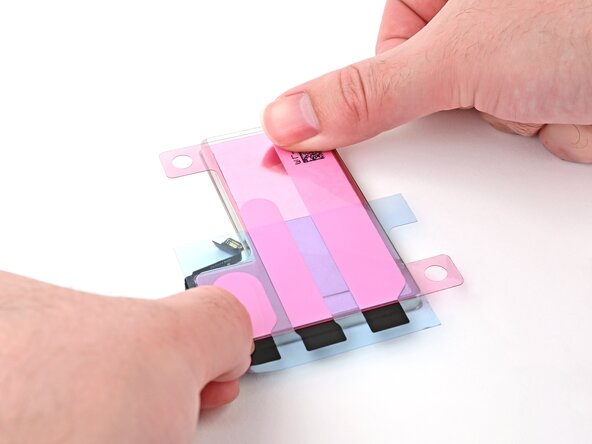
    • If the battery‑side of your adhesive still has a bottom liner on it, remove it now, and press each strip firmly into place.

  5. iPhone 16 Pro Battery Installation: 5 단계, 이미지 1개 중 1개
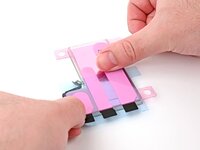
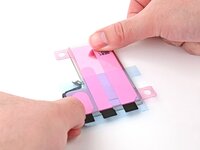
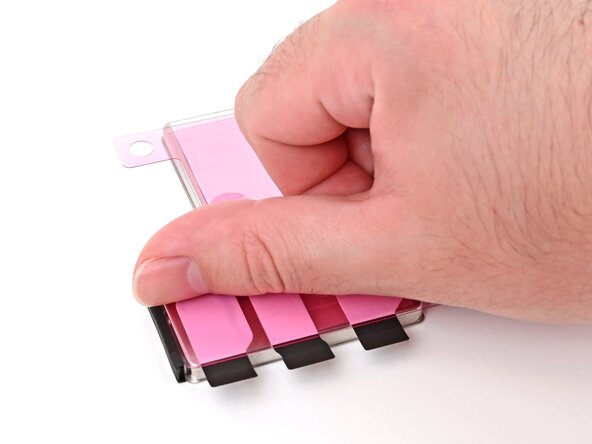
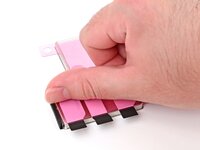
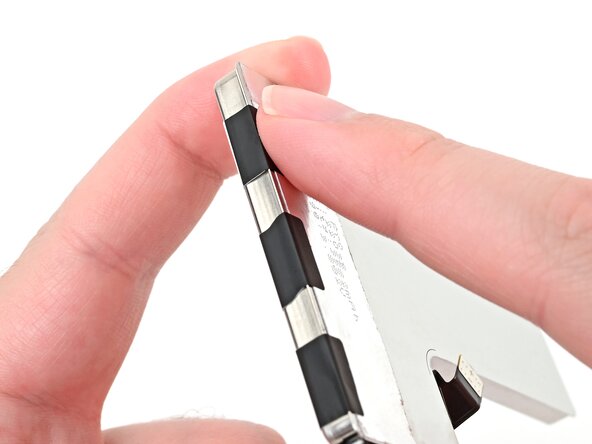
    • Use your finger to fold each black pull tab around the bottom edge of the battery and press it into place.

  6. iPhone 16 Pro Battery Installation, Remove the adhesive film: 6 단계, 이미지 3개 중 1개 iPhone 16 Pro Battery Installation, Remove the adhesive film: 6 단계, 이미지 3개 중 2개 iPhone 16 Pro Battery Installation, Remove the adhesive film: 6 단계, 이미지 3개 중 3개
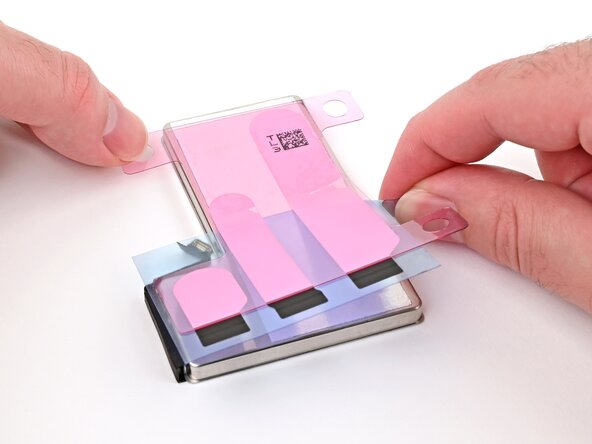
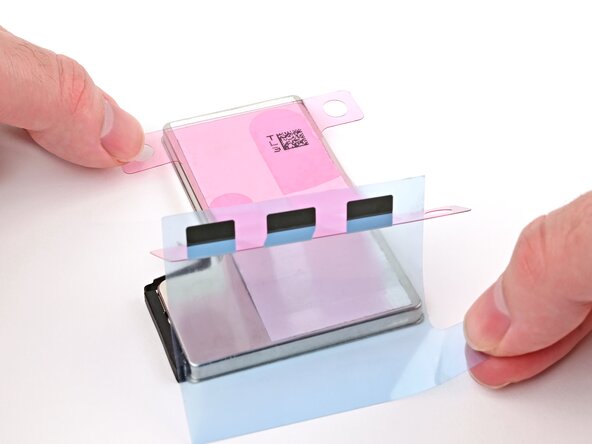
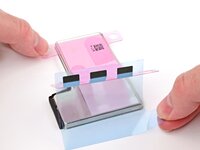
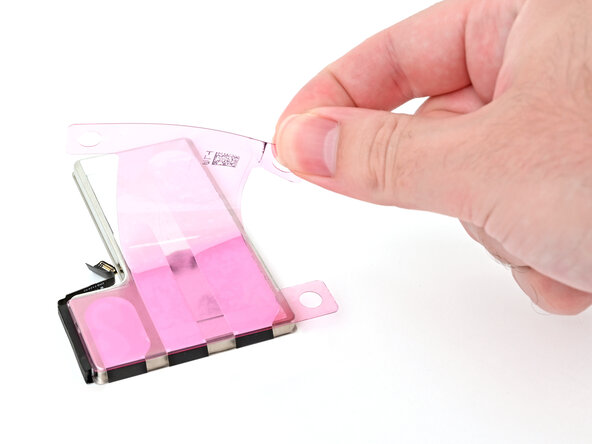
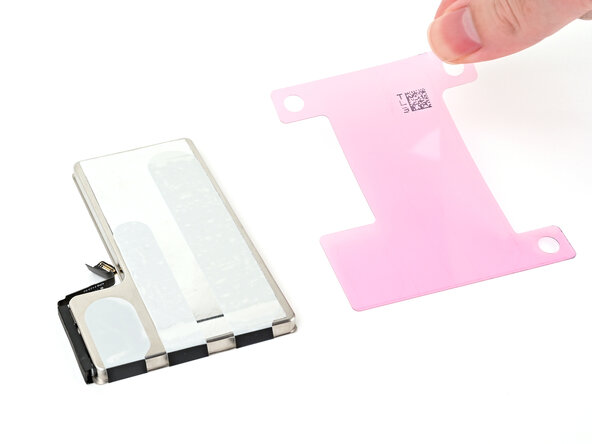
    • Remove the iPhone‑side liner off of the battery adhesive.

  7. iPhone 16 Pro Battery Installation, Align the battery: 7 단계, 이미지 3개 중 1개 iPhone 16 Pro Battery Installation, Align the battery: 7 단계, 이미지 3개 중 2개 iPhone 16 Pro Battery Installation, Align the battery: 7 단계, 이미지 3개 중 3개
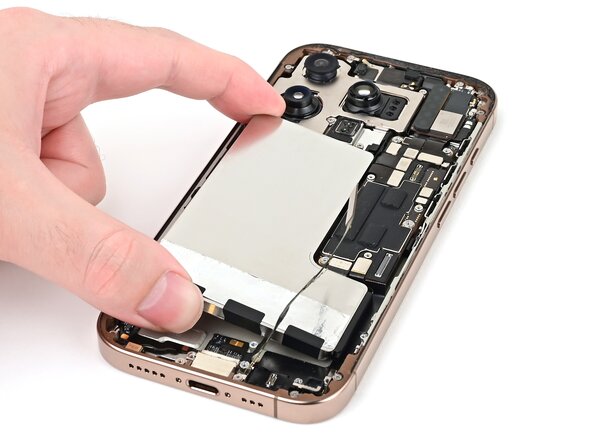
    • The battery adhesive is very sticky! Be careful as you align the battery in its recess—once it sticks, you won't be able to realign it.

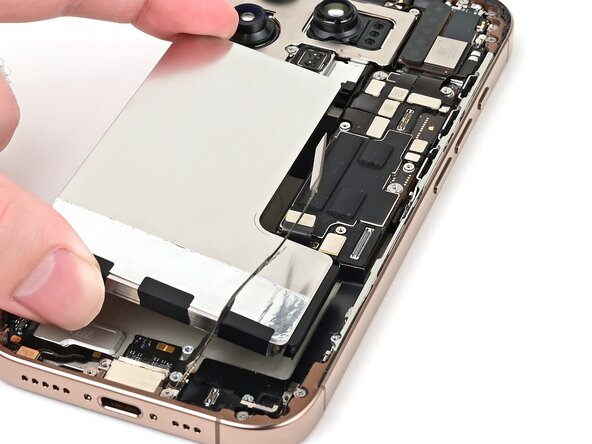
    • Lower the battery partially into its recess, making sure the adhesive doesn't touch the frame.

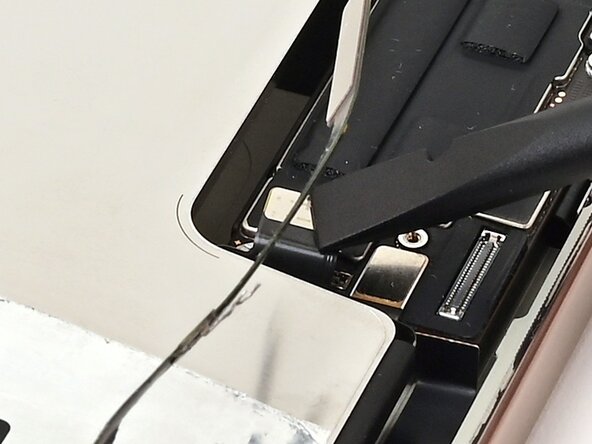
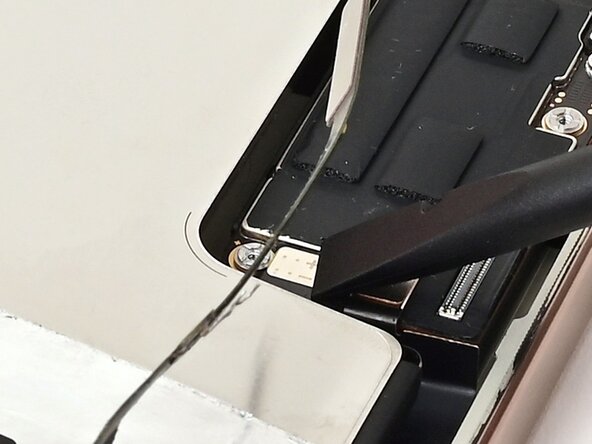
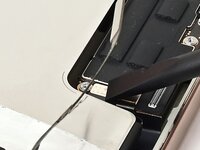
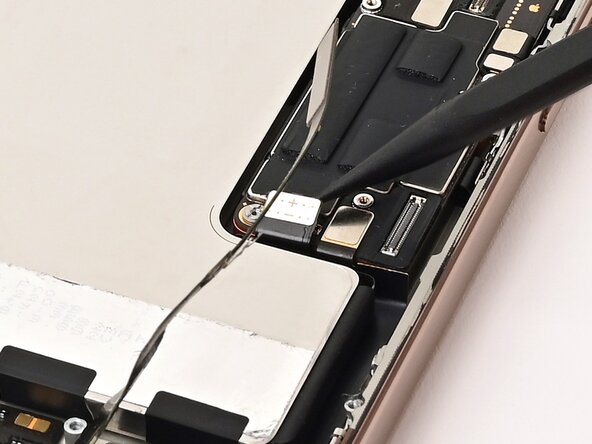
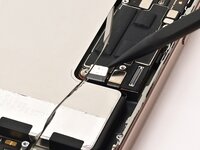
    • Use a spudger or your finger to connect the battery cable's press connector to ensure that the cable reaches.

  8. iPhone 16 Pro Battery Installation, Install the battery: 8 단계, 이미지 3개 중 1개 iPhone 16 Pro Battery Installation, Install the battery: 8 단계, 이미지 3개 중 2개 iPhone 16 Pro Battery Installation, Install the battery: 8 단계, 이미지 3개 중 3개
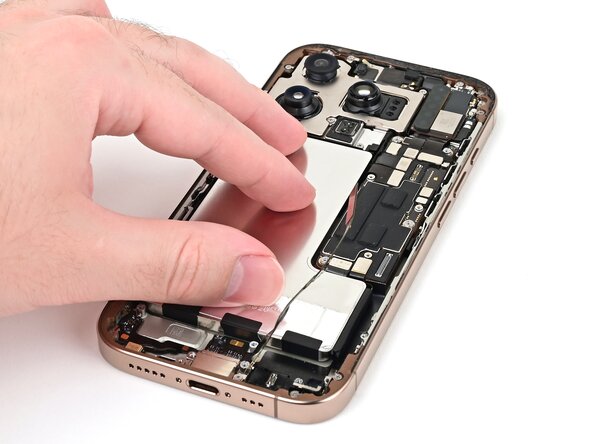
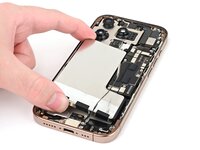
    • Push the battery towards the top of the iPhone, and lay it in its recess.

    • Use your fingers to press firmly against the battery for ten seconds to bond it to the frame.

    • Use a spudger or your finger to disconnect the battery from the logic board.

결승점

작성자

1다른 기여자 명과 함께

Nick Schultz

회원 가입일: 03/24/24

50,664 평판

안내서 288개를 작성함

iFixit iFixit 회원

Staff

124 회원들

안내서 25,247개를 작성함

0가이드 댓글

댓글 쓰기

조회 통계:

지난 24시간: 2

지난 7일: 7

지난 30일: 29

전체 시간: 134