주요 콘텐츠로 건너뛰기
수리 커뮤니티 가입 - 계정 만들기

iPhone 16 Pro Loudspeaker Installation

단지 전제 조건
이 가이드는 전제 조건만을 다룹니다! 이 가이드는 다른 절차의 일부이며 단독으로 사용할 수 없습니다.

필요한 것

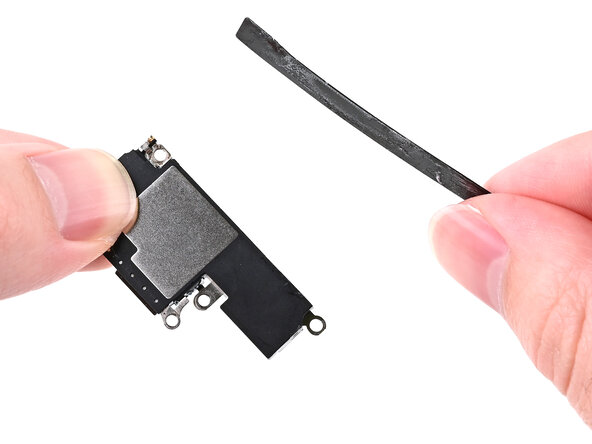
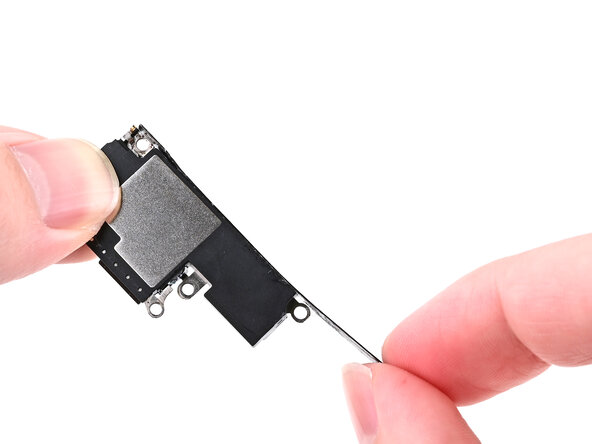
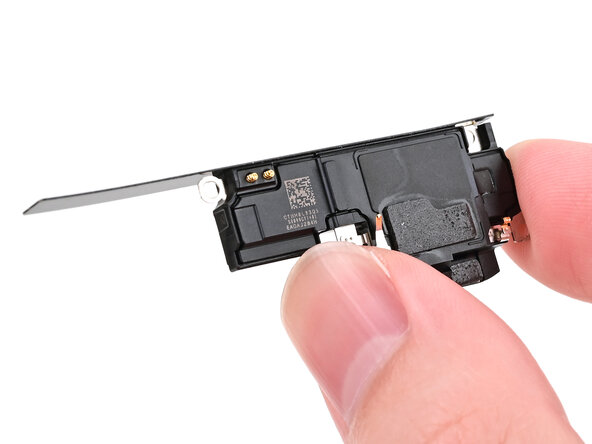
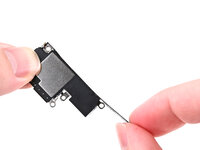
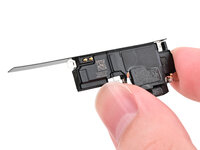
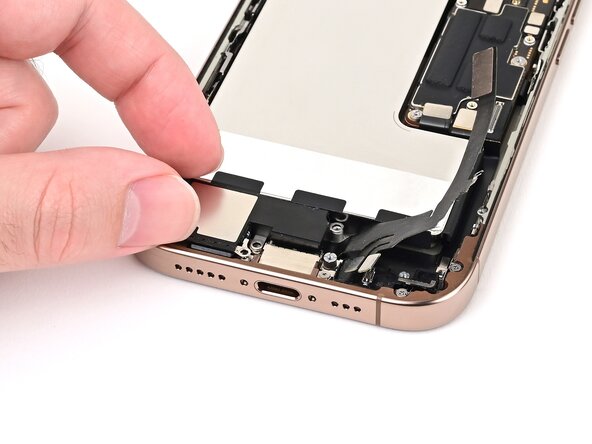
  1. iPhone 16 Pro Loudspeaker Installation, Transfer the battery shim: 1 단계, 이미지 3개 중 1개 iPhone 16 Pro Loudspeaker Installation, Transfer the battery shim: 1 단계, 이미지 3개 중 2개 iPhone 16 Pro Loudspeaker Installation, Transfer the battery shim: 1 단계, 이미지 3개 중 3개
    • If the black plastic shim beneath the battery didn't come out with the loudspeaker, skip this step.

    • Align the battery shim so it's flush with the new loudspeaker's left edge and underside. Press it onto the loudspeaker to adhere it.

    • If the shim isn't sticky, set it into the phone alongside the loudspeaker in the next step.

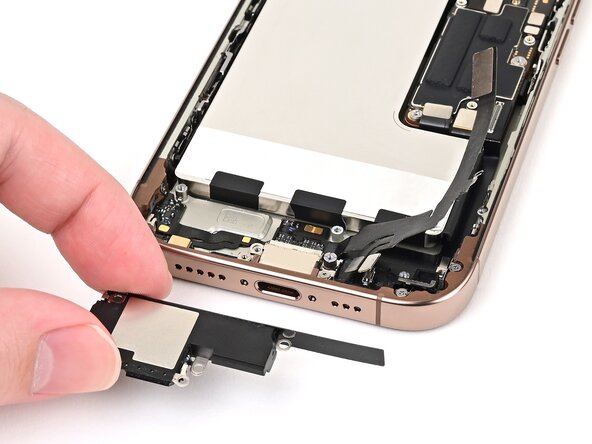
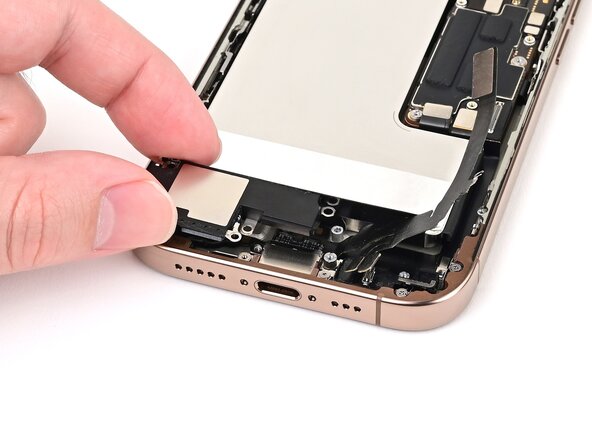
  2. iPhone 16 Pro Loudspeaker Installation, Install the loudspeaker: 2 단계, 이미지 3개 중 1개 iPhone 16 Pro Loudspeaker Installation, Install the loudspeaker: 2 단계, 이미지 3개 중 2개 iPhone 16 Pro Loudspeaker Installation, Install the loudspeaker: 2 단계, 이미지 3개 중 3개
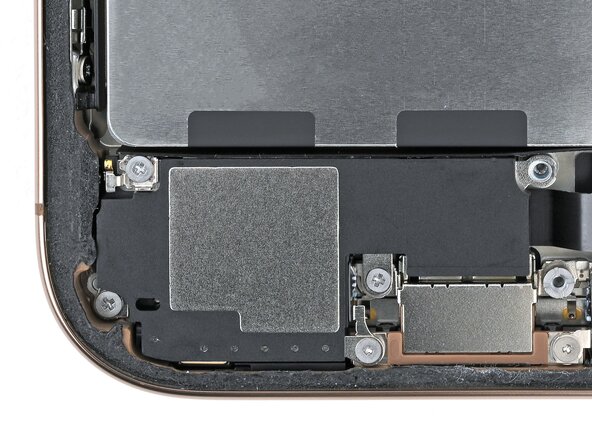
    • Align the bottom edge of the loudspeaker with the frame.

    • Set the loudspeaker into its recess.

  3. iPhone 16 Pro Loudspeaker Installation: 3 단계, 이미지 2개 중 1개 iPhone 16 Pro Loudspeaker Installation: 3 단계, 이미지 2개 중 2개
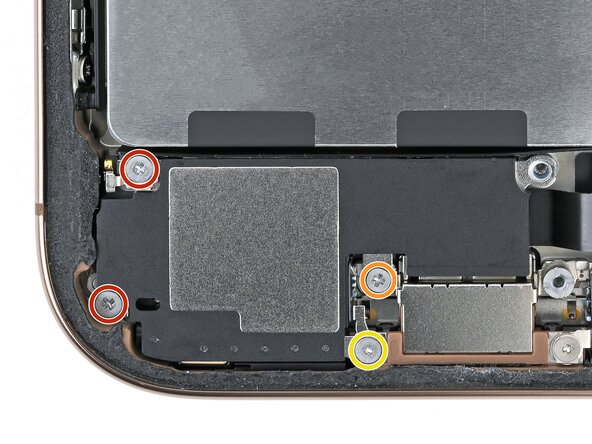
    • Install the four screws securing the loudspeaker:

    • Two 1.6 mm‑long Phillips screws

    • One 2.0 mm‑long Phillips screw

    • One 1.3 mm‑long tri-point Y000 screw

결승점

작성자

1다른 기여자 명과 함께

Nick Schultz

회원 가입일: 03/24/24

49,256 평판

안내서 275개를 작성함

iFixit iFixit 회원

Staff

124 회원들

안내서 24,692개를 작성함

0가이드 댓글

댓글 쓰기

조회 통계:

지난 24시간: 0

지난 7일: 0

지난 30일: 0

전체 시간: 58