주요 콘텐츠로 건너뛰기
수리 커뮤니티 가입 - 계정 만들기

iPhone 16 Pro Taptic Engine Installation

단지 전제 조건
이 가이드는 전제 조건만을 다룹니다! 이 가이드는 다른 절차의 일부이며 단독으로 사용할 수 없습니다.

필요한 것

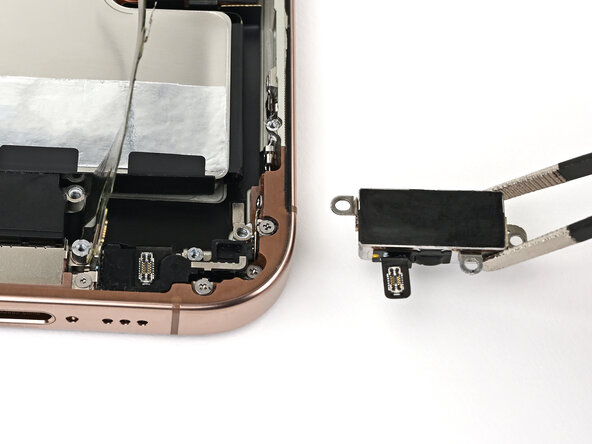
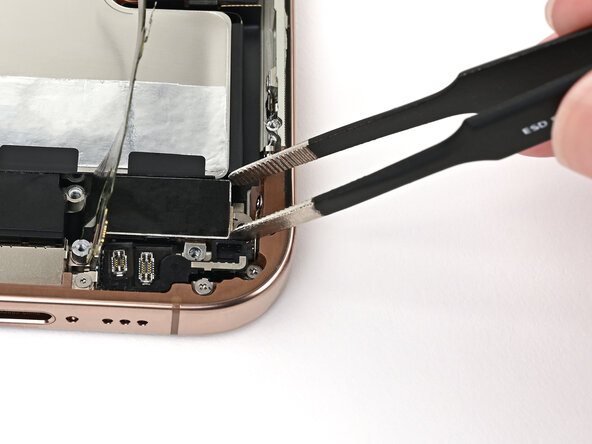
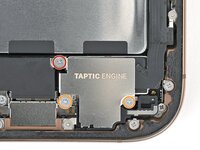
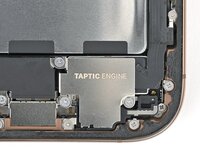
  1. iPhone 16 Pro Taptic Engine Installation, Install the Taptic Engine: 1 단계, 이미지 2개 중 1개 iPhone 16 Pro Taptic Engine Installation, Install the Taptic Engine: 1 단계, 이미지 2개 중 2개
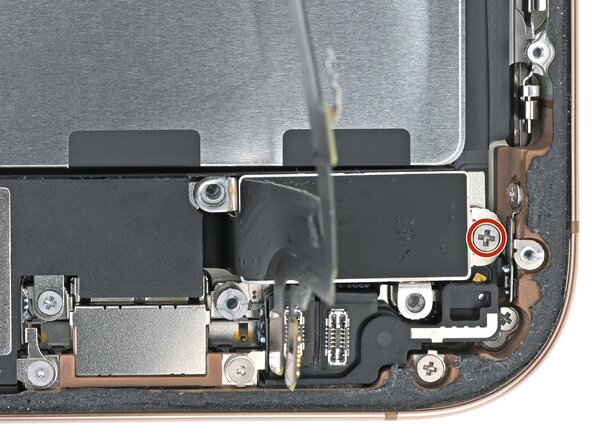
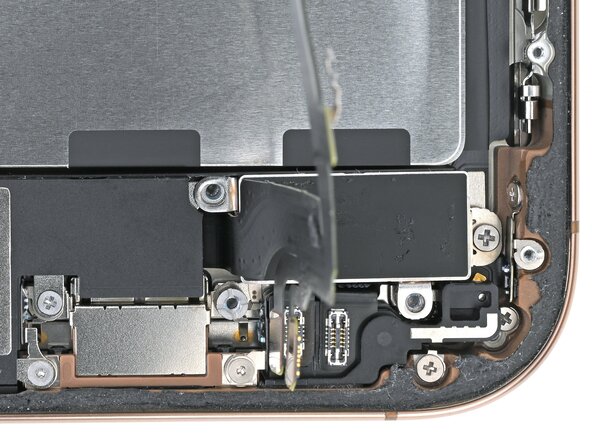
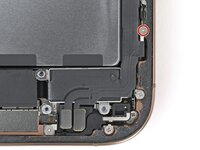
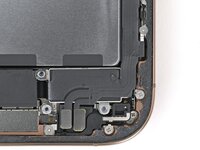
    • Use blunt-nose tweezers or your fingers to align the Taptic Engine with its screw posts and place it in the frame.

  2. iPhone 16 Pro Taptic Engine Installation: 2 단계, 이미지 2개 중 1개 iPhone 16 Pro Taptic Engine Installation: 2 단계, 이미지 2개 중 2개
    • Use a Phillips screwdriver to install the 1.9 mm‑long screw securing the Taptic Engine, located on its right edge.

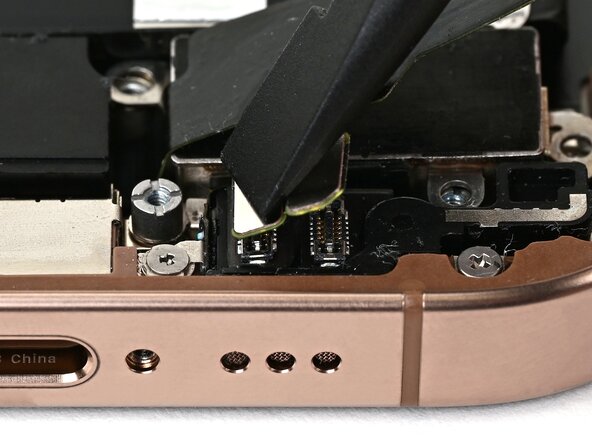
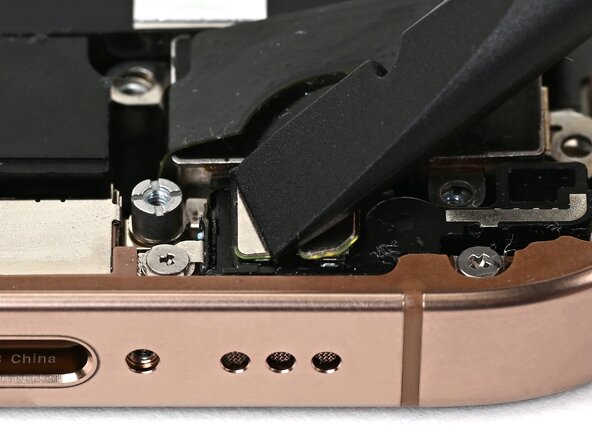
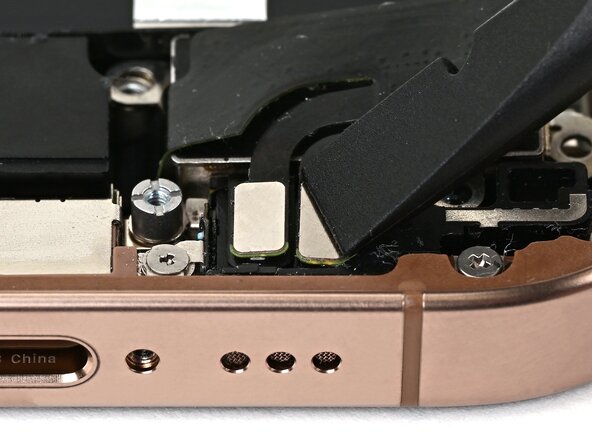
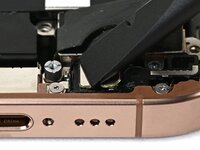
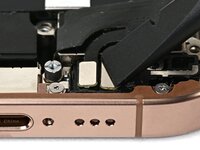
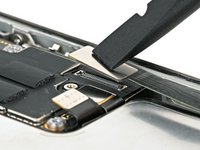
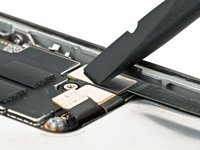
  3. iPhone 16 Pro Taptic Engine Installation, Connect the lower assembly cable: 3 단계, 이미지 3개 중 1개 iPhone 16 Pro Taptic Engine Installation, Connect the lower assembly cable: 3 단계, 이미지 3개 중 2개 iPhone 16 Pro Taptic Engine Installation, Connect the lower assembly cable: 3 단계, 이미지 3개 중 3개
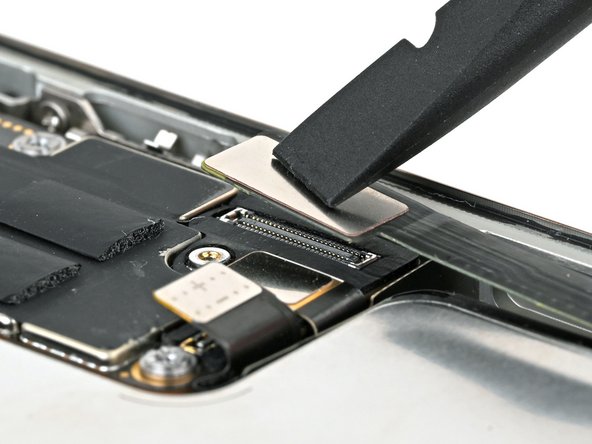
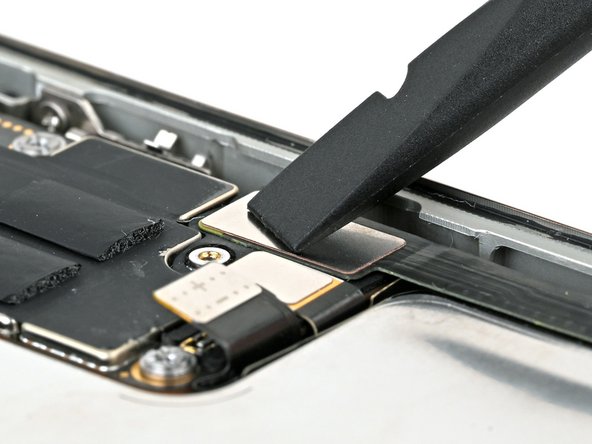
    • Use your finger or a spudger to connect the two lower assembly press connectors.

    • These press connectors can be tricky. Align each connector over its socket and press down—first on one side, then the other—until it clicks into place. Don't try to force them. If you're having trouble, reposition them and try again.

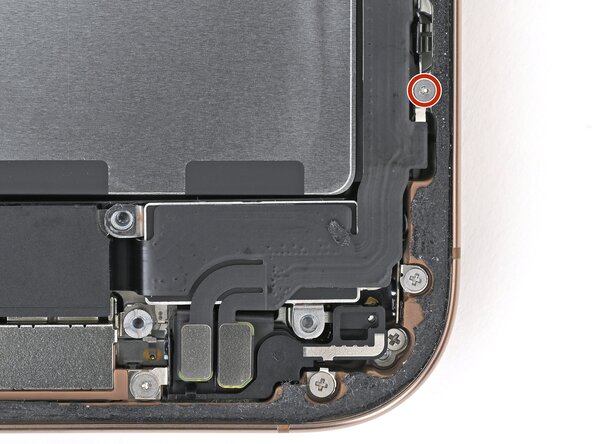
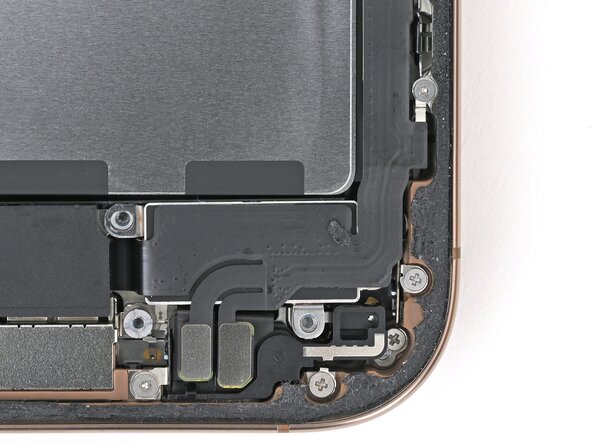
  4. iPhone 16 Pro Taptic Engine Installation: 4 단계, 이미지 2개 중 1개 iPhone 16 Pro Taptic Engine Installation: 4 단계, 이미지 2개 중 2개
    • Use a tri-point Y000 screwdriver to install the 1.0 mm‑long screw securing the lower assembly cable.

  5. iPhone 16 Pro Taptic Engine Installation: 5 단계, 이미지 2개 중 1개 iPhone 16 Pro Taptic Engine Installation: 5 단계, 이미지 2개 중 2개
    • Use your finger or a spudger to connect the lower assembly cable press connector, located in the bottom-right corner of the logic board.

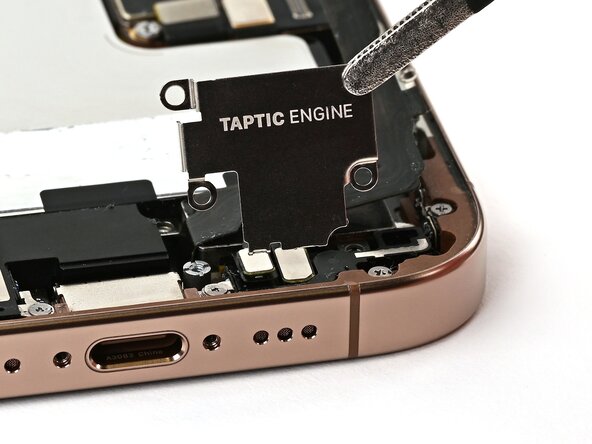
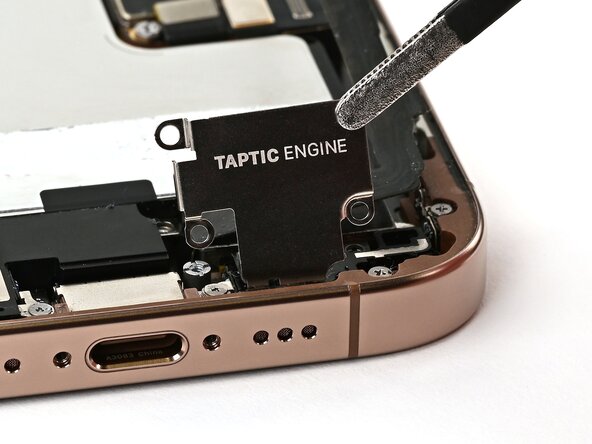
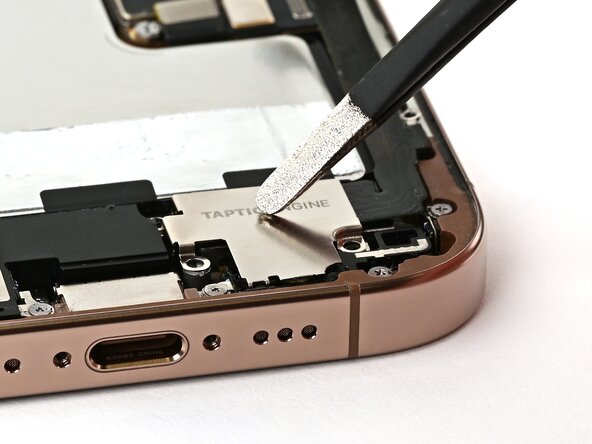
  6. iPhone 16 Pro Taptic Engine Installation, Install the Taptic Engine cover: 6 단계, 이미지 3개 중 1개 iPhone 16 Pro Taptic Engine Installation, Install the Taptic Engine cover: 6 단계, 이미지 3개 중 2개 iPhone 16 Pro Taptic Engine Installation, Install the Taptic Engine cover: 6 단계, 이미지 3개 중 3개
  7. iPhone 16 Pro Taptic Engine Installation: 7 단계, 이미지 2개 중 1개 iPhone 16 Pro Taptic Engine Installation: 7 단계, 이미지 2개 중 2개
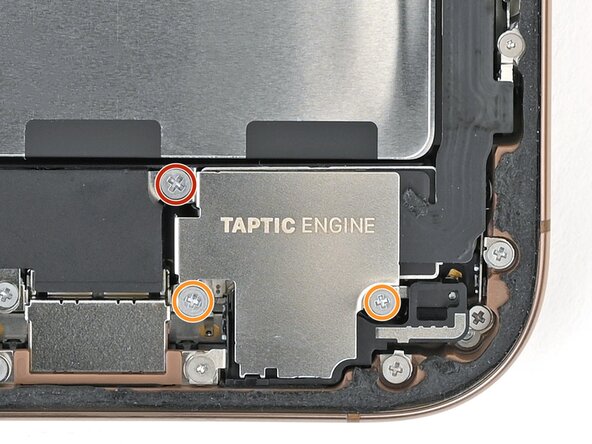
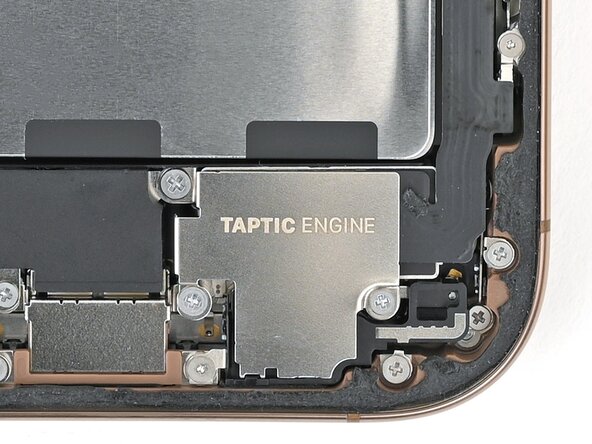
    • Use a Phillips screwdriver to install the three screws securing the Taptic Engine cover:

    • One 3.0 mm‑long screw

    • Two 1.7 mm‑long screws

결승점

작성자

1다른 기여자 명과 함께

Nick Schultz

회원 가입일: 03/24/24

49,256 평판

안내서 275개를 작성함

iFixit iFixit 회원

Staff

124 회원들

안내서 24,692개를 작성함

0가이드 댓글

댓글 쓰기

조회 통계:

지난 24시간: 0

지난 7일: 2

지난 30일: 7

전체 시간: 60