주요 콘텐츠로 건너뛰기

iRobot Roomba 551 Bumper Sensor Replacement

필요한 것

  1. iRobot Roomba 551 Bumper Sensor Replacement, Side Brush: 1 단계, 이미지 1개 중 1개
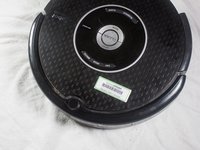
    • Place your Roomba upside-down on a hard surface.

  2. iRobot Roomba 551 Bumper Sensor Replacement: 2 단계, 이미지 1개 중 1개
    • While holding the side brush in place, use a Phillips #1 screwdriver to remove the 4.5mm screw from the center of the brush.

  3. iRobot Roomba 551 Bumper Sensor Replacement: 3 단계, 이미지 1개 중 1개
    • Gently pull upwards on the brush to remove it.

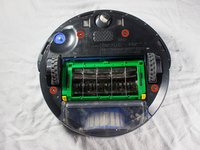
  4. iRobot Roomba 551 Bumper Sensor Replacement, Bottom Plate: 4 단계, 이미지 1개 중 1개
    • Rotate the Roomba upside-down so the bottom is facing towards you.

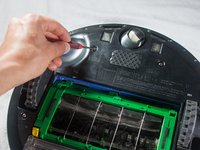
  5. iRobot Roomba 551 Bumper Sensor Replacement: 5 단계, 이미지 2개 중 1개 iRobot Roomba 551 Bumper Sensor Replacement: 5 단계, 이미지 2개 중 2개
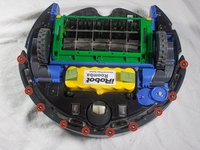
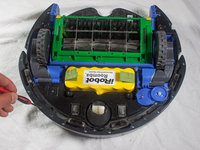
    • Using a Phillips #2 screwdriver, remove the captive screws that hold the bottom plate in place.

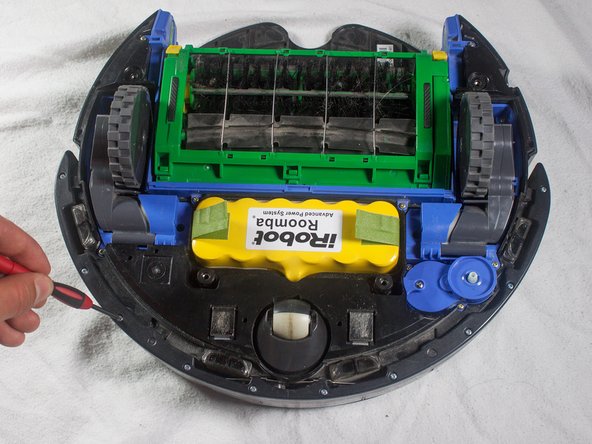
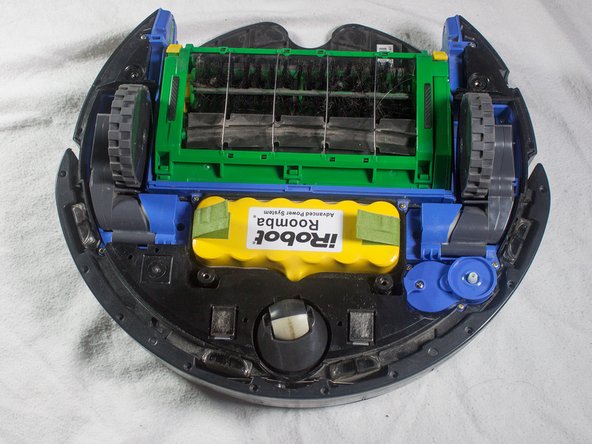
  6. iRobot Roomba 551 Bumper Sensor Replacement: 6 단계, 이미지 1개 중 1개
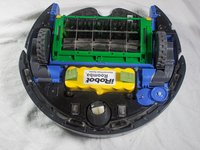
    • Carefully lift the bottom plate.

    • The battery is only secured in place by the bottom plate, and may fall out once the bottom plate is removed.

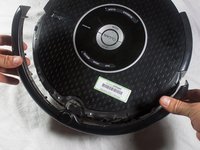
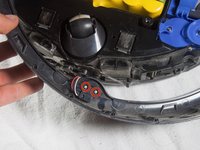
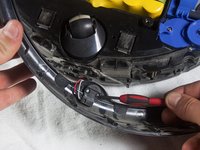
  7. iRobot Roomba 551 Bumper Sensor Replacement, Bumper: 7 단계, 이미지 3개 중 1개 iRobot Roomba 551 Bumper Sensor Replacement, Bumper: 7 단계, 이미지 3개 중 2개 iRobot Roomba 551 Bumper Sensor Replacement, Bumper: 7 단계, 이미지 3개 중 3개
    • With a Phillips #1 screwdriver, remove the ten 12mm screws located along the bottom of the bumper.

  8. iRobot Roomba 551 Bumper Sensor Replacement: 8 단계, 이미지 1개 중 1개
    • Lift the bottom cover and set it to the side.

  9. iRobot Roomba 551 Bumper Sensor Replacement: 9 단계, 이미지 2개 중 1개 iRobot Roomba 551 Bumper Sensor Replacement: 9 단계, 이미지 2개 중 2개
    • Flip the Roomba over, grasp the bumper, and gently lift to remove.

    • The battery is not secured in place once the bottom plate has been removed, and may fall out when the Roomba is turned right-side up.

  10. iRobot Roomba 551 Bumper Sensor Replacement, Bumper Sensor: 10 단계, 이미지 1개 중 1개
    • Flip the Roomba so that the bottom is facing you.

  11. iRobot Roomba 551 Bumper Sensor Replacement: 11 단계, 이미지 2개 중 1개 iRobot Roomba 551 Bumper Sensor Replacement: 11 단계, 이미지 2개 중 2개
    • Remove the two 5mm screws located near the center of the bumper using a Phillips #1 screwdriver.

  12. iRobot Roomba 551 Bumper Sensor Replacement: 12 단계, 이미지 1개 중 1개
    • Pull gently on the bottom of the sensor to remove.

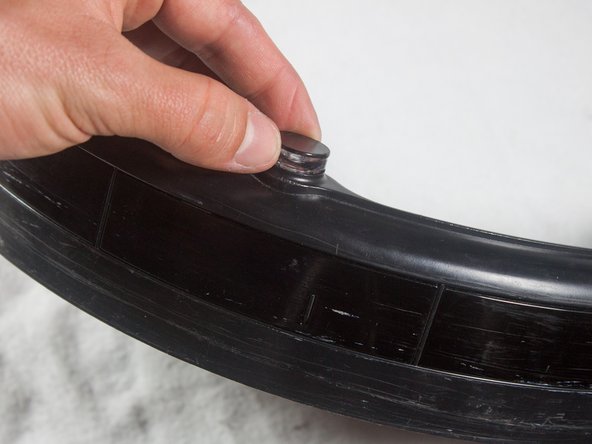
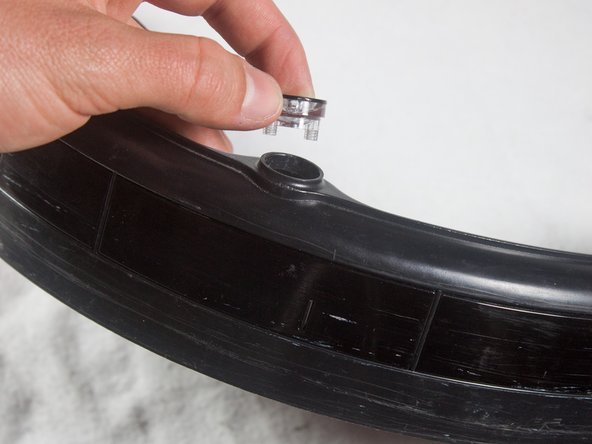
  13. iRobot Roomba 551 Bumper Sensor Replacement: 13 단계, 이미지 3개 중 1개 iRobot Roomba 551 Bumper Sensor Replacement: 13 단계, 이미지 3개 중 2개 iRobot Roomba 551 Bumper Sensor Replacement: 13 단계, 이미지 3개 중 3개
    • Flip the bumper over and lift the sensor from its compartment.

    • You are now free to replace the bumper sensor.

결론

To reassemble your device, follow these instructions in reverse order.

다른 4명이 해당 안내서를 완성하였습니다.

작성자

3다른 기여자 명과 함께

Cody Rhoads

회원 가입일: 01/16/14

348 평판

안내서 2개를 작성함

Cal Poly, Team 13-14, Regan Winter 2014 Cal Poly, Team 13-14, Regan Winter 2014 회원

CPSU-REGAN-W14S13G14

4 회원들

안내서 19개를 작성함

0가이드 댓글

댓글 쓰기

조회 통계:

지난 24시간: 0

지난 7일: 1

지난 30일: 6

전체 시간: 4,783