
주요 콘텐츠로 건너뛰기
수리 커뮤니티 가입 - 계정 만들기

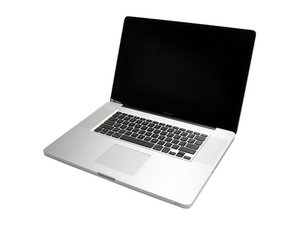
모델 A1297 Unibody: 2009 상반기, 2009 중반기, 2010 중반기, 2011 상반기 & 2011 하반기

Maintaining programs & software through hard drive upgrade

Hello

I have several software programs from when I was a student installed on my 17" unibody mid-2009 Macbook Pro, and need to retain this software while doing a hard drive upgrade if possible. I am curious if doing a Time Machine backup to an external HD, then somehow restoring from that external drive would work.

Any feedback or resources would help

Thanks very much

답변되었습니다! 답변 보기 저도 같은 문제가 있습니다

좋은 질문입니까?

점수 1
댓글 달기

답변 1개

선택된 해법

If you have an external FireWire HD case (this is best in your case) you can make this very easy.

During the OS install process you'll be asked if you want the migrate your data from your old system to your new drive. That allows you to copy over the apps & user data as well as the permissions.

I do recommend you first make a backup on an external drive using TimeMachine just because the next action could mess things up. This is were you boot up under an external drive (USB thumb drive will work here) so you can repair your drives permissions and any disk errors. Then proceed with the upgrade.

이 답변이 도움이 되었나요?

점수 4

댓글 2개:

If you really want to be paranoid, you can use something like SuperDuper to completely copy the old drive onto your new drive. I've done that with an external USB hard drive dock, and it works VERY well.

This is one program that works well enough for me to get the paid version. Great Product! http://www.shirt-pocket.com/SuperDuper/S... And the registration stays with you through updates.

댓글 달기

답변을 추가하세요

Tyler Stark 영원히 감사할 것입니다.
조회 통계:

지난 24시간: 0

지난 7일: 2

지난 30일: 17

전체 시간: 159
