
주요 콘텐츠로 건너뛰기

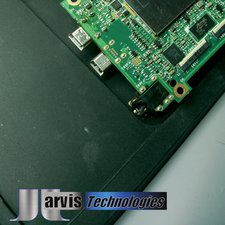
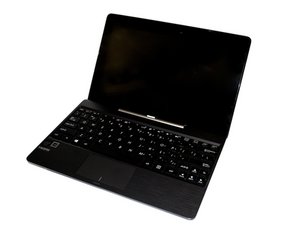
Released September 2013, identified with model number T100T. 2-in-1 portable with Quad core Intel® Atom™ processor and 2GB of RAM.

In need a BIOS or rescue password

My tablet was stolen and recovered, but a BIOS password was put on it by the person who took it, so when it starts up, the BIOS password screen comes up. I found a way to toggle so I can get to the screen where I can put in a rescue password in, but I need a BIOS password or rescue password for 2016-02-17 (or whenever this gets answered). Please help!!

답변되었습니다! 답변 보기 저도 같은 문제가 있습니다

좋은 질문입니까?

점수 2
댓글 달기

답변 2개

선택된 해법

If you have a proof of purchase or were registered with Asus to begin with you can contact tech support and they can give you the necessary info to reset your bios.

이 답변이 도움이 되었나요?

점수 2

댓글 1개:

Tried calling them and they just kept passing the buck and saying they had no rescue password and couldn't help me at all. Tried talking to 4 different people and the 1st tried but couldn't.

댓글 달기

See my proposed answer to this question on another thread.

How to reset BIOS?

이 답변이 도움이 되었나요?

점수 0
댓글 달기

답변을 추가하세요

amykreager493 영원히 감사할 것입니다.
조회 통계:

지난 24시간: 0

지난 7일: 0

지난 30일: 7

전체 시간: 2,828