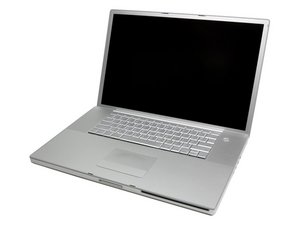

Cannot install El Capitan via USB Bootable Pendrive
Hi guys, I have a problem with my MacBook pro. Last time I reformatted the whole HDD partition with Windows 7 ( I've deleted original Apple partition and make it as 1 partition). Now the problem I faced is when I tried to reinstall OSX El Capitan ( by pressing Option key while booting up ) the mouse cursor was hanged and jumped to HDD to boot it up. The installer pendrive I made is using diskmaker x. It make me crazy because I have no ideas how to solved it. So if anyone having same problem like I faced and successfully solve it, please share it here.
Thank you and forgive me if my English is not good.
좋은 질문입니까?
점수
-1

 35
35  339
339  975
975 
Please tell us your exact model and processor, you may not be able to go to El Capitan.
mayer 의
MacBook Pro 17" 2.33 GHz Core 2 Duo (A1212)
Karen Cisco 의