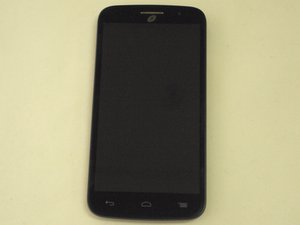
How do I turn off unnecessary apps?
My phone is dying extremely fast, and I was told to close out of apps that I wasn't using. How do I go about closing out of those?
좋은 질문입니까?
점수
1

평판: 1k
 14
14
 8
8
 5
5
My phone is dying extremely fast, and I was told to close out of apps that I wasn't using. How do I go about closing out of those?
좋은 질문입니까?

평판: 240
7
2
1
Head to settings
Select apps
Select All apps
Select the app you wish to disable
Select Disable
이 답변이 도움이 되었나요?

Let the batter completely die. Continue to turn on even tho dead multiple times so there is no energy to show you its dead... Or dont use when you buy phone. Charge first befor use when new. Redo three times. The more time spent with first step of multiple attempts to turn on when dead. Better results. 3x min on first battery life and will see reults. Al so down time for phone. Off when sleep one a week..
이 답변이 도움이 되었나요?
지난 24시간: 0
지난 7일: 0
지난 30일: 3
전체 시간: 4,115
