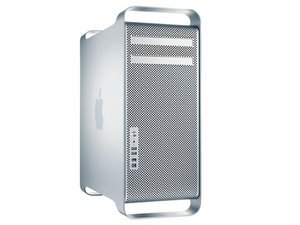

Upgrade Mamory on MacPro Mid 2010
Hello
I plan to upgrade to 16GB RAM, I have installed two 4GB-Pin DIMM's 512MX72 DDR3 memory totaling 8GB RAM
If I add a memory of 8GB DDR 1600 to total 16GB will I have some performance problem?
What is the ideal frequency so I can upgrade to 16GB? I have a memory of 8GB 1600 but I have doubts if I can use it on my computer.
My Mac S/N:YM0420W3EUE
CPU 2,8 GHZ
Model: Macpro5,1
좋은 질문입니까?
점수
0

 35
35  338
338  974
974 
댓글 3개
Here is your systems specs from EveryMac: Mac Pro "Quad Core" 2.8 (2010/Nehalem)
And here's Apples Spec sheet for your system: Mac Pro (Mid 2010) - Technical Specifications
DanJ 의
Ok thank you, but is there any problem since I already have two 4GB memories installed, add a memory with different size 8GB 1333mhz?
Aristides Guirrengane 의
OK adding in two 8GB modules will push you to 24GB of RAM do you need this much? As I stated you can mix!
Just as long as you don't mix within the bank. Here's Apple's TN on loading RAM: Mac Pro (Mid 2012 and earlier): How to remove or install memory The lower two slots are Bank 0 and the two upper slots are Bank 1. As to using the faster clocked RAM it won't run any faster than what the systems clocking is. So it should work here, but you are paying a bit more for it needlessly.
DanJ 의