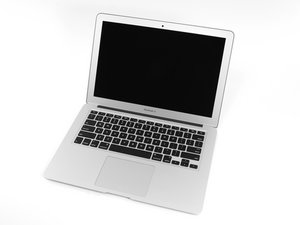
How Do I Replace My MacBook Air Keyboard?
Hi
Please Help. I Spelled Water on my MacBook Air, Now it not wants to power on. the keyboard is DEAD. Help
좋은 질문입니까?
점수
1

평판: 13
 1
1
Hi
Please Help. I Spelled Water on my MacBook Air, Now it not wants to power on. the keyboard is DEAD. Help
좋은 질문입니까?

평판: 495.8k
35
 338
338
 974
974
Follow this guide: MacBook Air 13" Early 2014 Upper Case Replacement. It will get you to the point you can either replace the entire uppercase or dig a bit deeper to replace the keyboard sub assembly.
이 답변이 도움이 되었나요?

평판: 5.9k
28
17
8

평판: 1
2
To replace your MacBook Air keyboard, power off and unplug the device. Remove the back cover, disconnect the battery, and detach the logic board. Unscrew and remove the damaged keyboard. Install the new one, reconnect components, and reassemble. It’s complex—consider professional help if you’re not experienced with electronics.
이 답변이 도움이 되었나요?
지난 24시간: 0
지난 7일: 1
지난 30일: 2
전체 시간: 1,925
