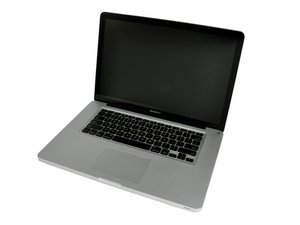

Trackpad: cursor not moving
Got used logic board from ebay and D5802 diode in the booster circuit for trackpad was missing.
Got one from the donor board, soldered in, somewhat it’s now better (trackpad now poorly reacts on taps but still no solid cursor movement), i’ve measured the voltage on the output of this D5802 and it’s only ~11V instead of 18V. It could be i’ve killed it during de-soldering from the donor board, but i suspect it’s either some cap or a resistor gone bad in that booster circuit. The problem is that most of them are covered by the trackpad connector so i can’t measure the voltage in there, and if you unplug the connector there’s no voltage…Anyone can give me a hint please?
thanks in advance.
Update (08/24/2018)
trackpad itself is OK, i’ve tested it on another logic board.
the issue is with this particular logic board’s booster circuit . I’ve inserted the relative portion of the schematics and marked the D5802 diode in question.

좋은 질문입니까?

 35
35  338
338  974
974 

댓글 1개
Want is your board number?
DanJ 의