
 5
5 Some keys aren't working, even after replacing top case
Anyone run into an issue with a MacBook Pro that has some bad keys, but turns out to be the logic board?
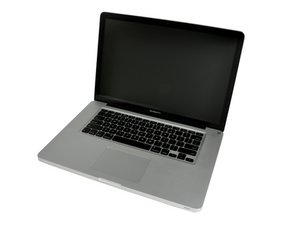
I have a mid 2012 15". Some of the keys weren't working, like the ] \ ' and Return (all on the right side). I have another mid 2012 15" with a bad battery and GPU issues, but 100% great keyboard, so I figured I'd just swap in the battery and logic board from the one with the [presumably] bad keyboard into the one that has a good keyboard. After I get it all swapped, the keys are still not functioning.
This leads me to think it's the logic board. My guess is a bad connector or USB controller, but the USB ports and trackpad work fine, so I'm thinking the connector on the logic board. Can anyone think of anything else? Not sure how to fix a bad connector either, guessing remove and replace, but might be out of my toolset options. Thanks in advance!
좋은 질문입니까?

 56
56  291
291 