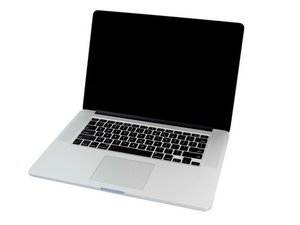

A1398 Backlight problem after Speakers Replacement
Hello Guys,
a month ago i decided to change the speakers by myself they were in a bad quality , everything was well i changed them also i found some dust on board and i clean it with alcoholic paper and a hair dryer o Warm air i assume this is the problem,
after reinstalling the battery and the cover and booom no screen but i hear the chime that means we have a problem now is with the screen , days after i heard about the backlight problem i light the flash from the back i can see the login user , i tried an external screen and it worked , now and since a month i’am always using it with external screen, imagine when i go anywhere always looking for a tv to use it , i took it to a reparator he said 600EUR just for backlight problem !!
now i would like to confirm where is the problem exactly , i attached some pictures maybe one of you can help and see the bug , i already changed the lvds cable to check but it wasn't the problem so it’s might be lvds connector or the fuse ? and what i need to fix it


Thank you guys :)
좋은 질문입니까?

 35
35  338
338  974
974 