
 1
1 M2 SSD upgrade not recognized
Hi everyone!
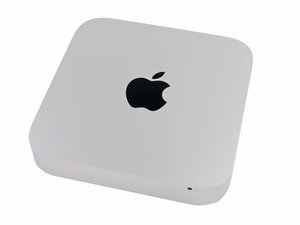
I'm trying to install an M.2 SSD on my Mac mini, in addition to its 1TB HDD.
I have purchased this adapter: https://pt.aliexpress.com/item/400016101...
And installed it myself. I heard and felt a “click” when plugging it on the Mac Mini, which I thought might be normal.
After rebooting the Mac mini, “ > System information” does not show the NVMe drive, neither does PCI or anything else. There's only the default HDD that comes with the system, but my SSD doesn't show. Disk Utility can't see it either.
The SSD is a WD Green 240GB M.2 2280 SATA III 6Gbps.
I have a gaming PC which recognizes the SSD and is able to format it. I was also able to install Windows on this SSD. Can anyone help me? Thank you!
Update: Apparently the adapter I purchased only works with M-key SSDs. My SSD is a B+M key or something like that. :( I wasn't planning on purchasing another SSD…
좋은 질문입니까?

 35
35  977
977 