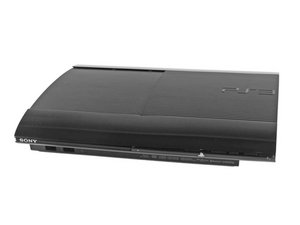

update error 8002F1F9 caused by plugging in a blue-ray disk
My PS3 was not connected with internet (neither wifi nor internet cable). It worked perfectly fine without any issues. Yesterday when I plugged in a blue-ray disk, the system asked me to do a update. I was wondering how could the system do an update without internet, but I still choose to update to give it a try.
The update got stuck in a loop with error message 8002F1F9 at 60%. I changed CMOS battery, but it does not change anything.
Then I downloaded firmware 4.88 from official website, and formatted the HDD disk to FAT32 several times. I entered the safe mode using option 3 to install the firmware from USB. It got stuck in a loop again with error message 8002F1F9 at 46%. I tried as well all the other 5 options in the safe mode, but they all do not give me a pass.
Anyone can help how to save the issue or how to bypass the BT/WIFI check from the firmware 4.88 ?
좋은 질문입니까?

 14
14  3
3  11
11 